Lépések
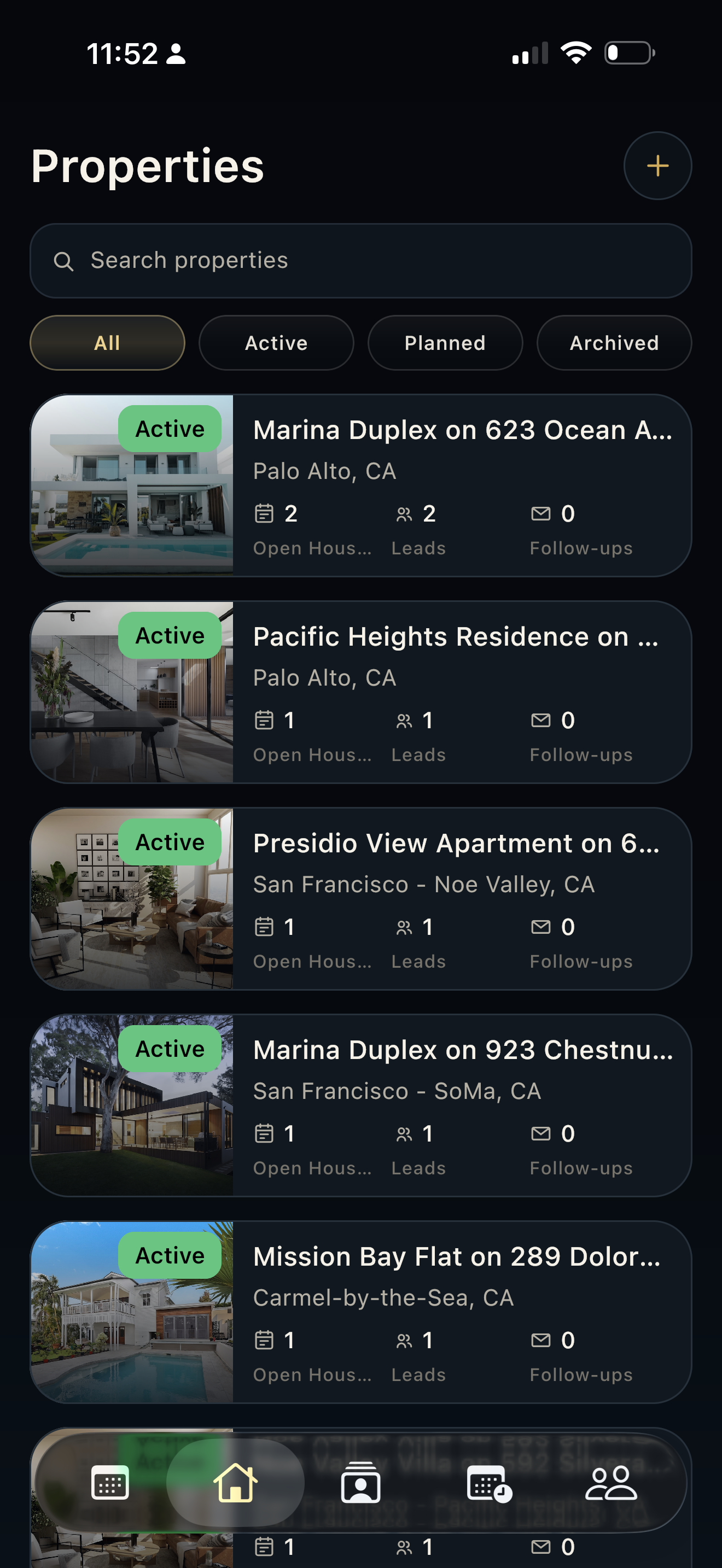
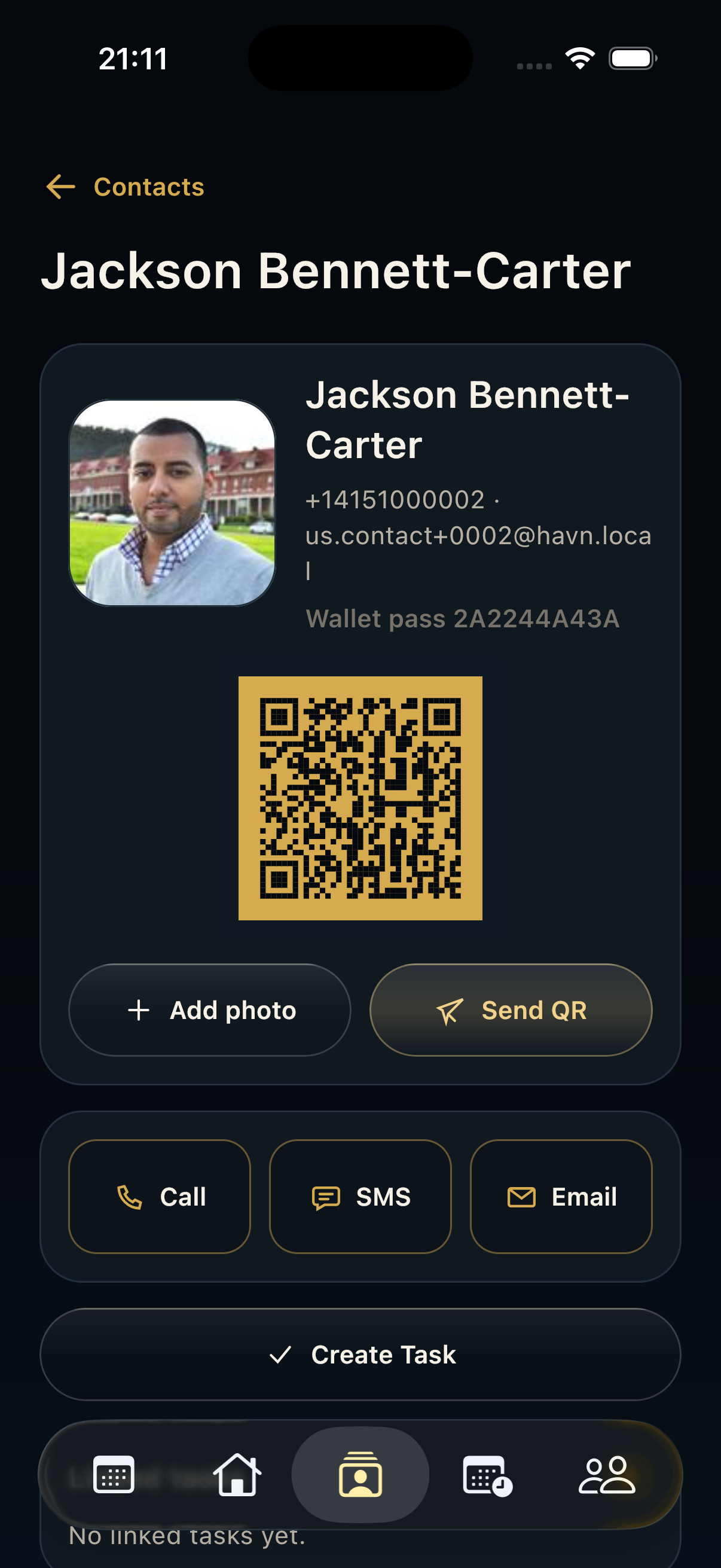
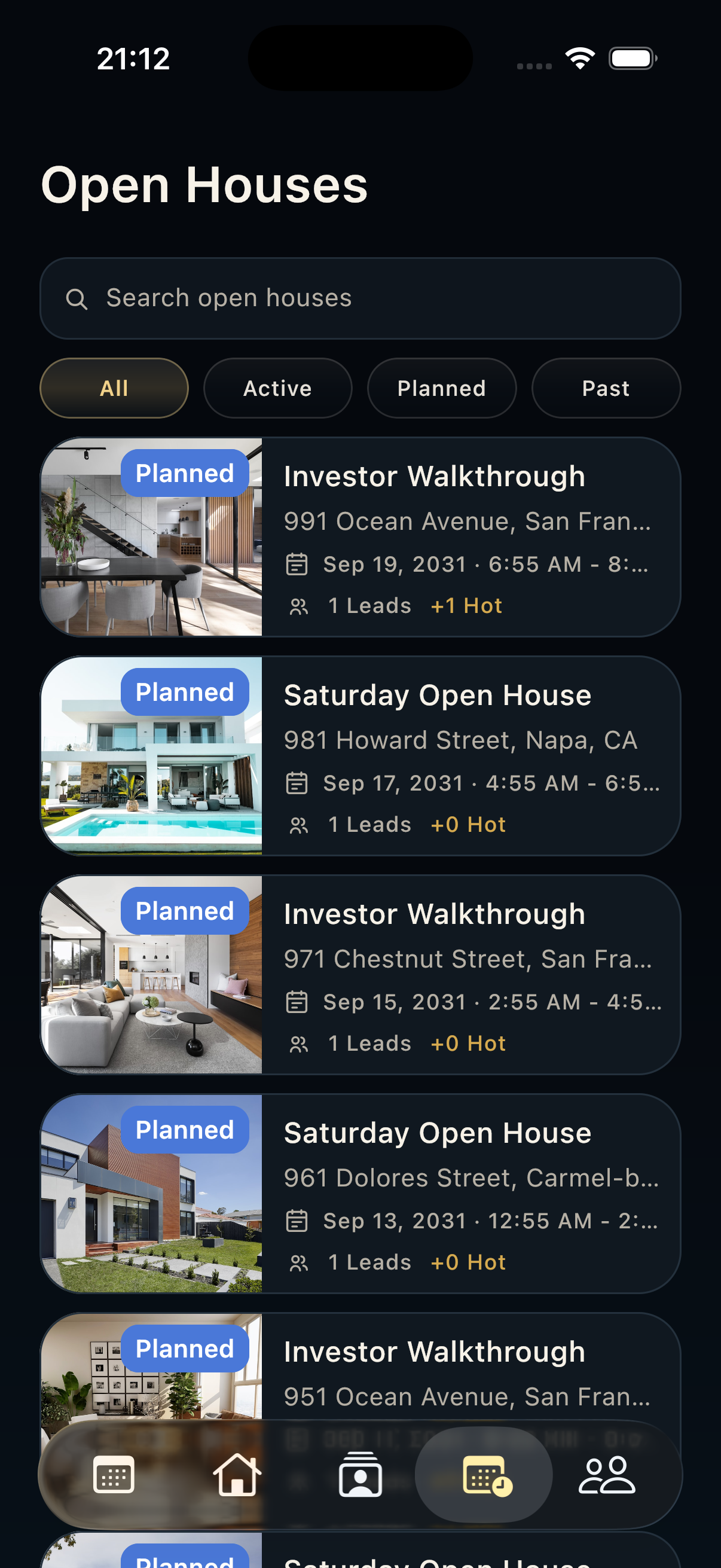
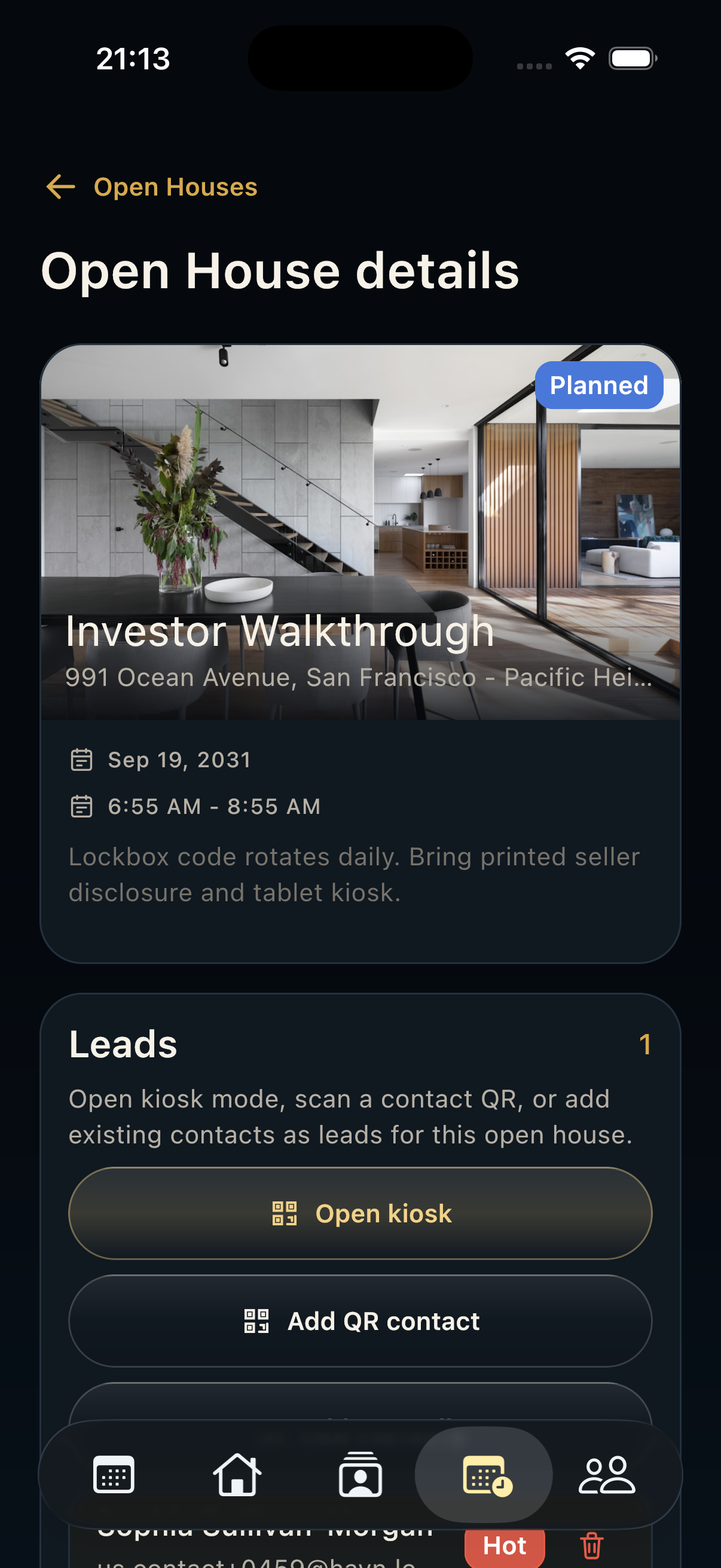
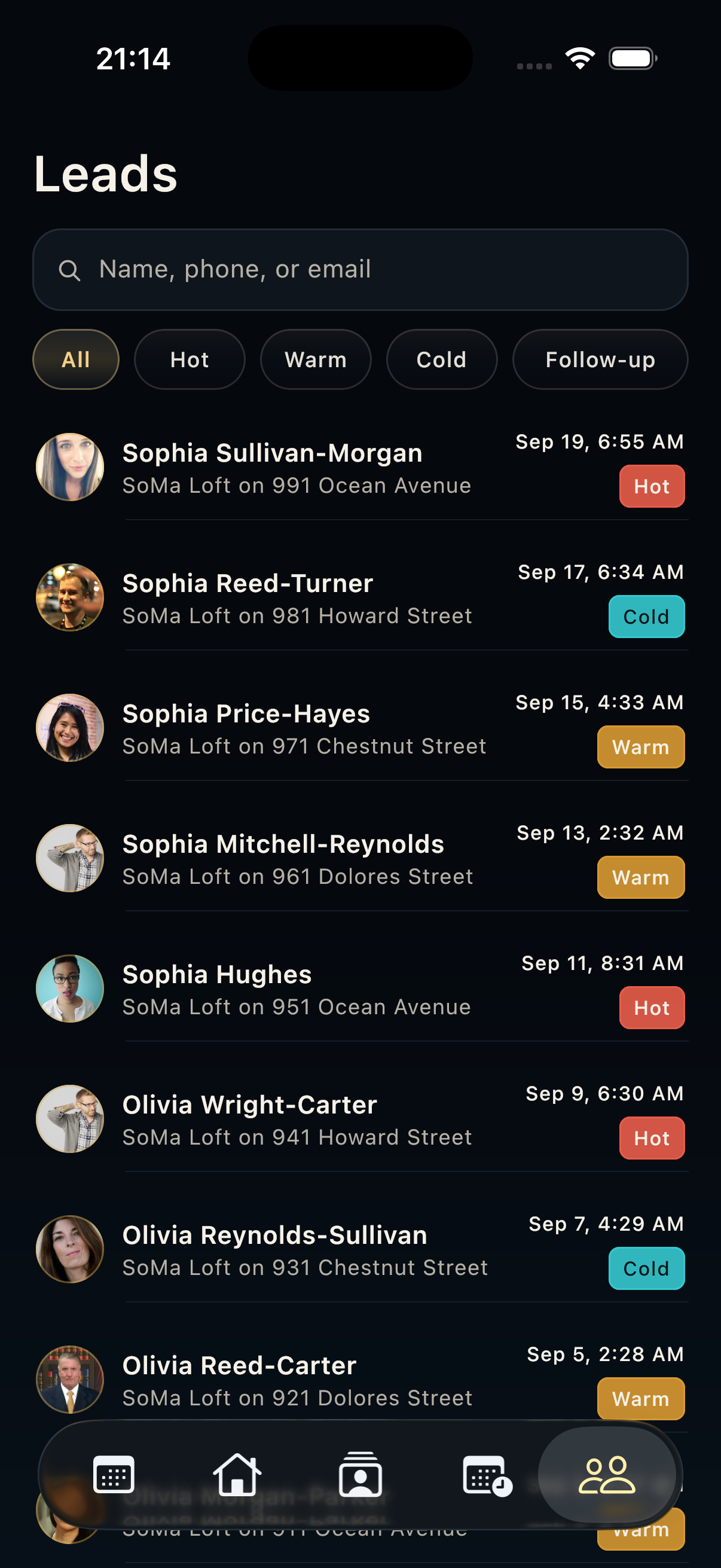
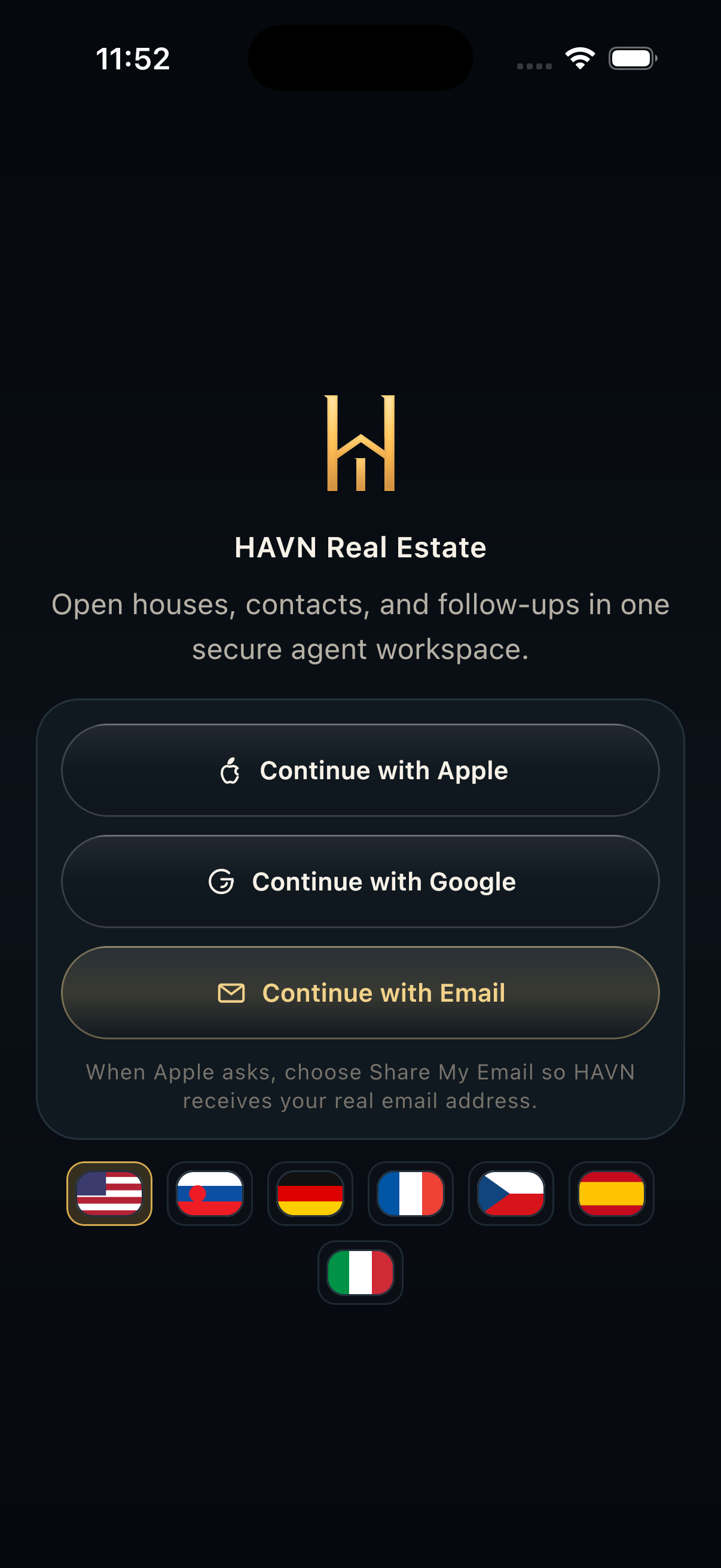
- Install HAVN and sign in with the account connected to your agency workspace.
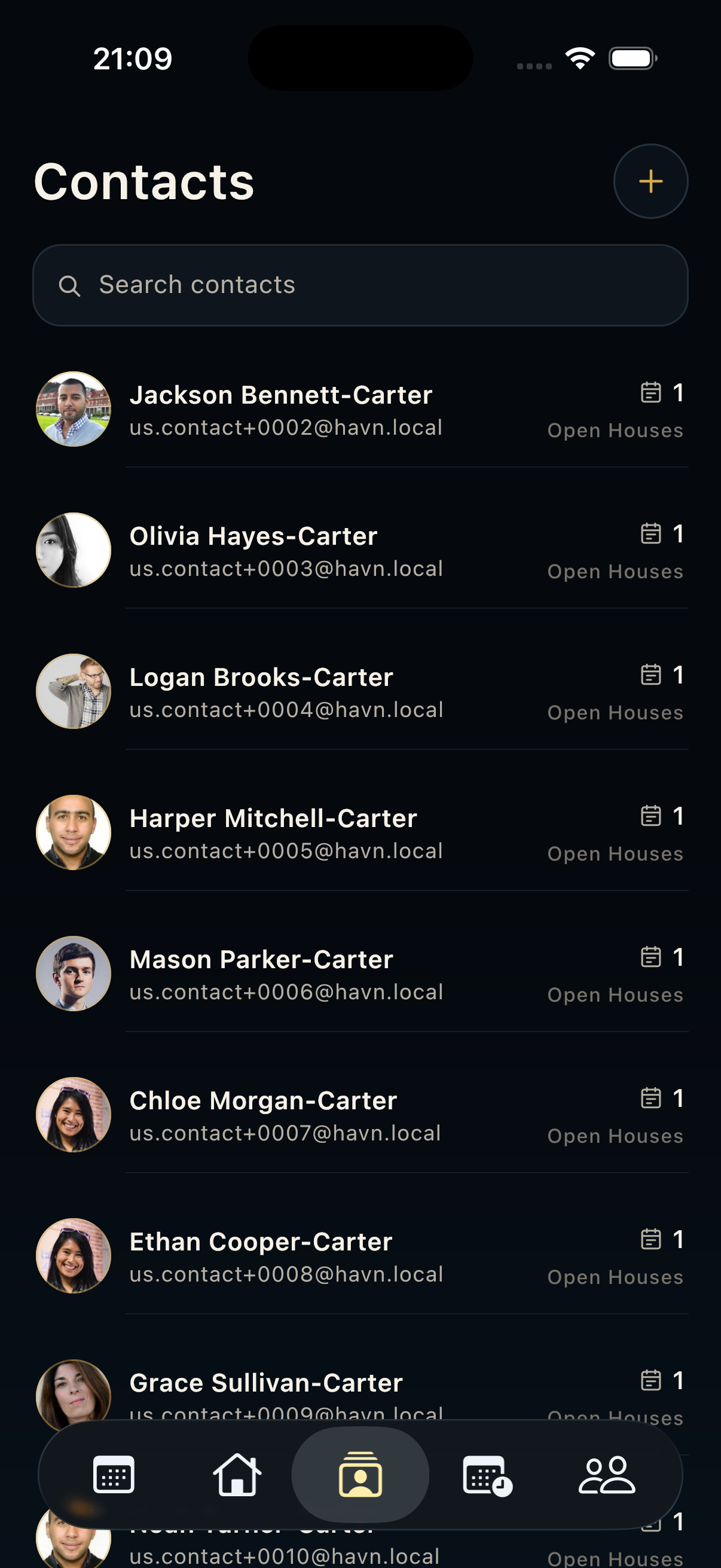
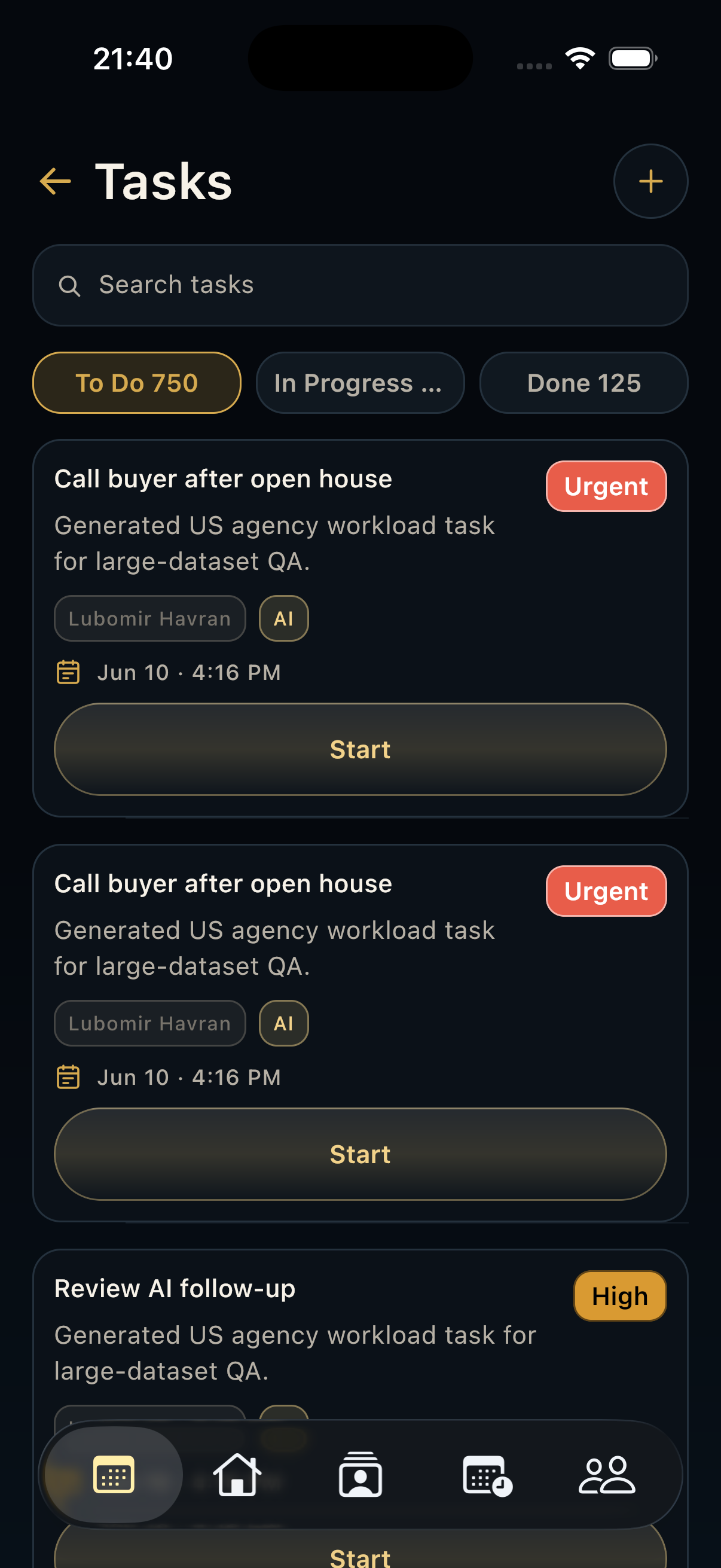
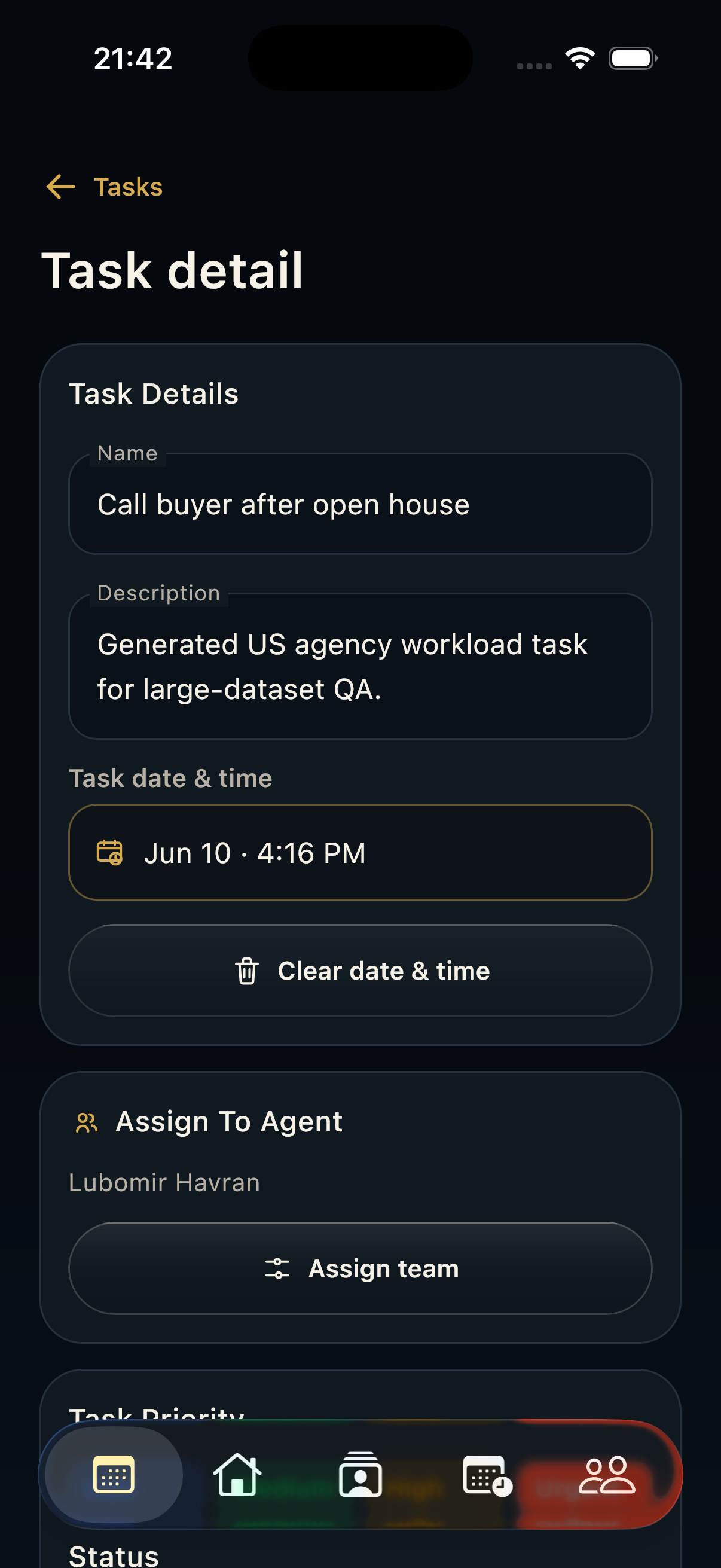
- Allow notifications so tasks, leads, and follow-up reminders can reach you during the day.
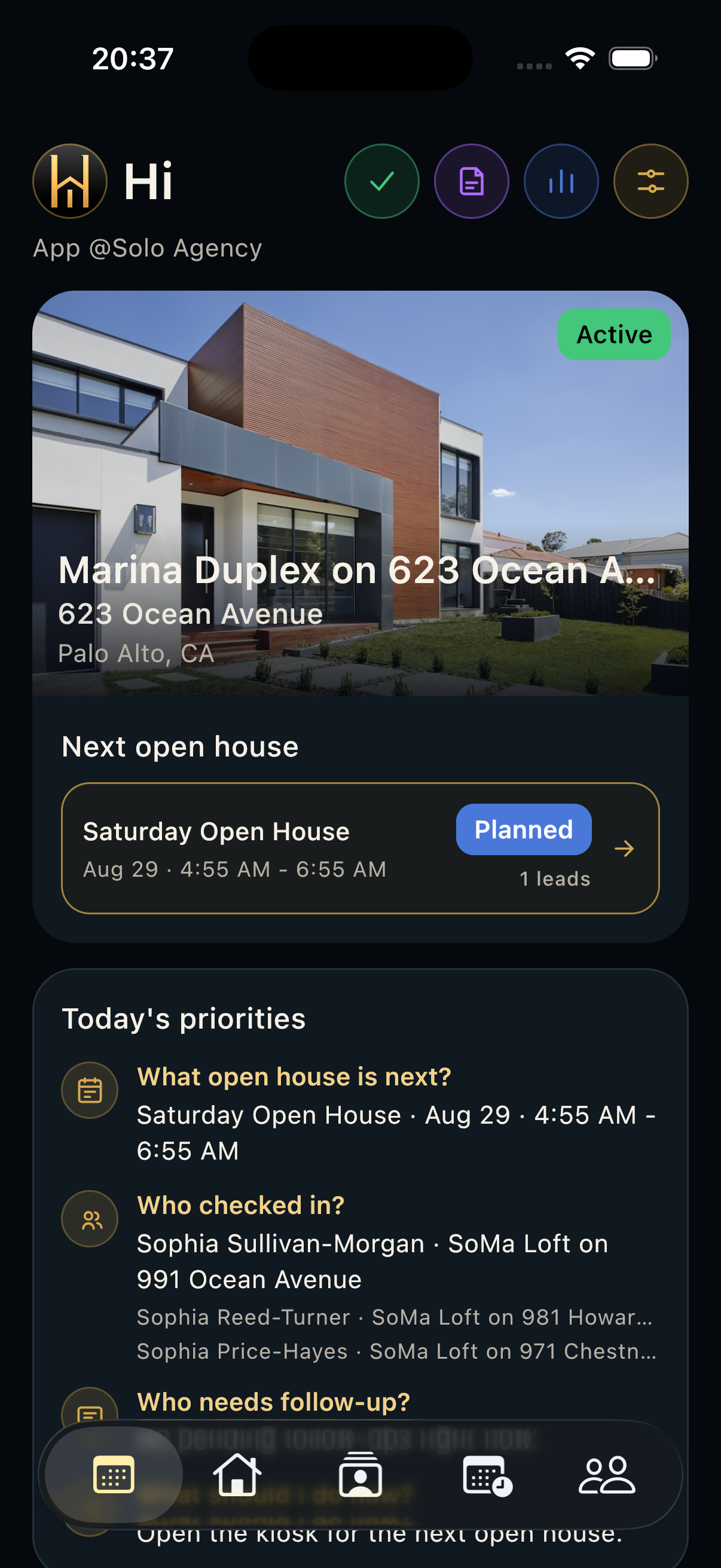
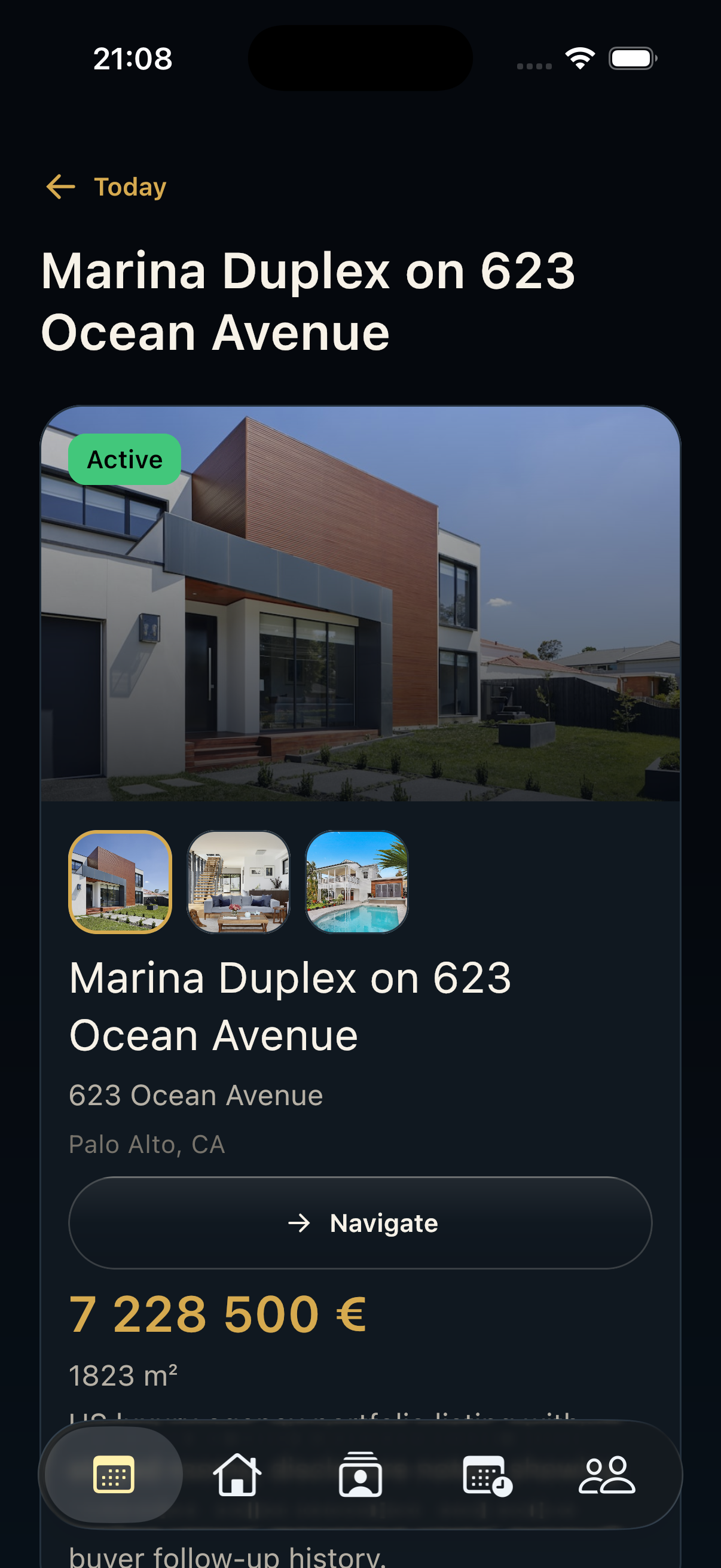
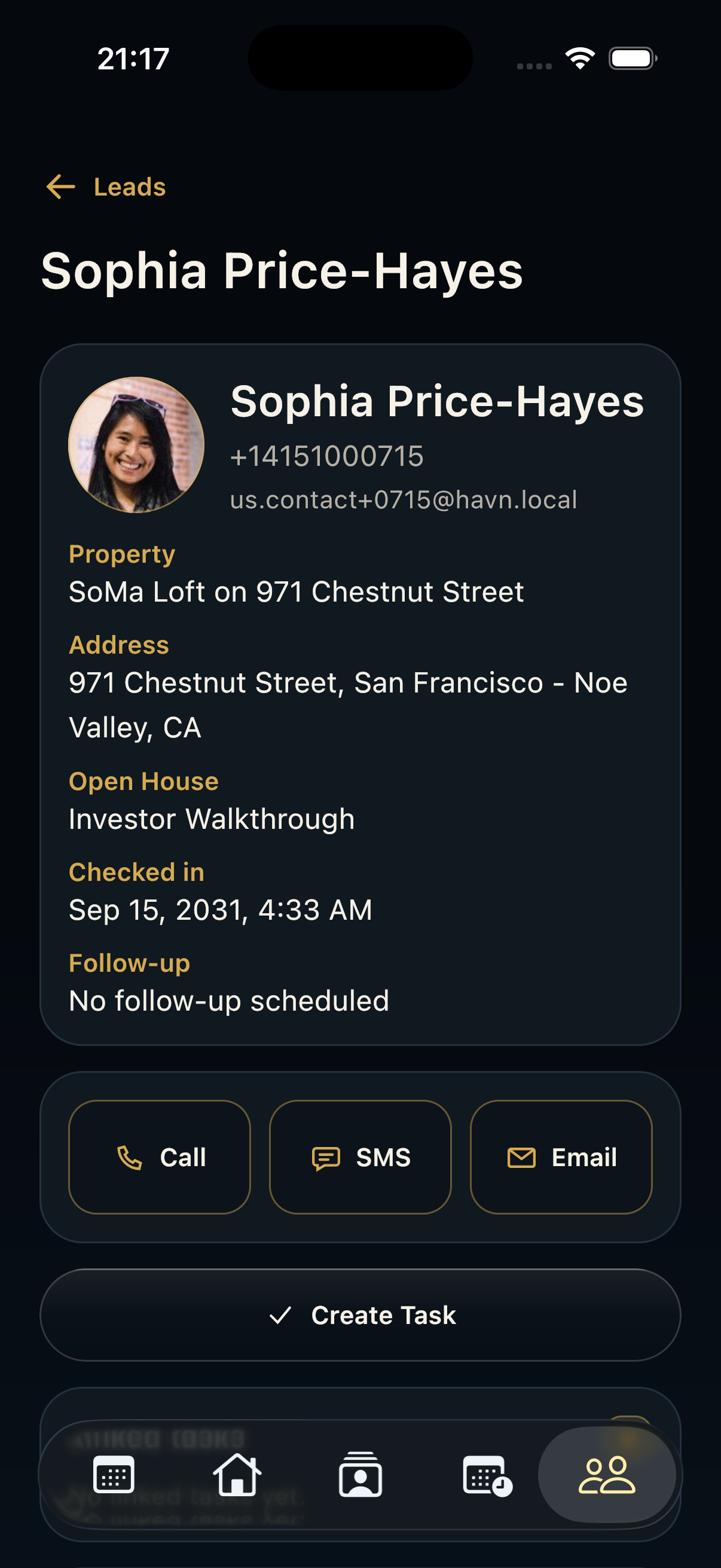
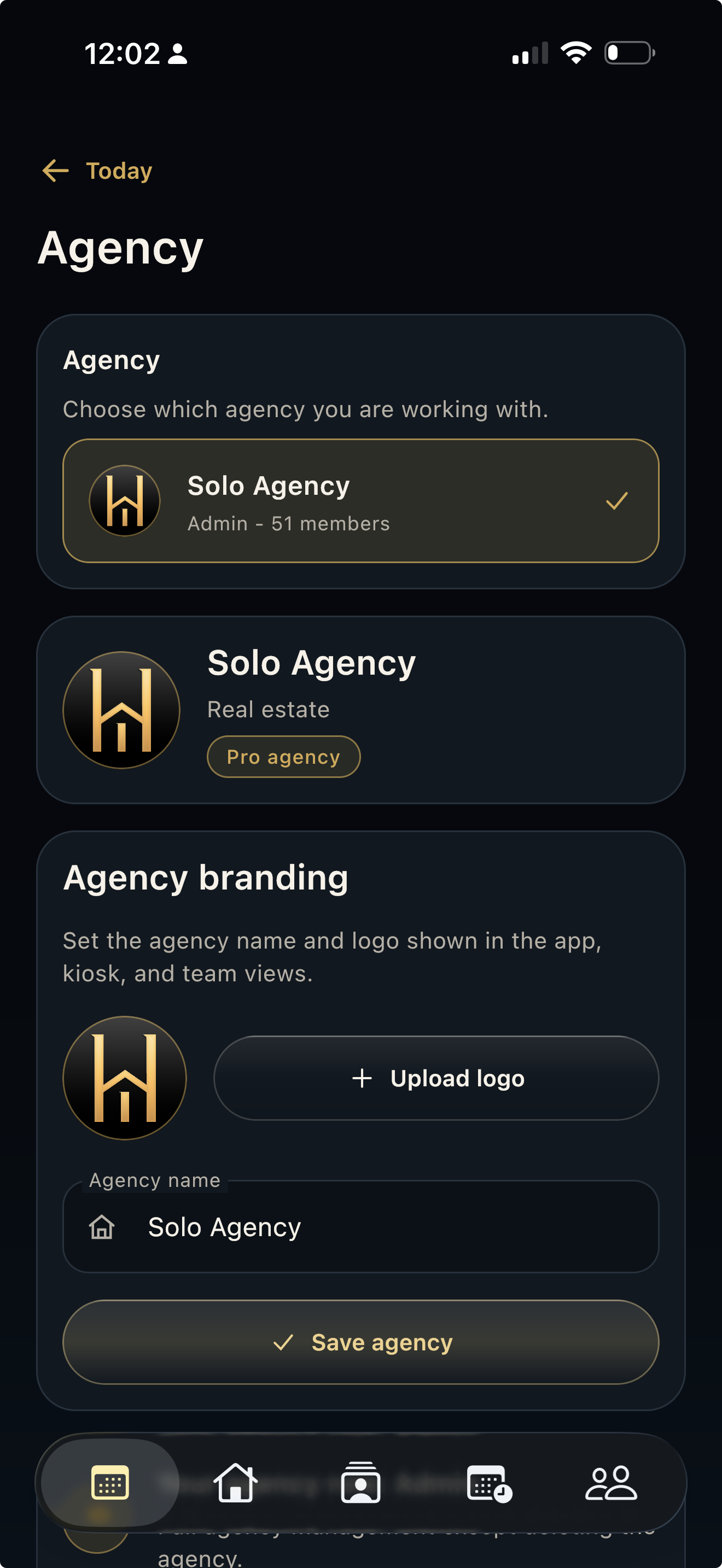
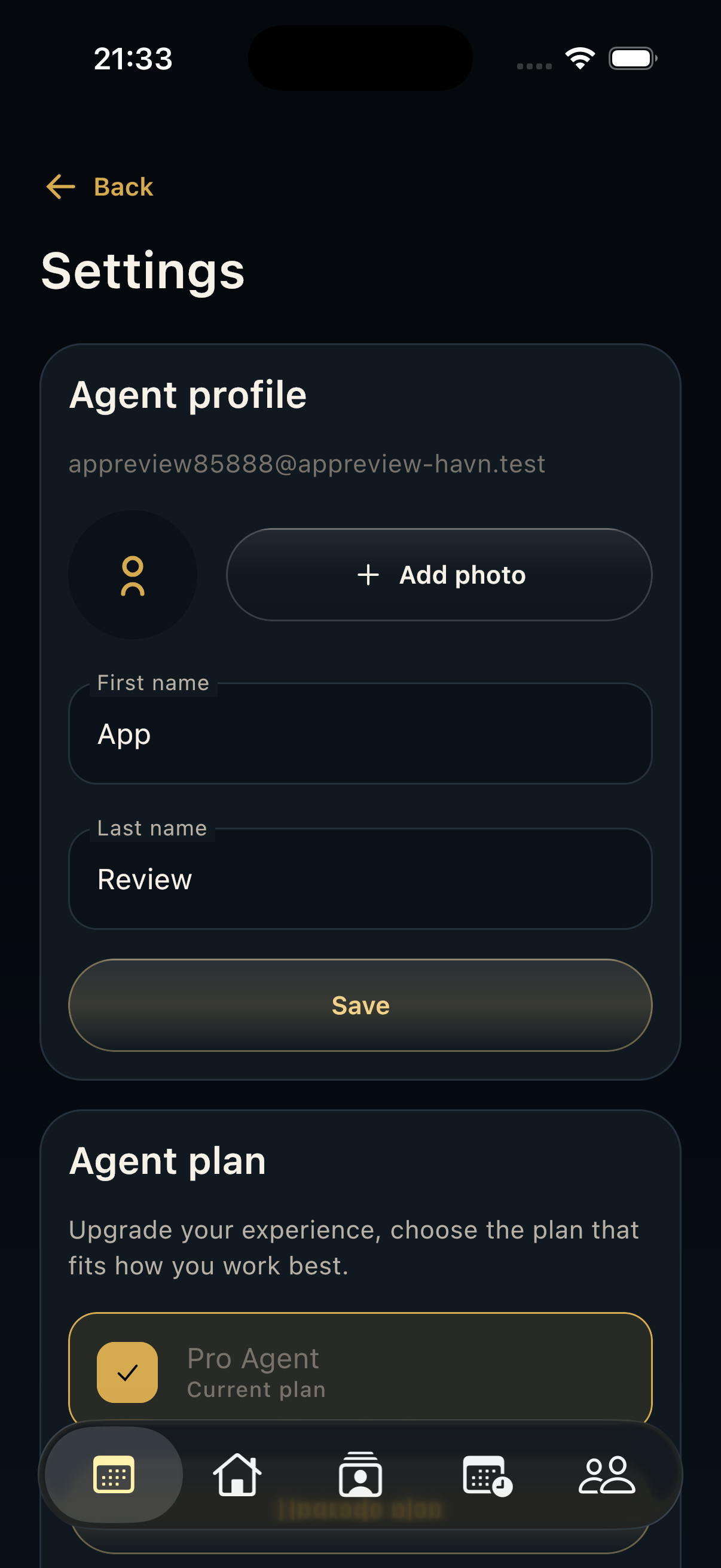
- Open Today and confirm that your workspace, profile, and next opening look correct.
Jó tudni
- Use individual accounts instead of shared logins.
- If a teammate cannot see a workspace, check their invitation and role in the web app.