Activity
Use real visitor and lead data instead of loose notes.
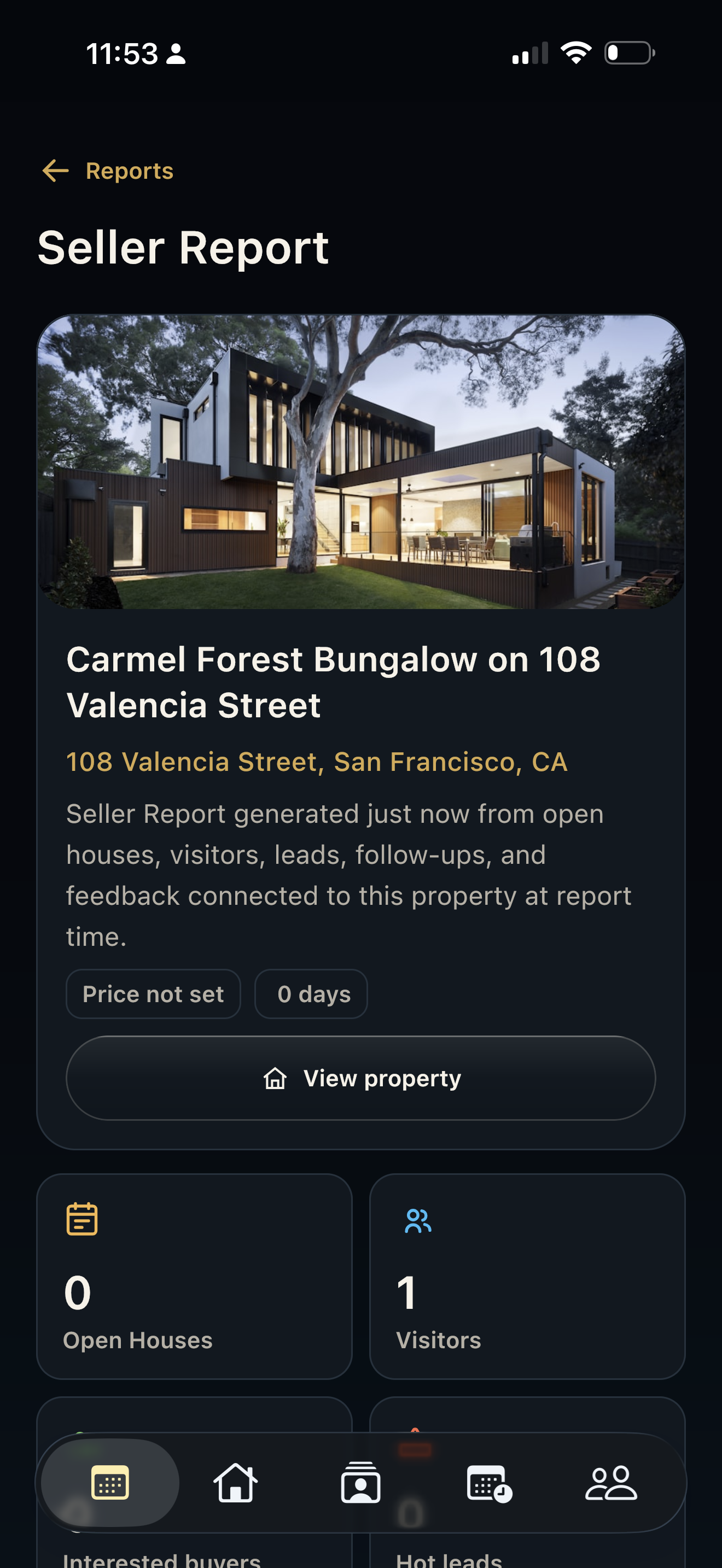
Seller reports are strongest when they connect back to the actual property activity collected during the open house.
- Visitor counts
- Lead quality signals
- Open-house and property context
Seller reports
HAVN helps agents turn visitors, leads, follow-ups, notes, and property performance into clearer seller communication after each showing.
Seller reports
Activity
Seller reports are strongest when they connect back to the actual property activity collected during the open house.
Review
Agents can review report detail, lead context, property information, and follow-up notes before sending seller communication.
Share
HAVN reports help sellers understand who visited, what happened, which leads matter, and what the next step should be.
FAQ
A useful seller report should include open-house activity, visitor volume, lead quality, follow-up context, property notes, and the agent's recommended next steps.
Yes. HAVN can use property, visitor, lead, follow-up, note, and analytics context to support seller-ready reporting.
Yes. Agents should review report text, numbers, property context, and recommendations before sending anything to a seller.