Steps
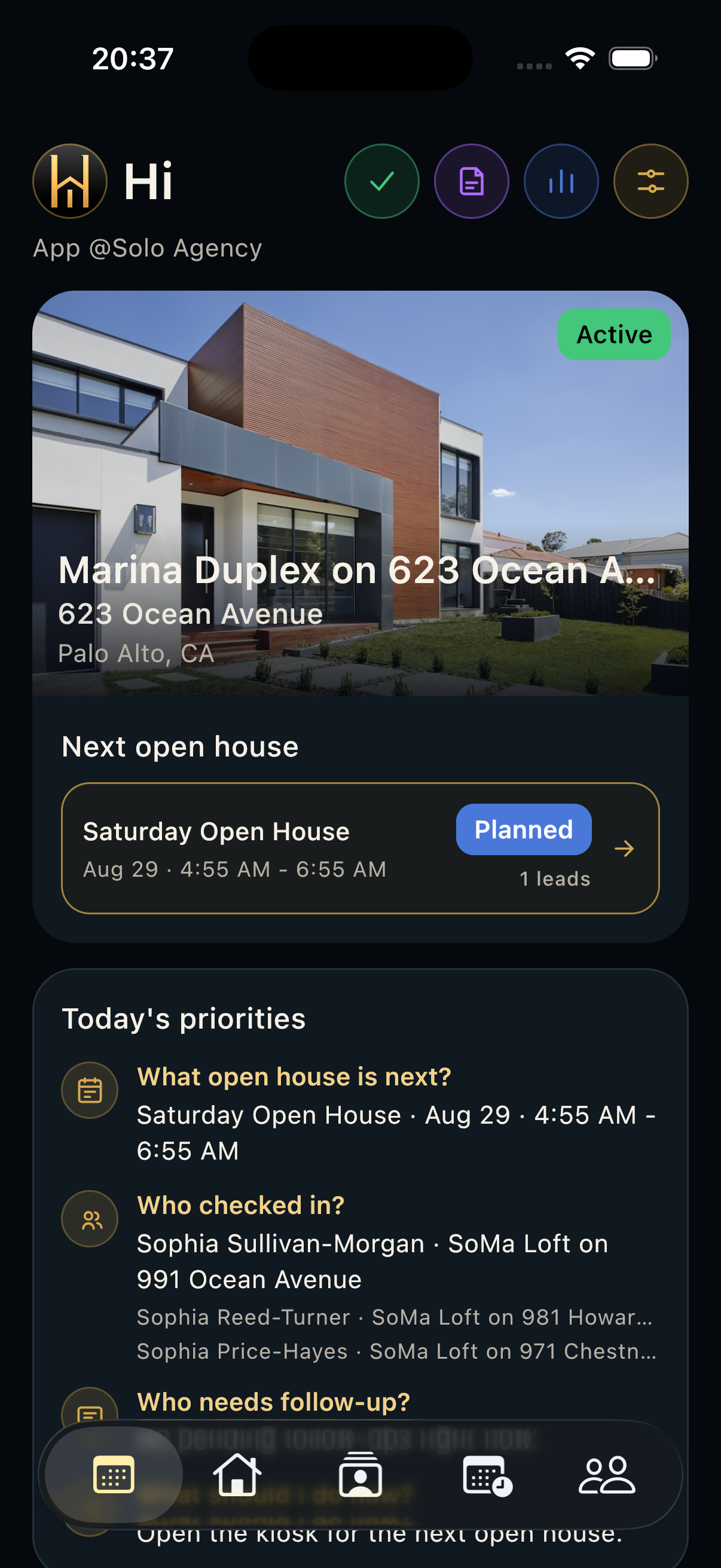
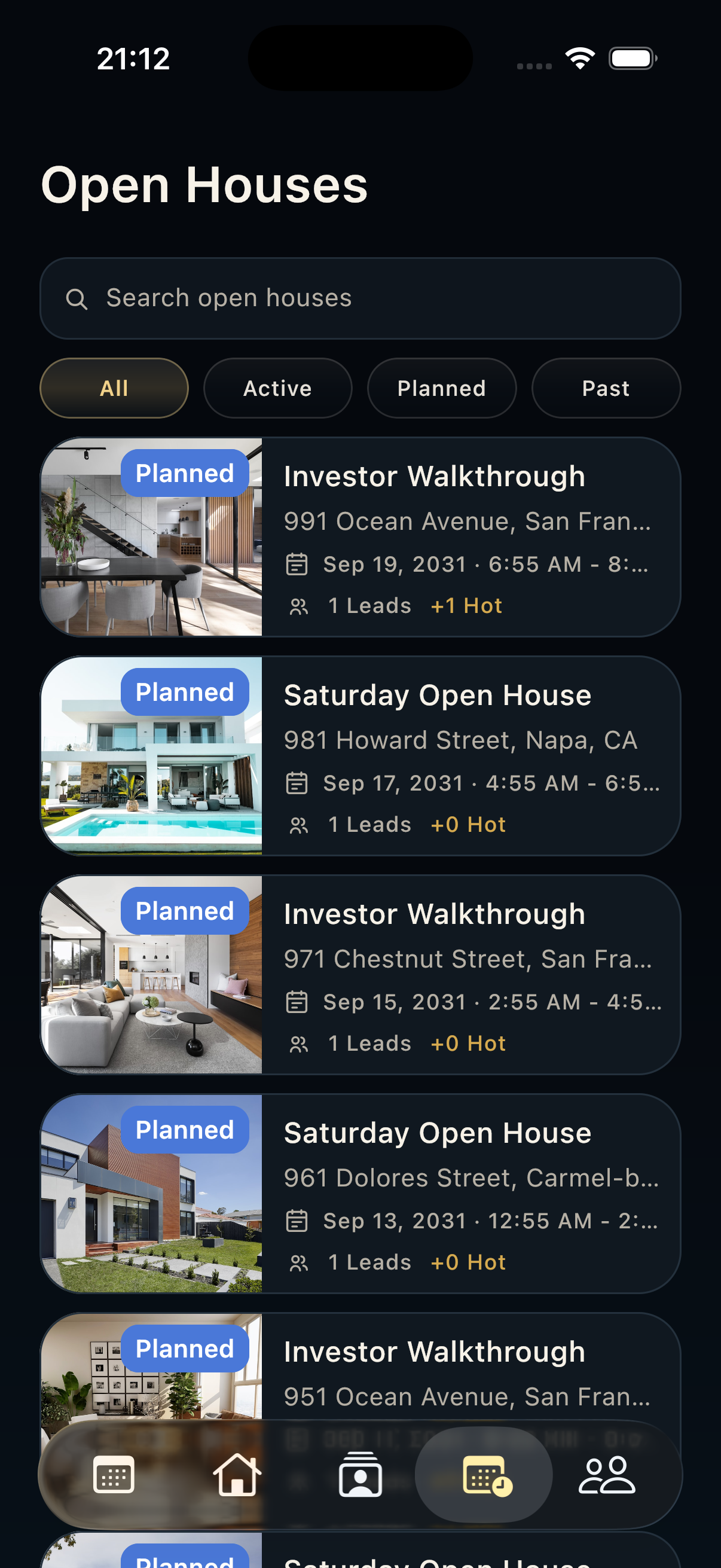
- Search or filter by status to find the correct showing event.
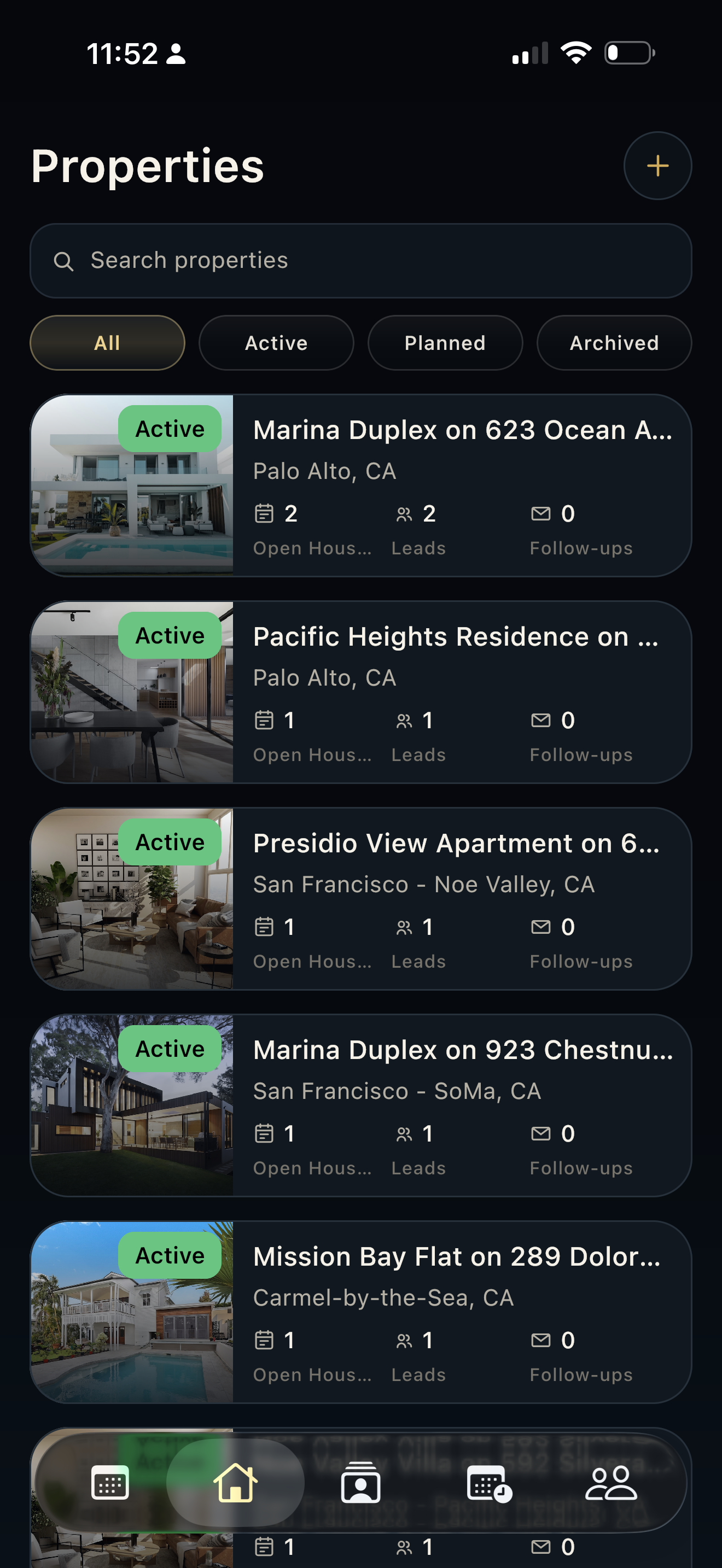
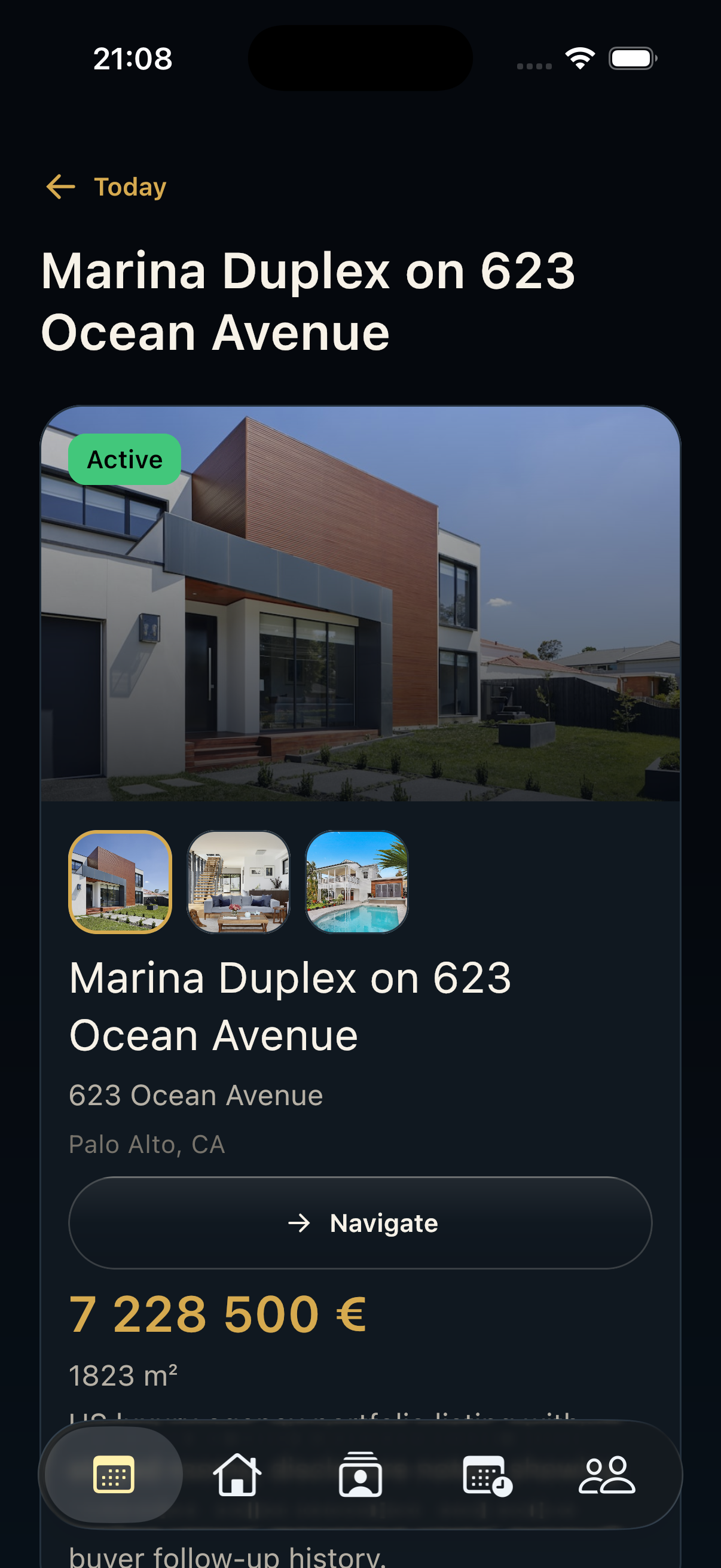
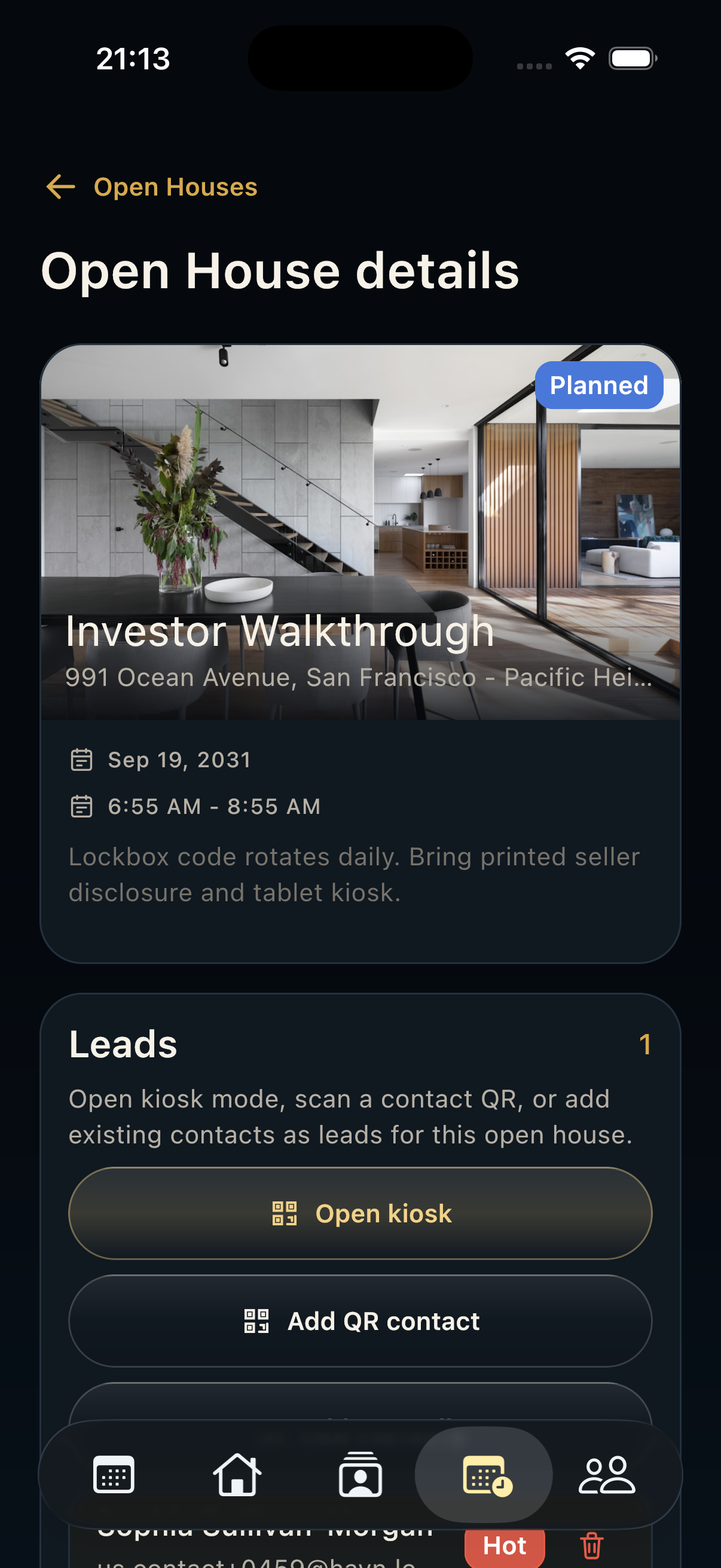
- Confirm title, property, address, date, time, status, visitor count, lead count, and hot-lead count before starting visitor collection.
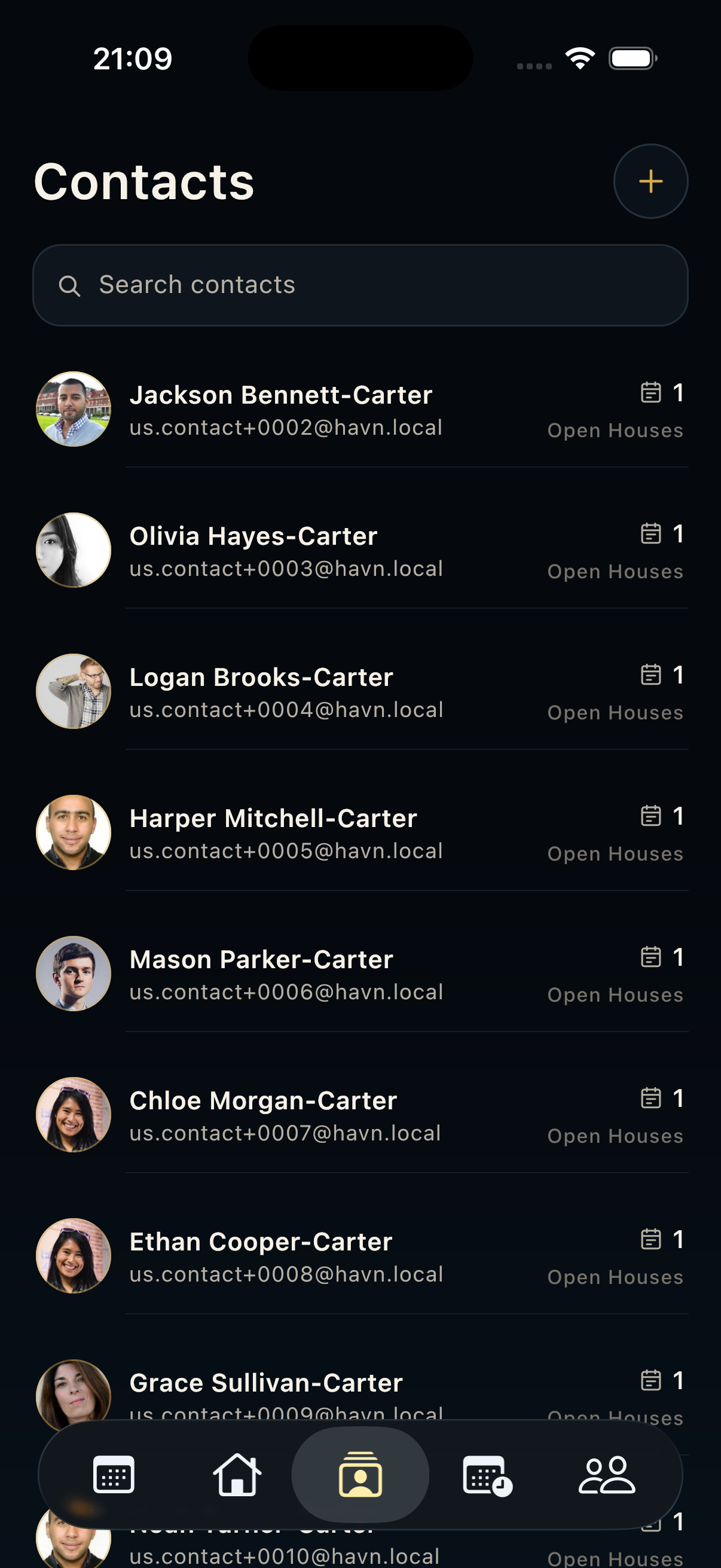
- Open the event detail to use live dashboard, kiosk mode, QR scan, manual visitor entry, or existing-contact selection.
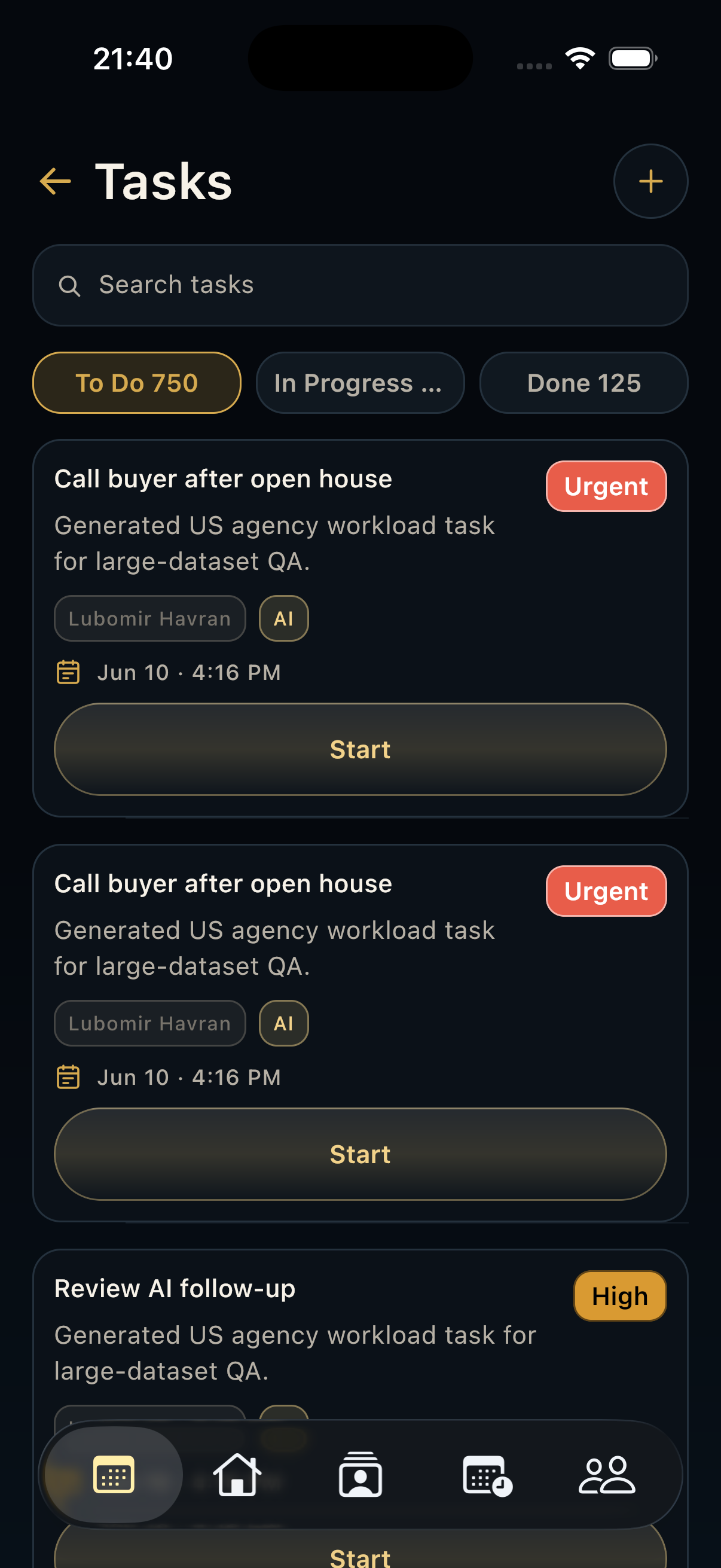
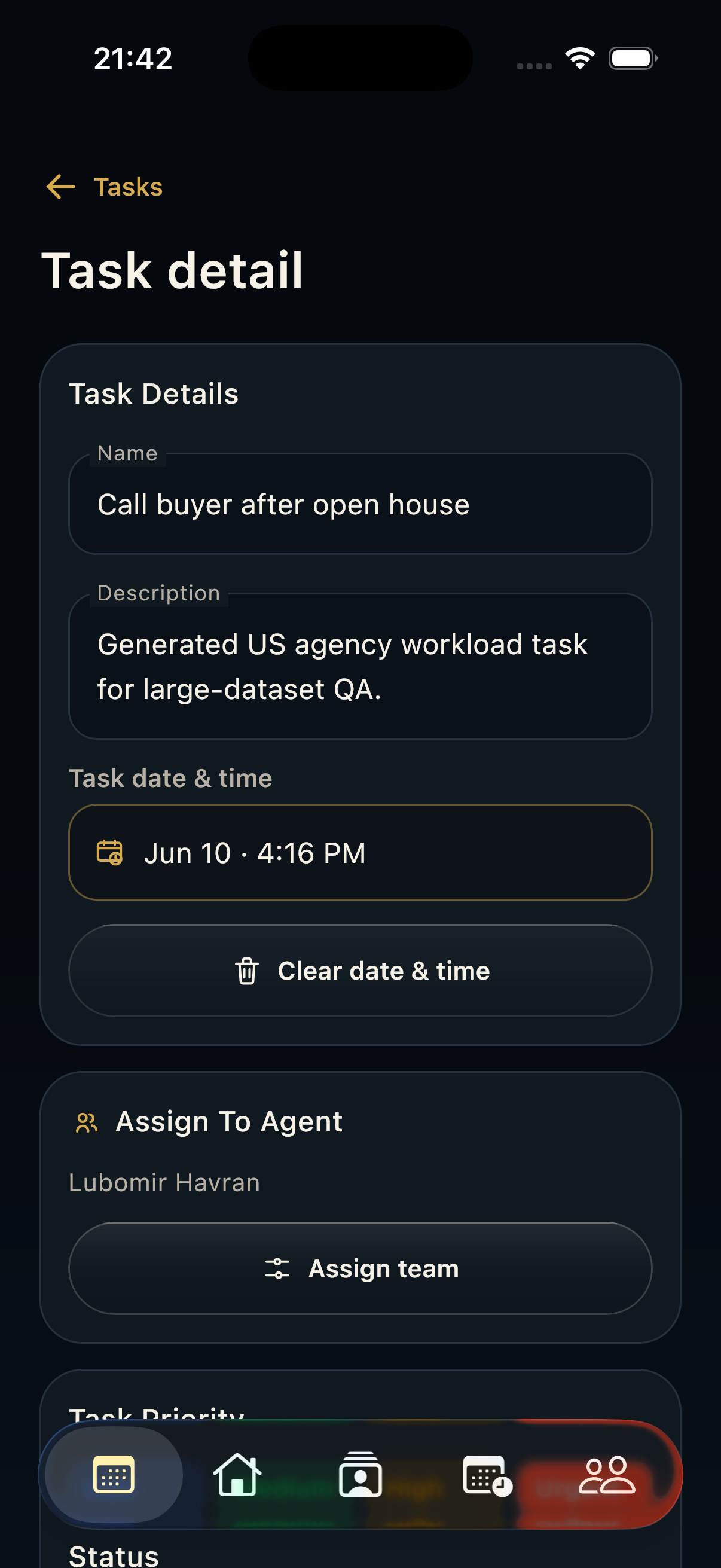
- During the event, keep the detail page open for lead activity and linked tasks.
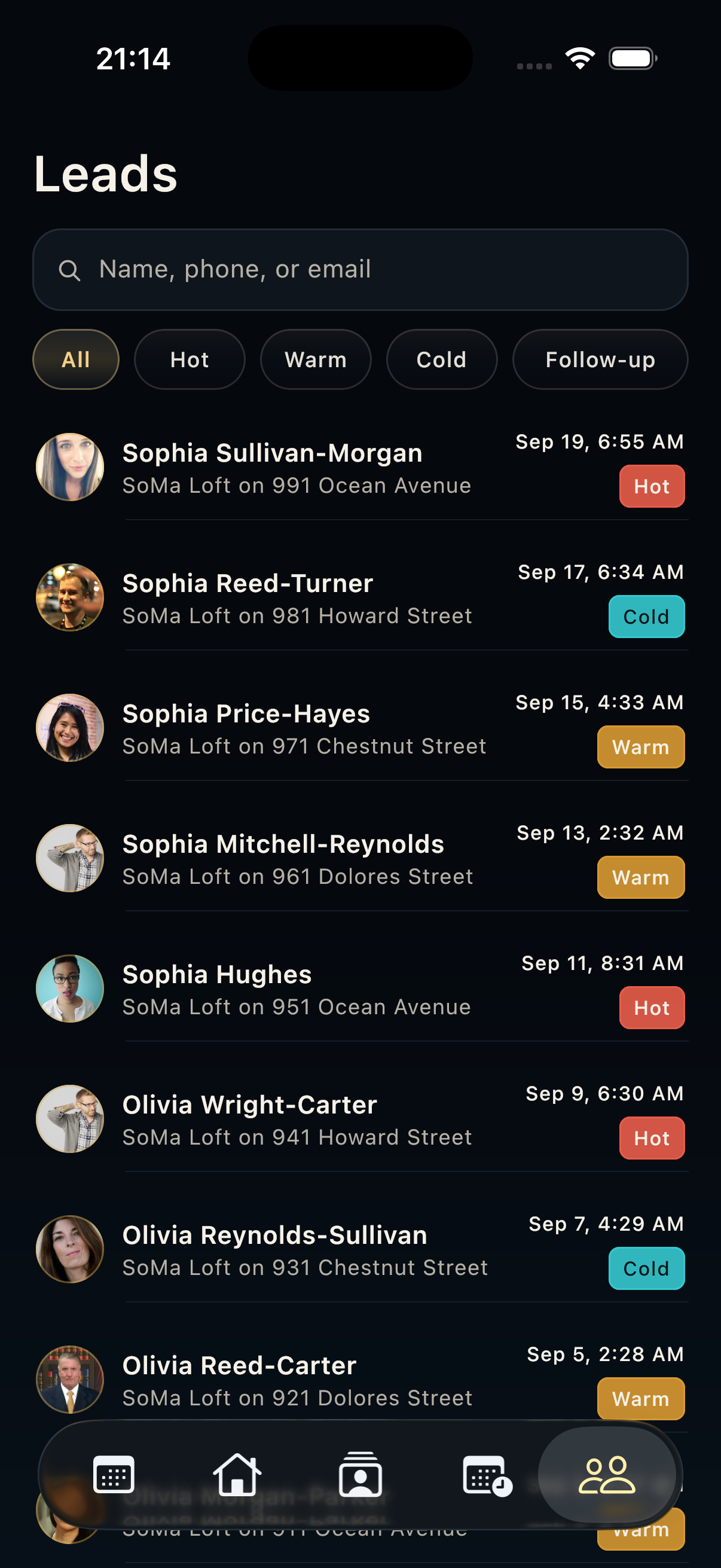
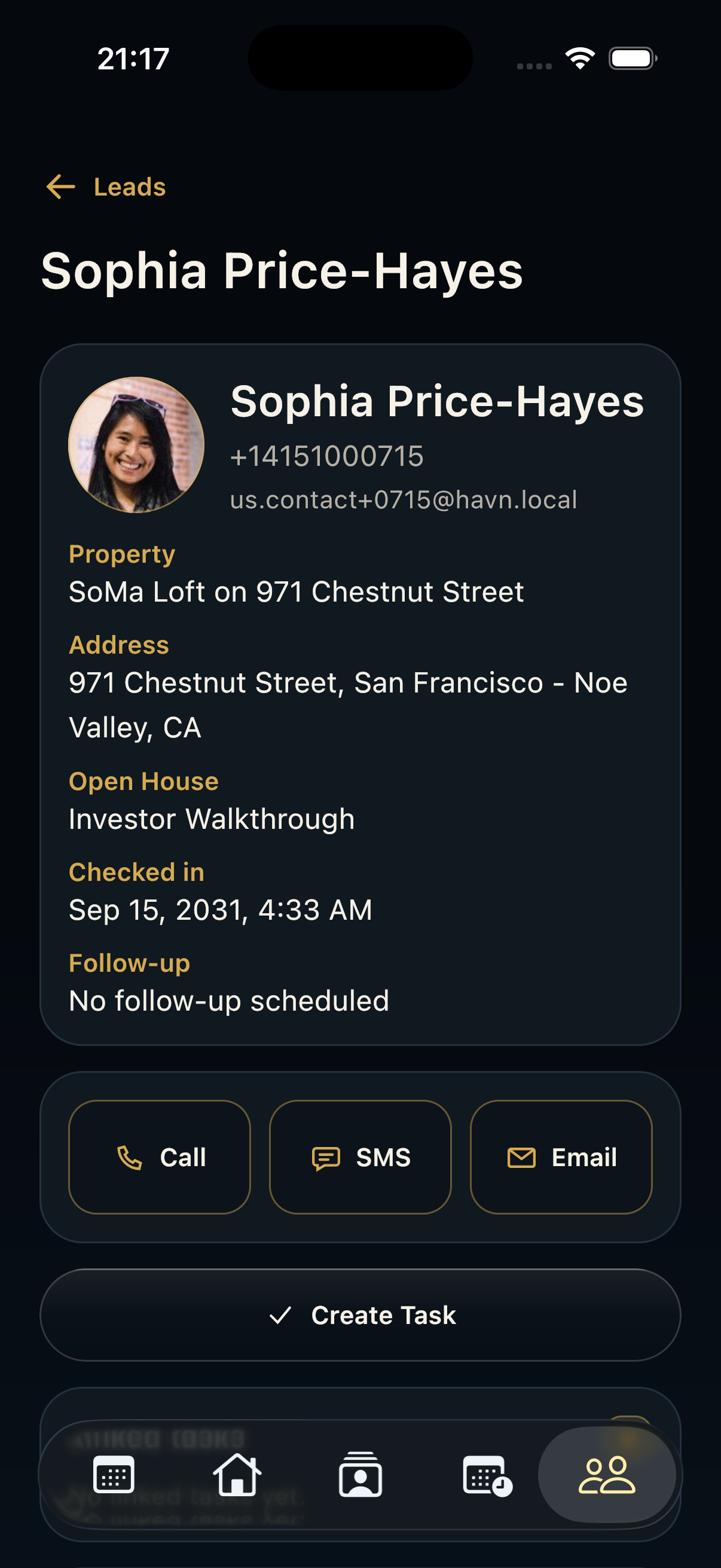
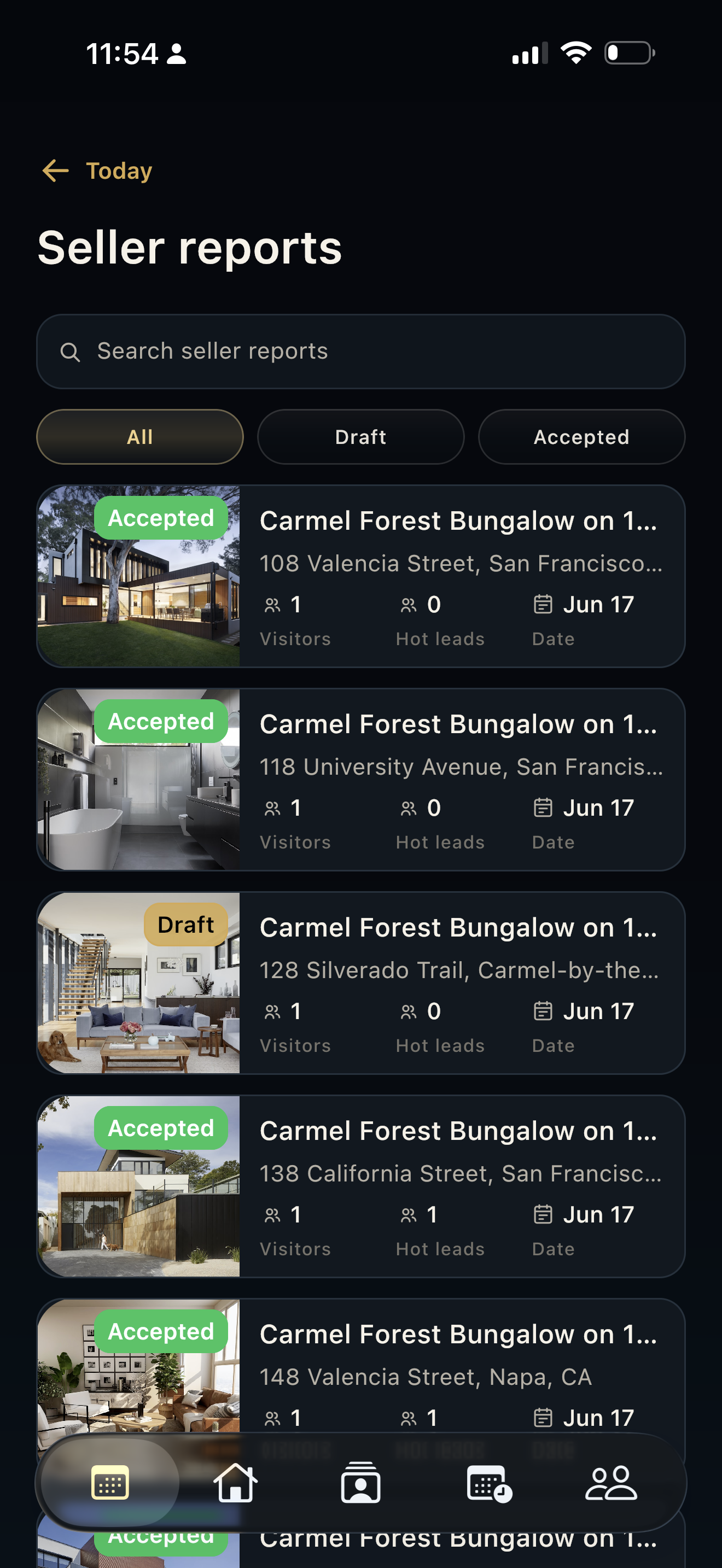
- After the event, review leads and tasks from the same open-house record before preparing follow-up or seller reports.
Good to know
- Always confirm the event belongs to the right property before opening kiosk mode.
- Kiosk mode hides normal navigation and uses a PIN flow to exit, so test it before guests arrive.
- Open Houses is the bridge between property setup and lead follow-up.