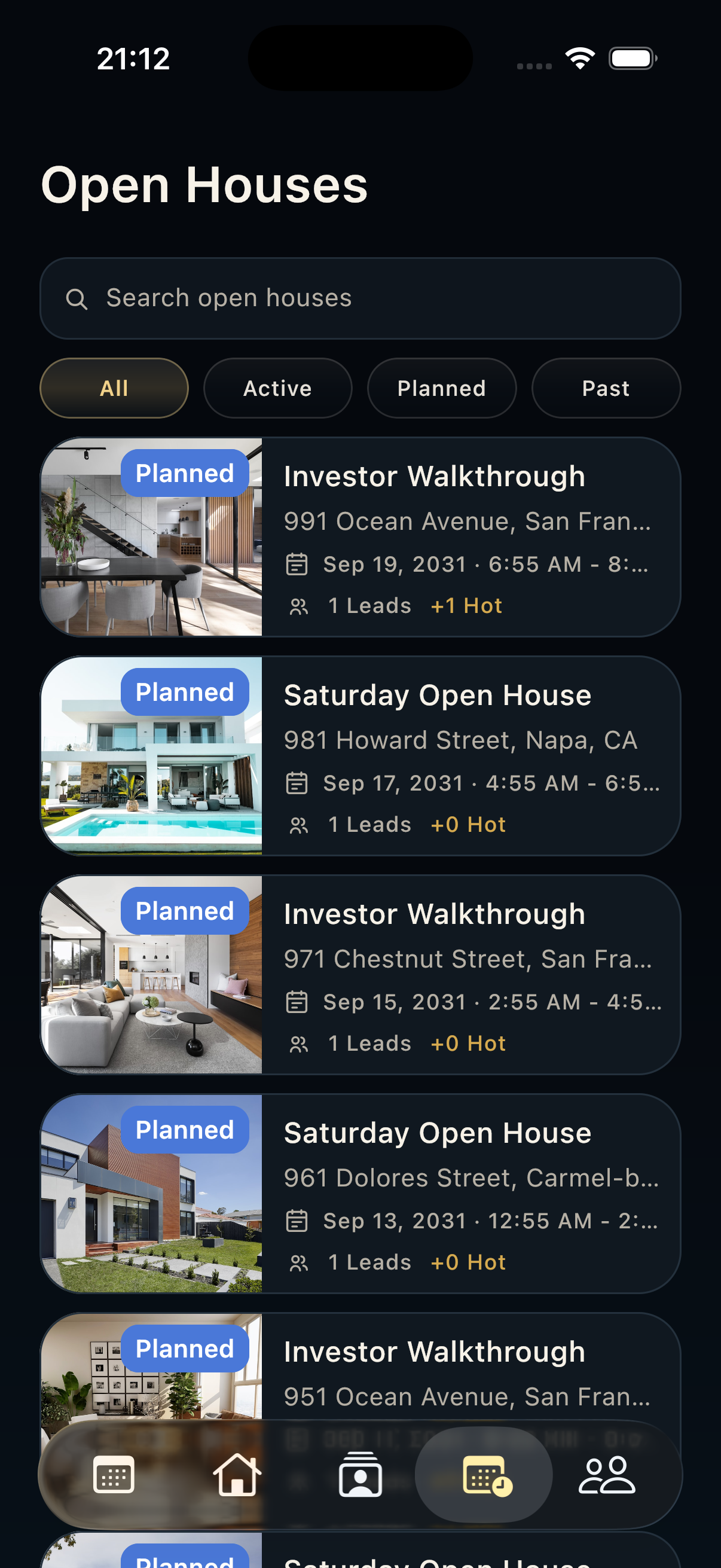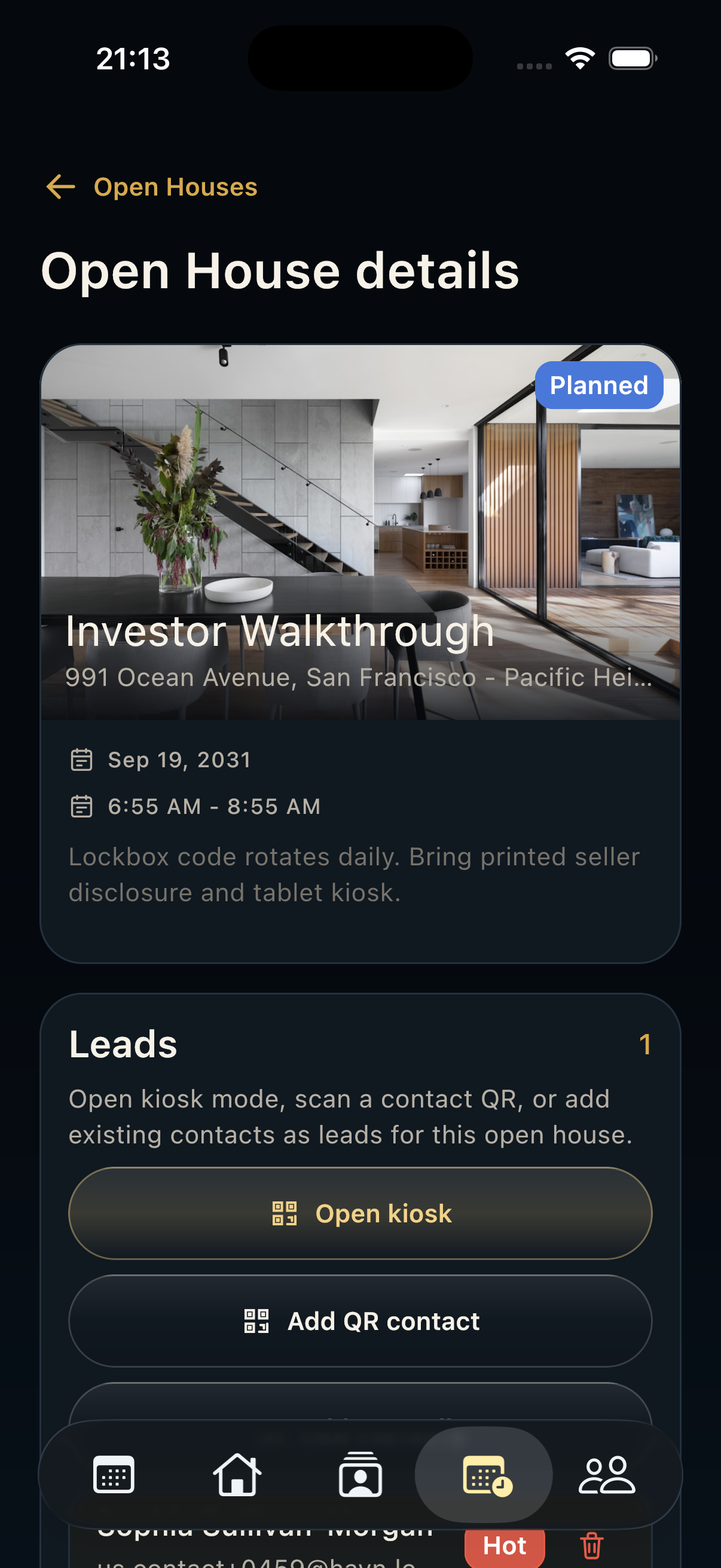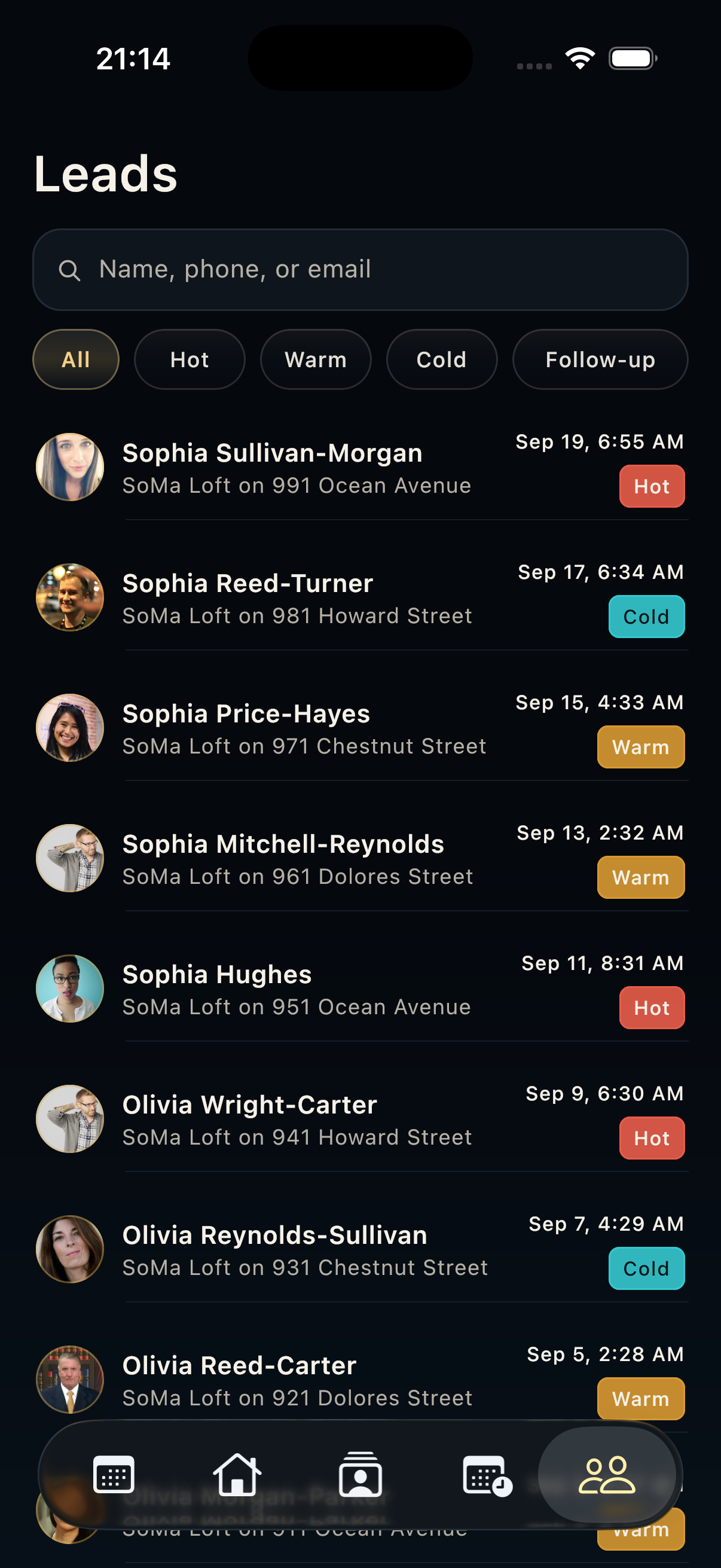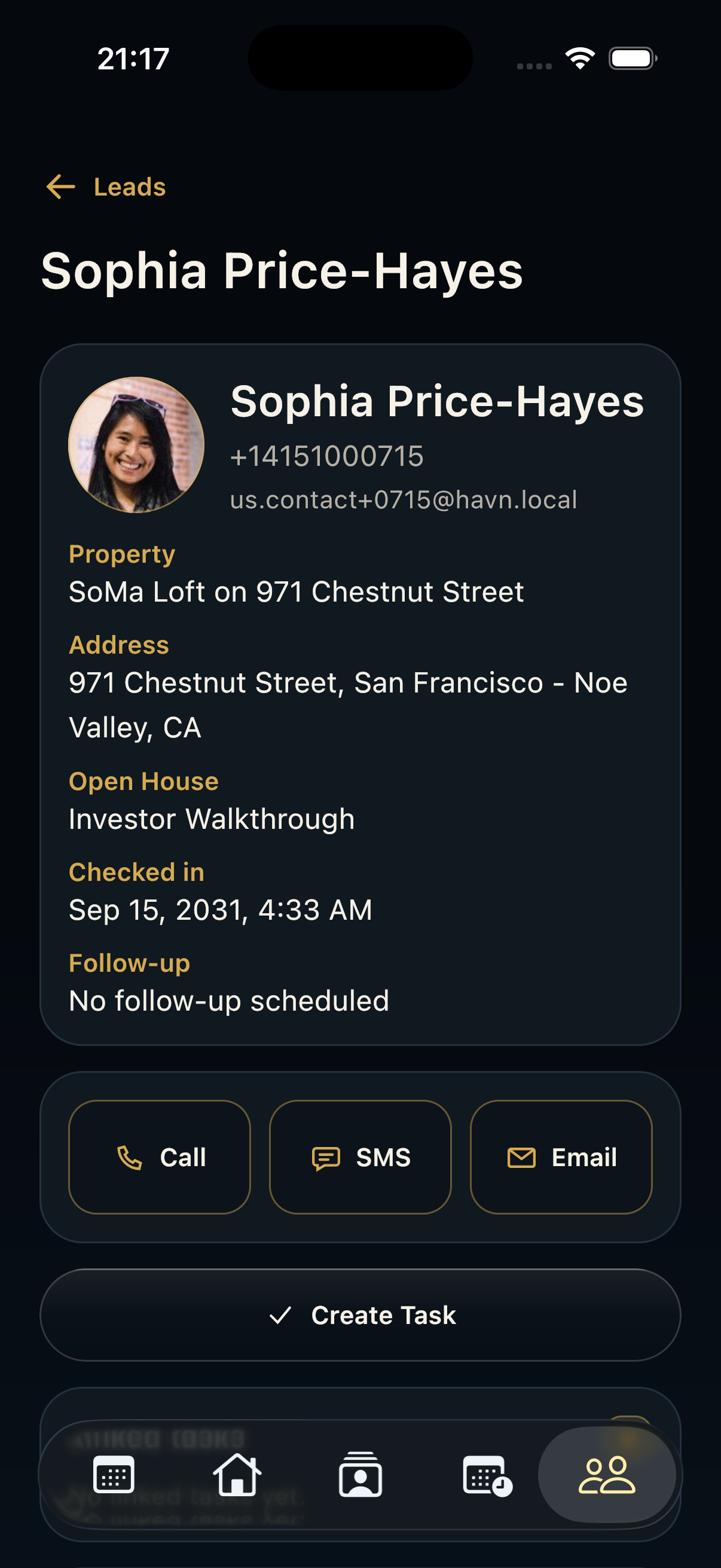
Steps
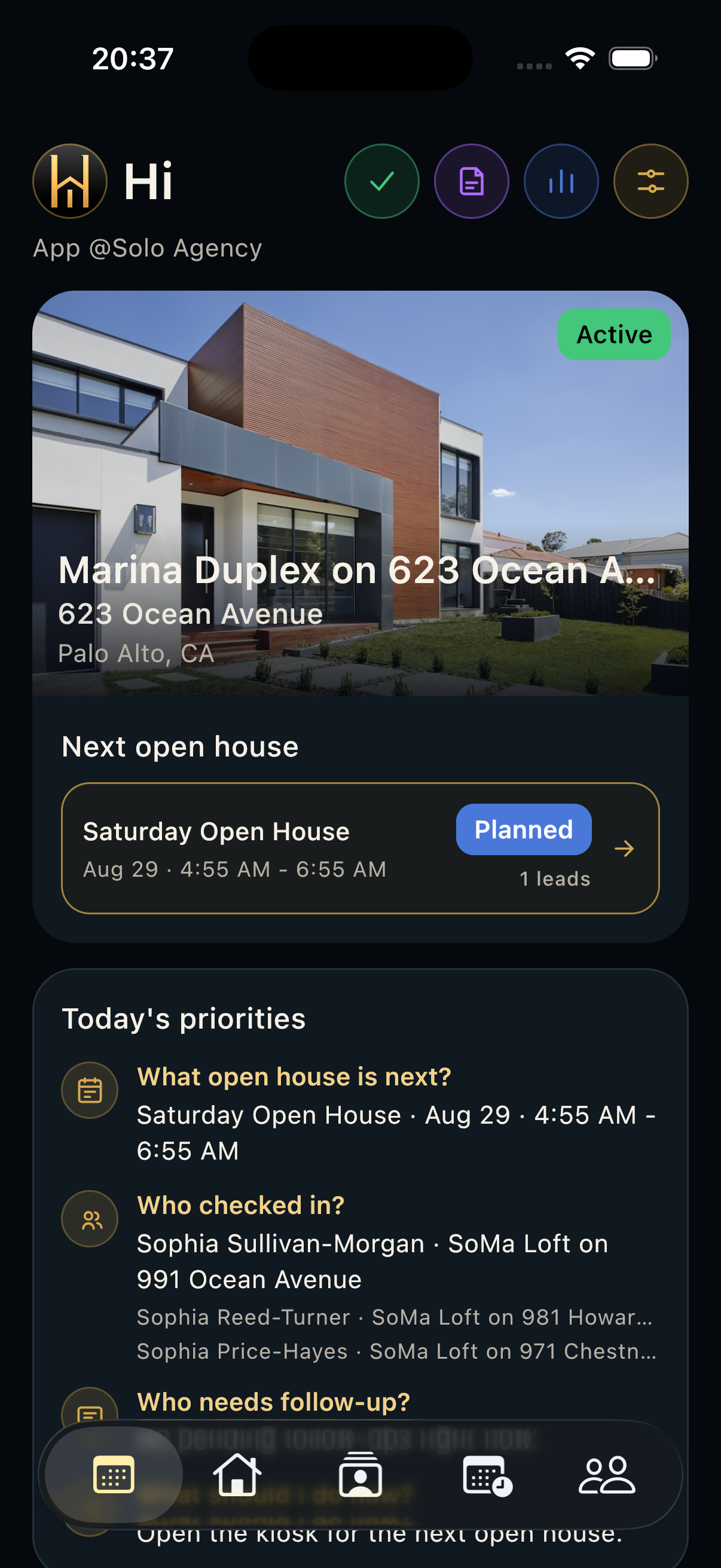
- Open Today after sign-in and let the screen finish loading the active property, next open house, priorities, and overview numbers.
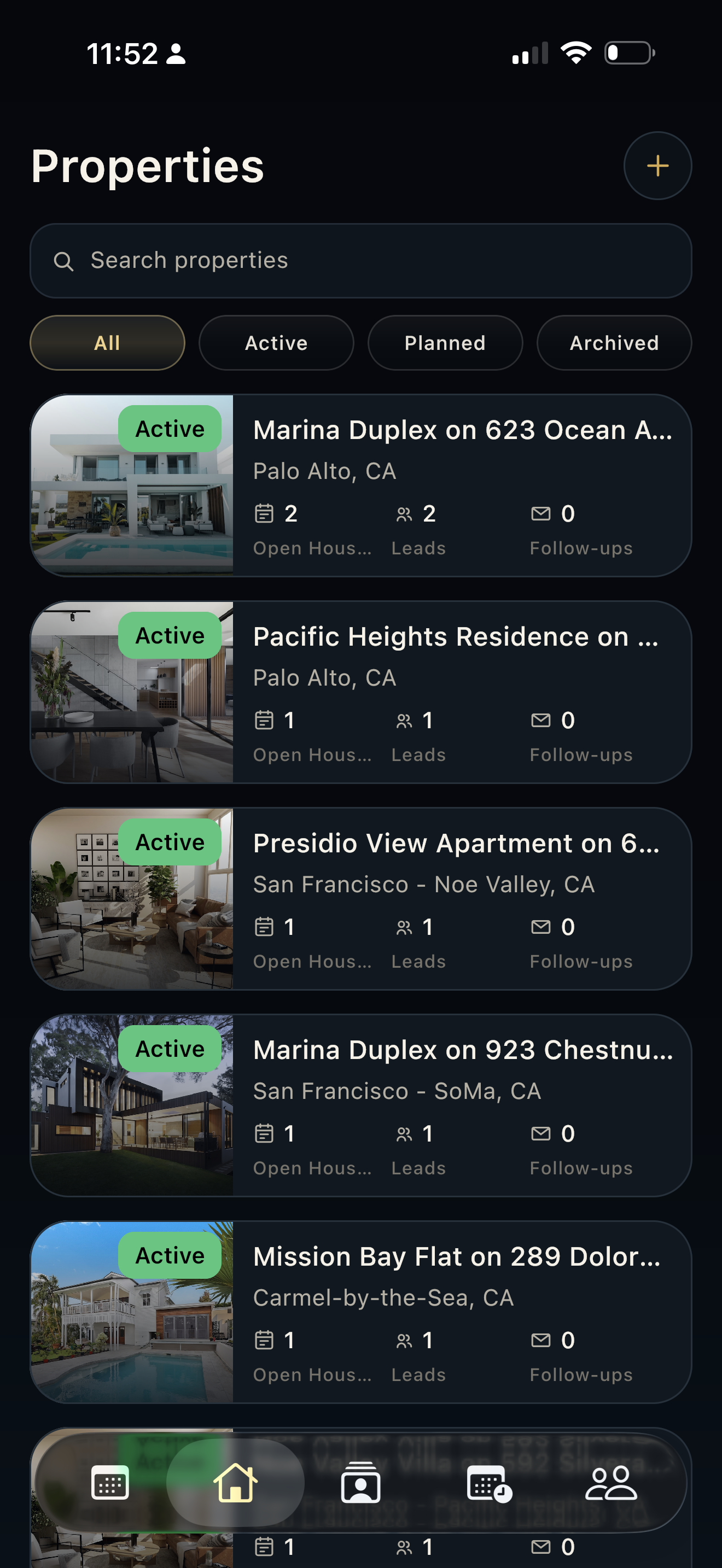
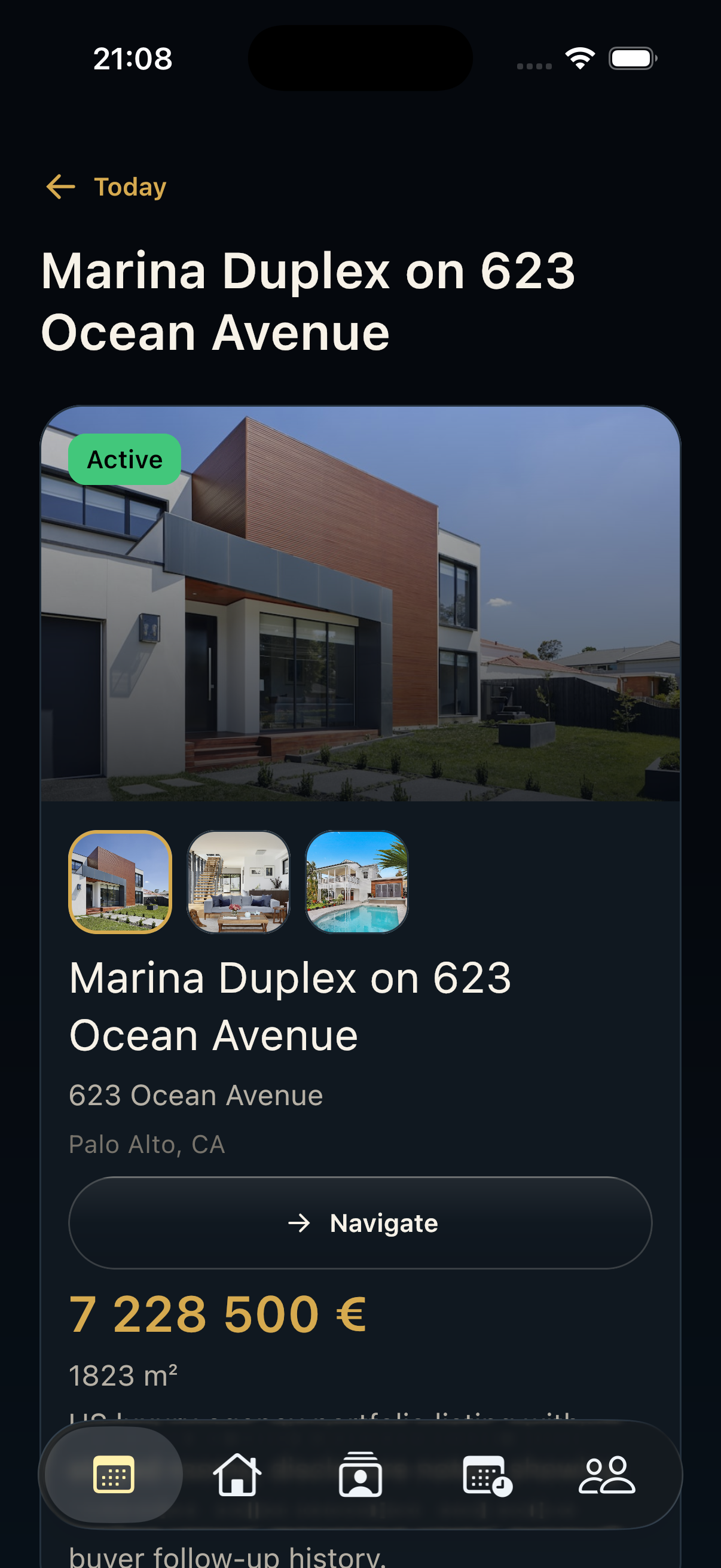
- Review the active property card. HAVN chooses the active listing and shows the best available hero photo from that property.
- Check Next open house. The app prioritizes a live opening first, then the nearest future scheduled opening, then the latest scheduled opening.
- Review Overdue tasks and Today's priorities for open-house timing, checked-in visitors, follow-up volume, and recommended next action.
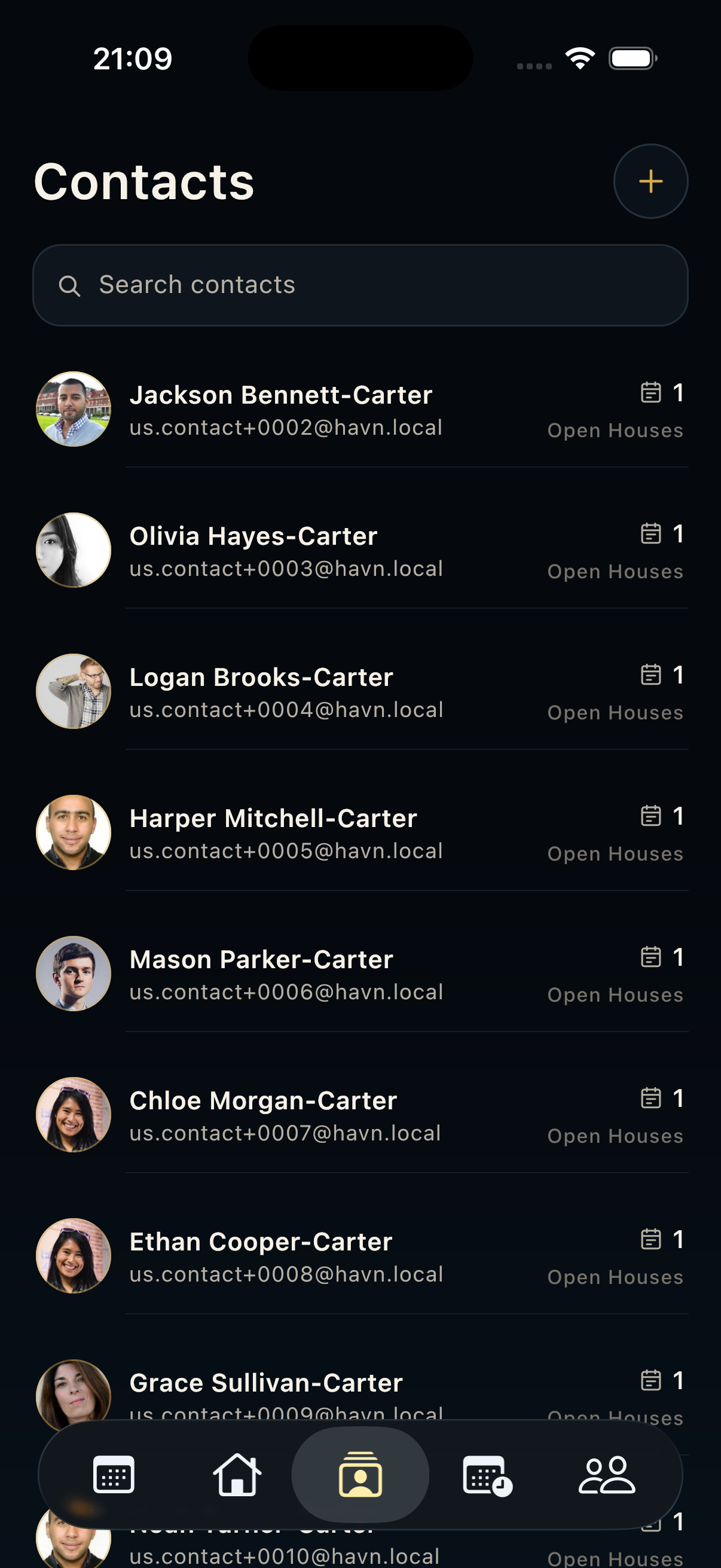
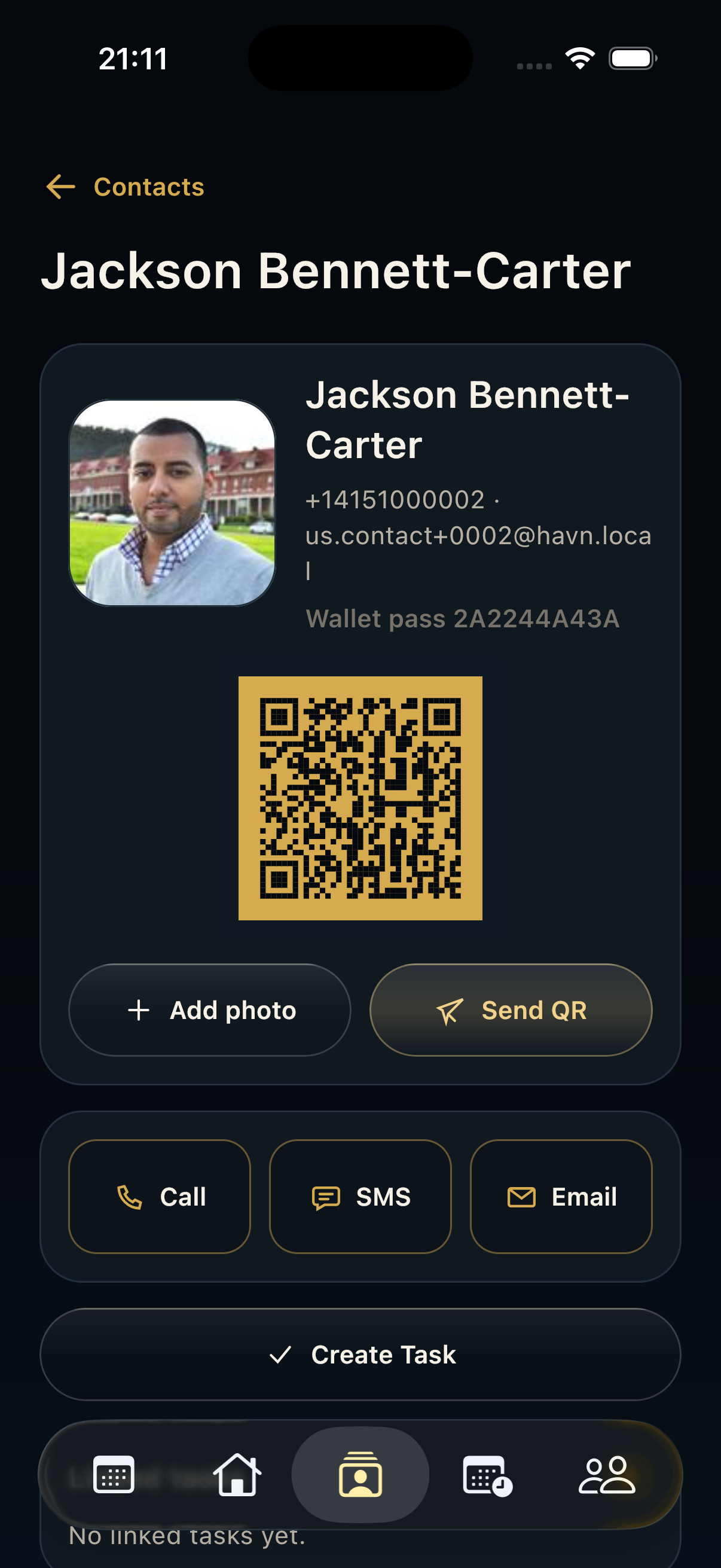
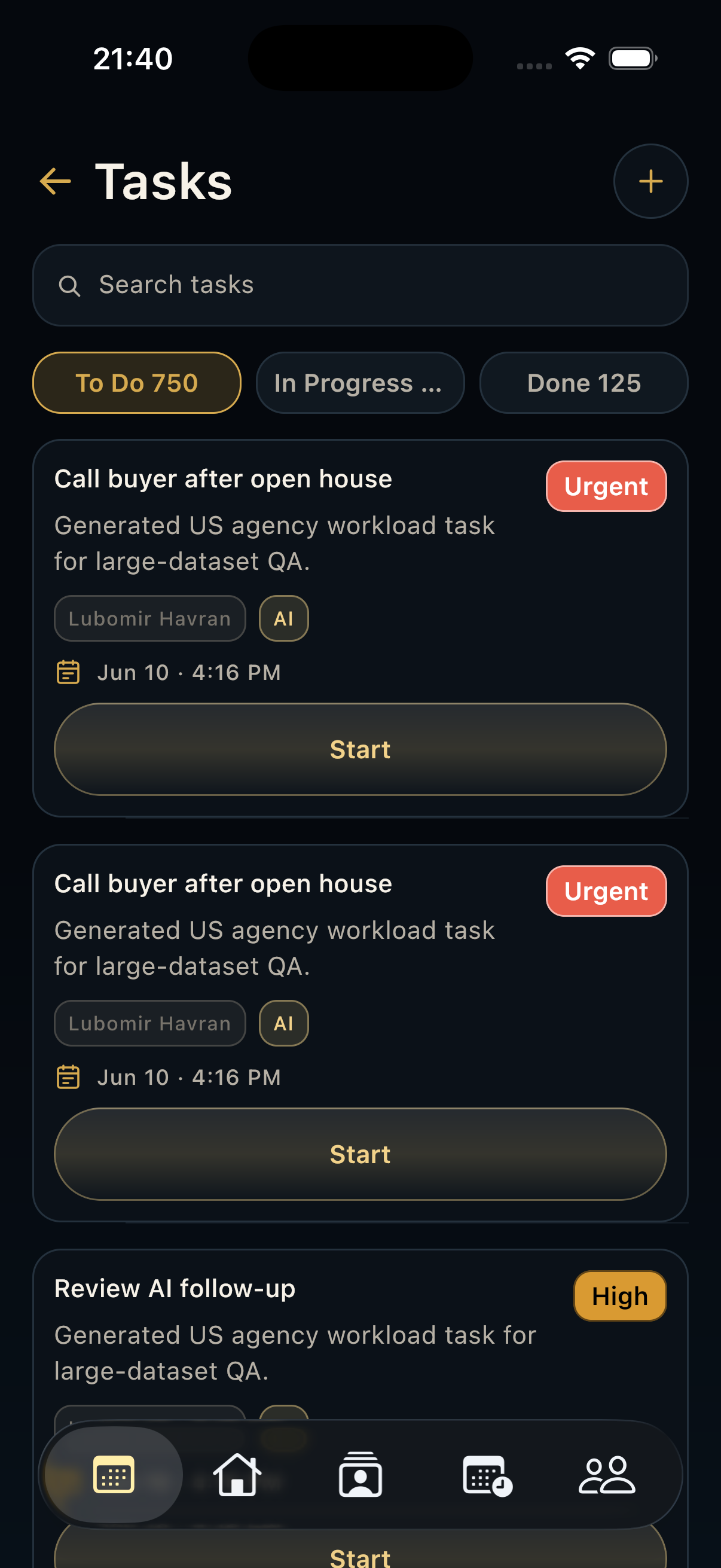
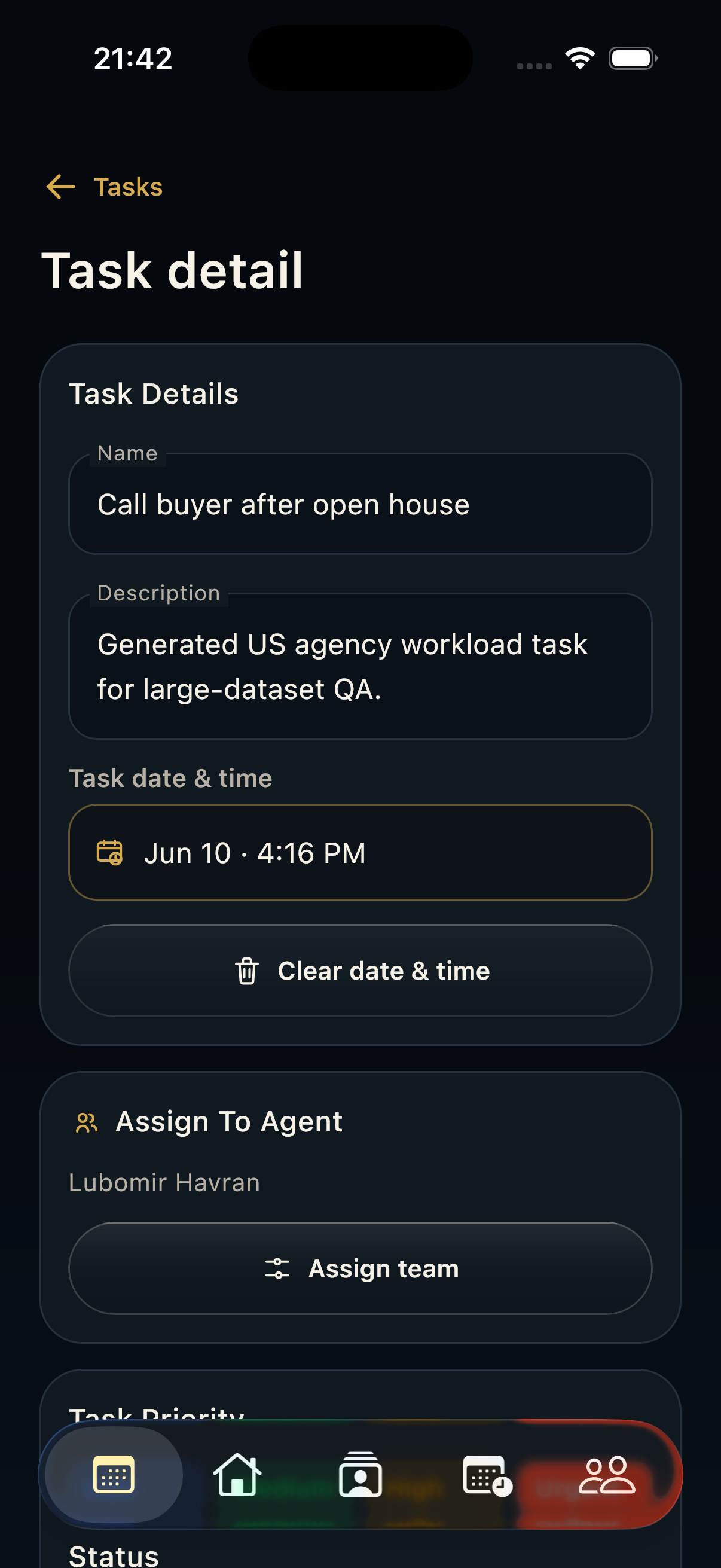
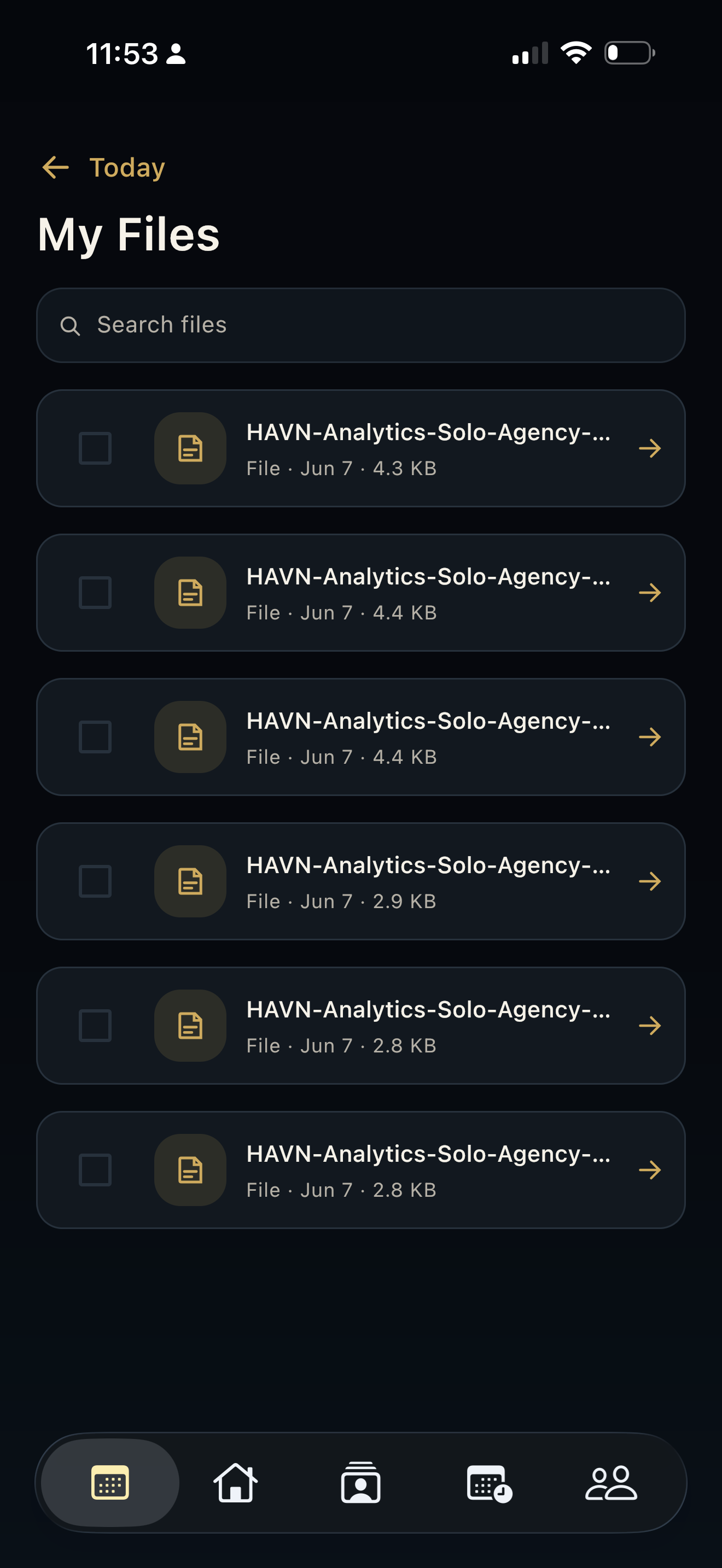
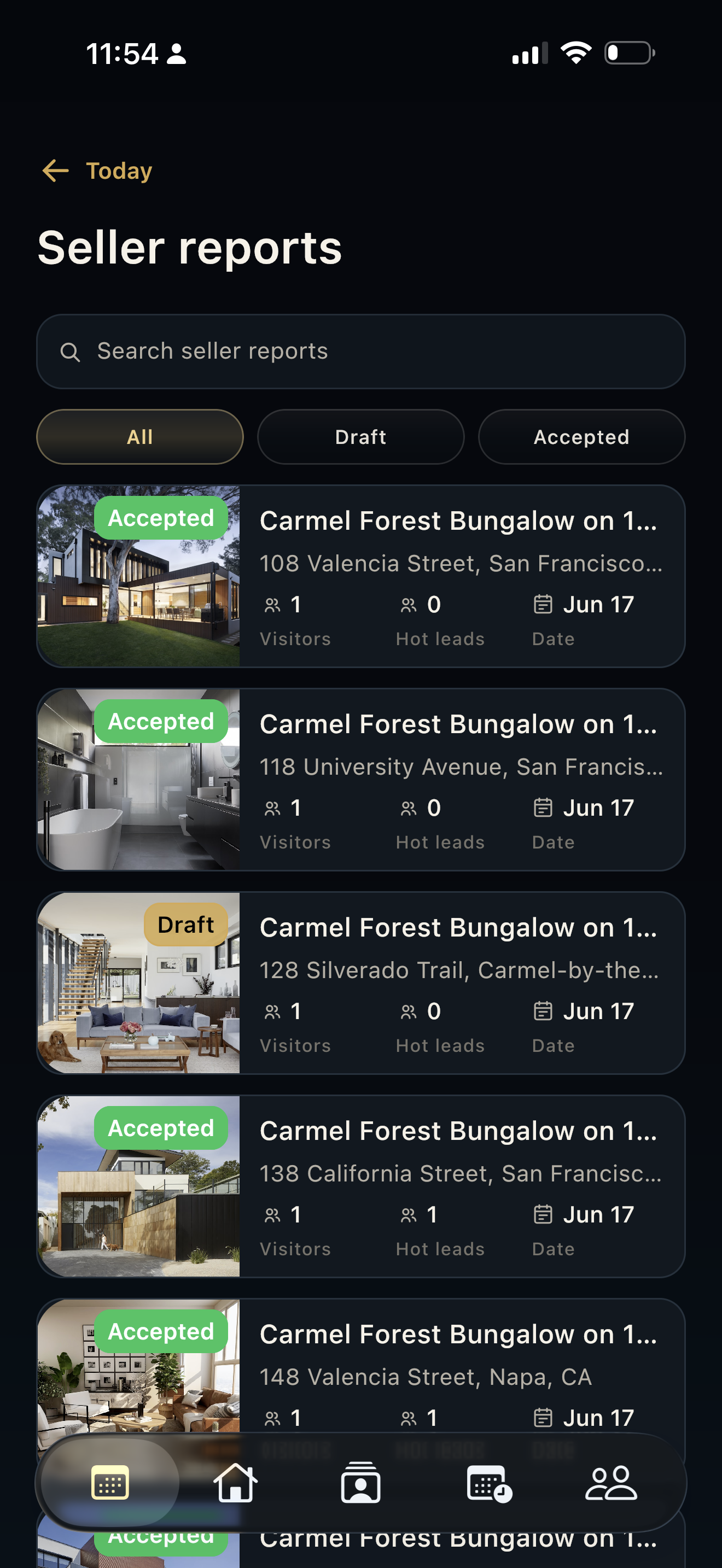
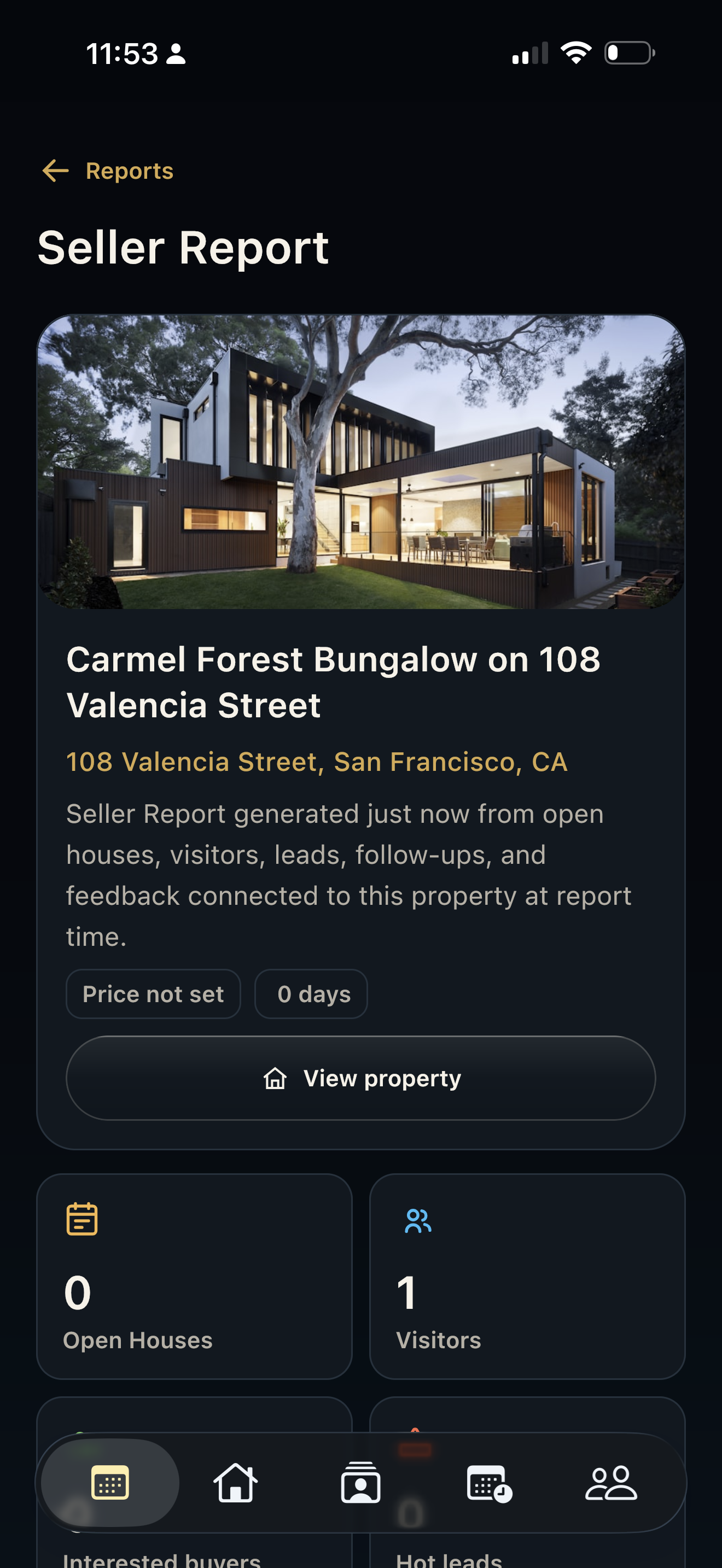
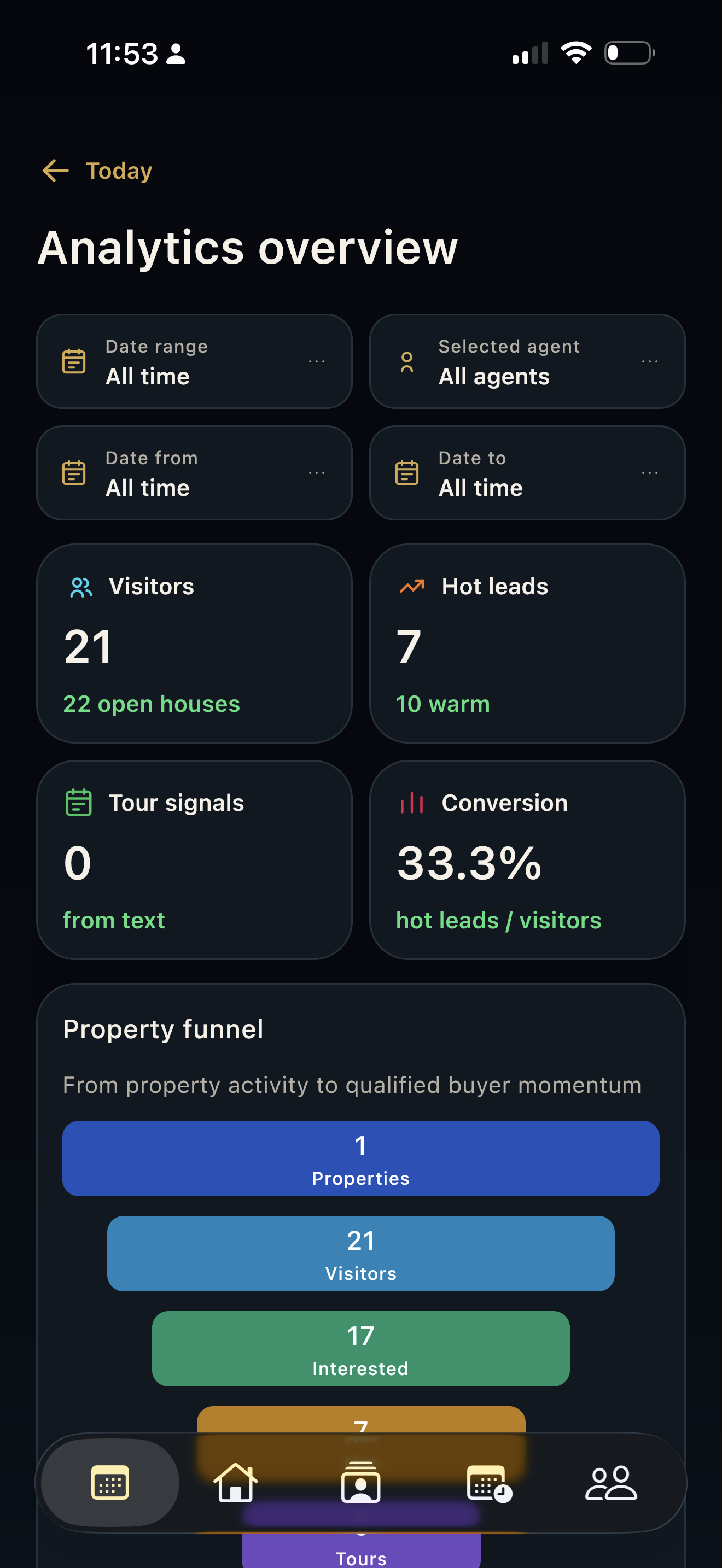
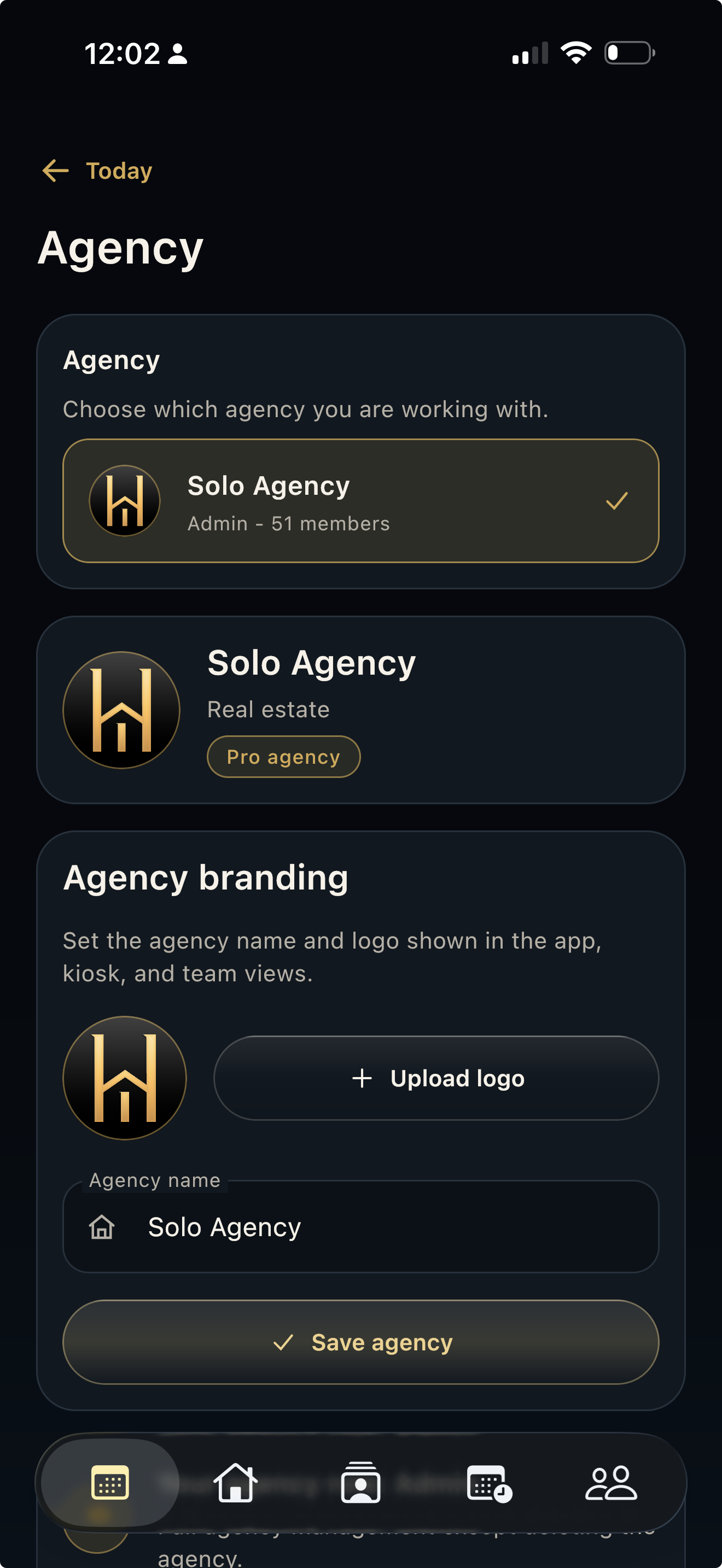
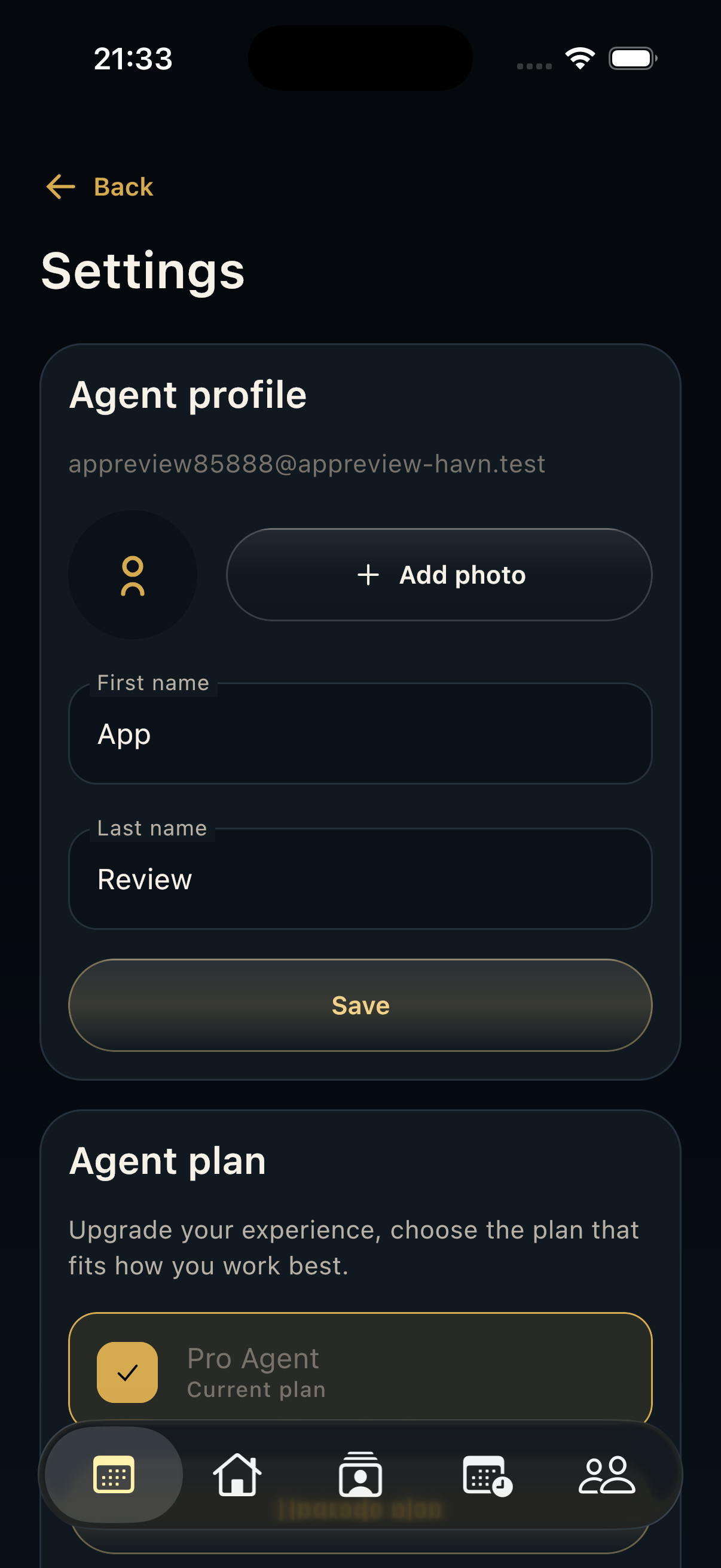
- Use quick actions for Add Listing, Contact, and Files. On compact layouts, use the top action buttons for Agency, Tasks, Seller reports, Analytics, and Settings when available.
- Use Today's overview to confirm lead, hot-lead, and follow-up counts before moving into detail pages.
Good to know
- Return to Today between conversations or admin work; it is the safest place to re-anchor the day.
- Files, Tasks, Seller reports, and Analytics can be plan-gated. If they redirect to Settings, check the current plan.
- Agency invitations and workspace context can appear from Today, so confirm the active agency before creating records.