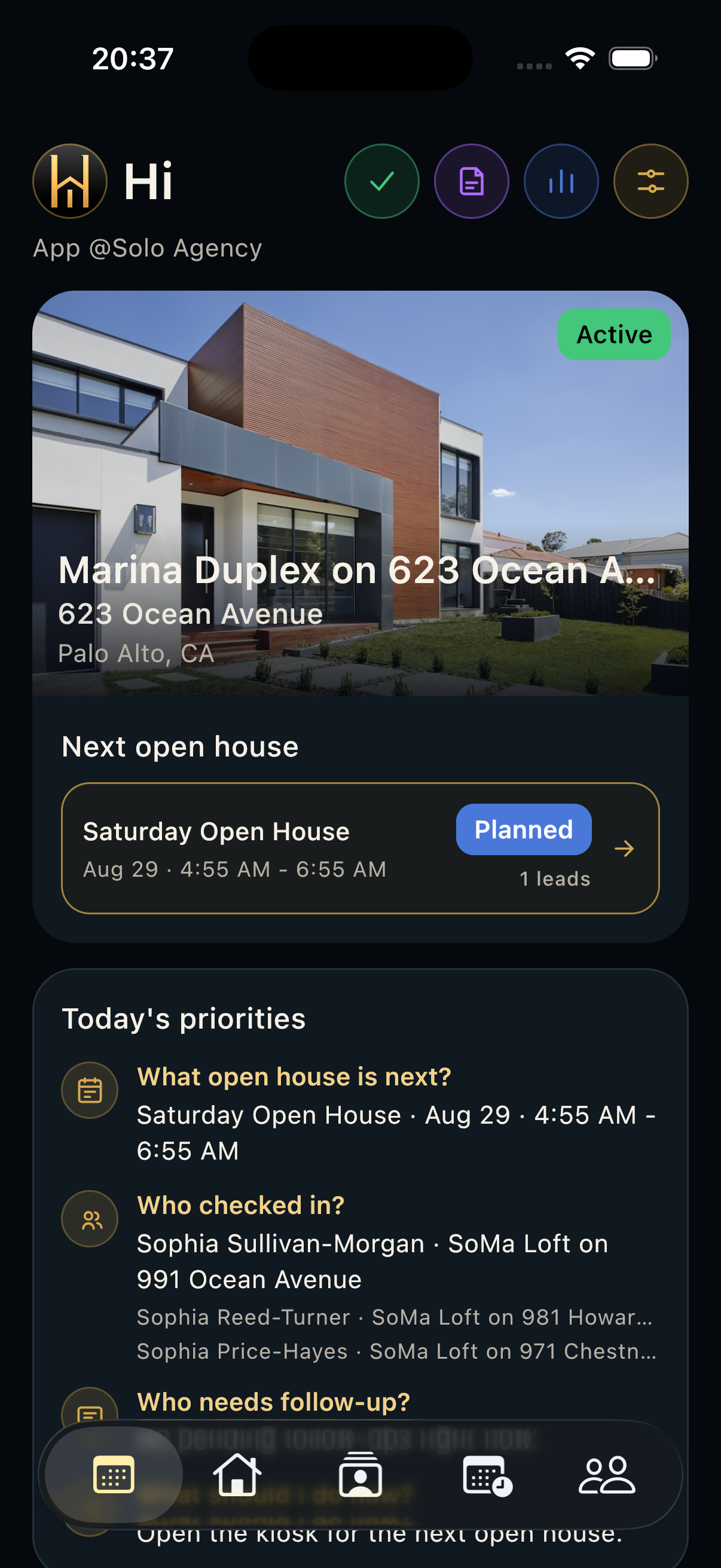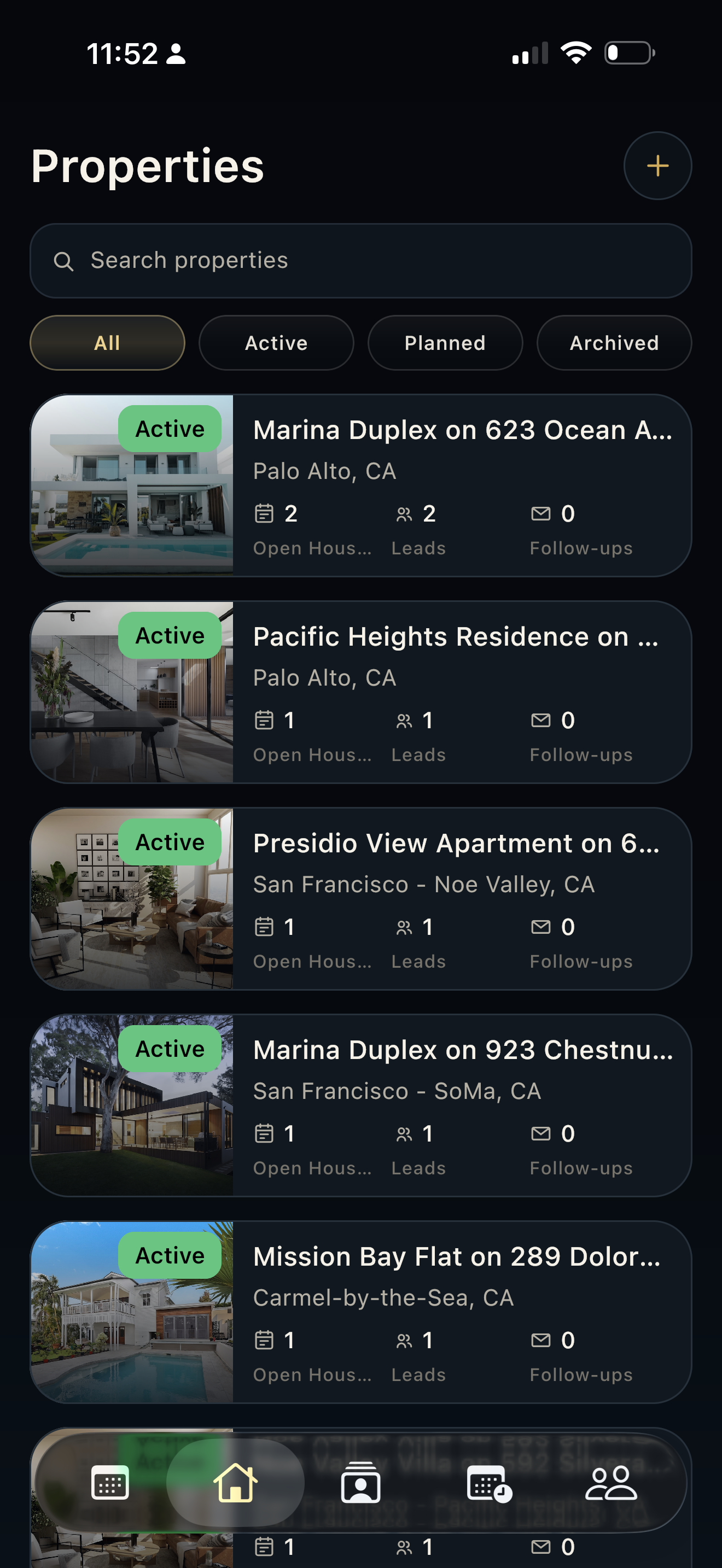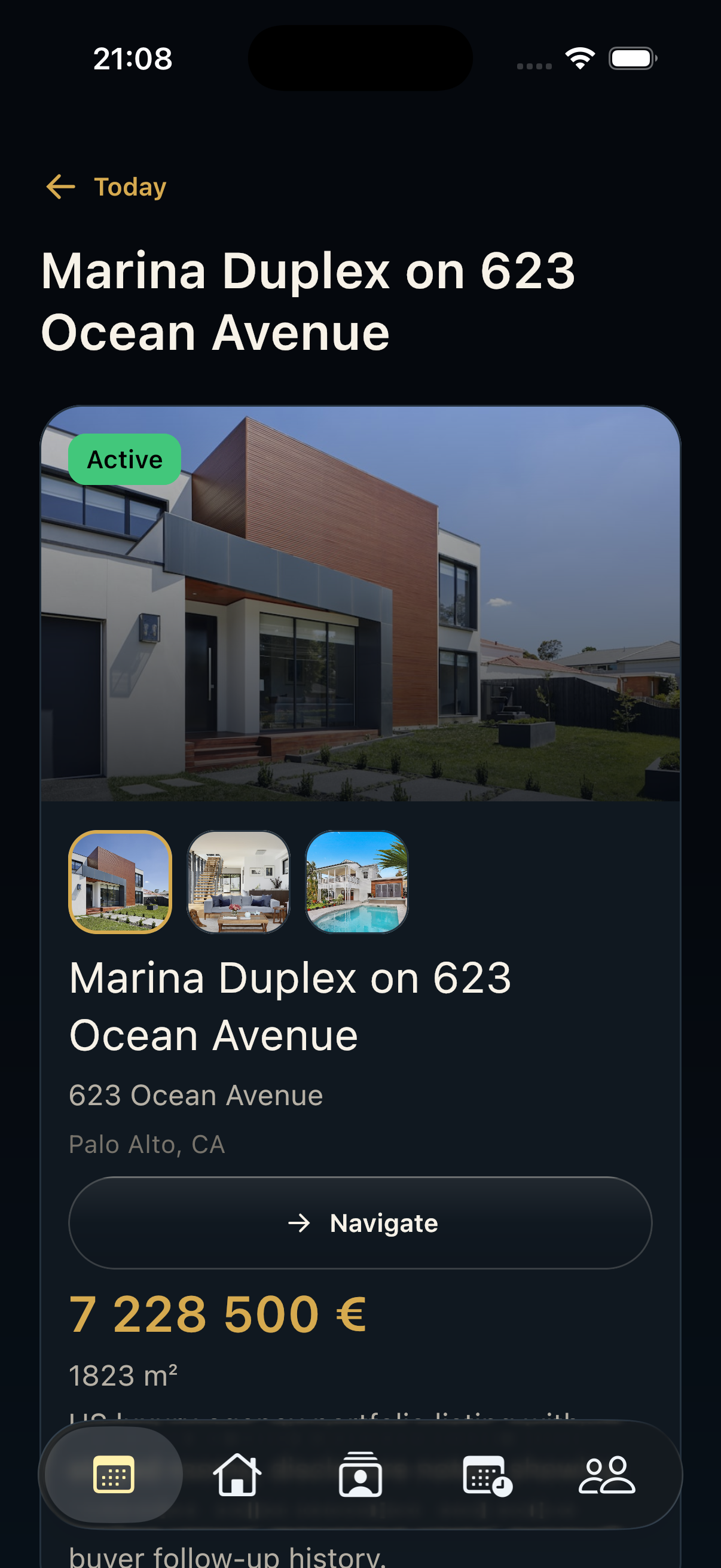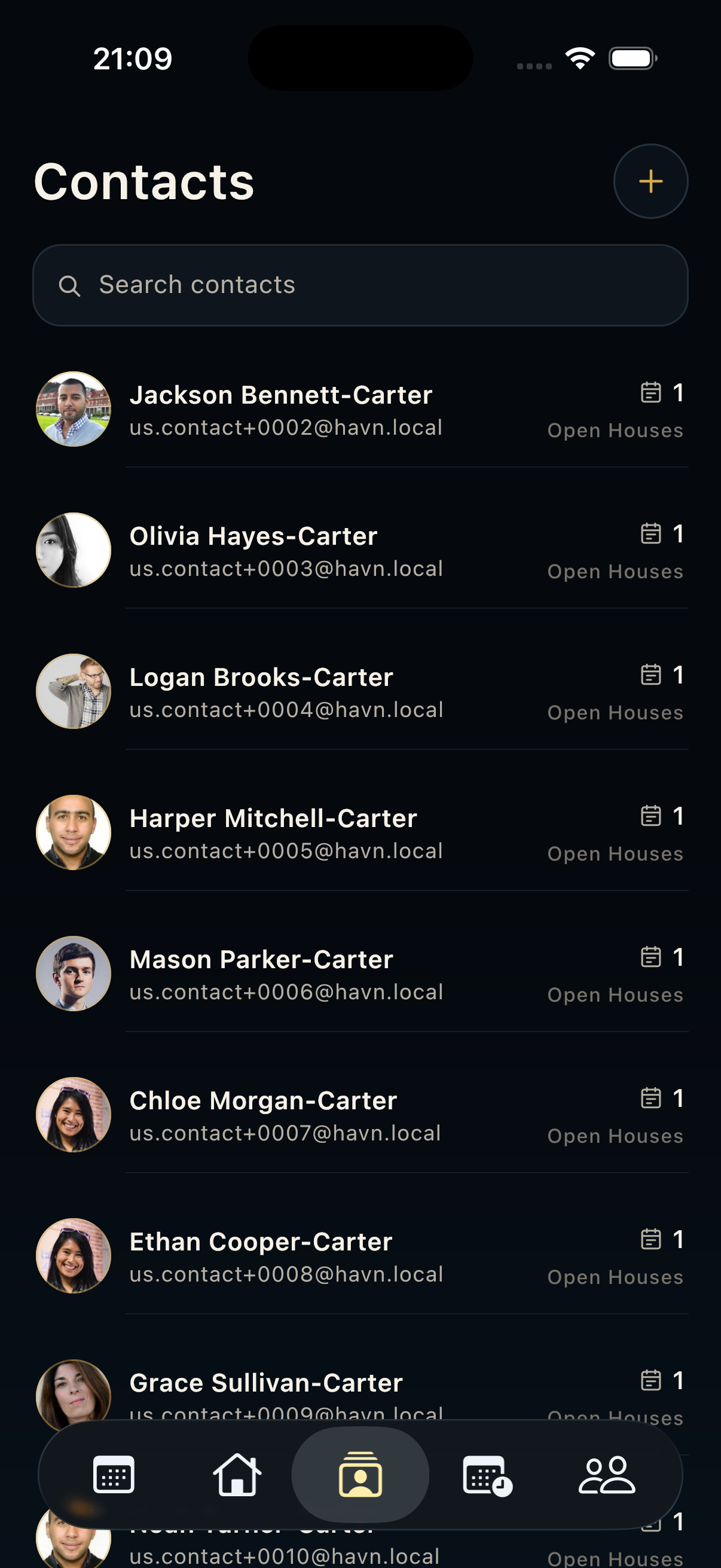
Steps
- Open Seller reports after contacts, leads, notes, and visitor counts are reviewed.
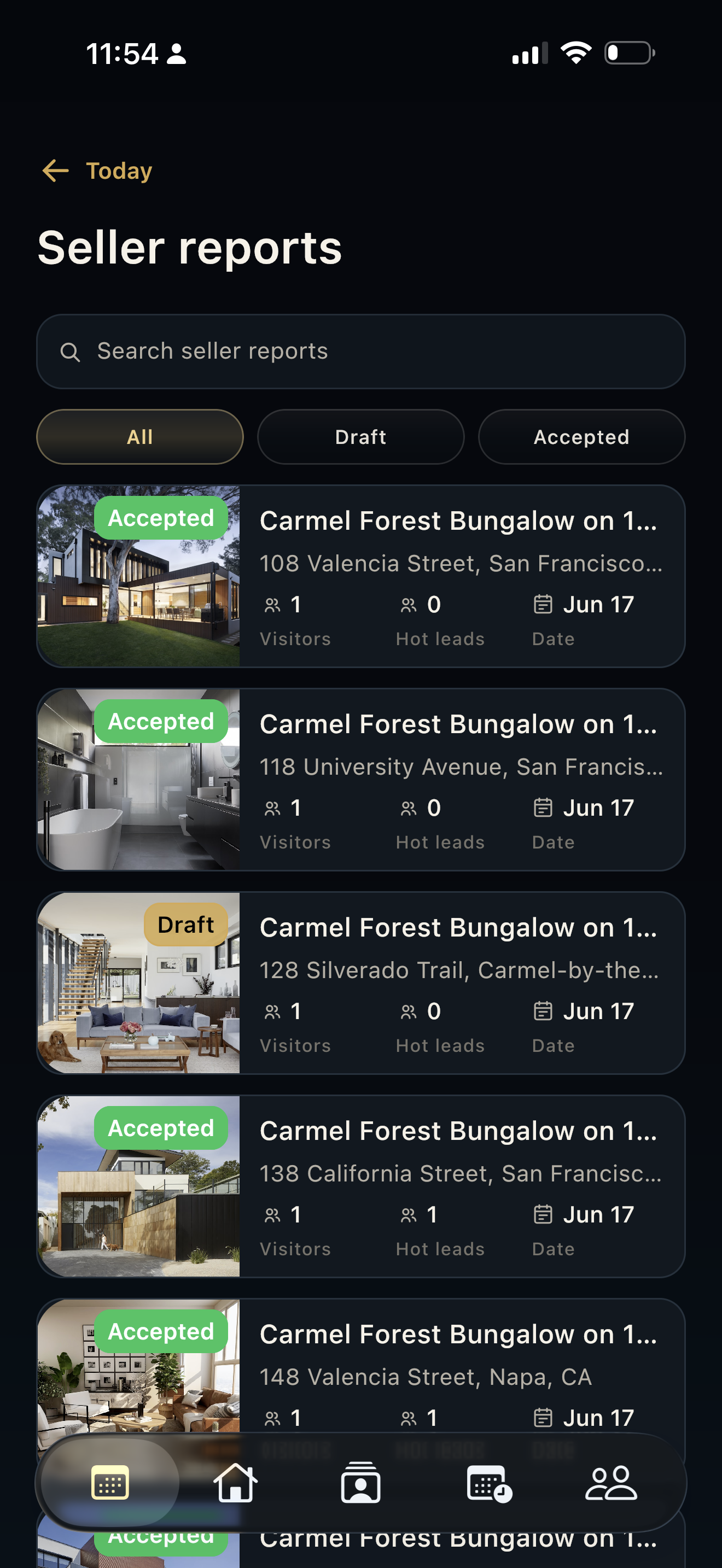
- Search reports by property or report context, then filter by All, Draft, or Accepted.
- Open the report connected to the right property and showing period.
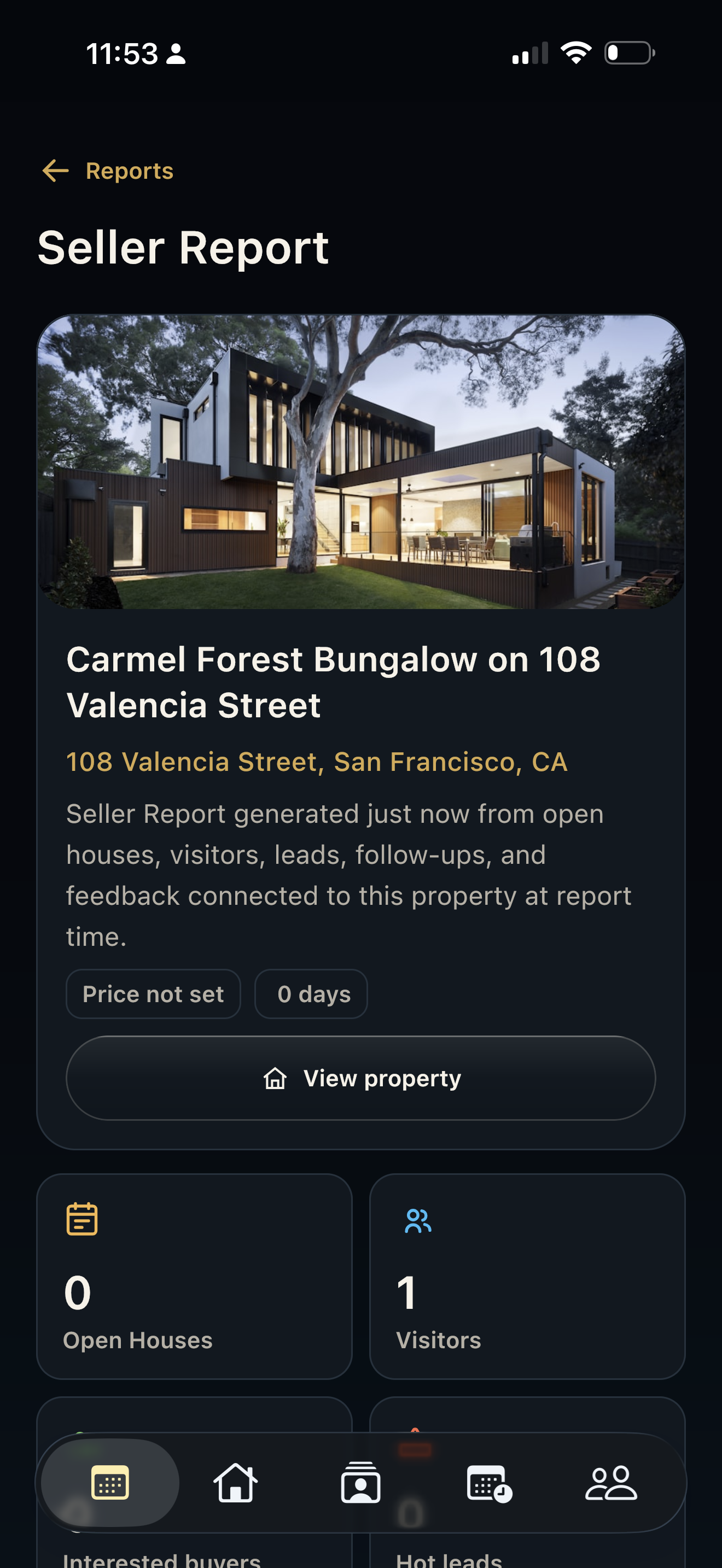
- Review status, thumbnail, visitors, hot leads, date, and property address before opening the detail page.
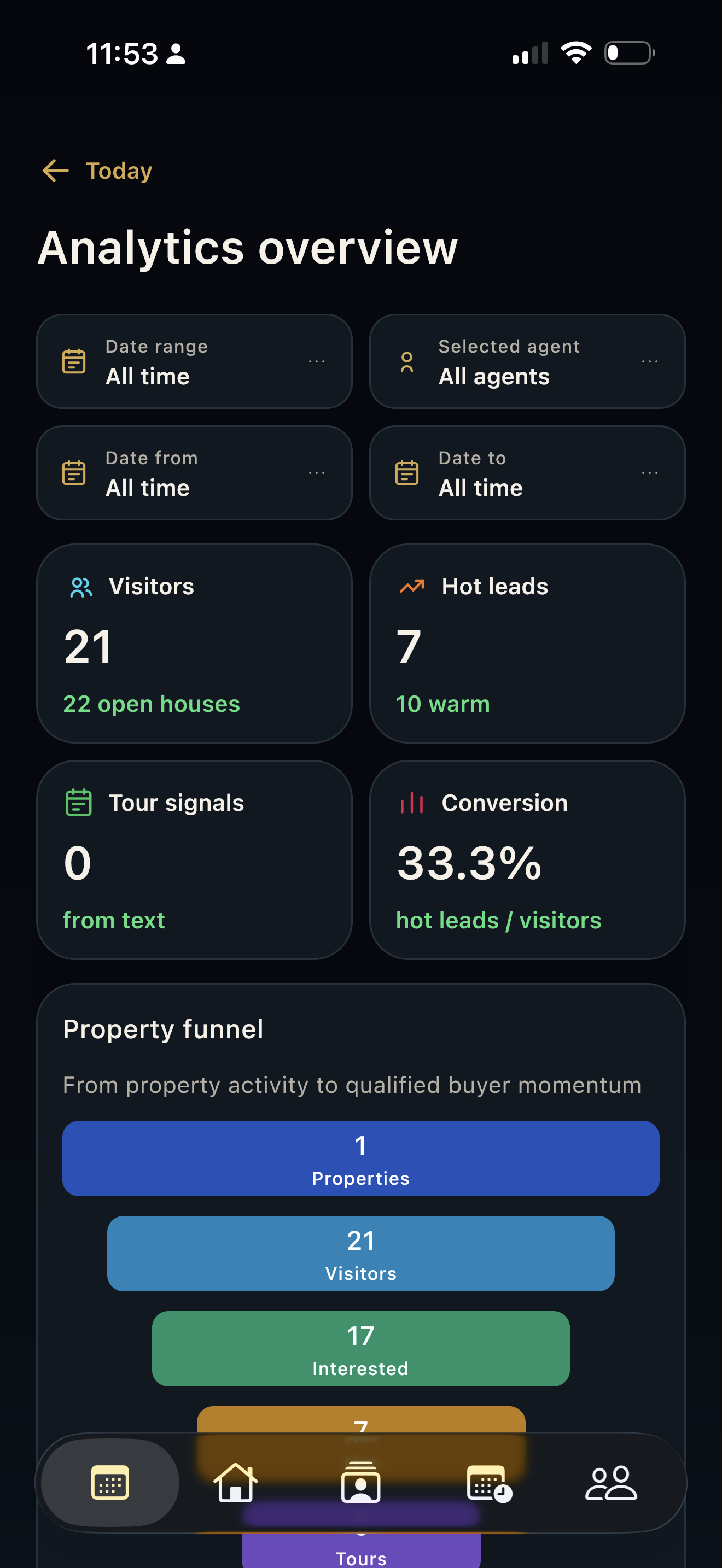
- Use the detail page to review generated narrative, metrics, funnel, timeline, recommendations, evidence, and share/export actions.
Good to know
- Treat AI-generated report text as a draft until an agent verifies it.
- Accepted reports are useful for checking what has already been approved.
- Use tablet or web for careful report review, but mobile is useful for a quick field check.