Mobile App

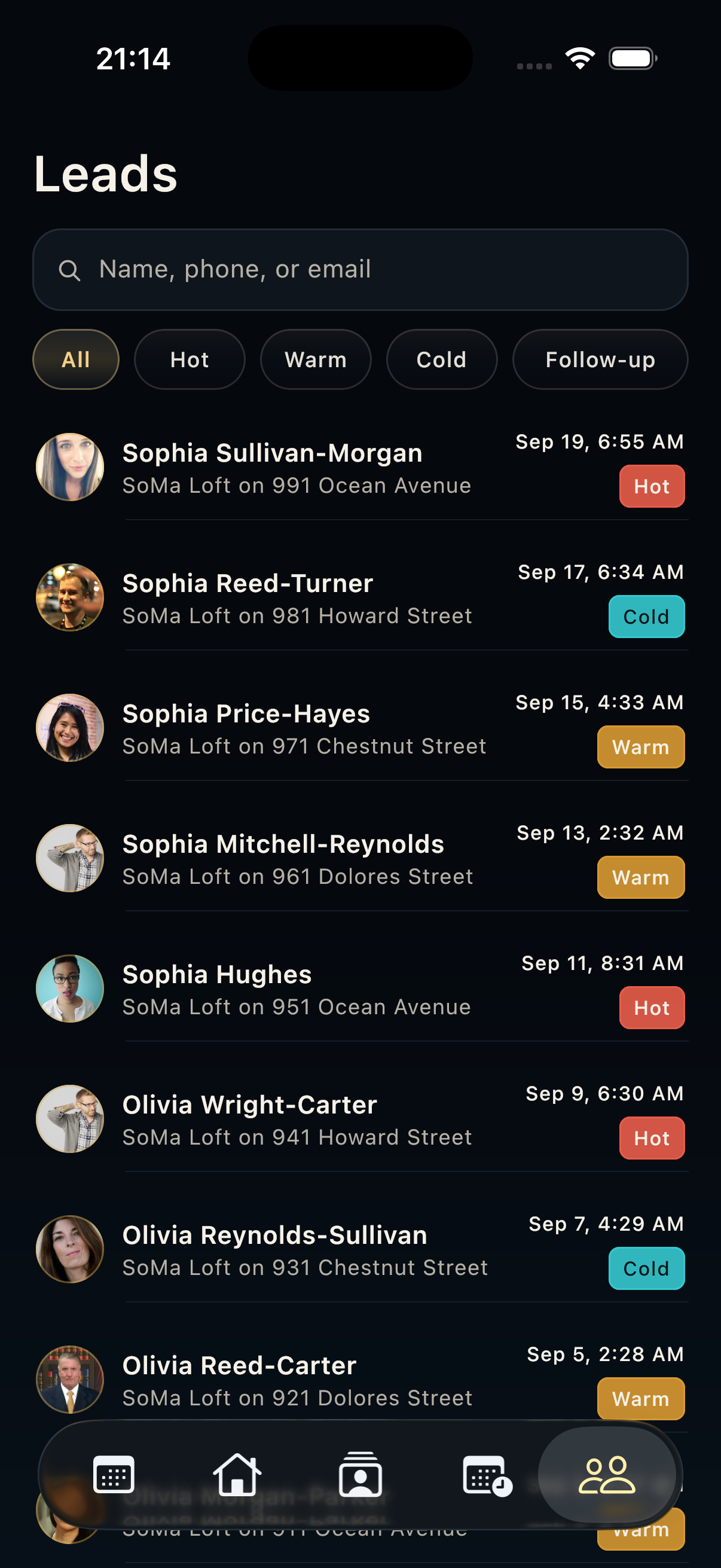
Prioritize leads after a showing

Sort visitor interest so the strongest prospects get the first follow-up.

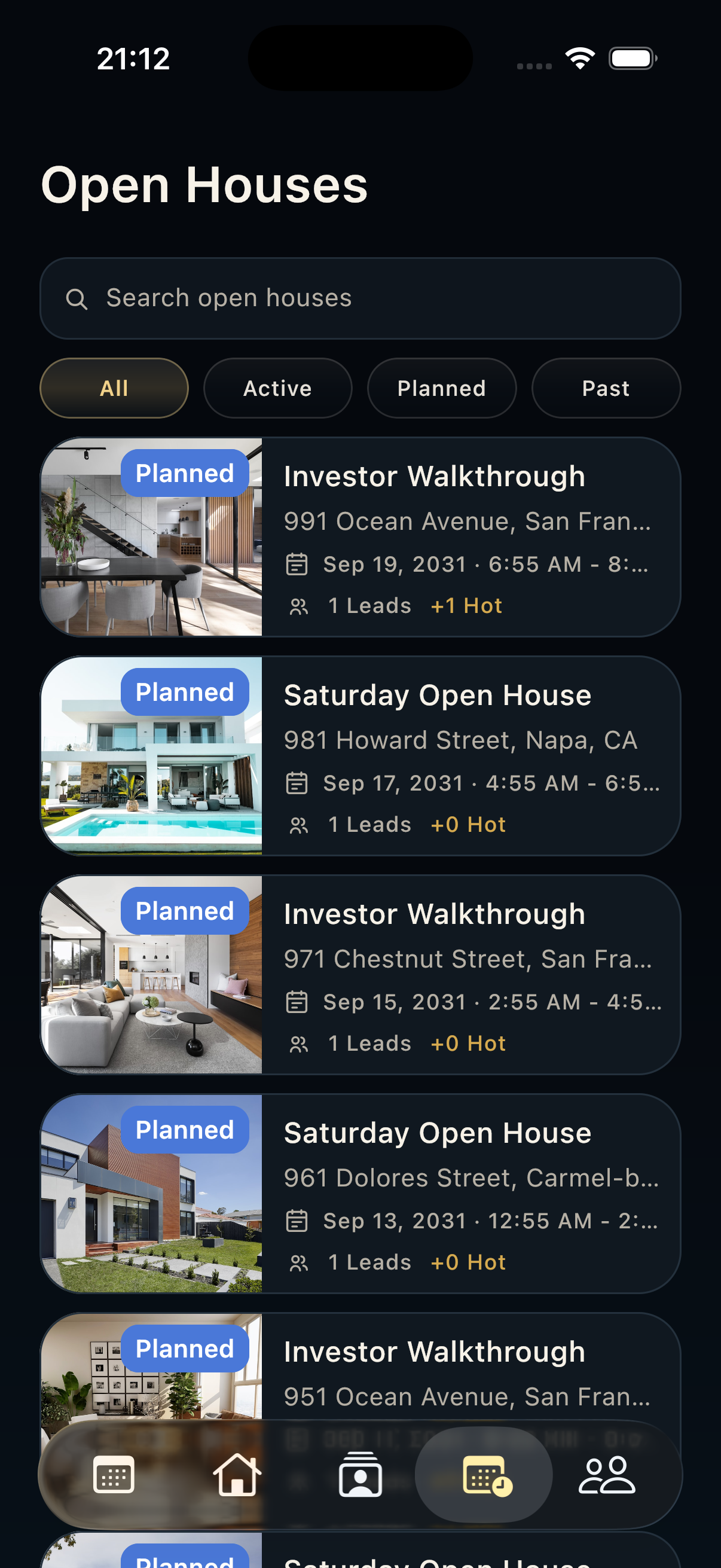
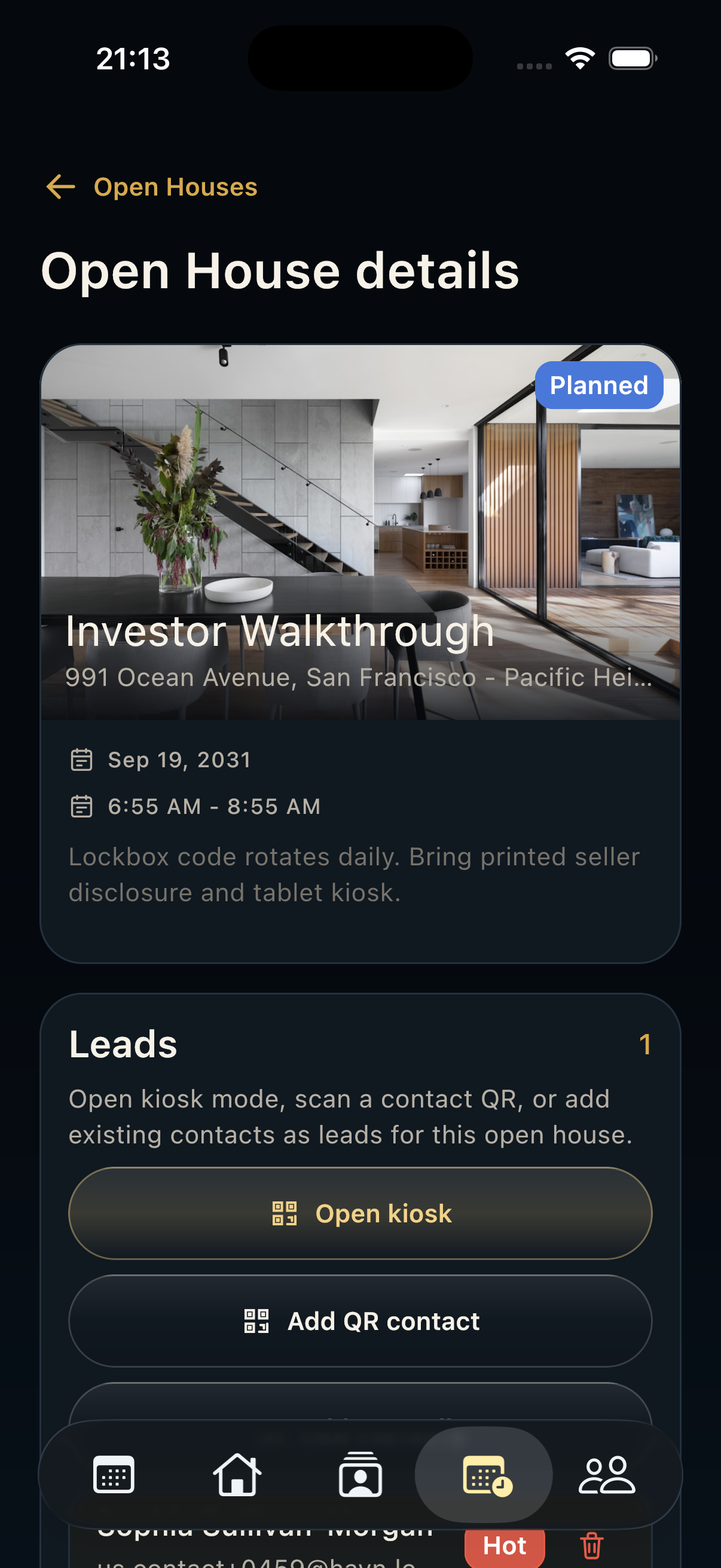
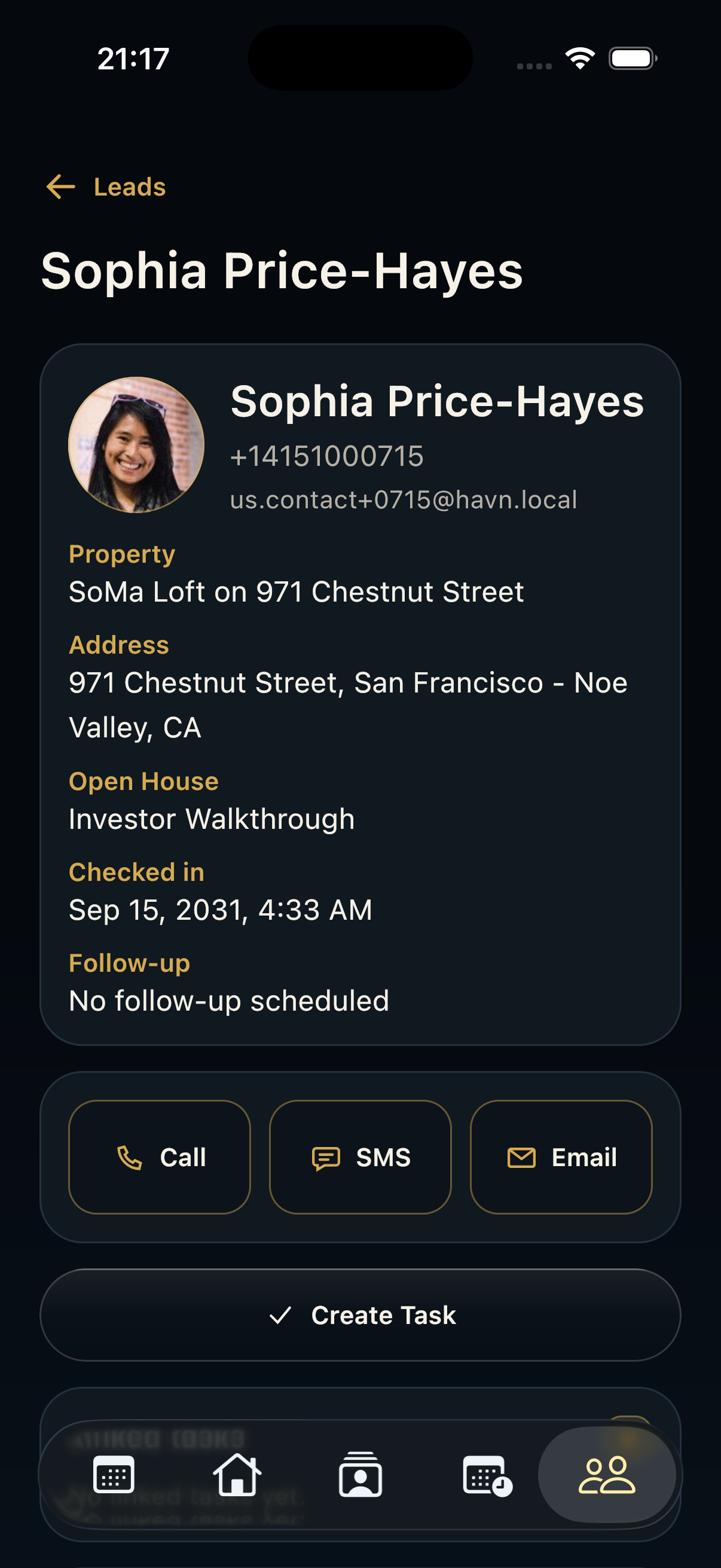
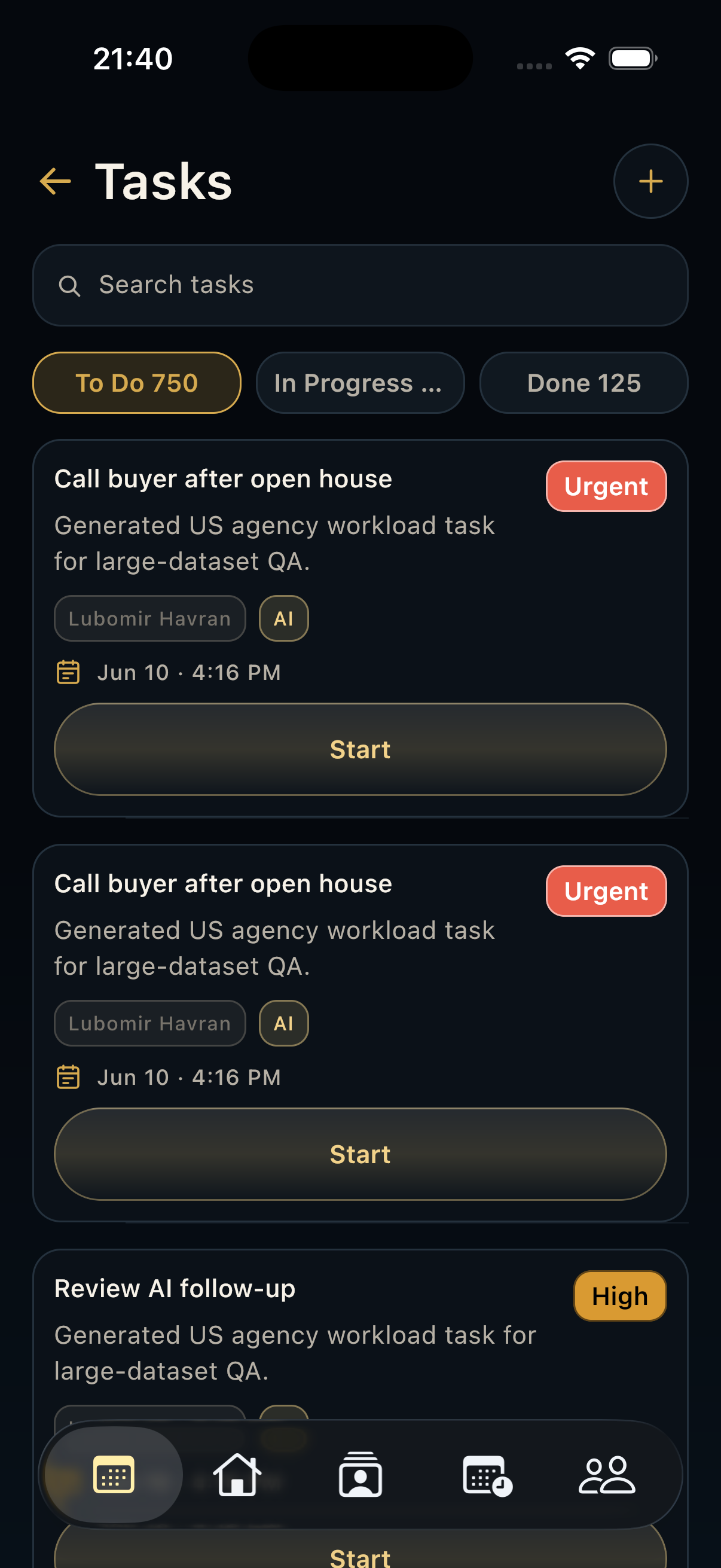
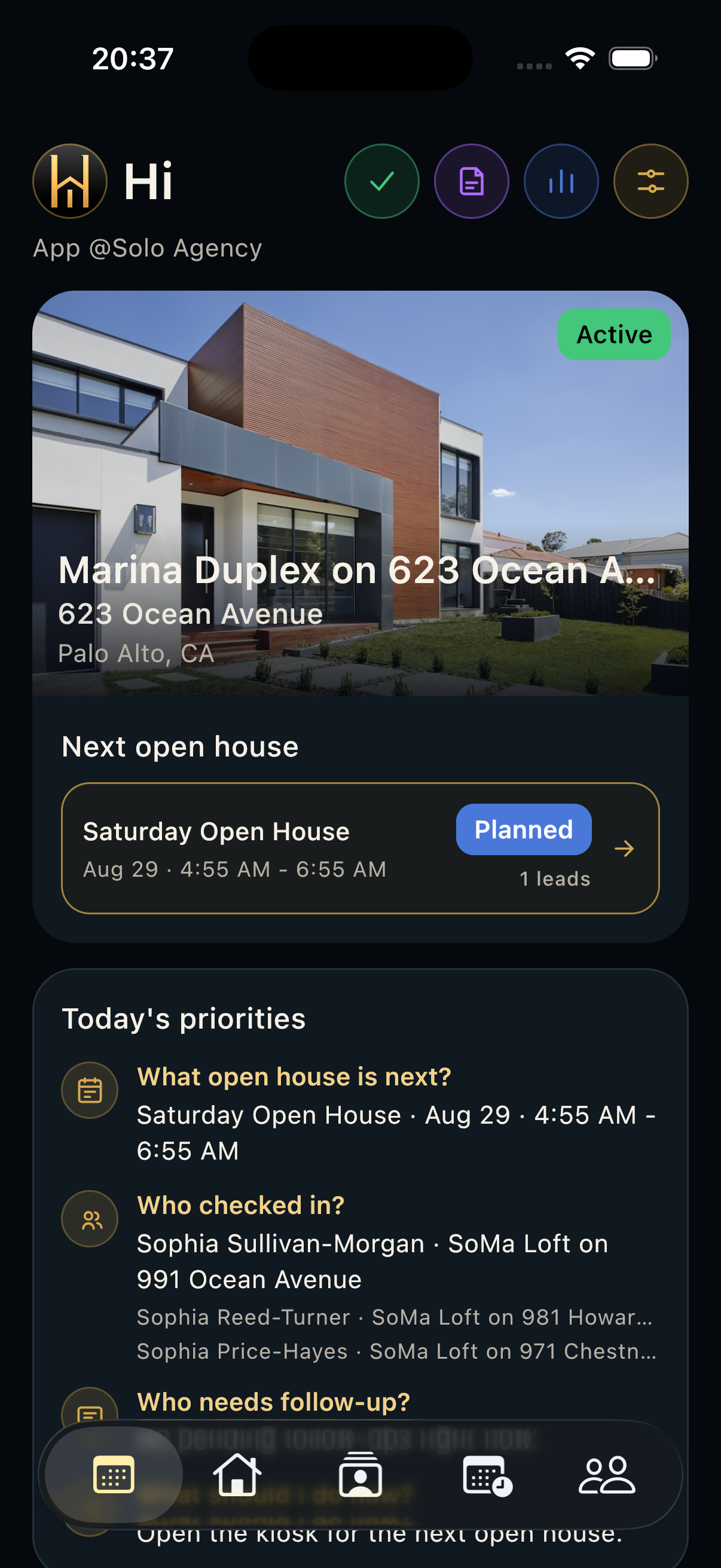
HAVN mobile simulator showing the Leads list with hot and warm lead priority labels.

Steps

  1. Open Leads after the showing and review interest, timing, financing, and follow-up need.
  2. Mark the strongest prospects as hot and keep possible buyers warm.
  3. Use follow-up status for people who need a next message, call, showing, document, or seller update.

Good to know

  • Short factual notes are easier for teammates to act on.
  • Review tags before preparing seller-facing summaries.
Support

Support

For account help, onboarding questions, data requests, or reporting issues, contact HAVN support. Include your workspace, device type, app version, and a short description of what happened.

[email protected]