Mobile App

Run an open house from your phone

Use the phone workflow before, during, and after guests arrive.

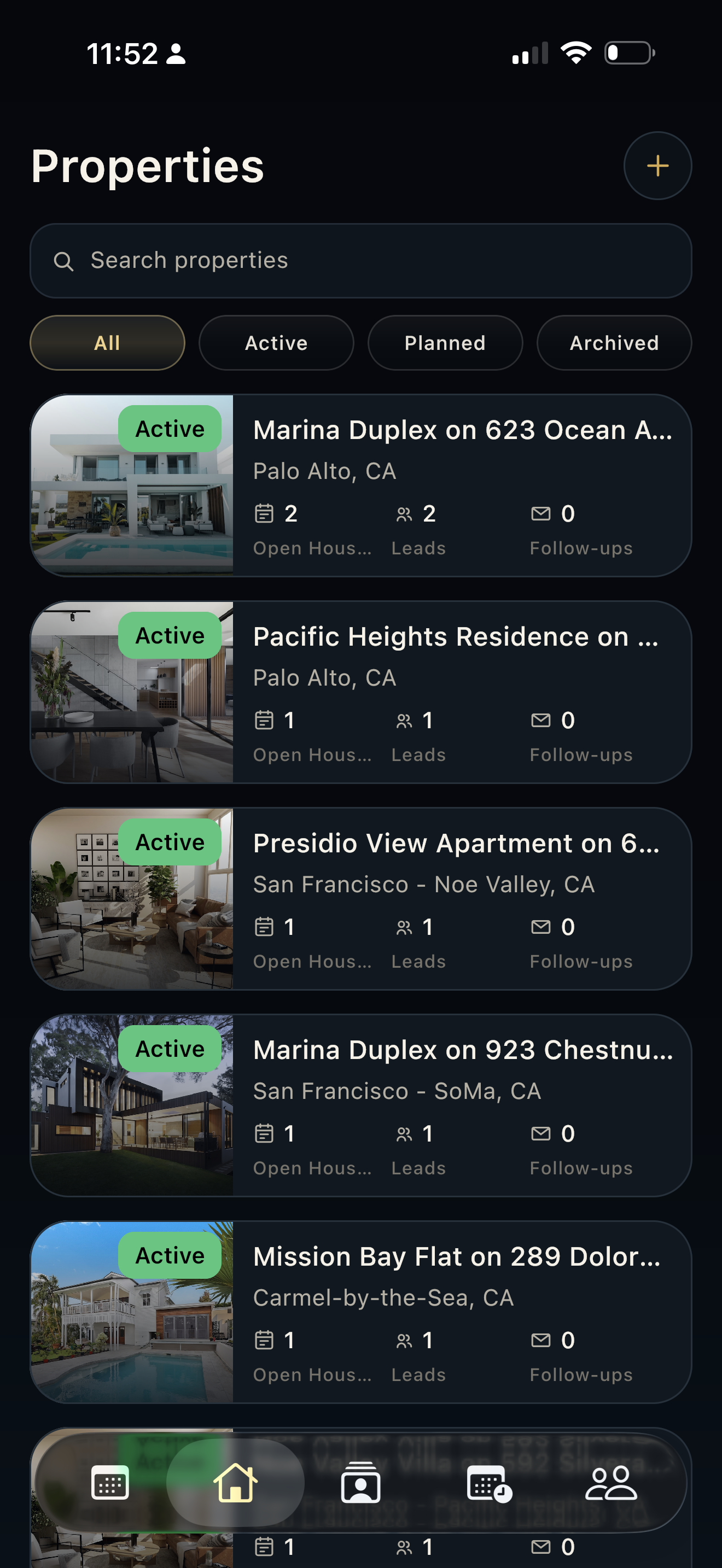
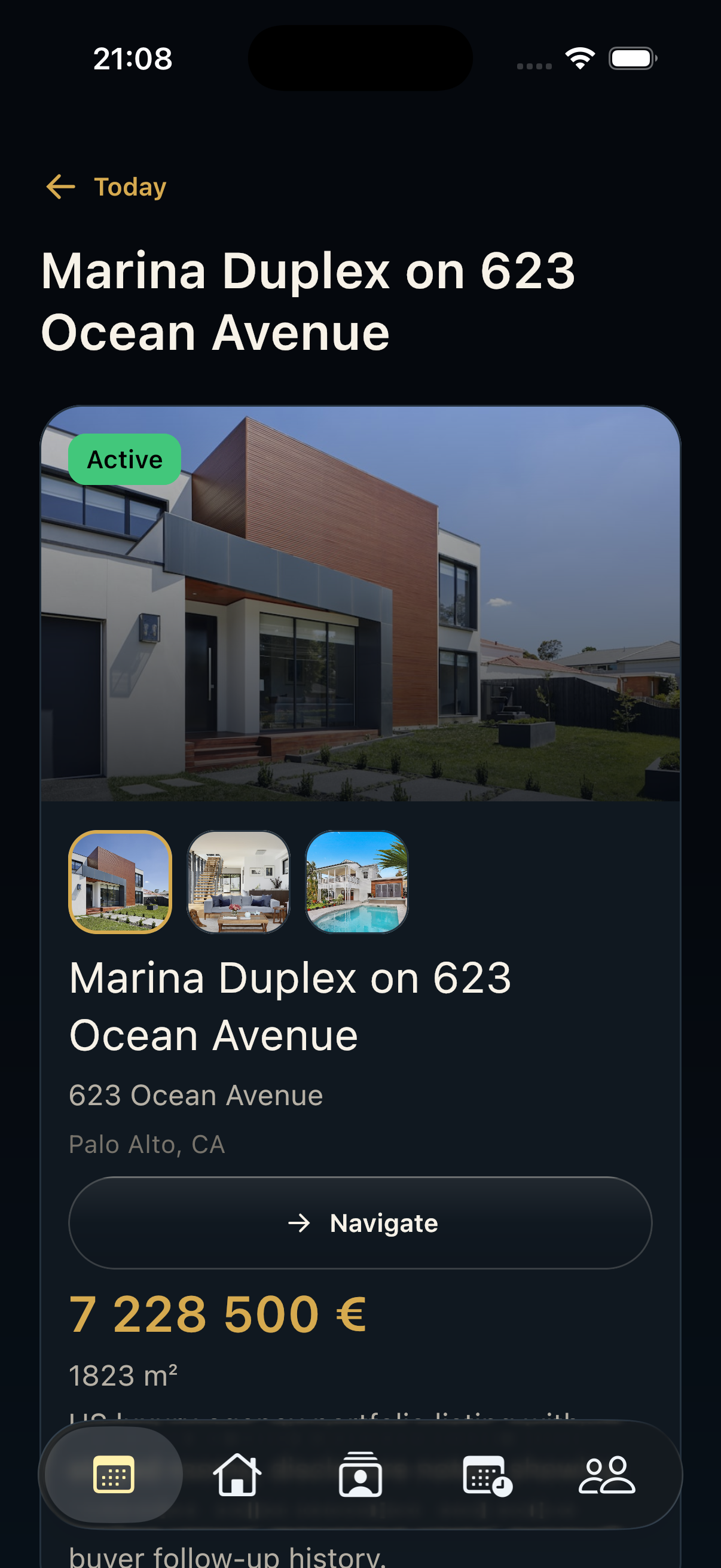
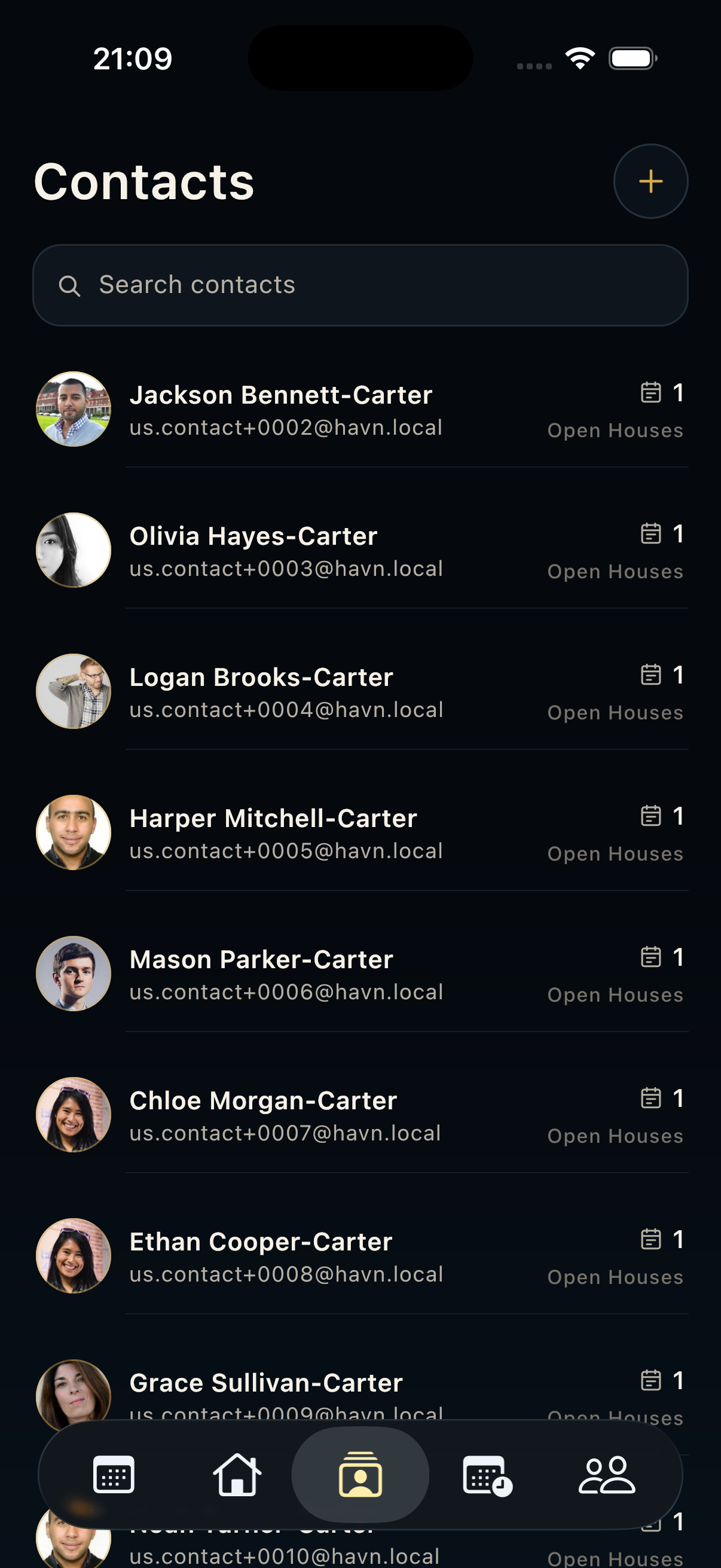
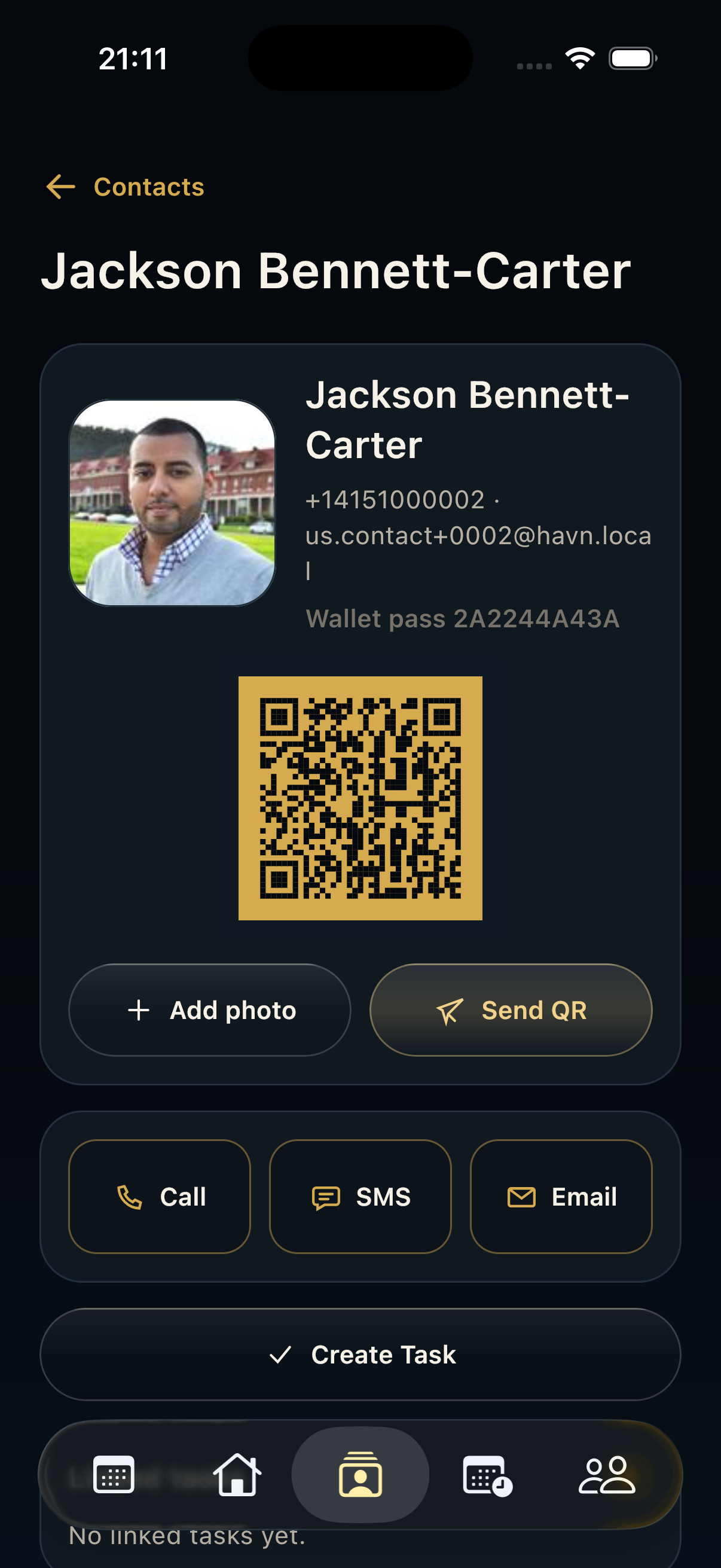
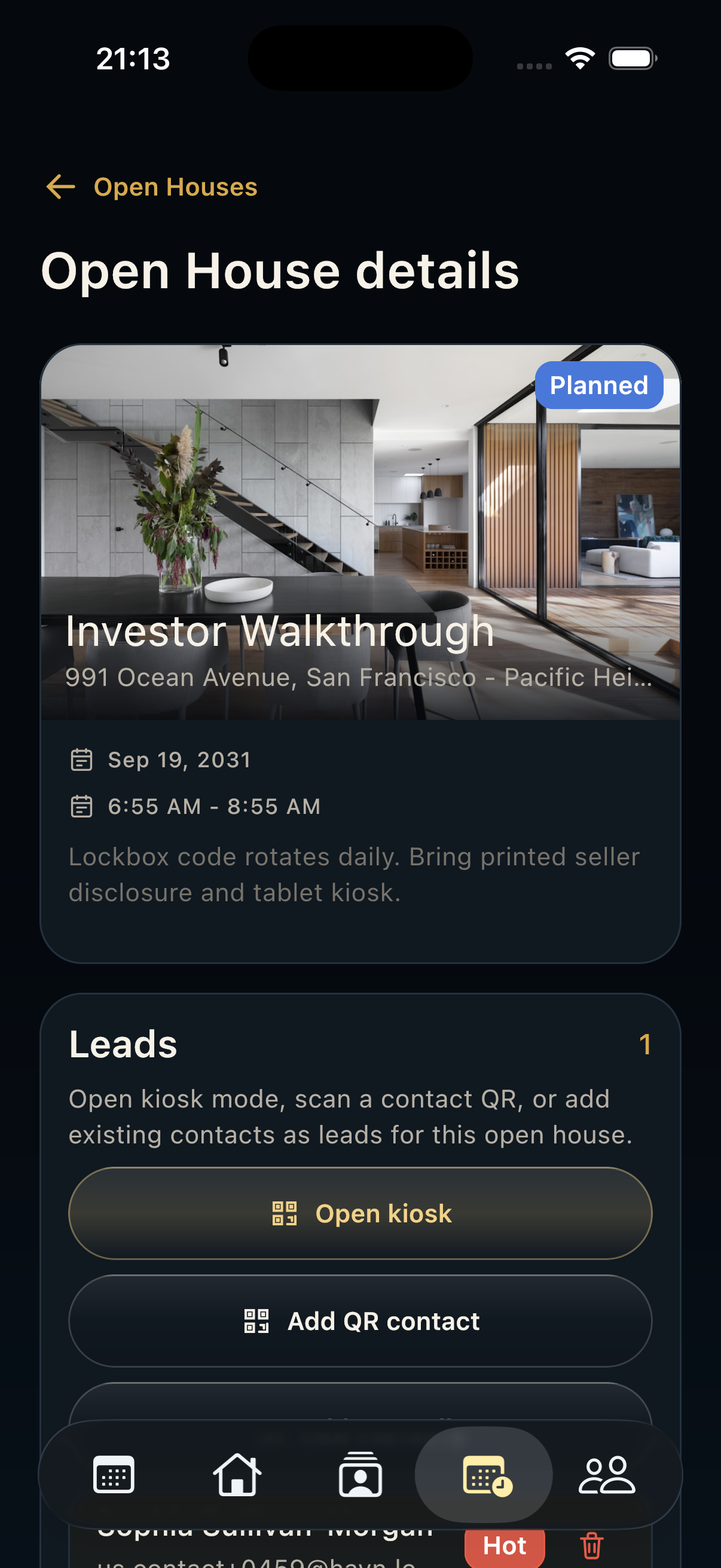
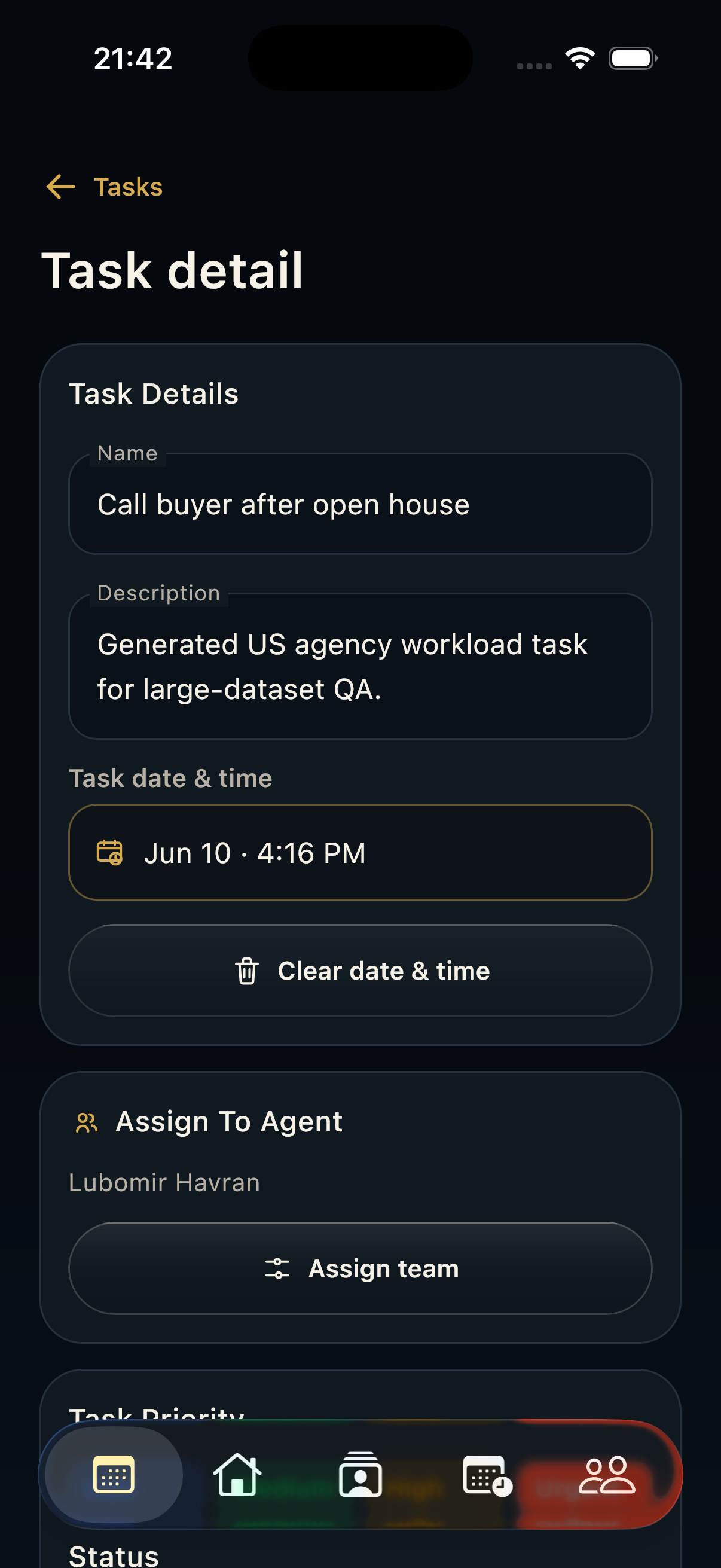
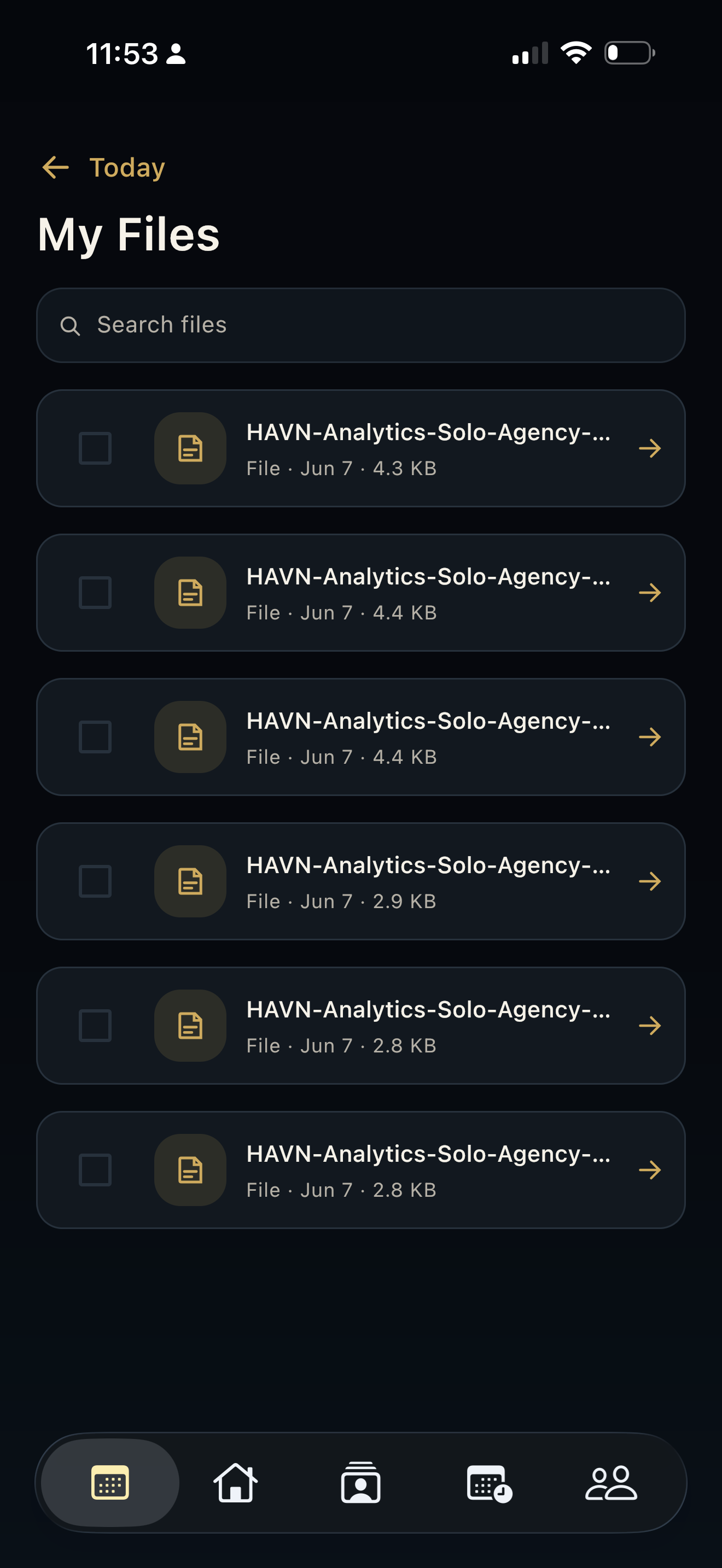
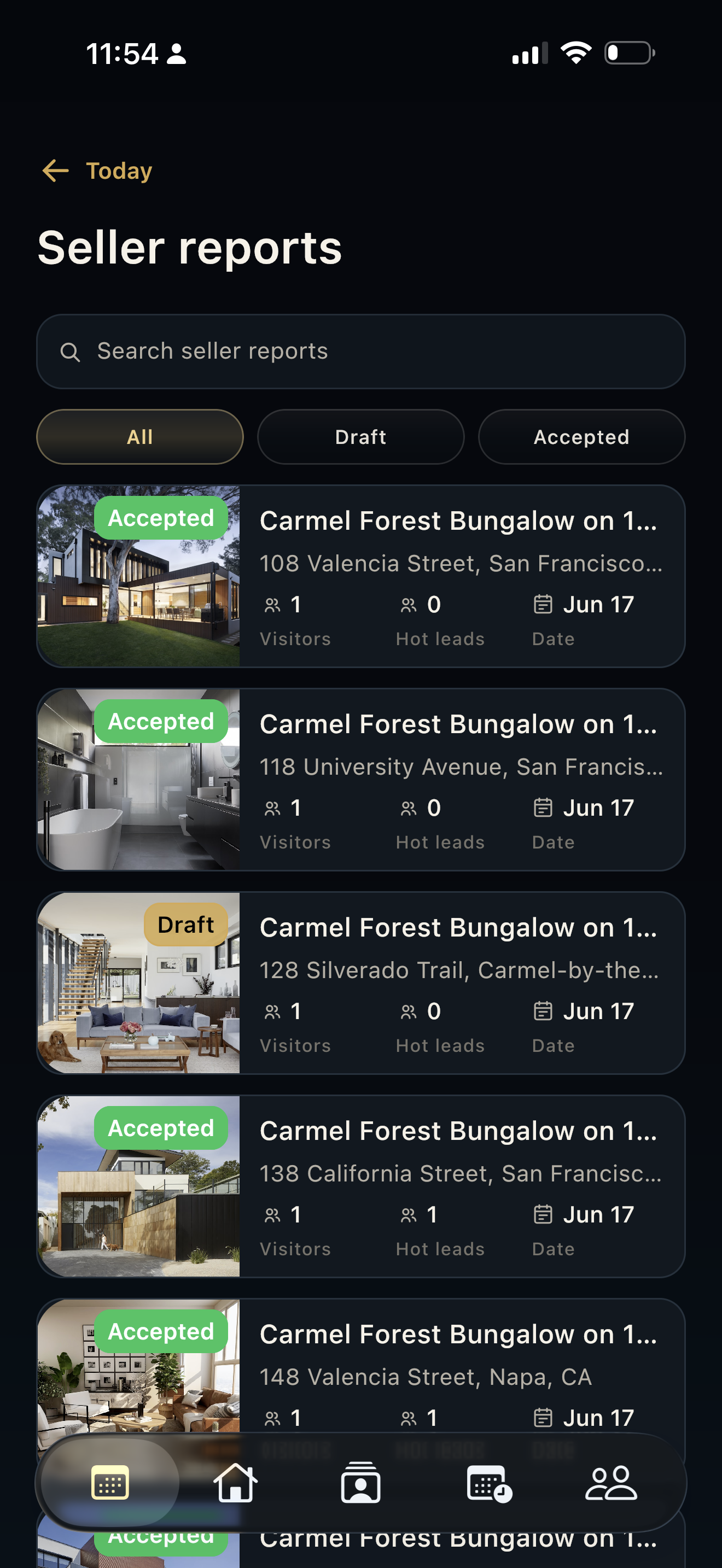
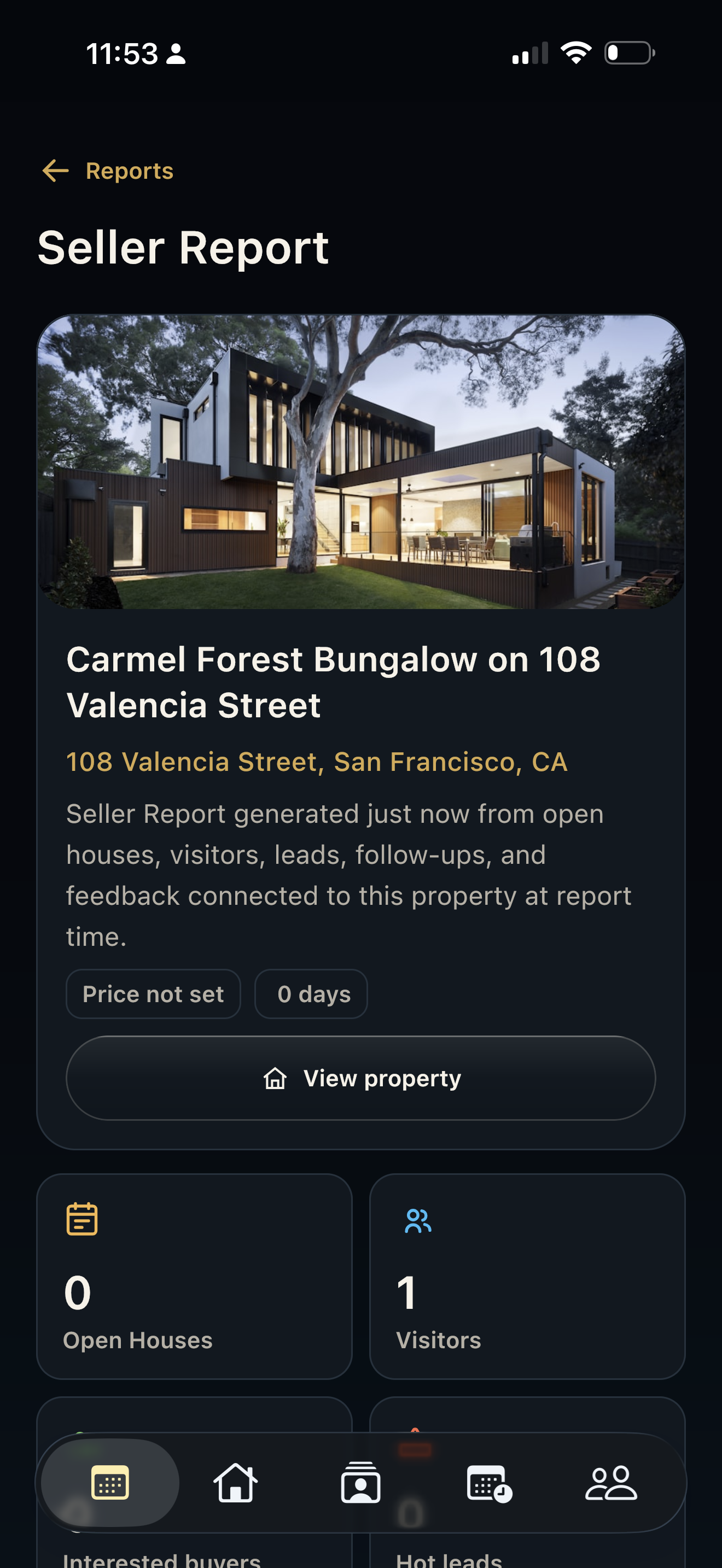
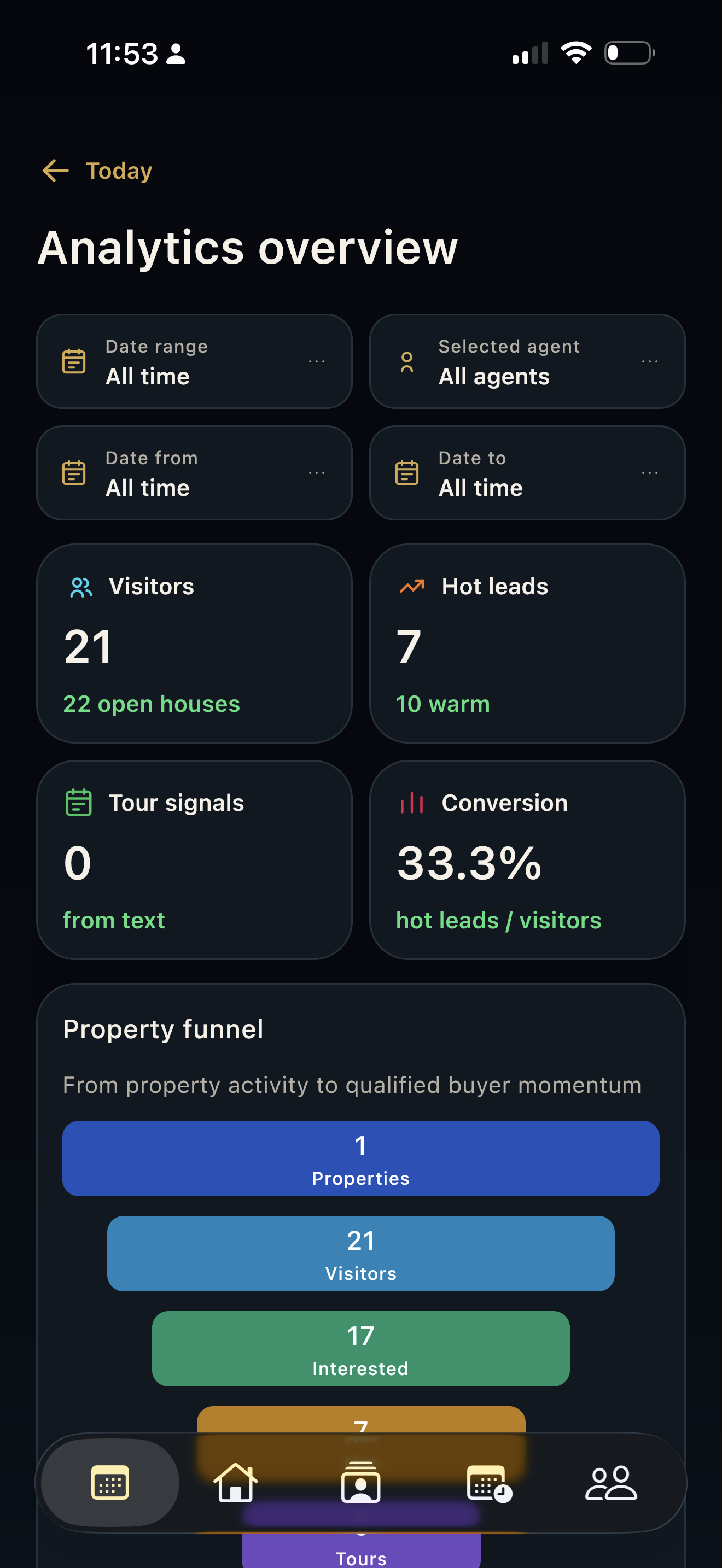
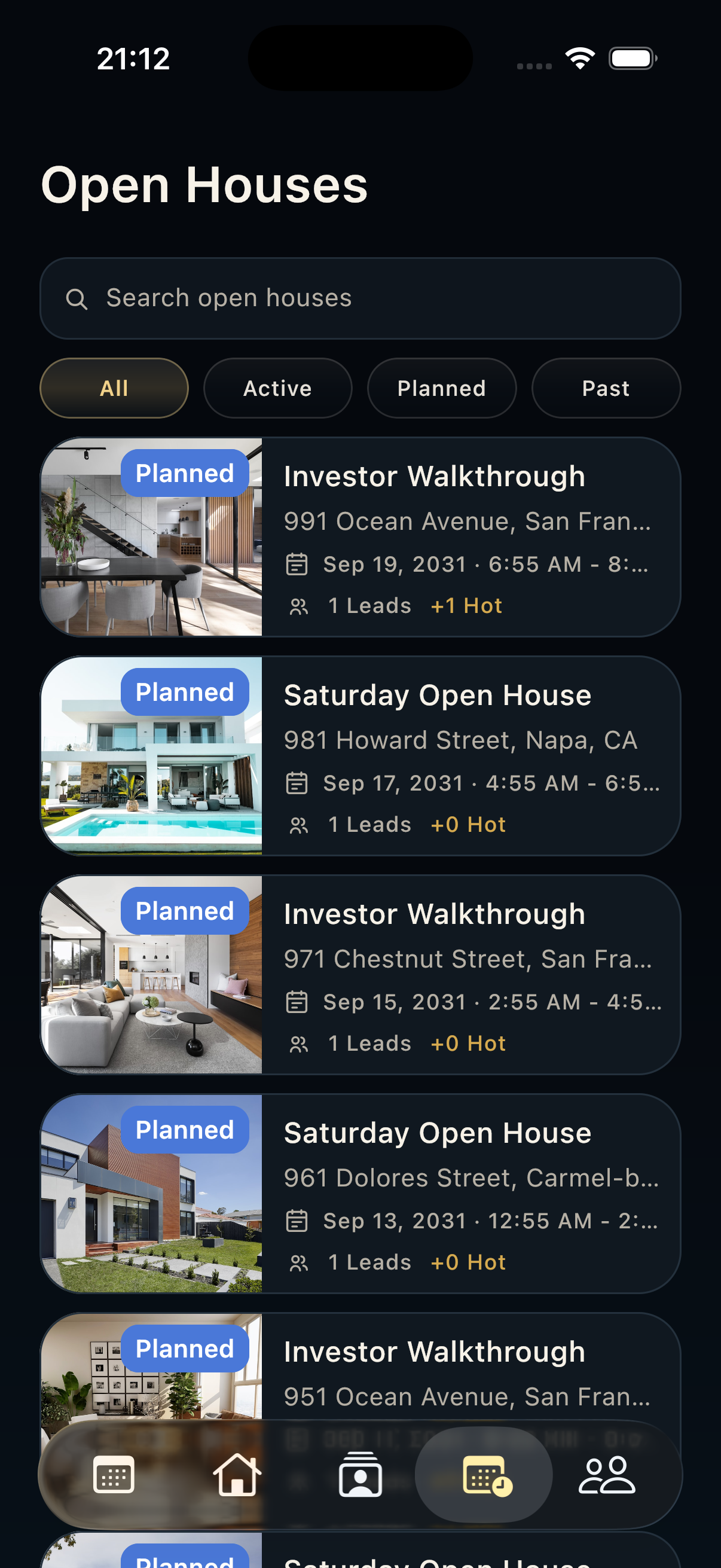
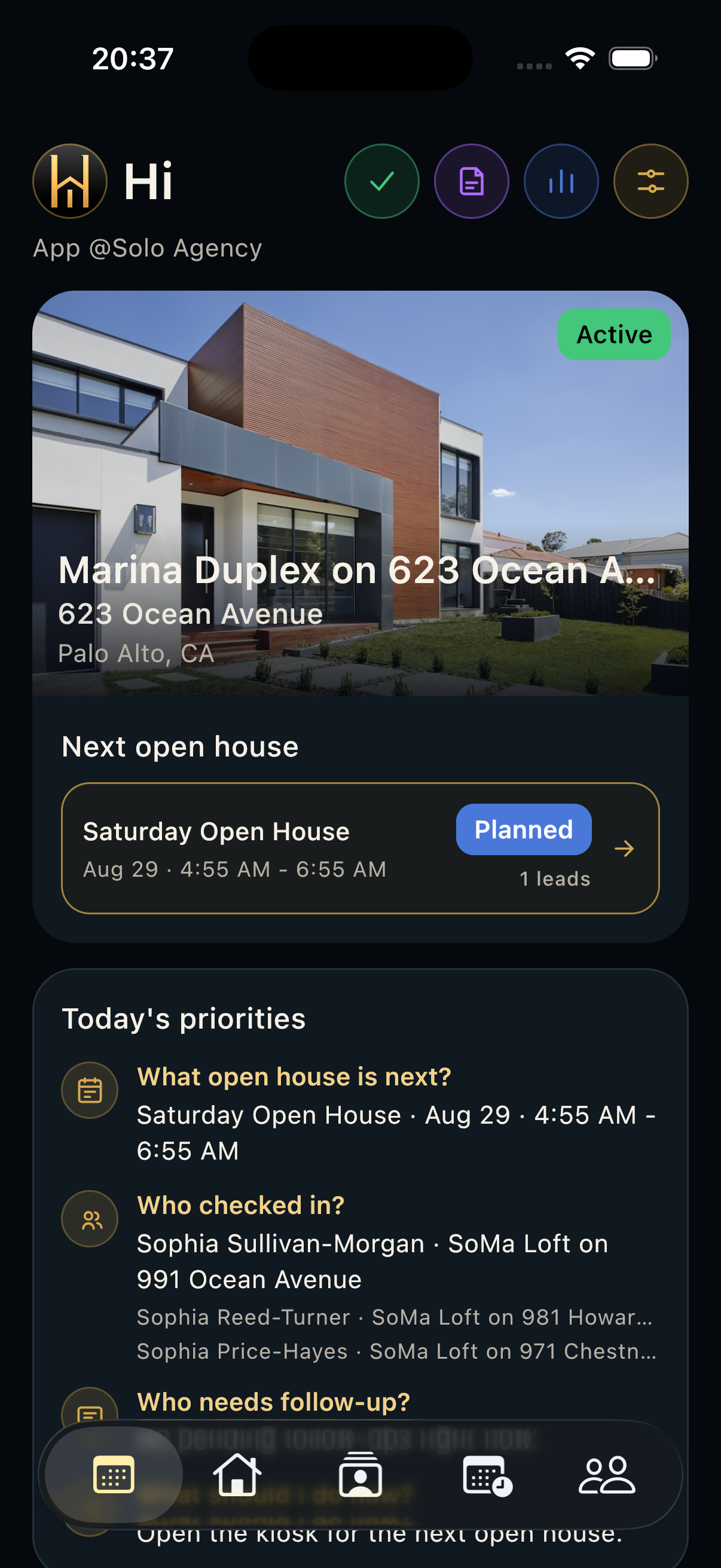
HAVN mobile simulator showing the active property, next open house card, and Open Houses tab selected.

Steps

  1. Open Today and confirm the correct property and opening time.
  2. Open the active opening and show the QR sign-in or add a visitor manually.
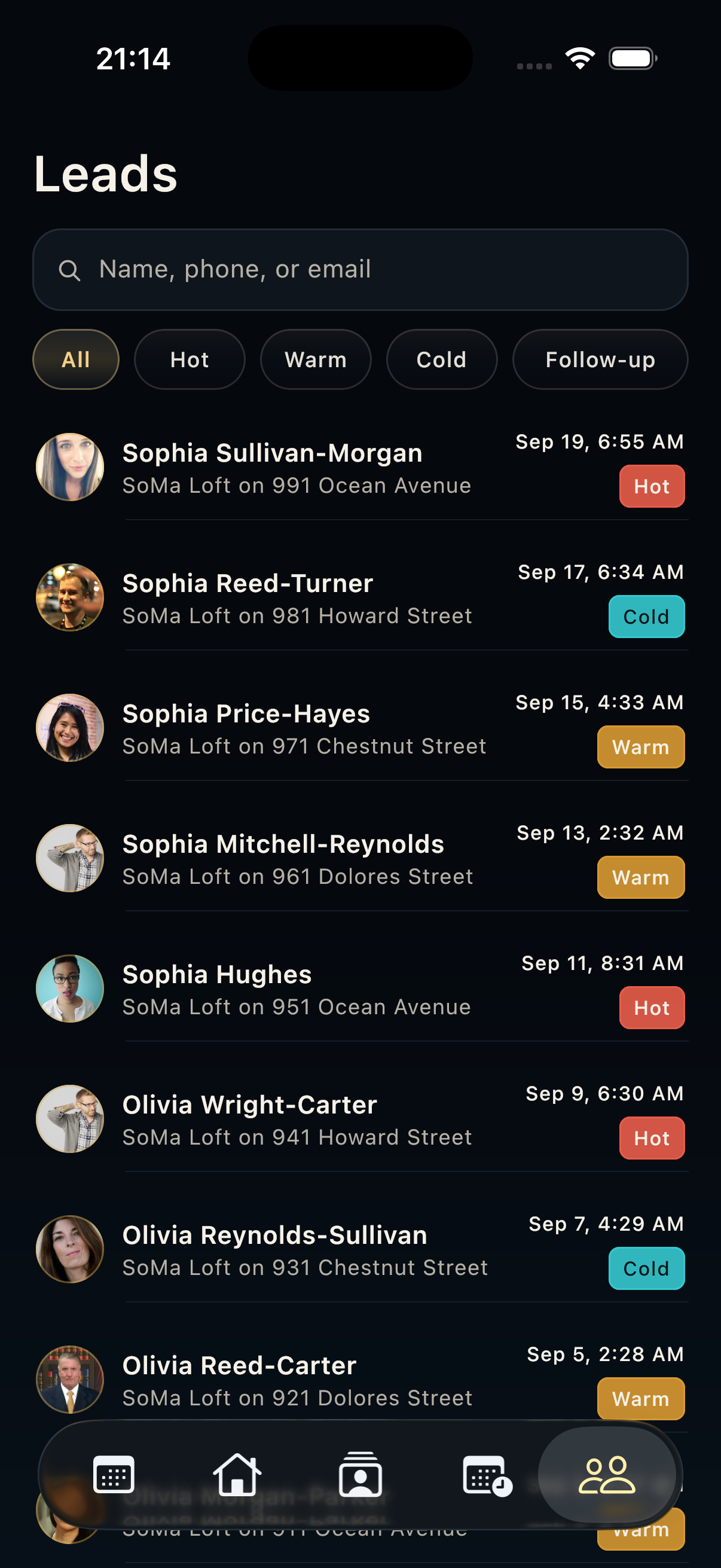
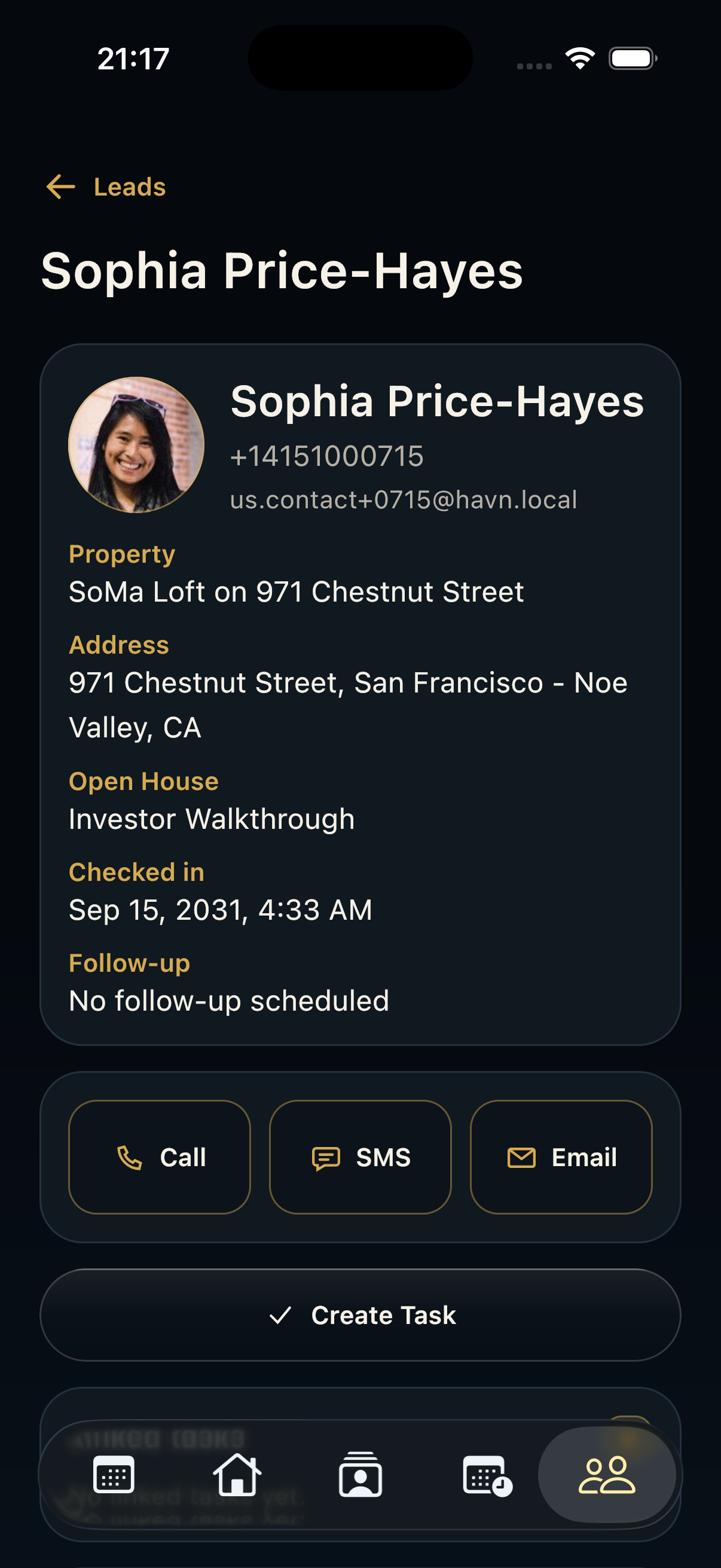
  3. Add short notes after each conversation and confirm the contact is attached to the right property.

Good to know

  • Keep the phone charged before visitors arrive.
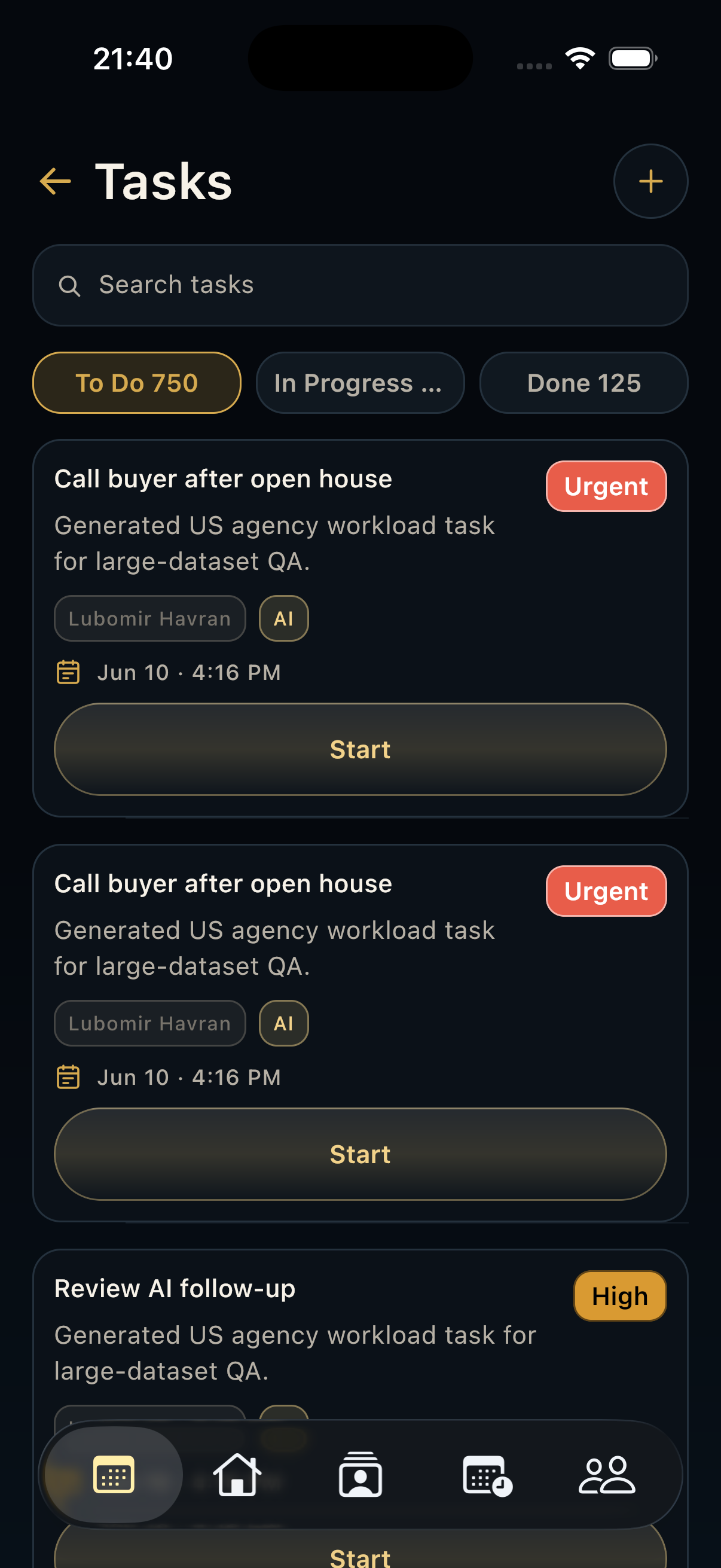
  • Return to Today between showings to catch priority tasks.
Support

Support

For account help, onboarding questions, data requests, or reporting issues, contact HAVN support. Include your workspace, device type, app version, and a short description of what happened.

[email protected]