Steps
- Open Analytics when reviewing property, agent, or workspace performance.
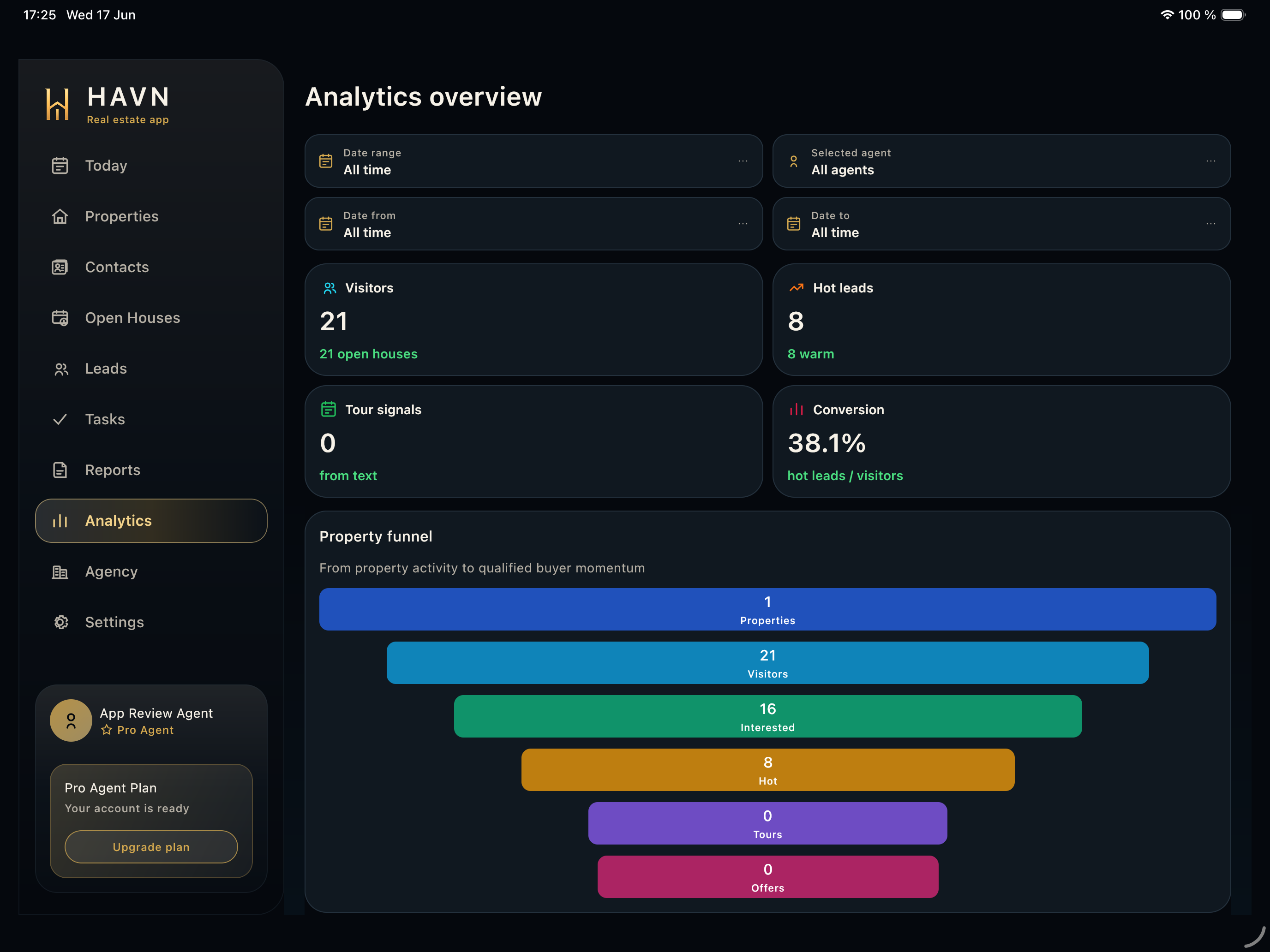
- Set Date range, Selected agent, Date from, and Date to before comparing results.
- Review Visitors, Hot leads, Tour signals, and Conversion for the current performance picture.
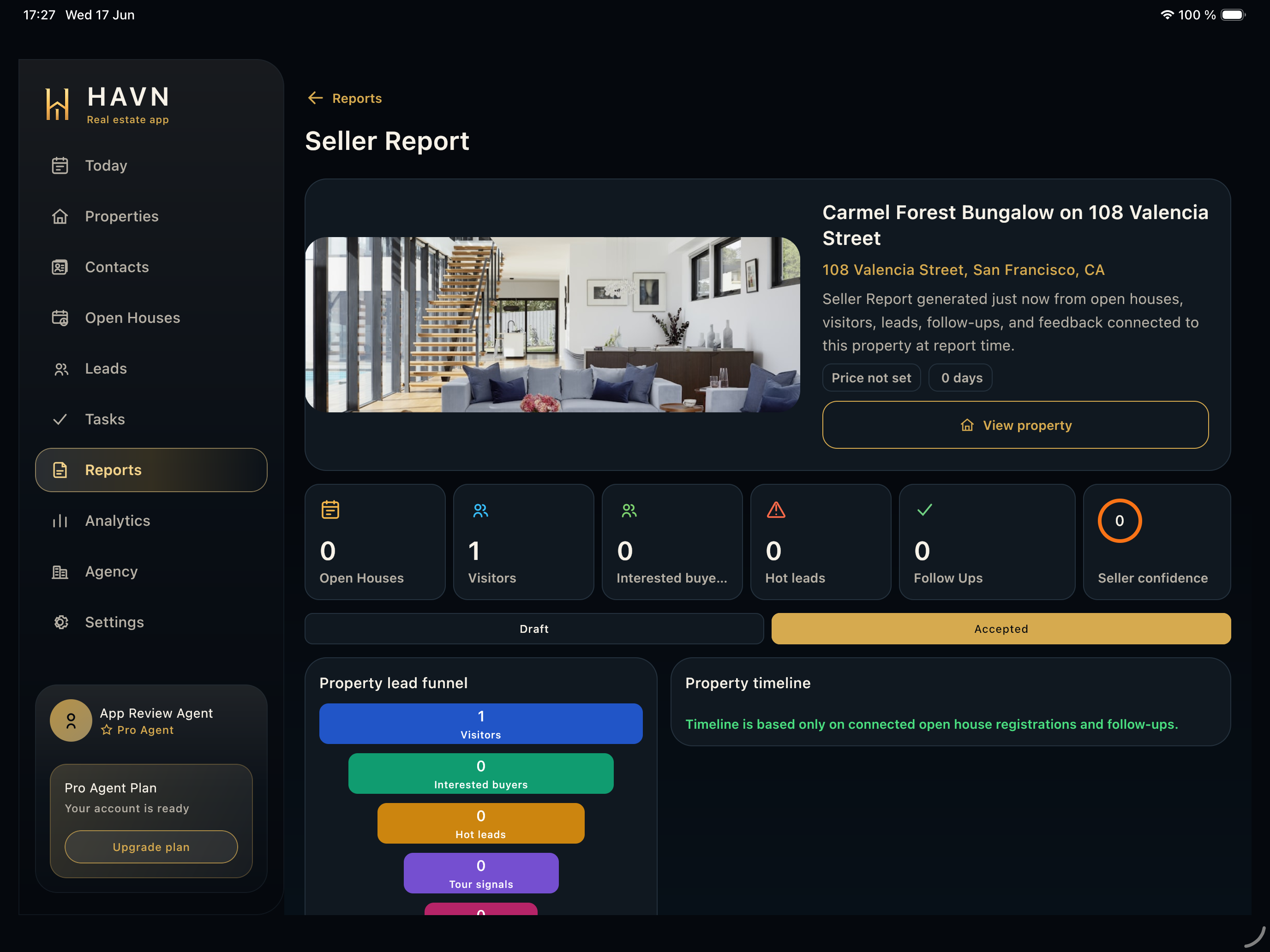
- Use the Property funnel to see how activity moves from properties to visitors, interested buyers, hot leads, and tours.
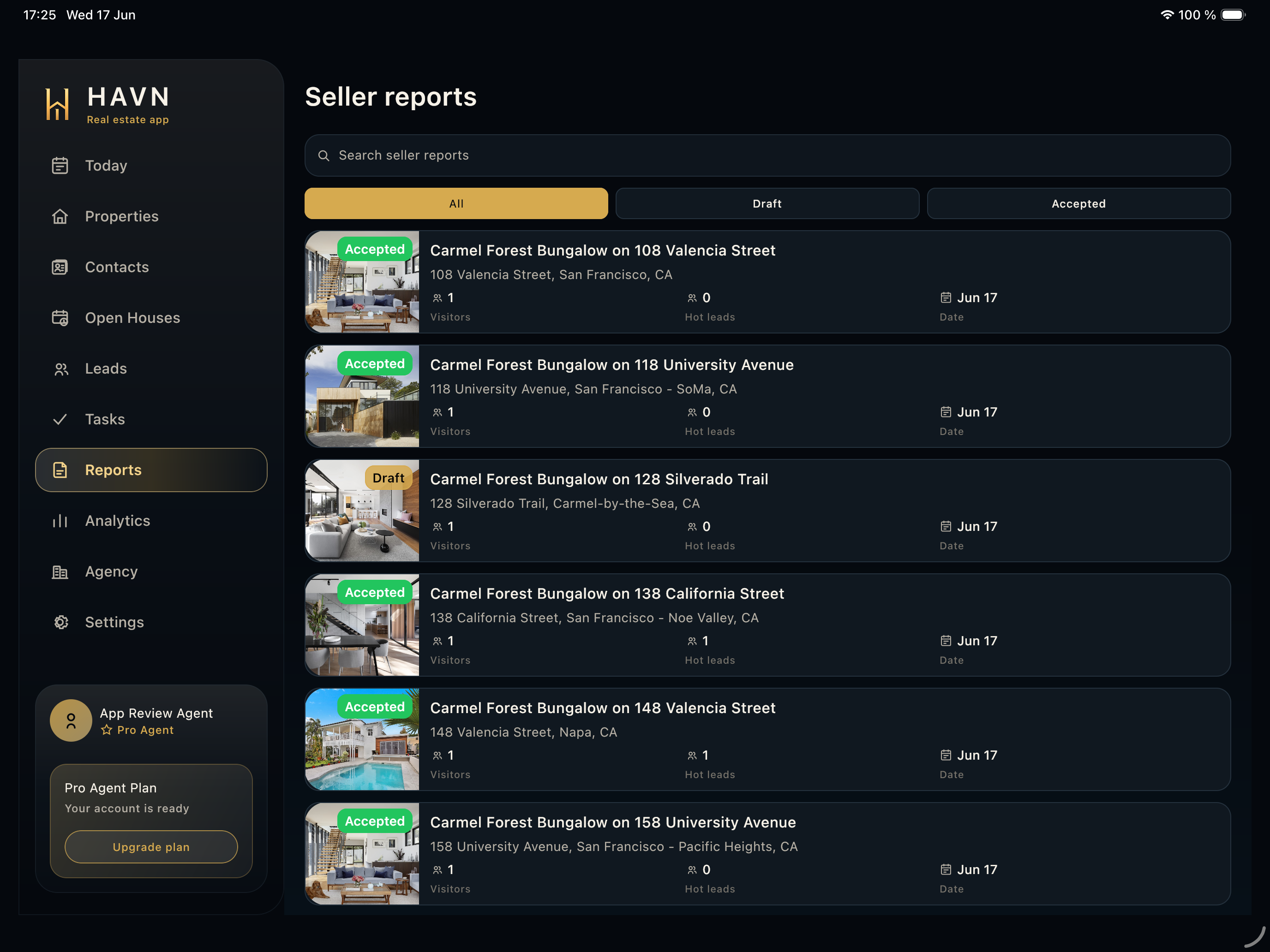
- Use property performance, agent performance, recent trends, and AI insight sections as internal review before seller-facing reporting.
Good to know
- Check filters before quoting any number.
- Analytics works best after properties, contacts, leads, tasks, and reports have synced.
- Use analytics for internal decisions; use Seller reports for seller-facing summaries.