Steps
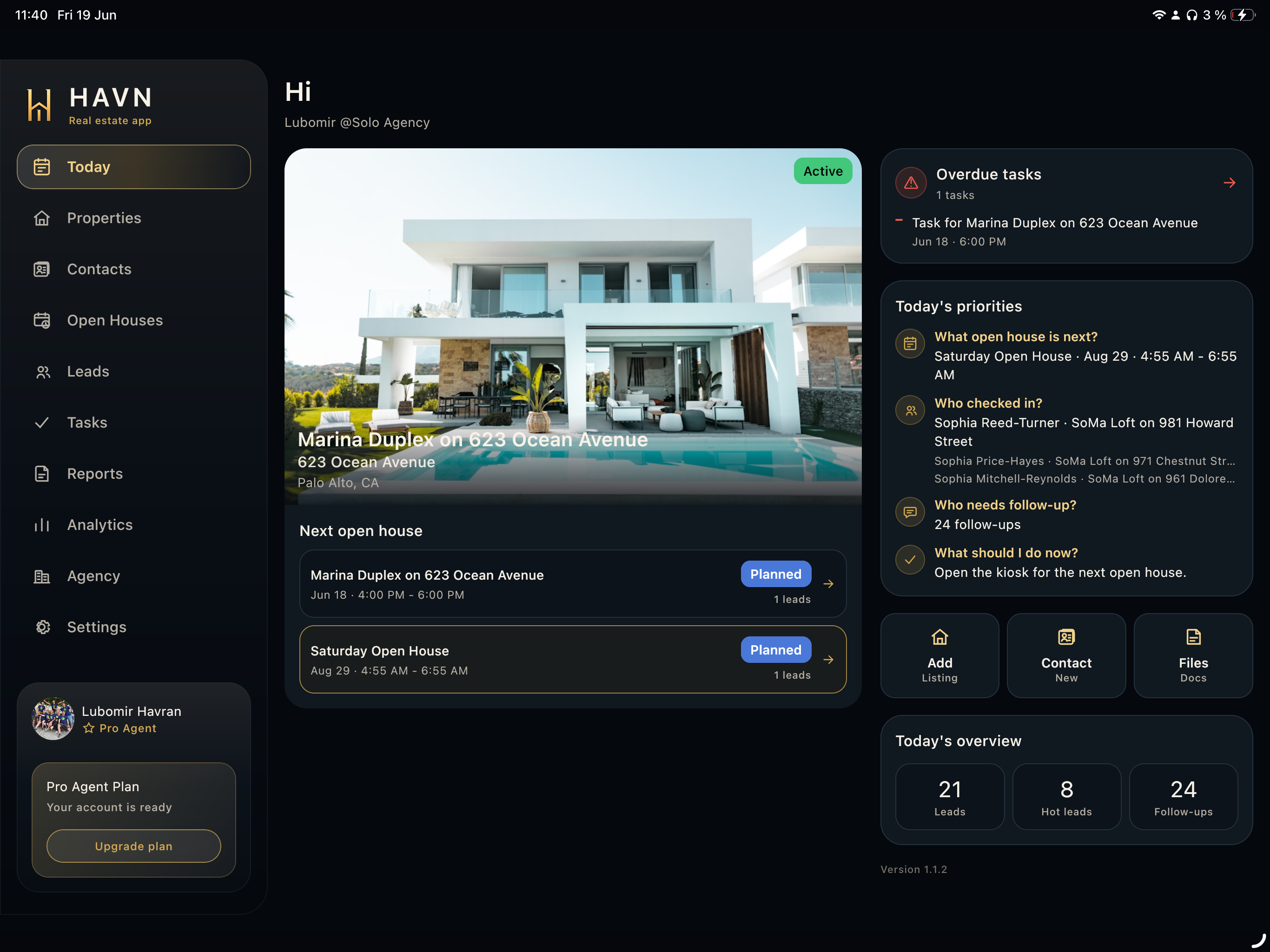
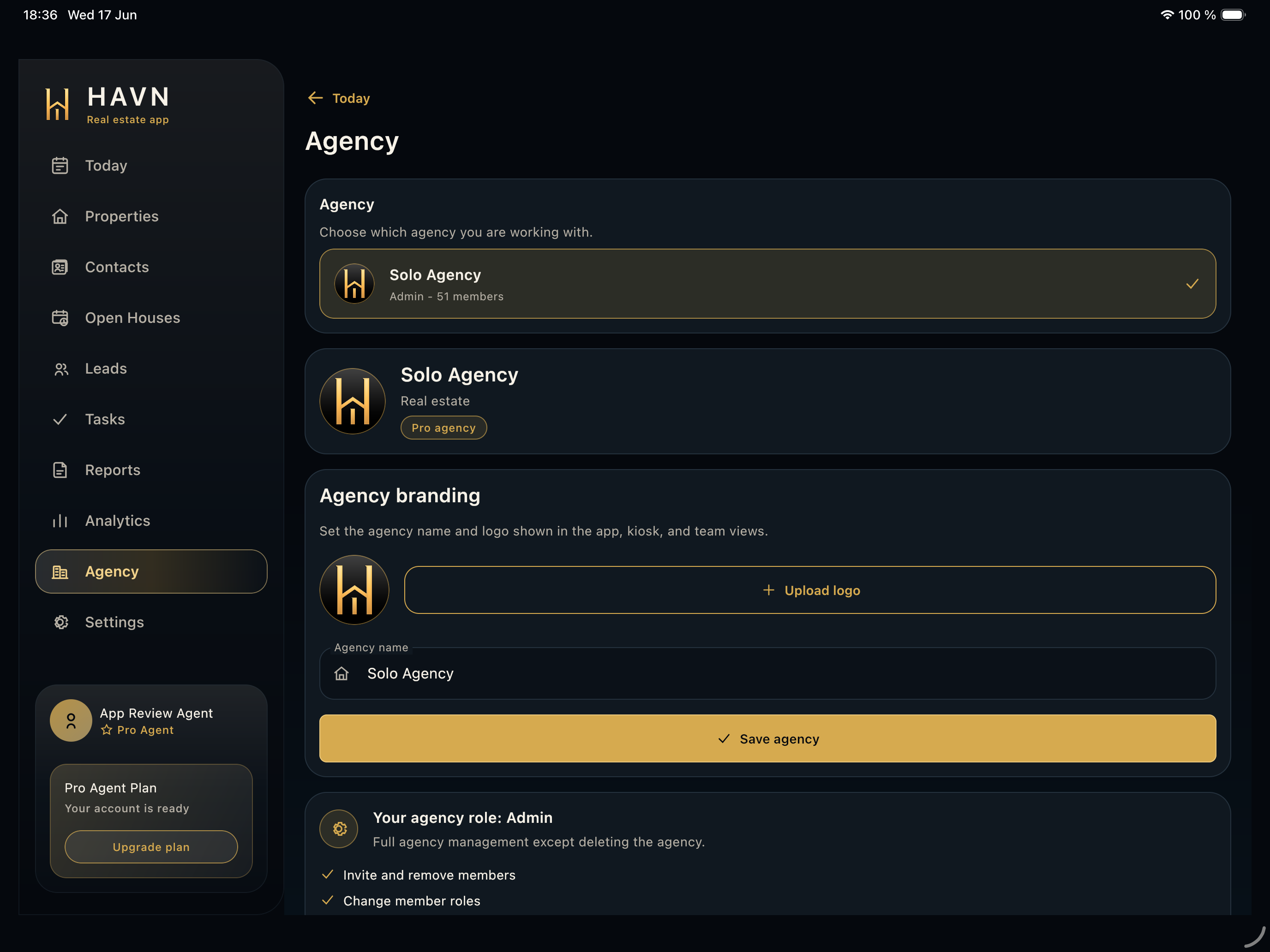
- Open Agency to confirm which workspace you are working in and which role you have.
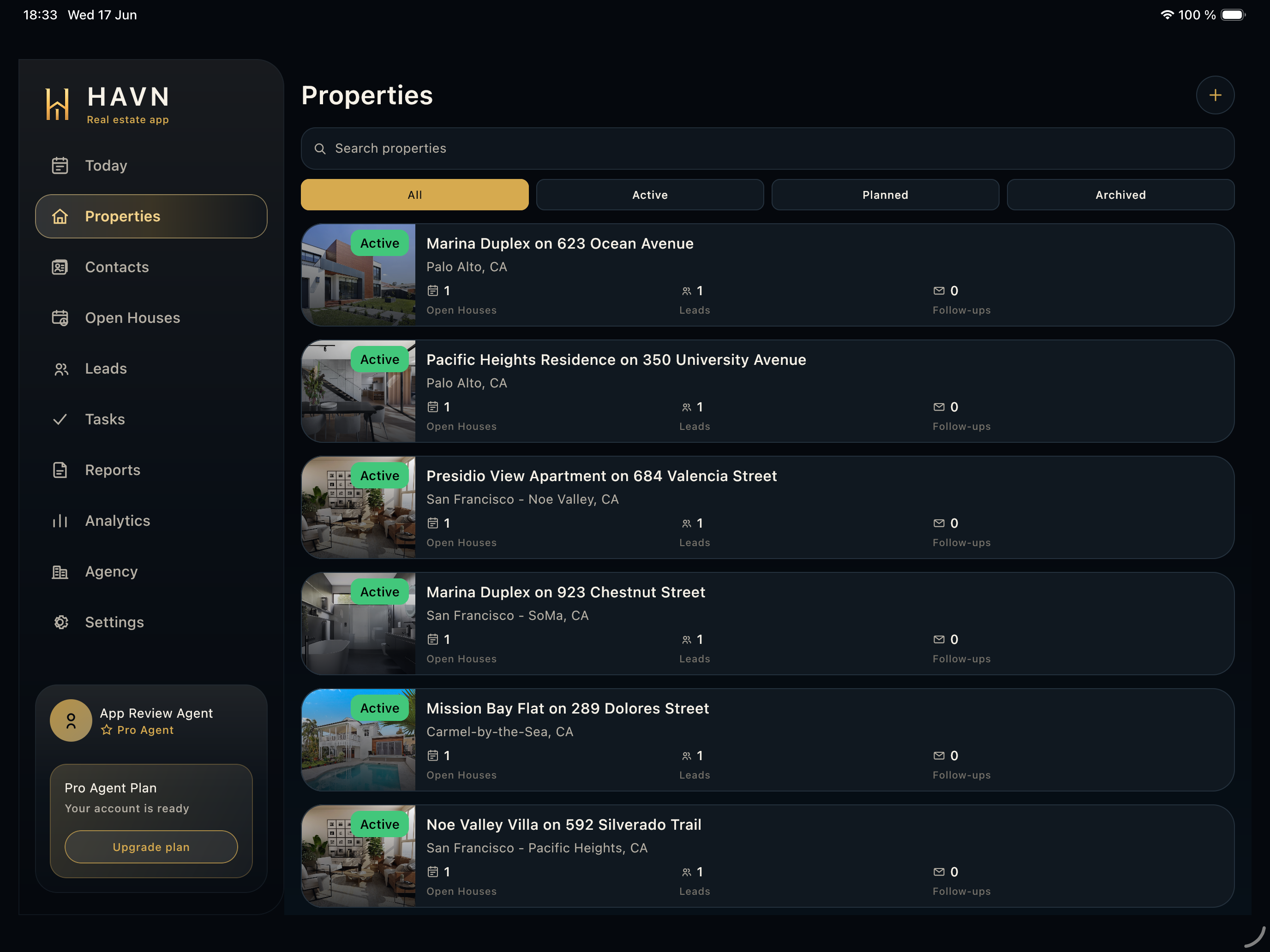
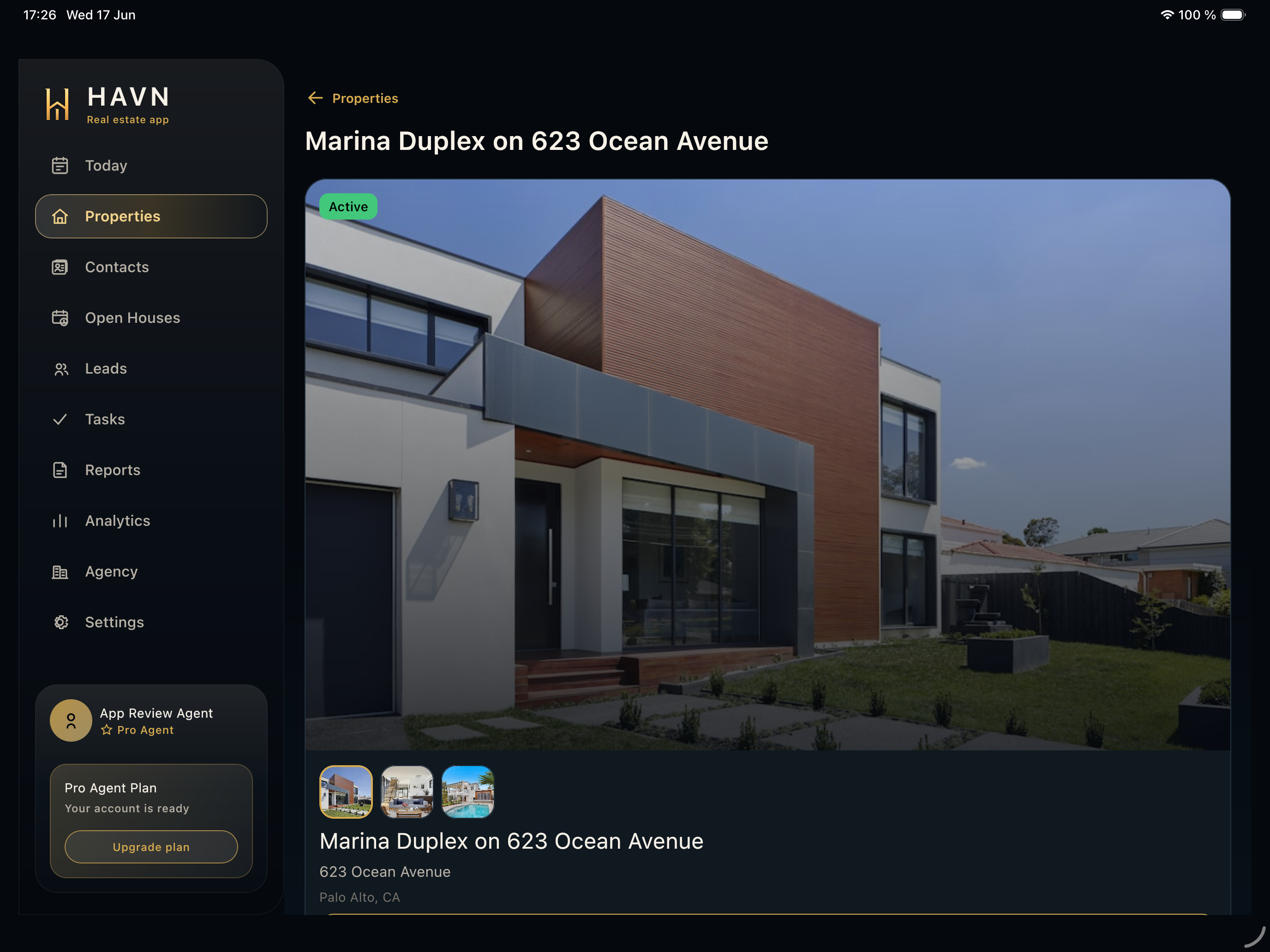
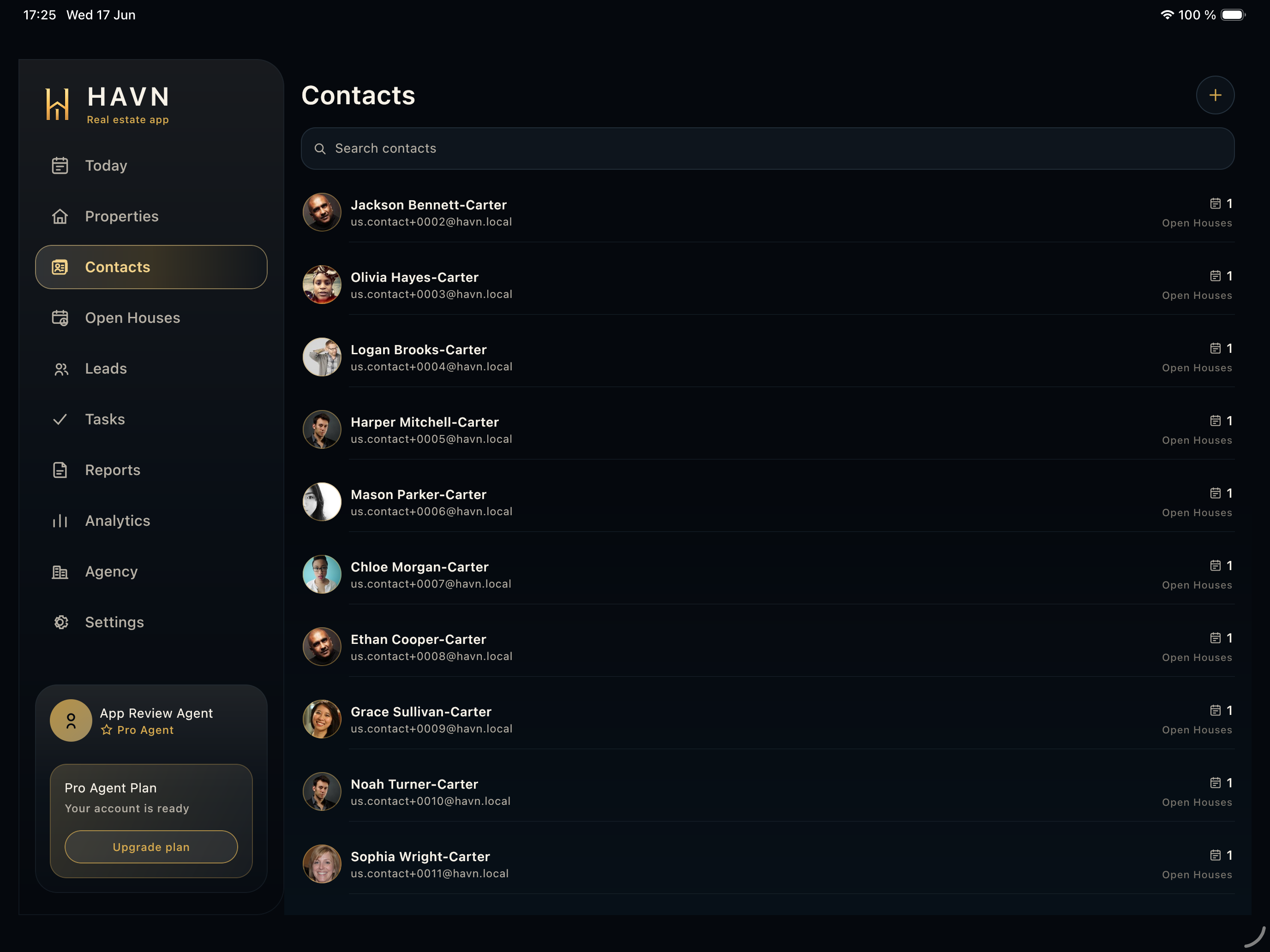
- Select the correct agency before creating properties, open houses, leads, tasks, or reports.
- Review or update agency name and logo; branding can appear in app, kiosk, and team views.
- Use the agents view to search team members, filter all or invited users, invite agents, change roles, delete invites, or remove access.
- Use Act like Agent only when your role allows it and you need to review work from an agent perspective.
Good to know
- Roles include owner/admin/agent-style access levels, so keep permissions current.
- Use individual accounts for every agent so notes, leads, tasks, and reports stay traceable.
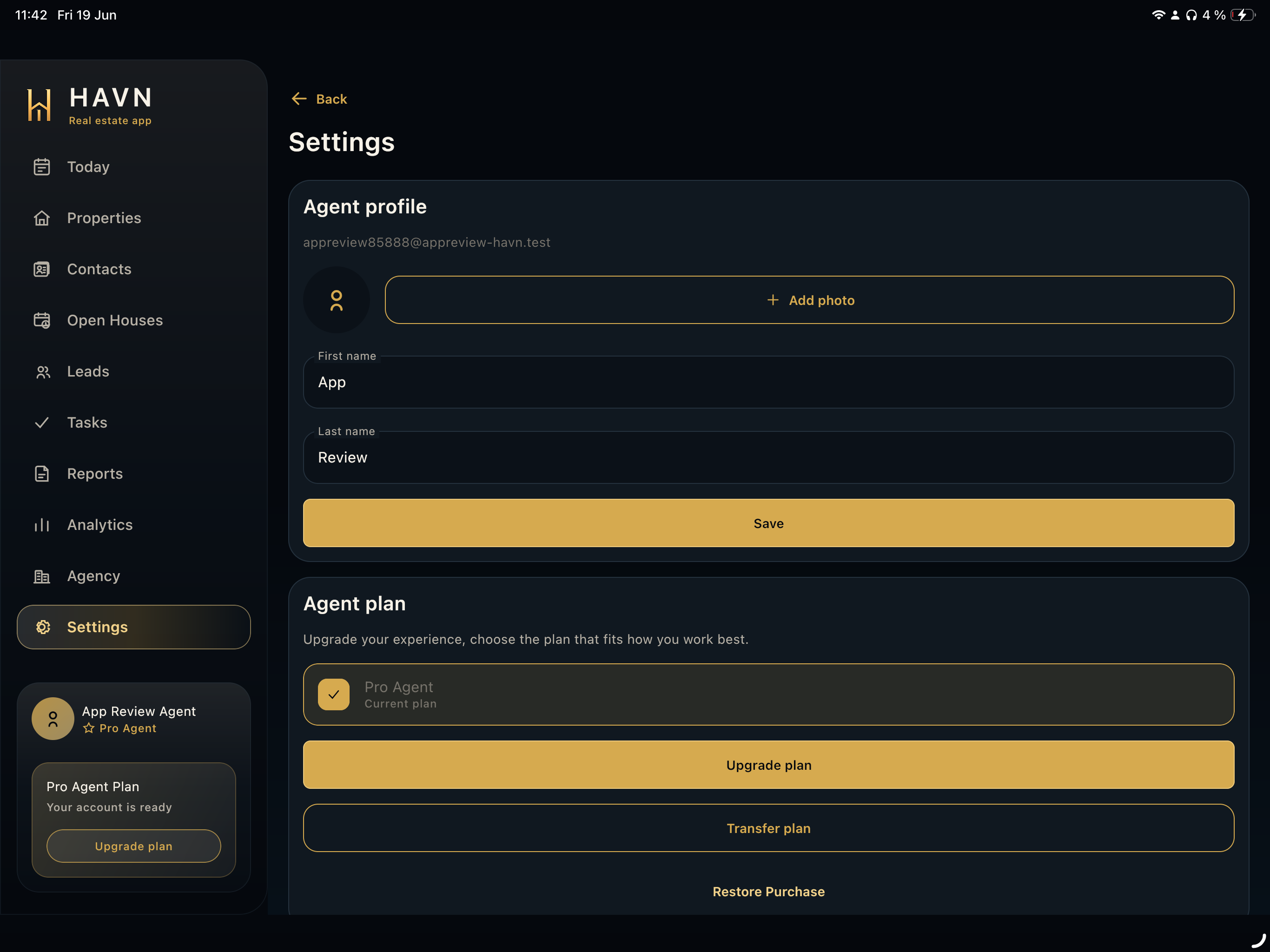
- Agency is workspace-level; Settings is the signed-in user's profile and account area.