Steps
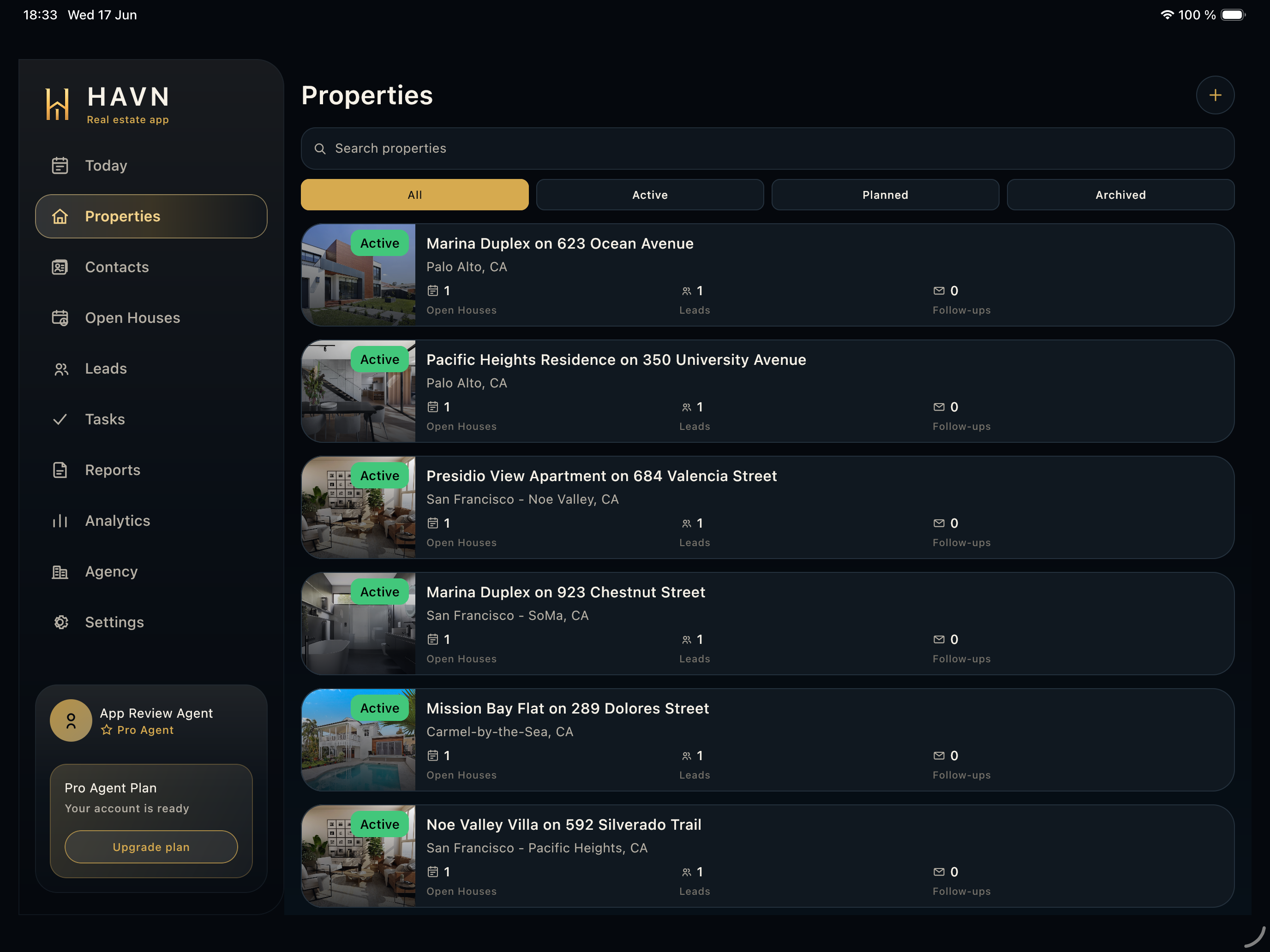
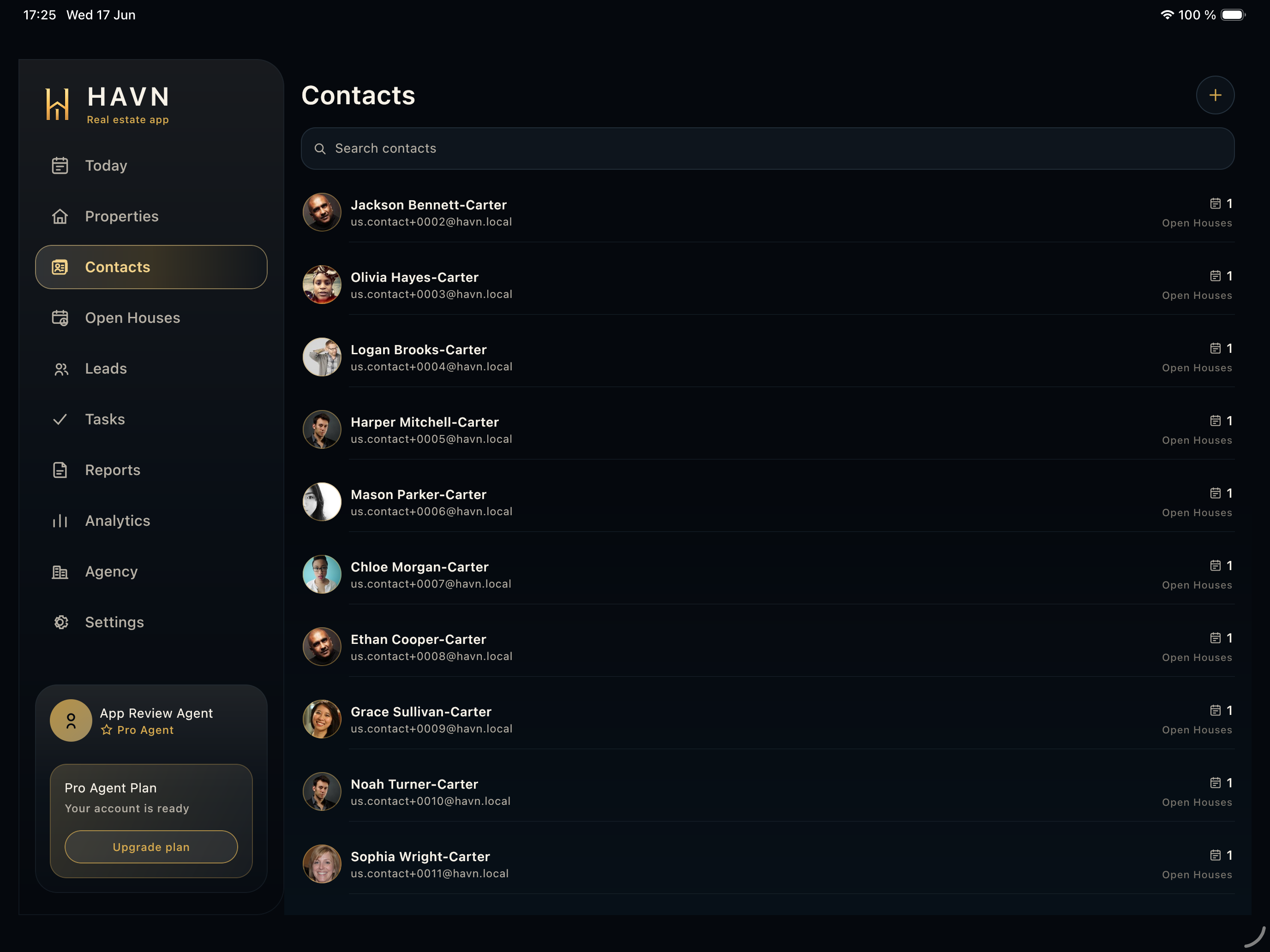
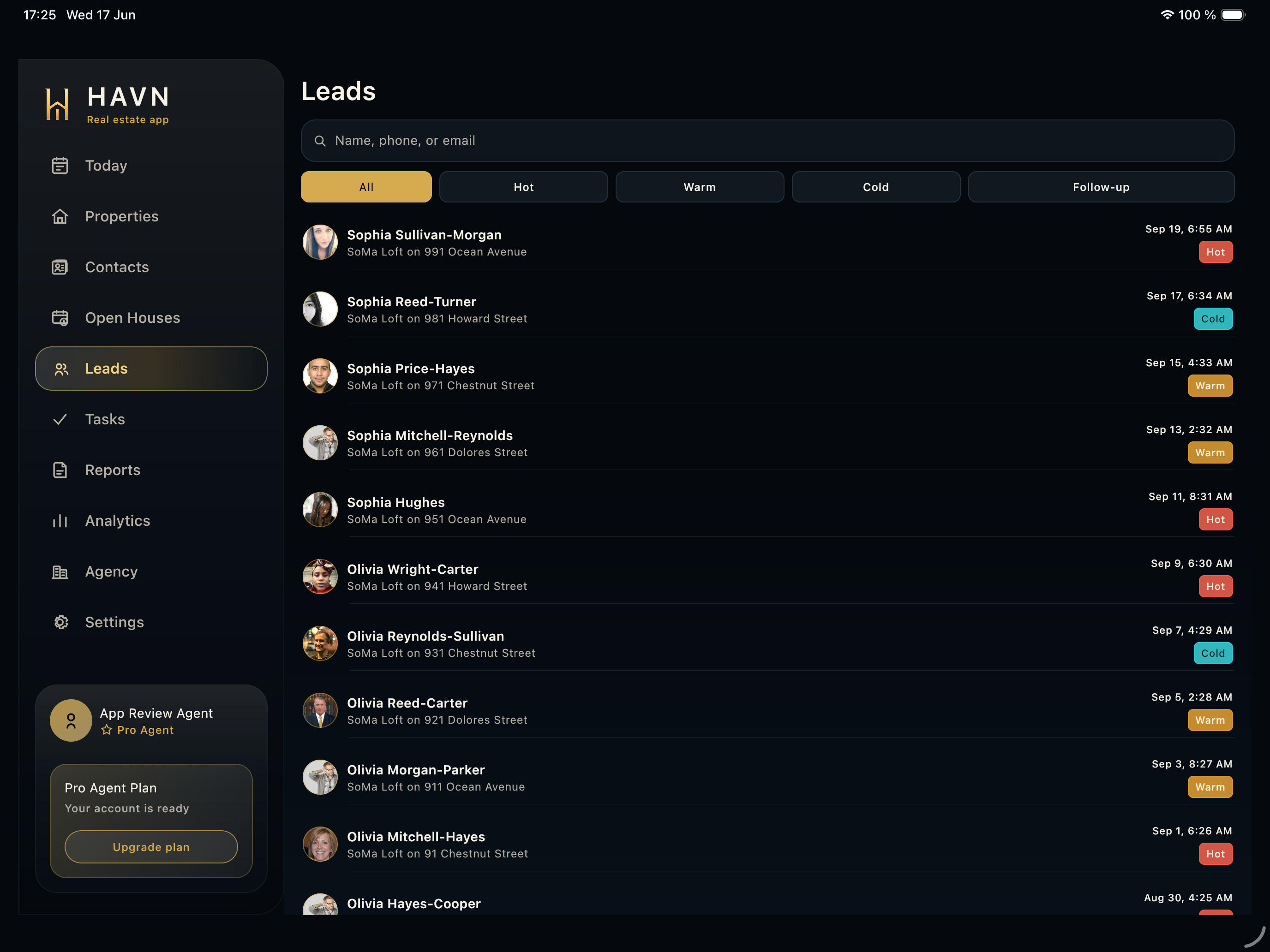
- Search leads by visitor, contact, property, or follow-up context.
- Filter by temperature or follow-up state, and on wider layouts use property filtering when reviewing a specific listing.
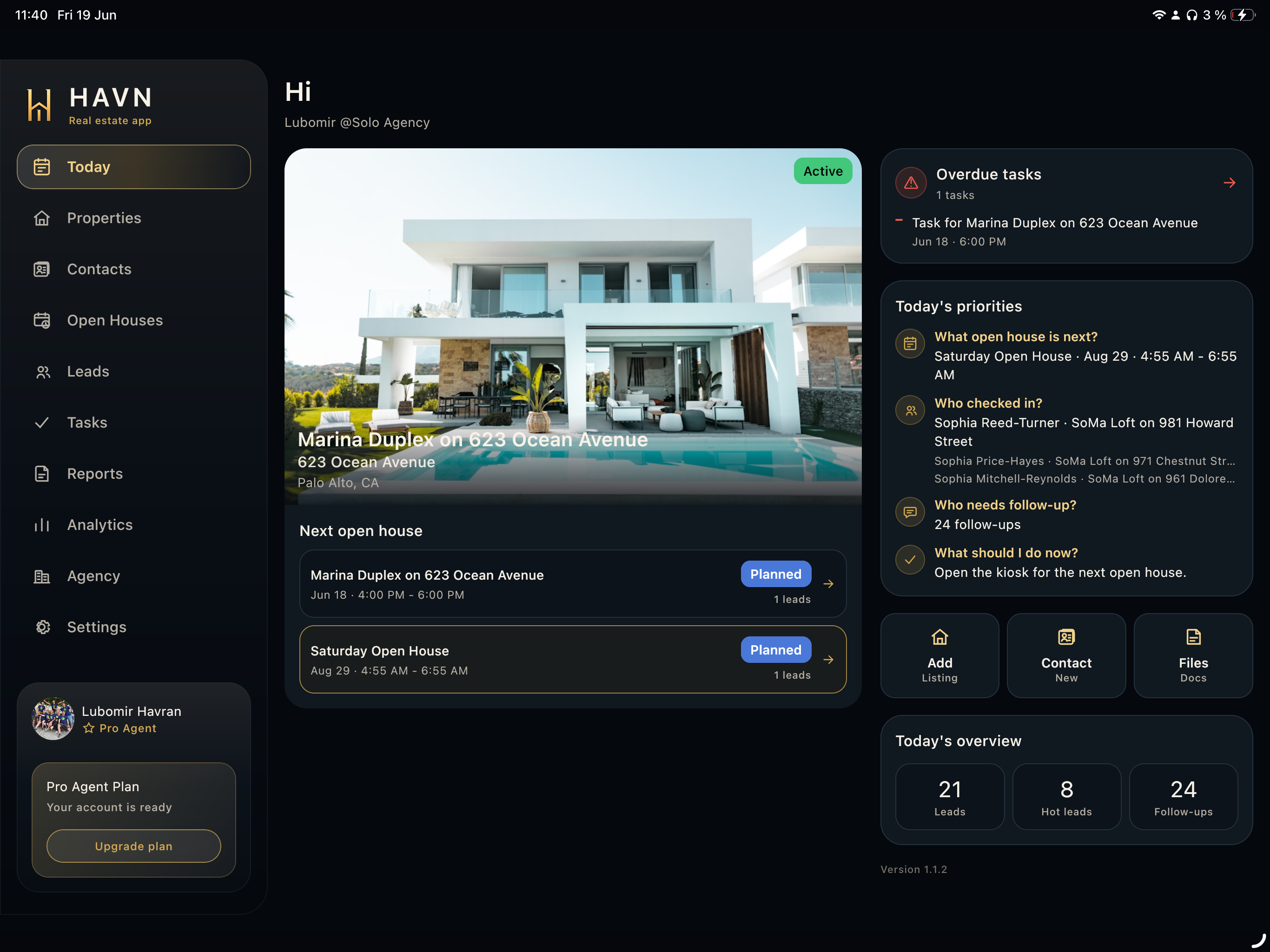
- Open the strongest lead first when someone needs a fast call, SMS, email, second showing, or seller note.
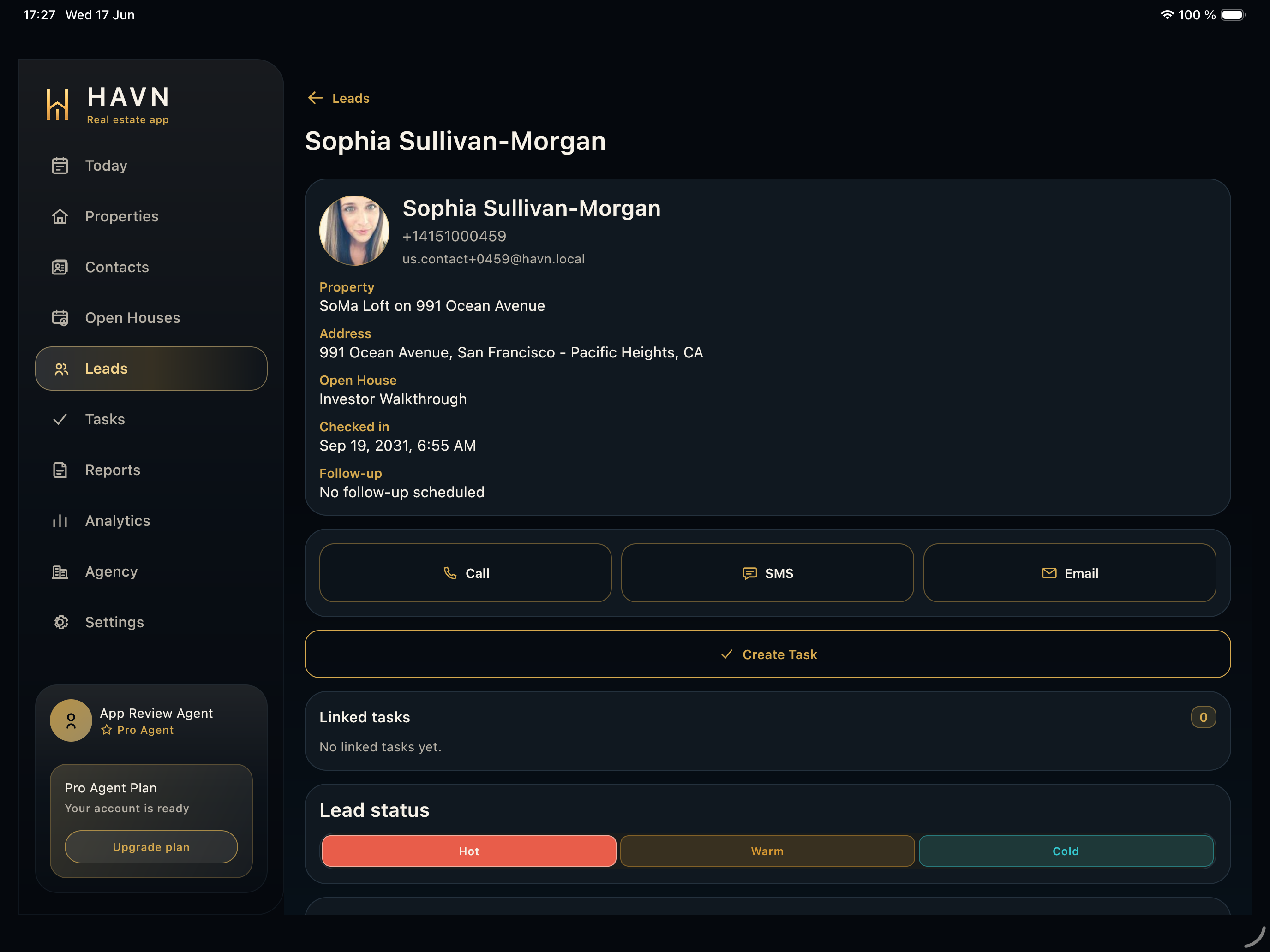
- Update temperature based on real intent, timing, financing, and next-step readiness.
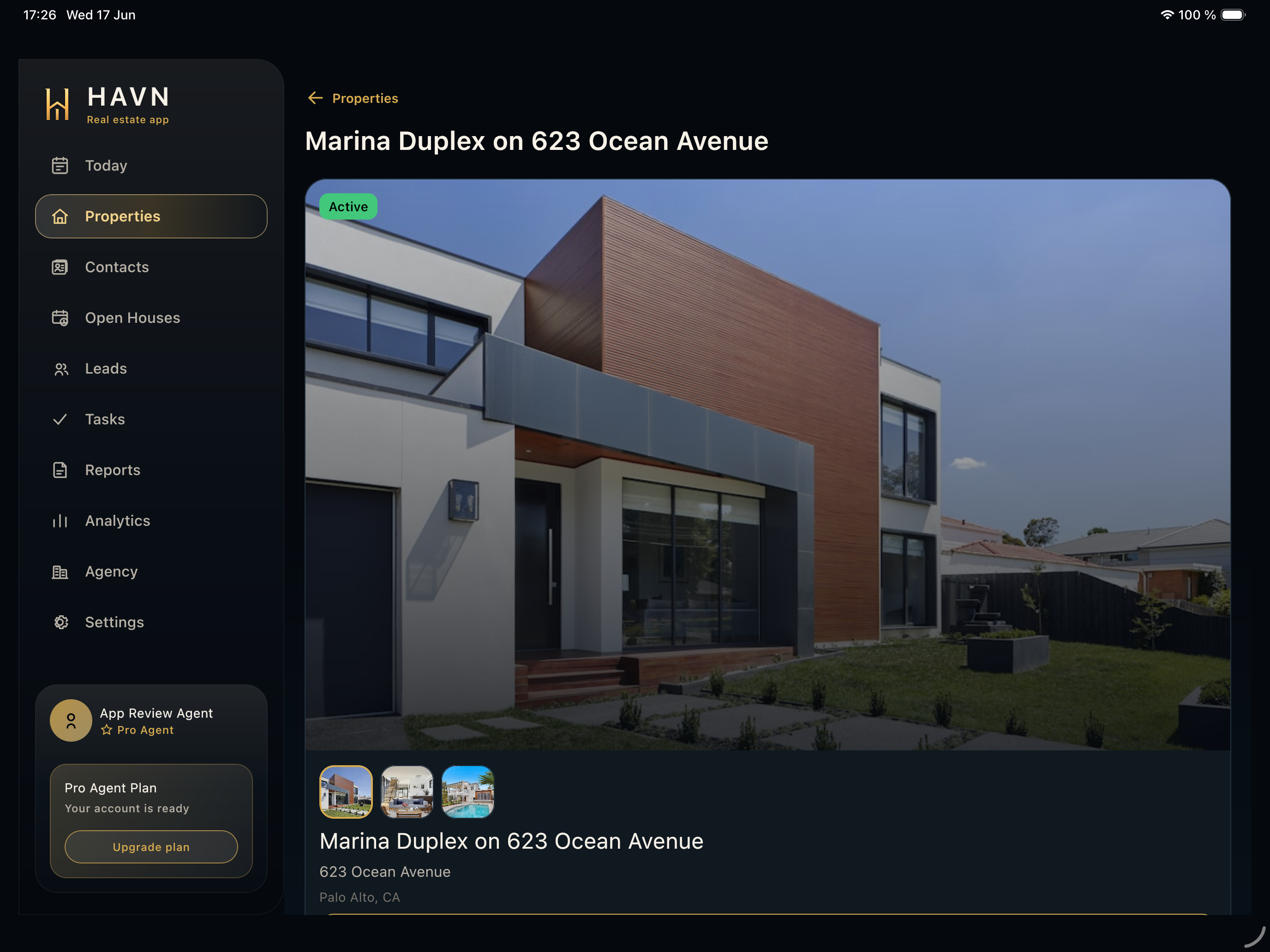
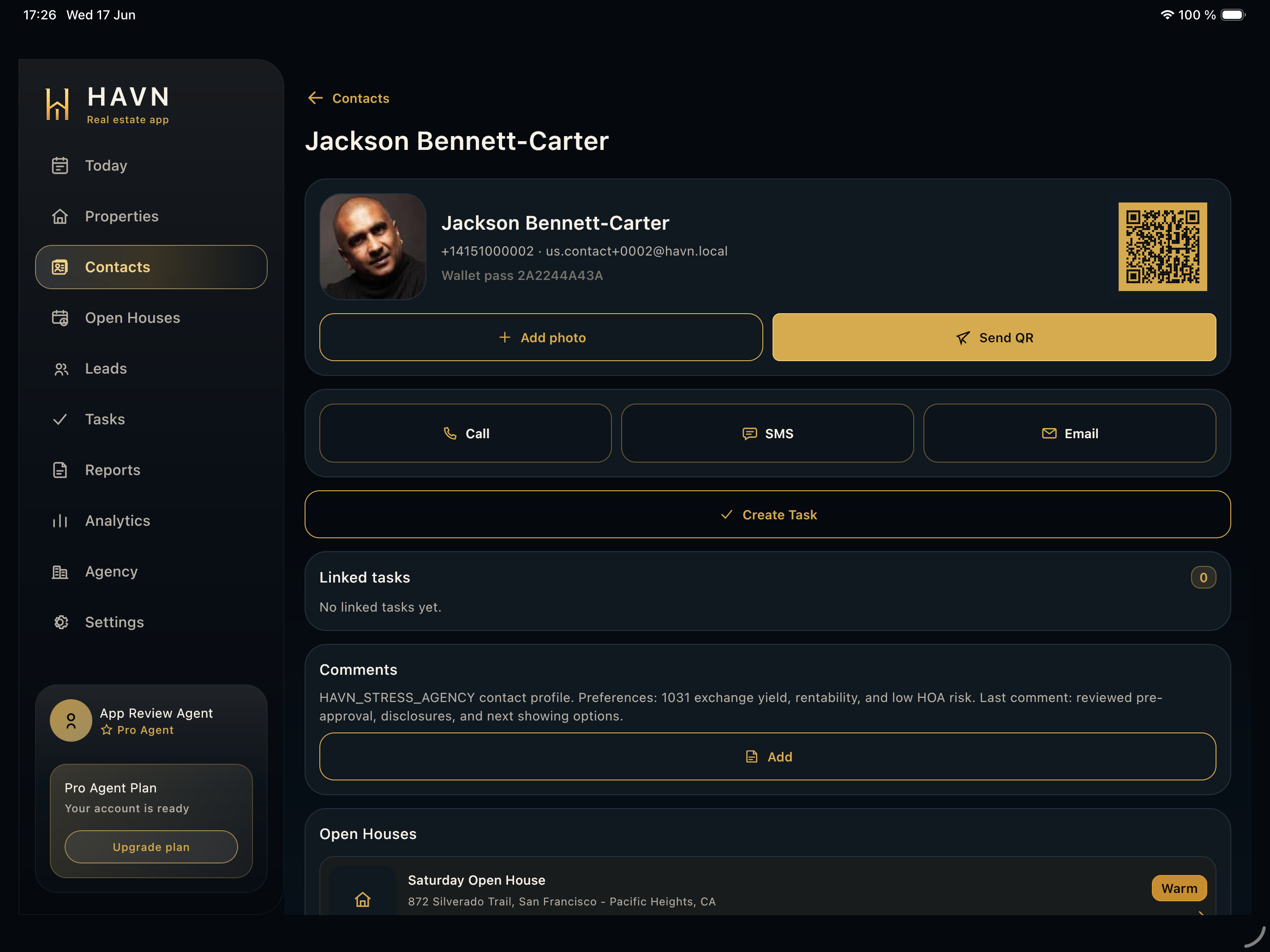
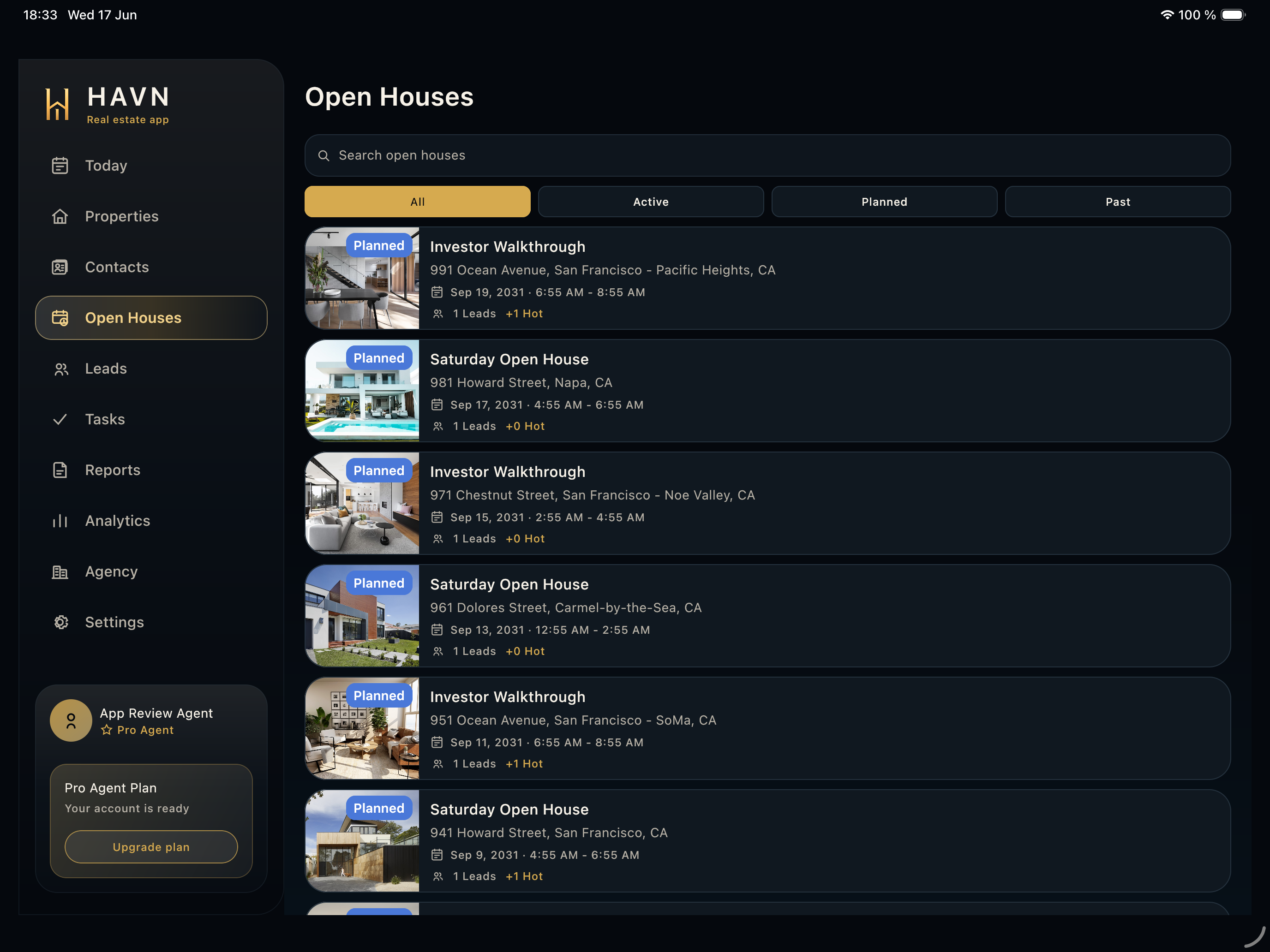
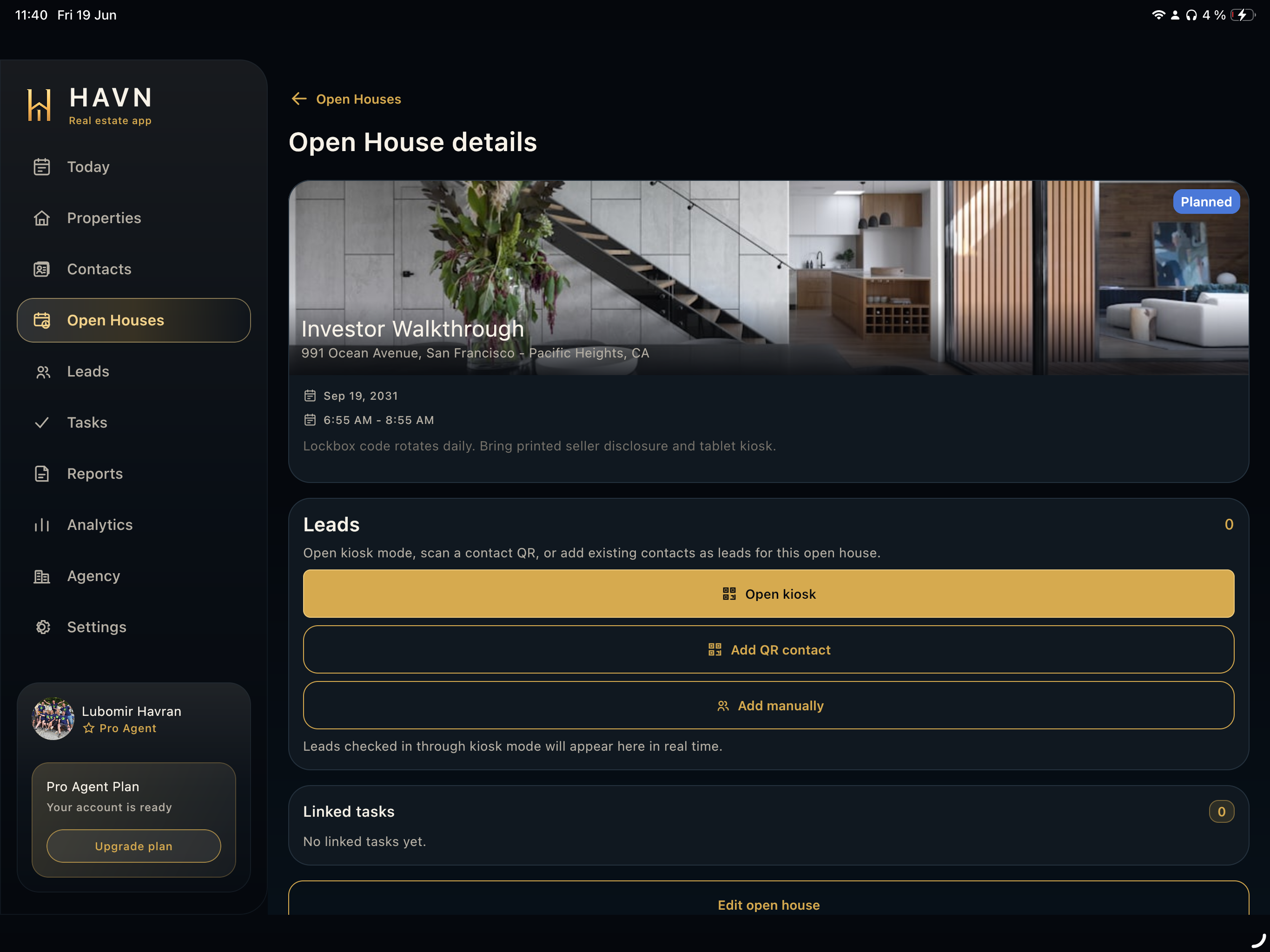
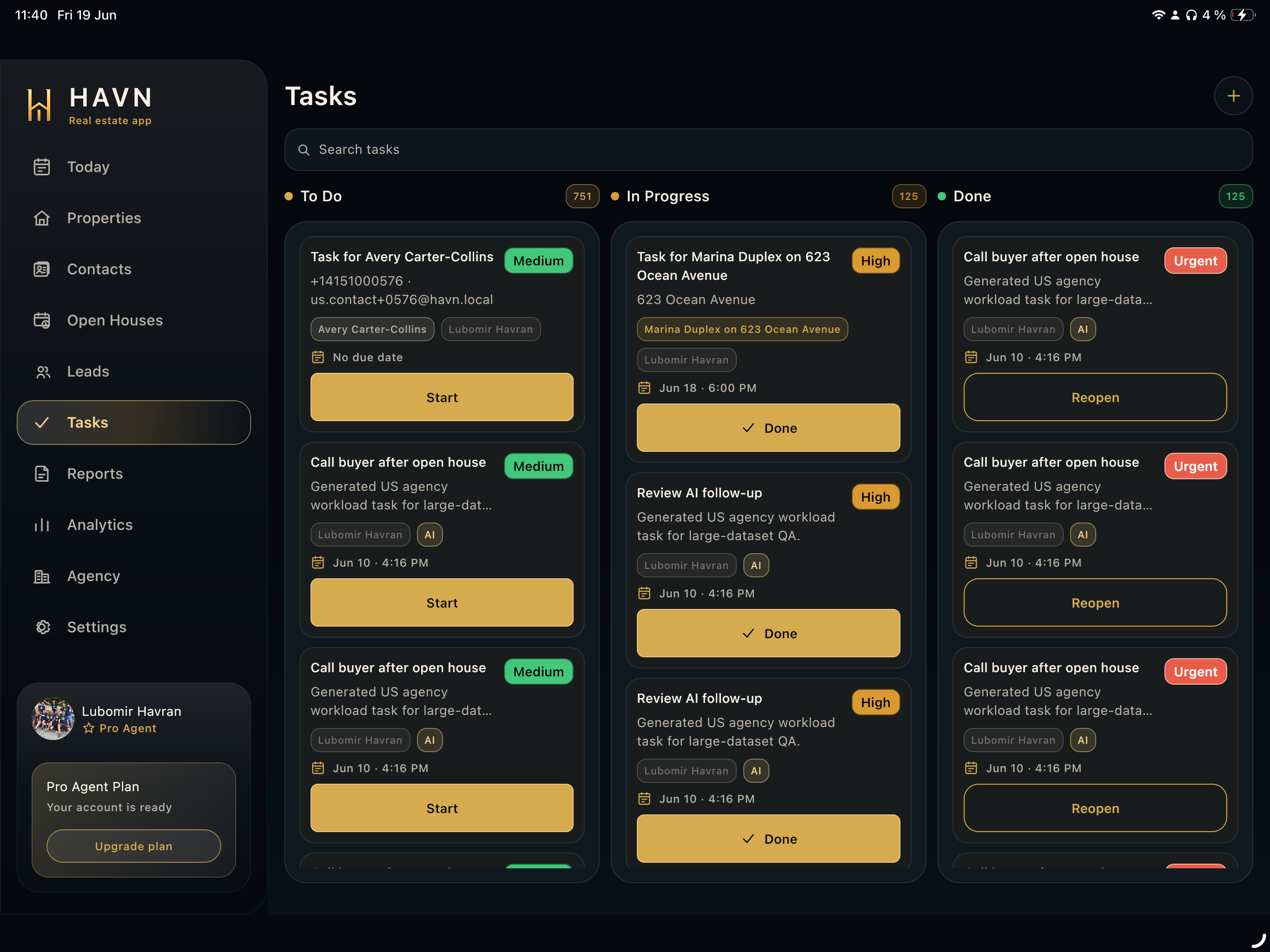
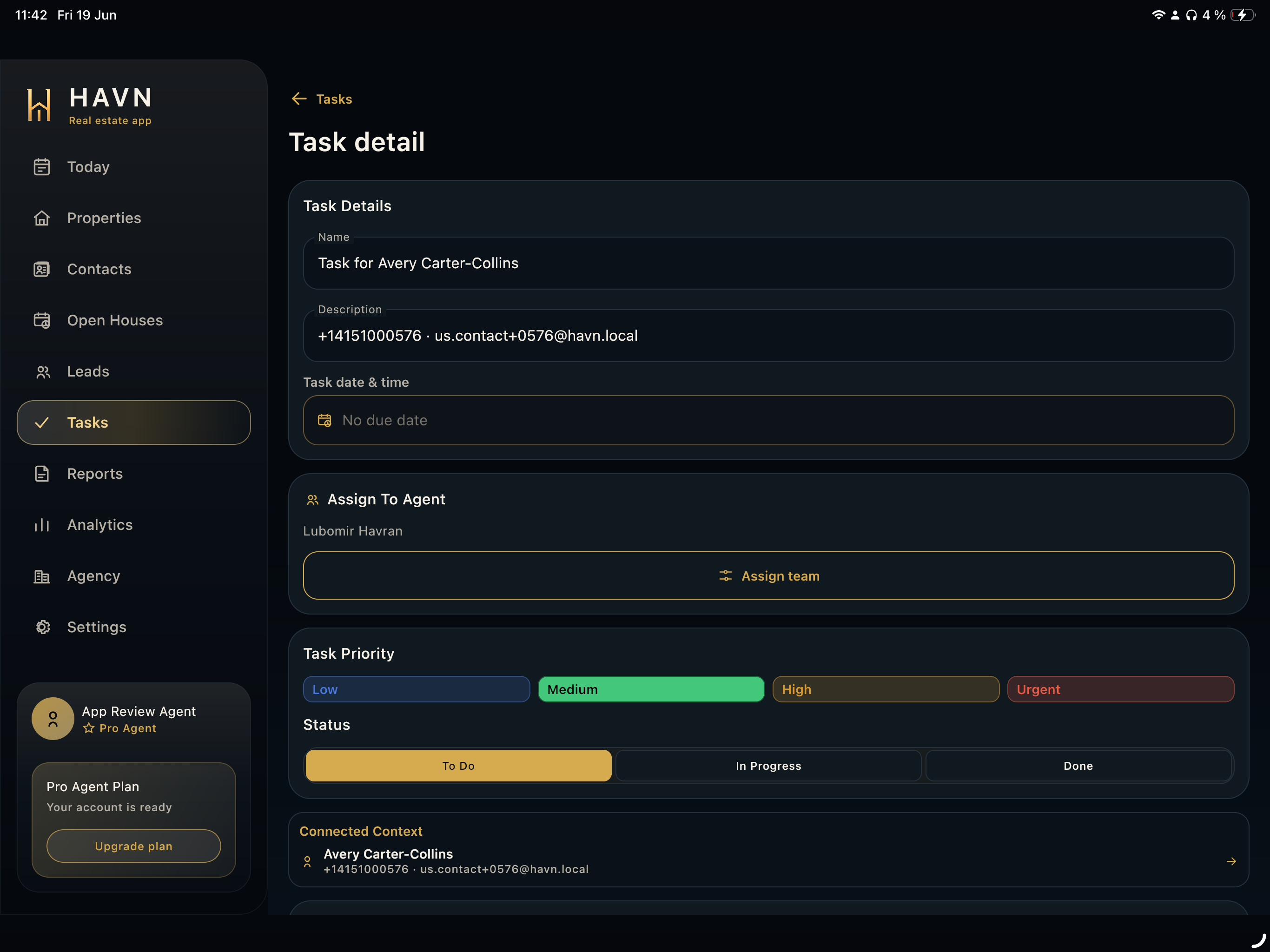
- Use Lead detail to create a task, contact the lead, or review the connected property and open house.
Good to know
- Hot leads should have clear buyer intent or urgent next steps.
- Warm leads may need qualification before they belong in a seller update.
- Keep lead notes short, factual, and useful for team handoff.