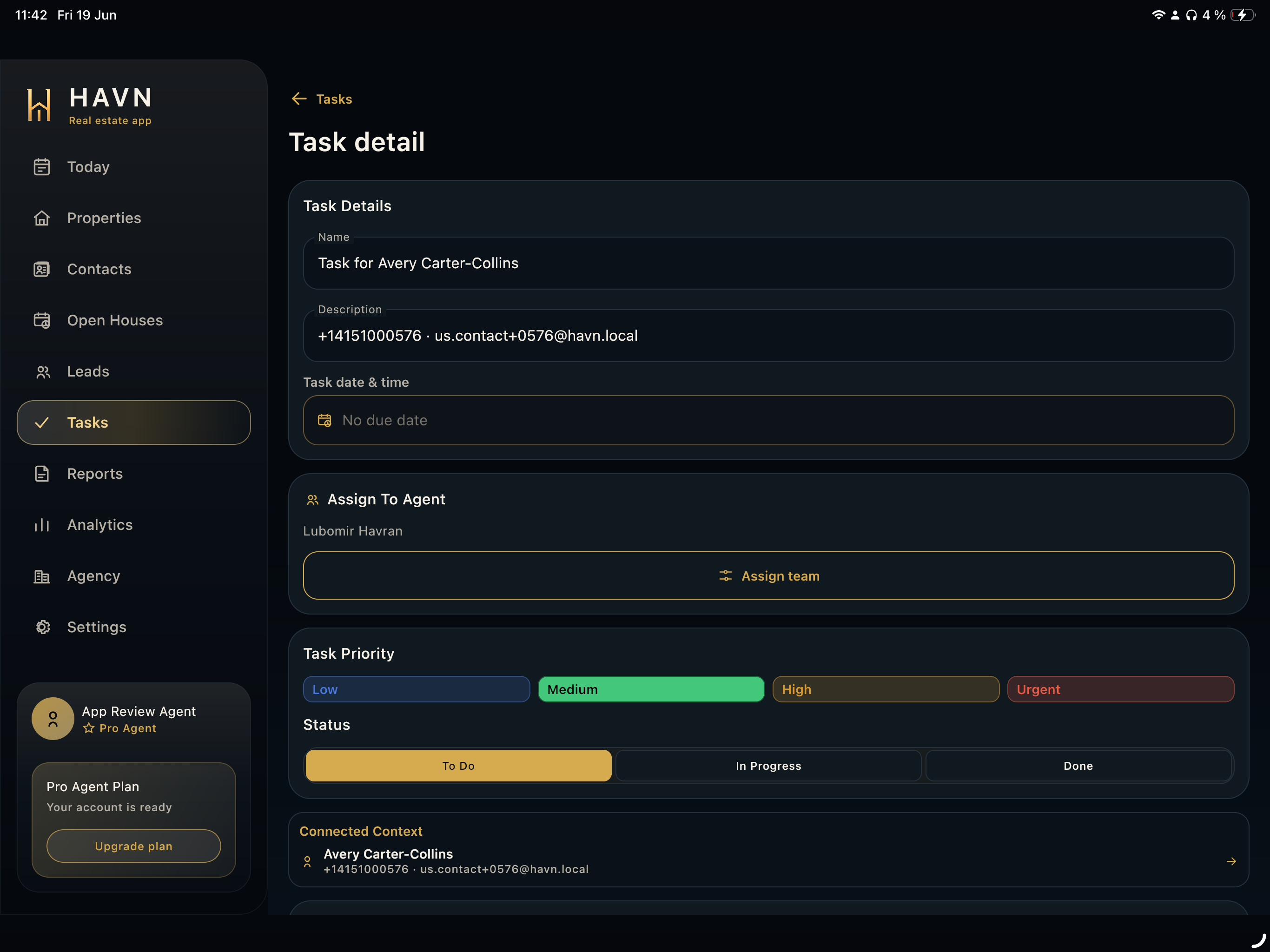
Steps
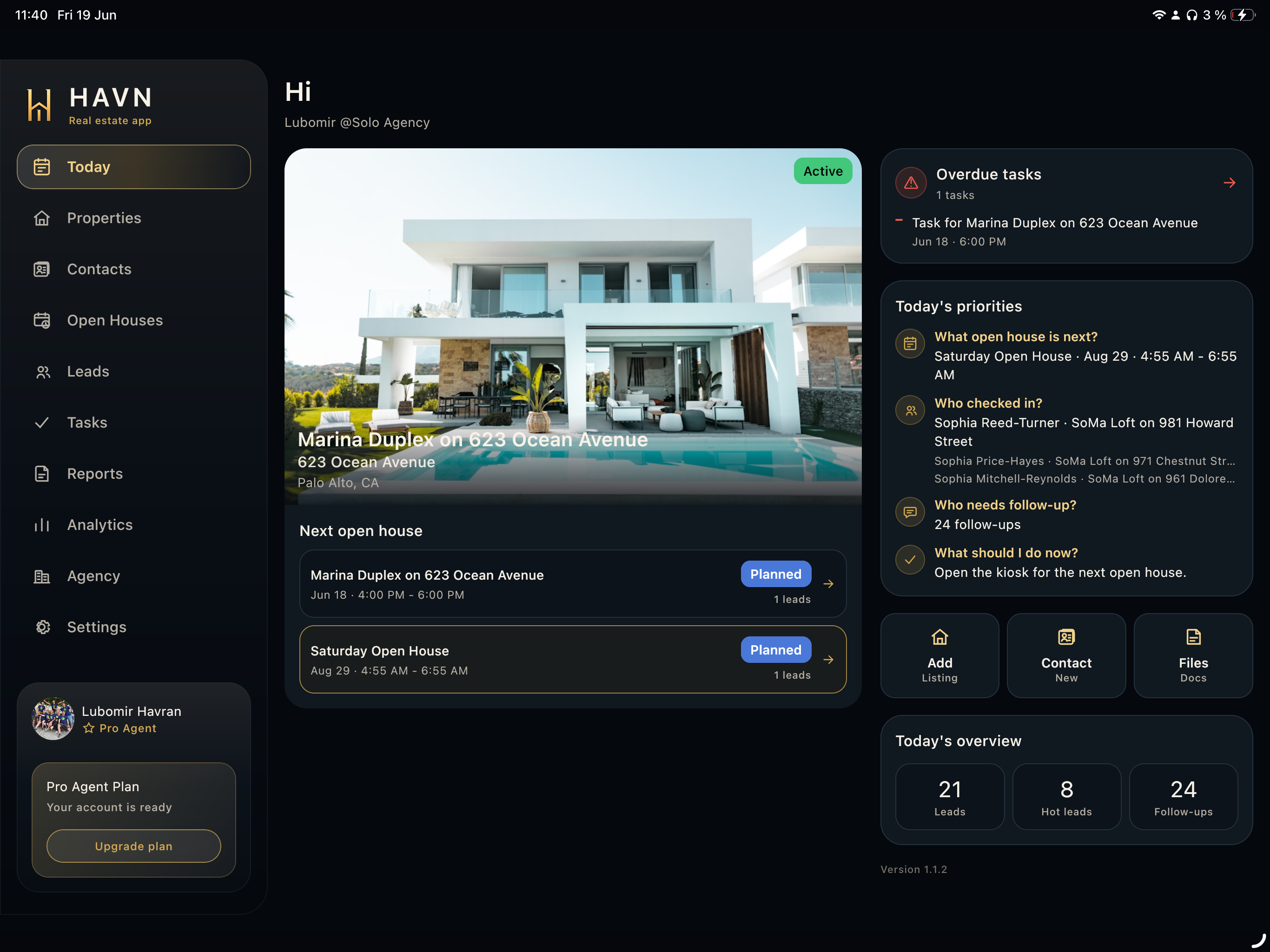
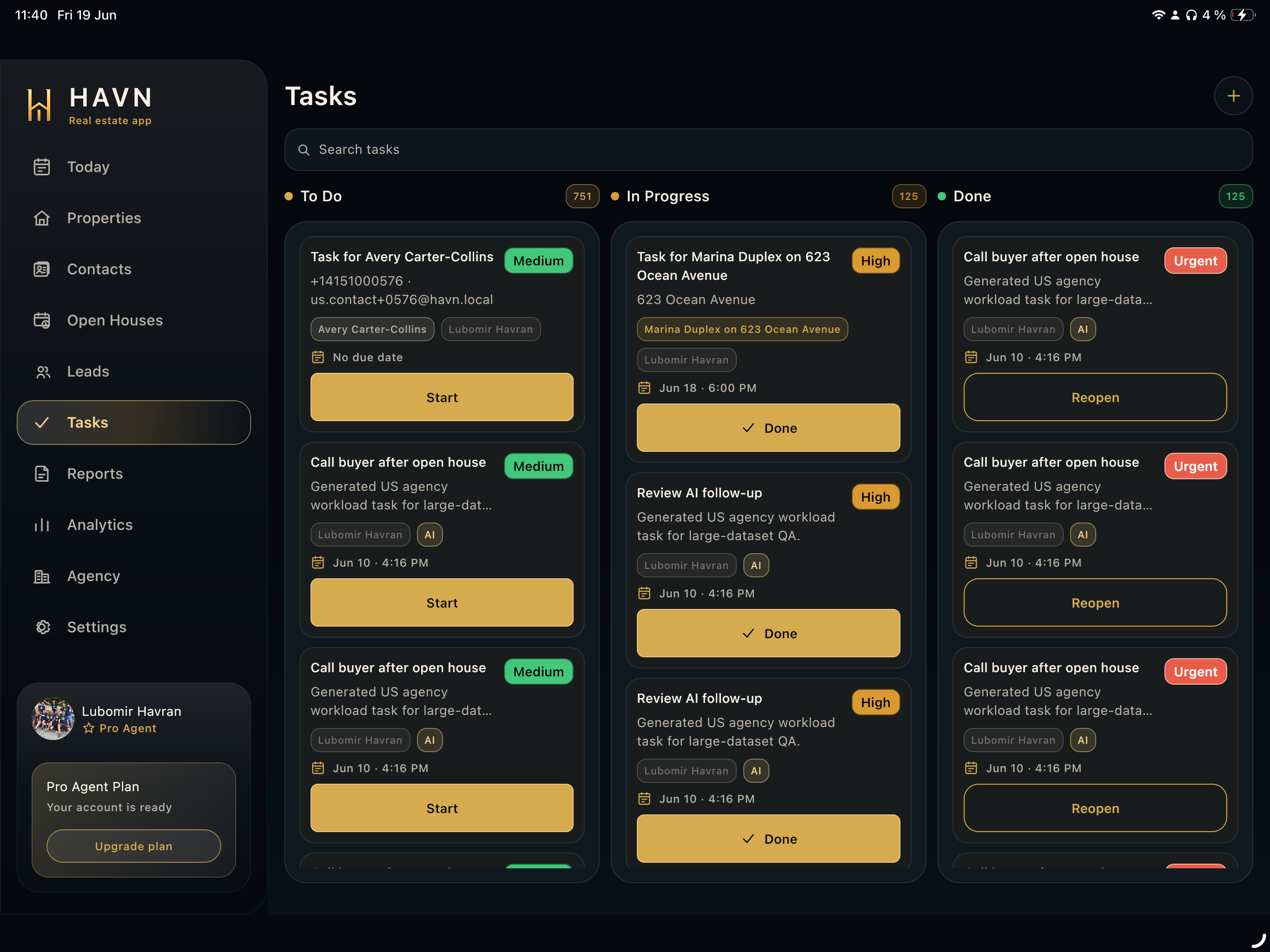
- Open Tasks, then select the task you need to inspect or update.
- Review title, description, due date, assigned agent, priority, status, AI marker if present, and notes.
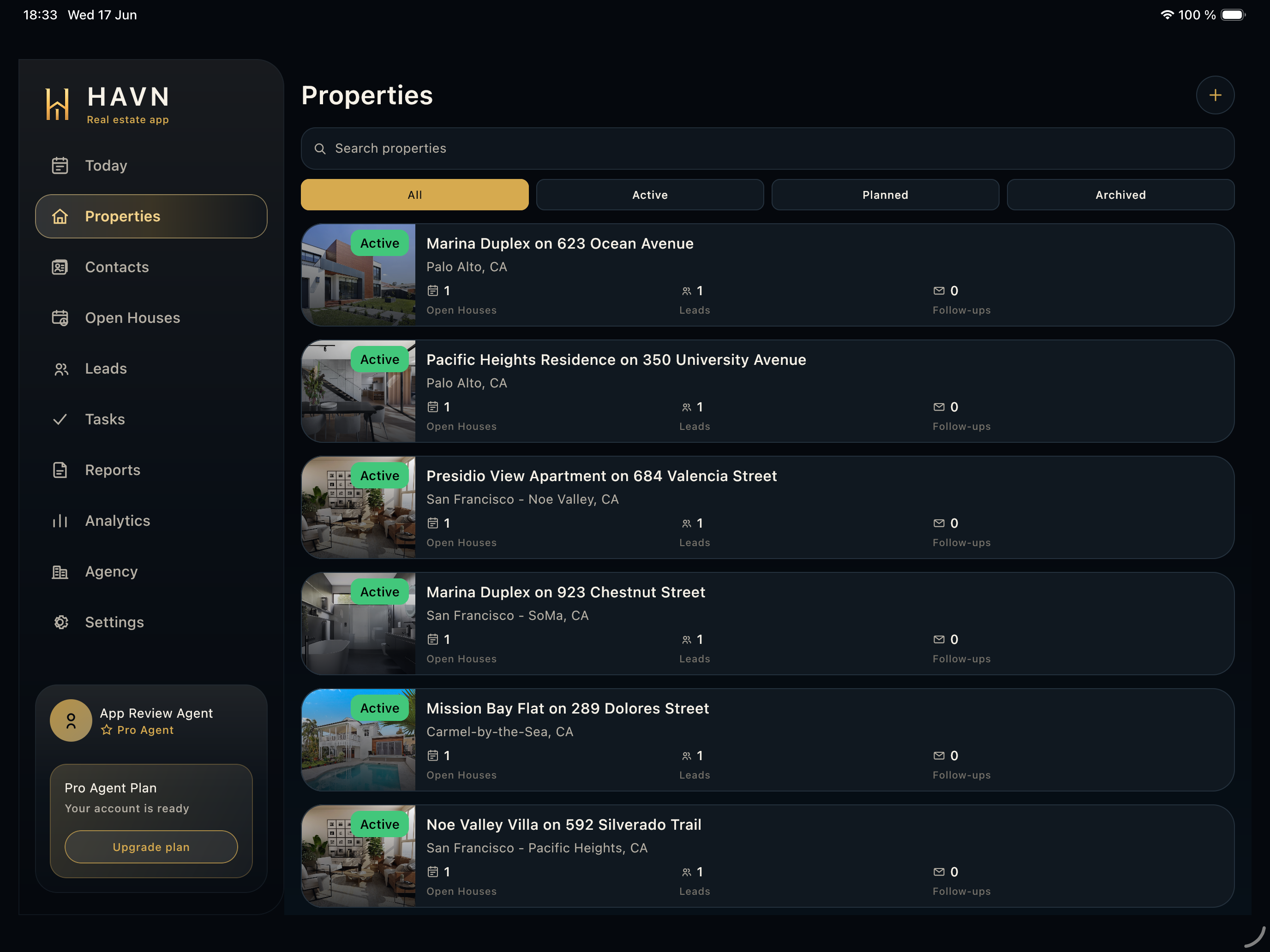
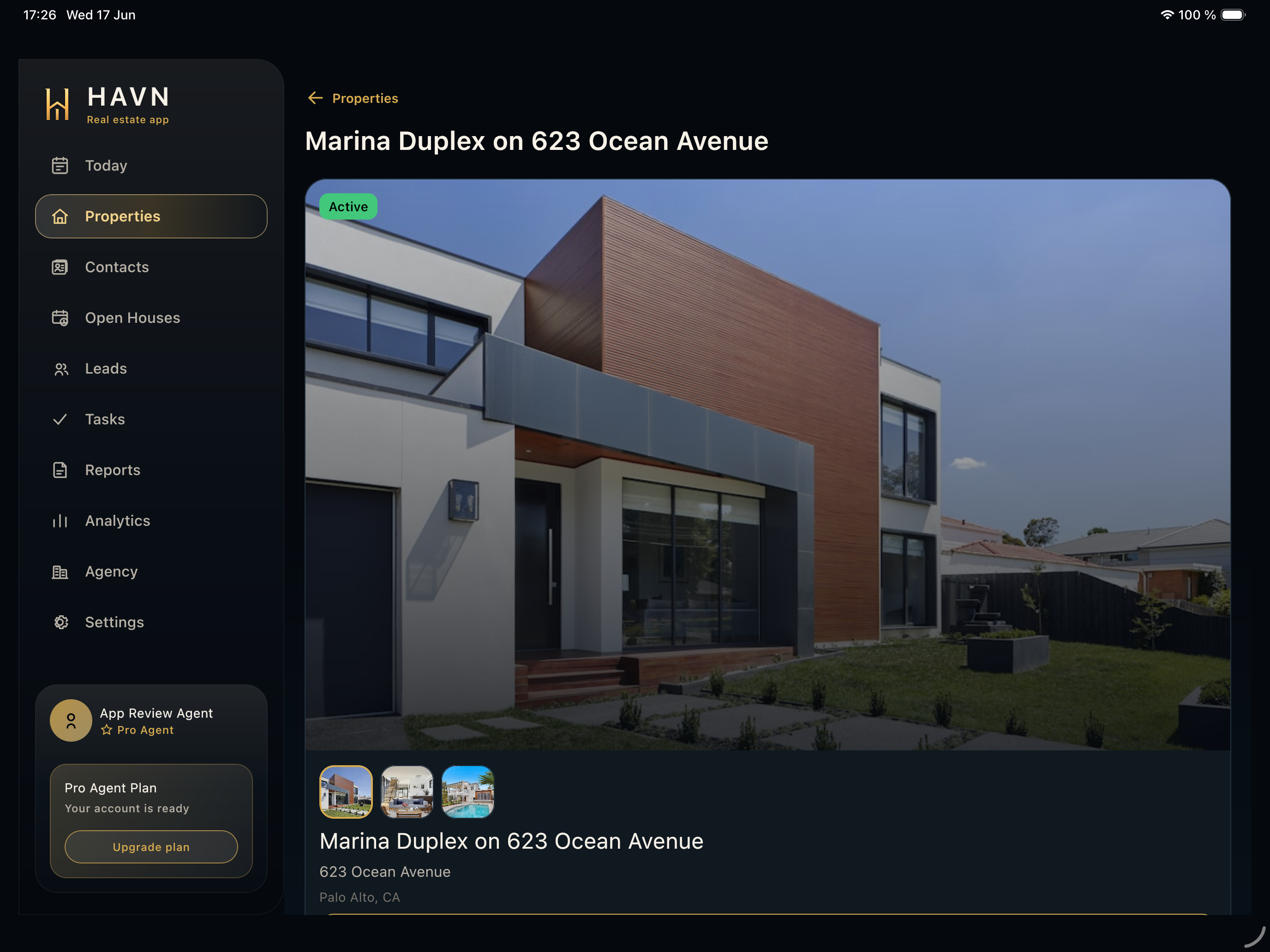
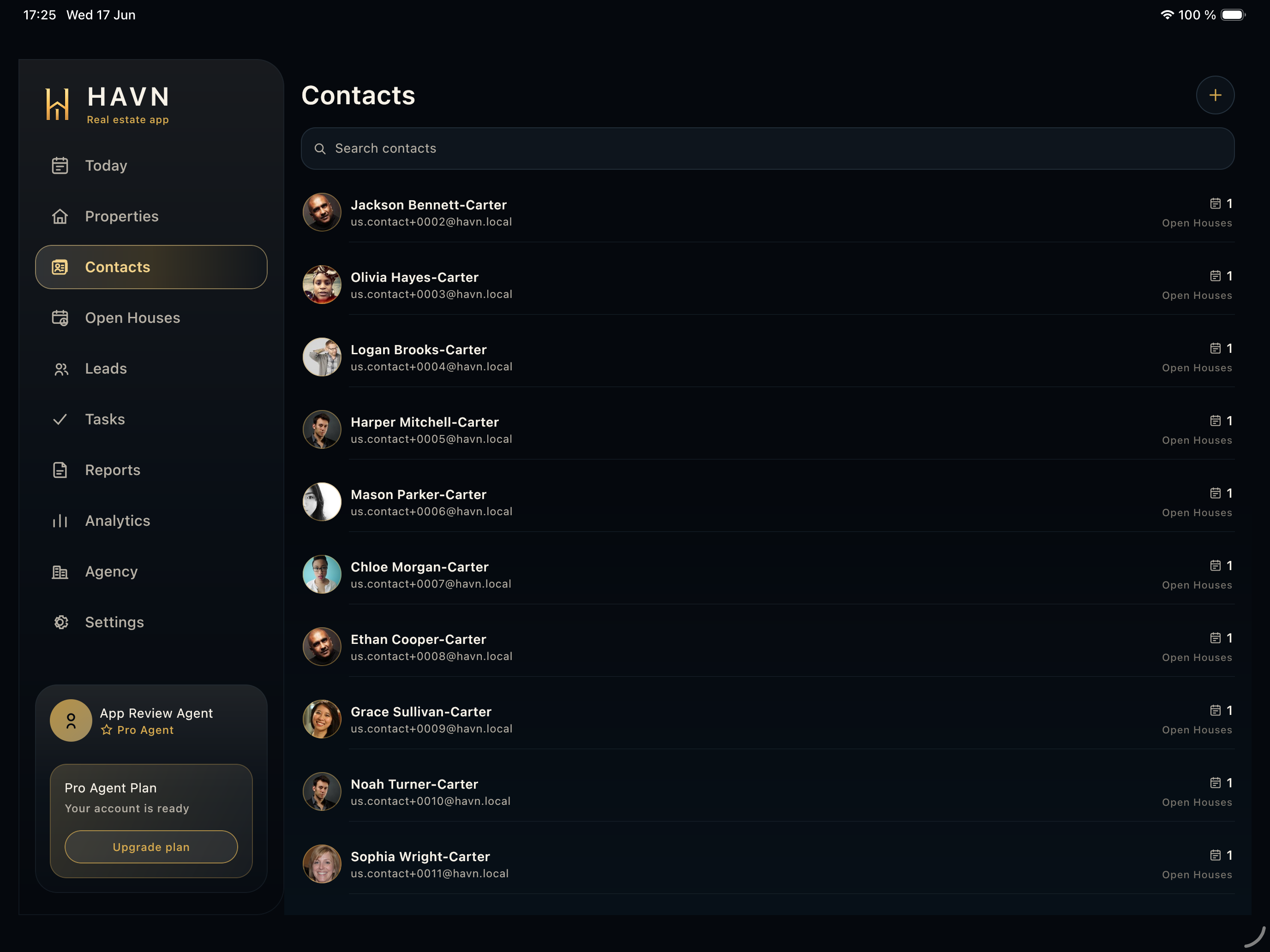
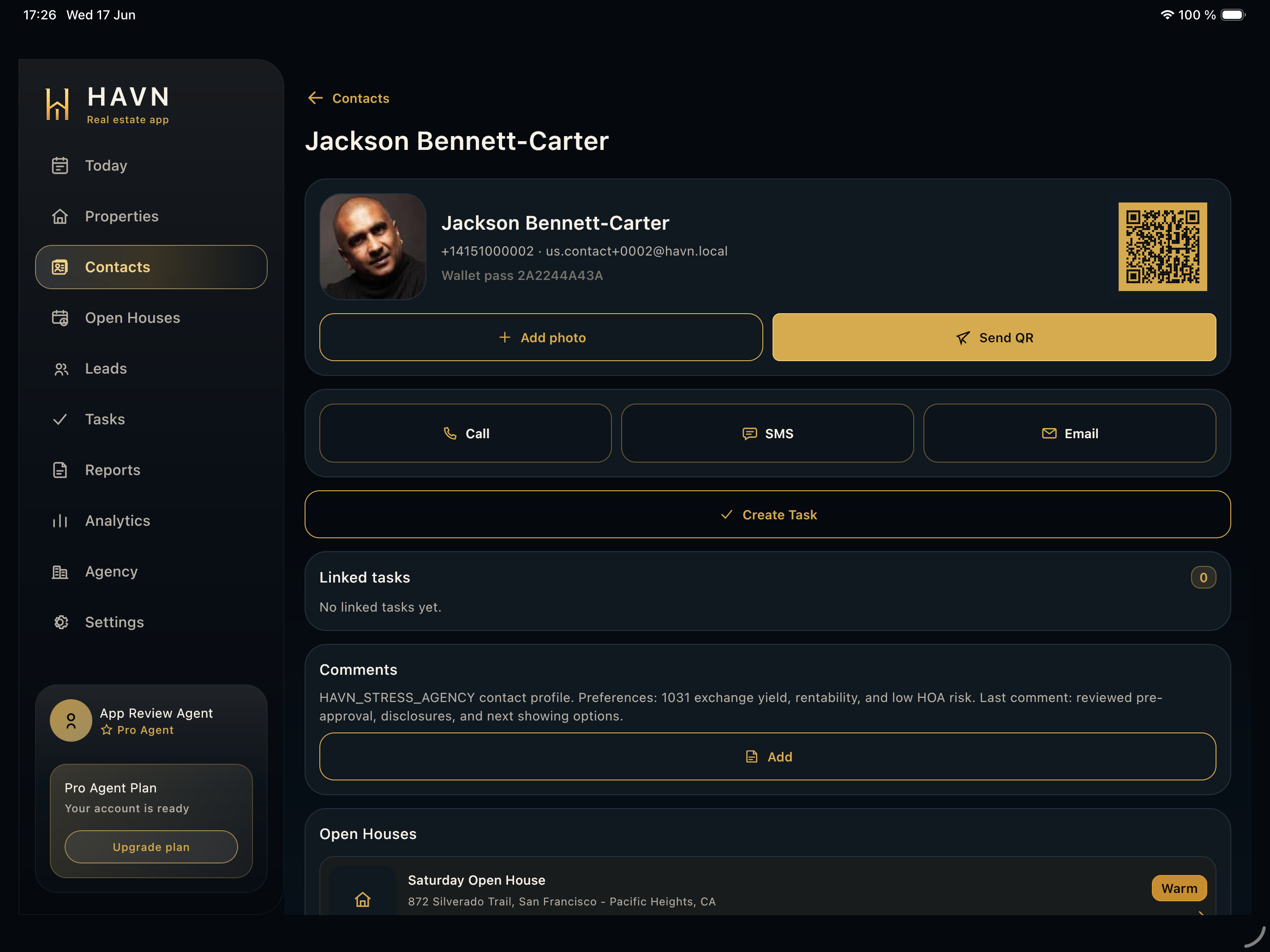
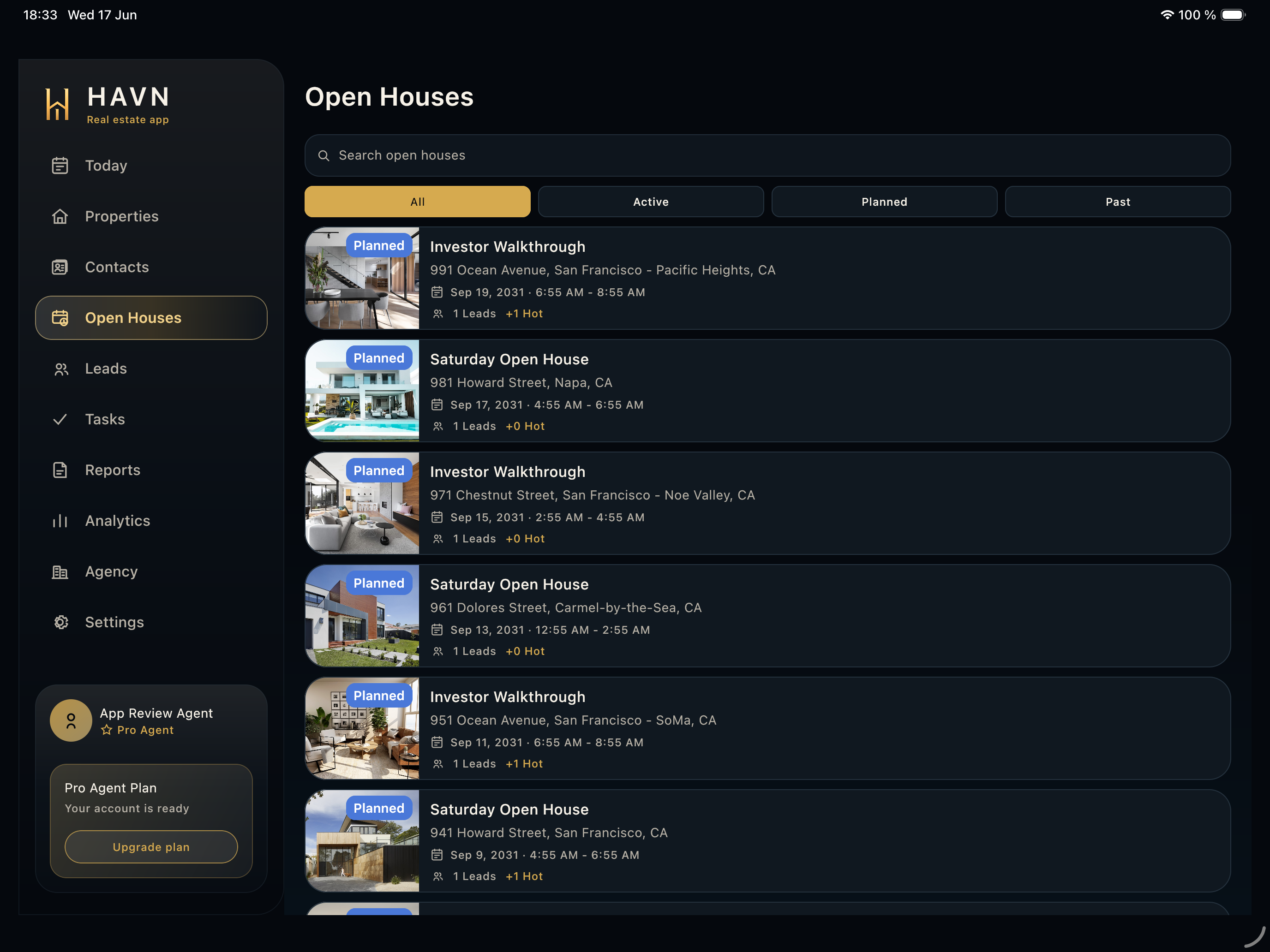
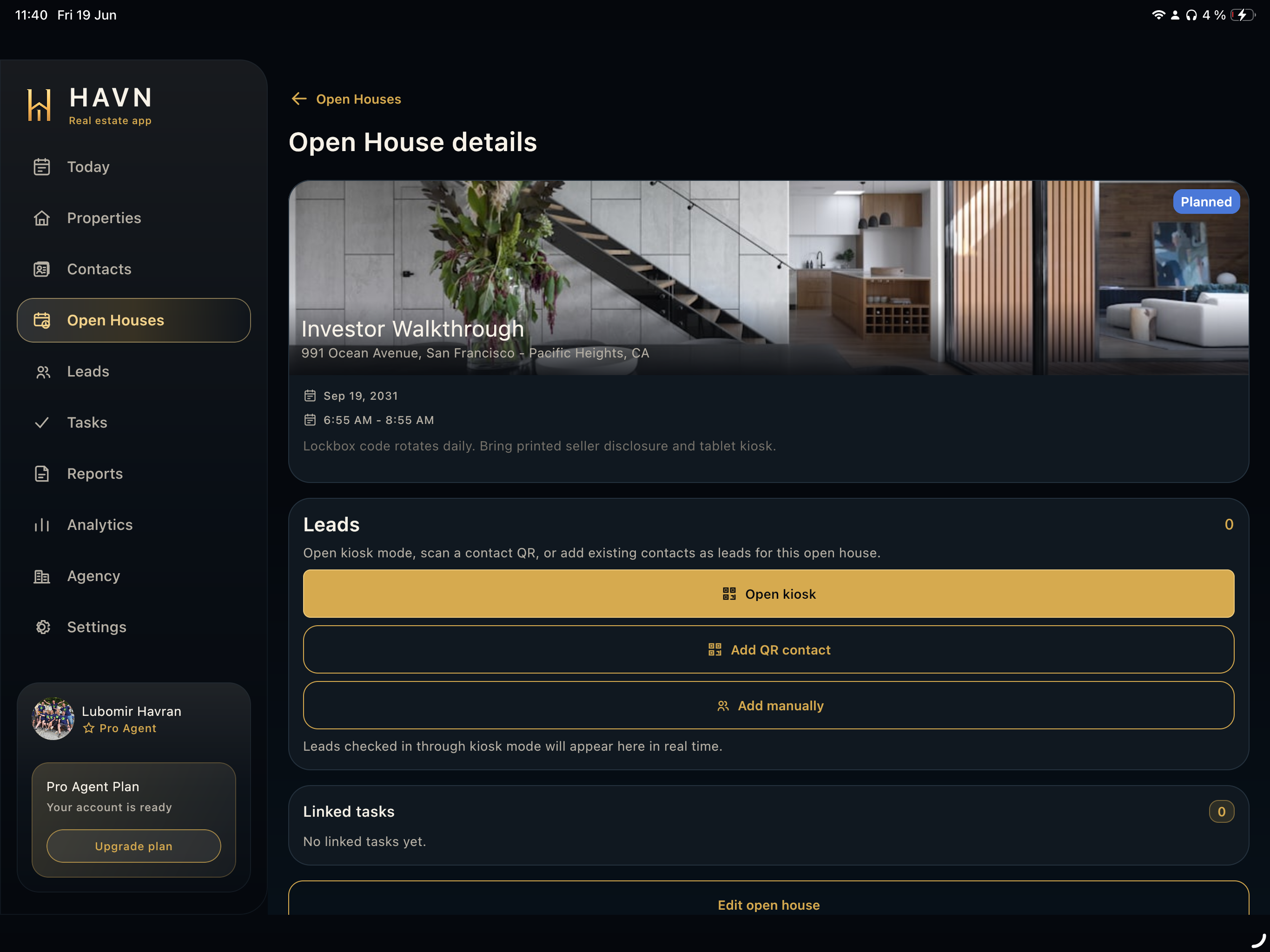
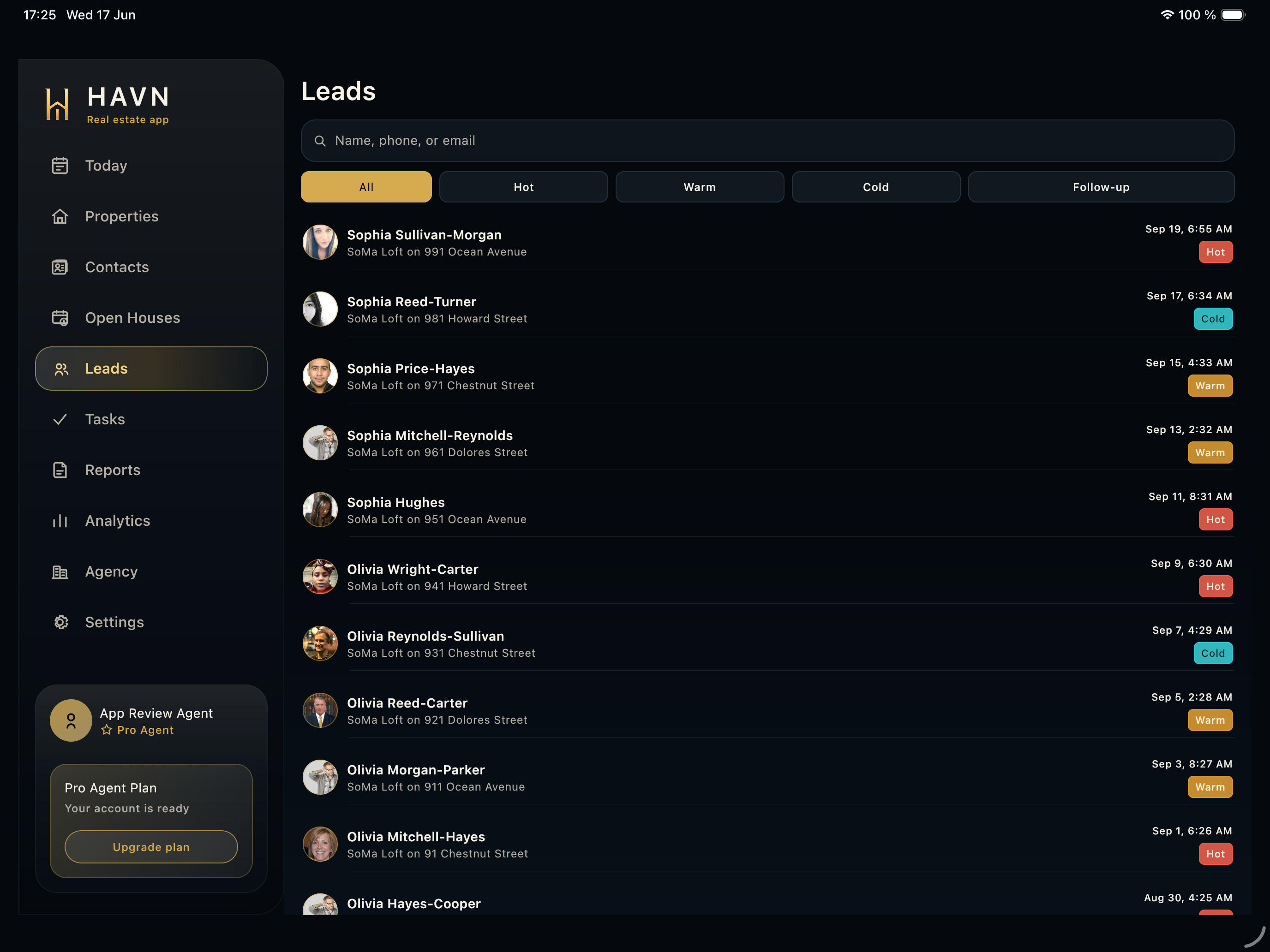
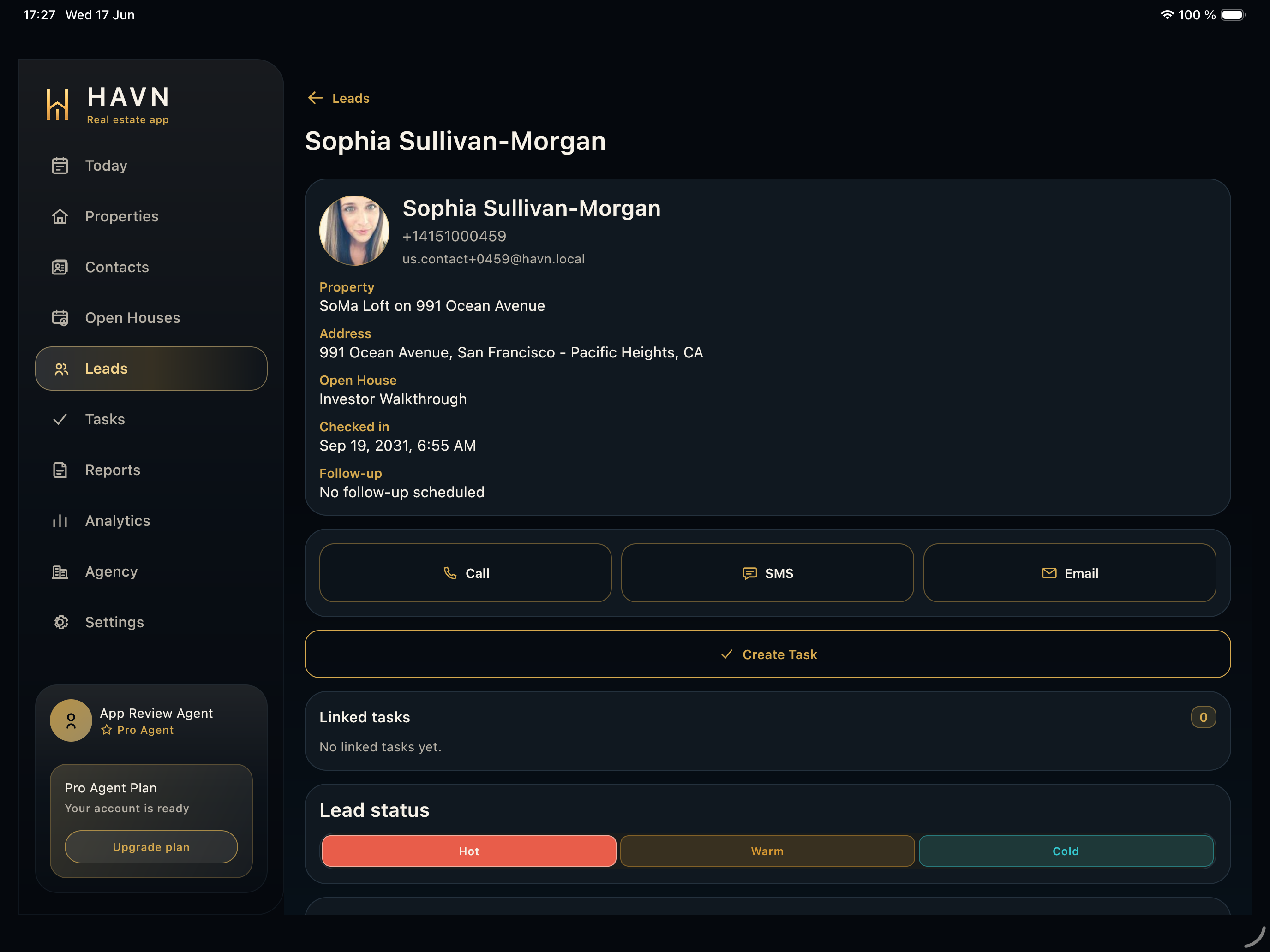
- Use connected context to jump mentally back to the property, contact, lead, or open house that created the task.
- Change priority or status only when it reflects the real work state.
- Return to Tasks or Today after updating so the board and priority counts remain clear.
Good to know
- Use notes and timeline context before completing or reopening a task.
- If a task is linked to the wrong record, edit it before marking it done.
- Task detail turns busy showing-day work into traceable team work.