Steps
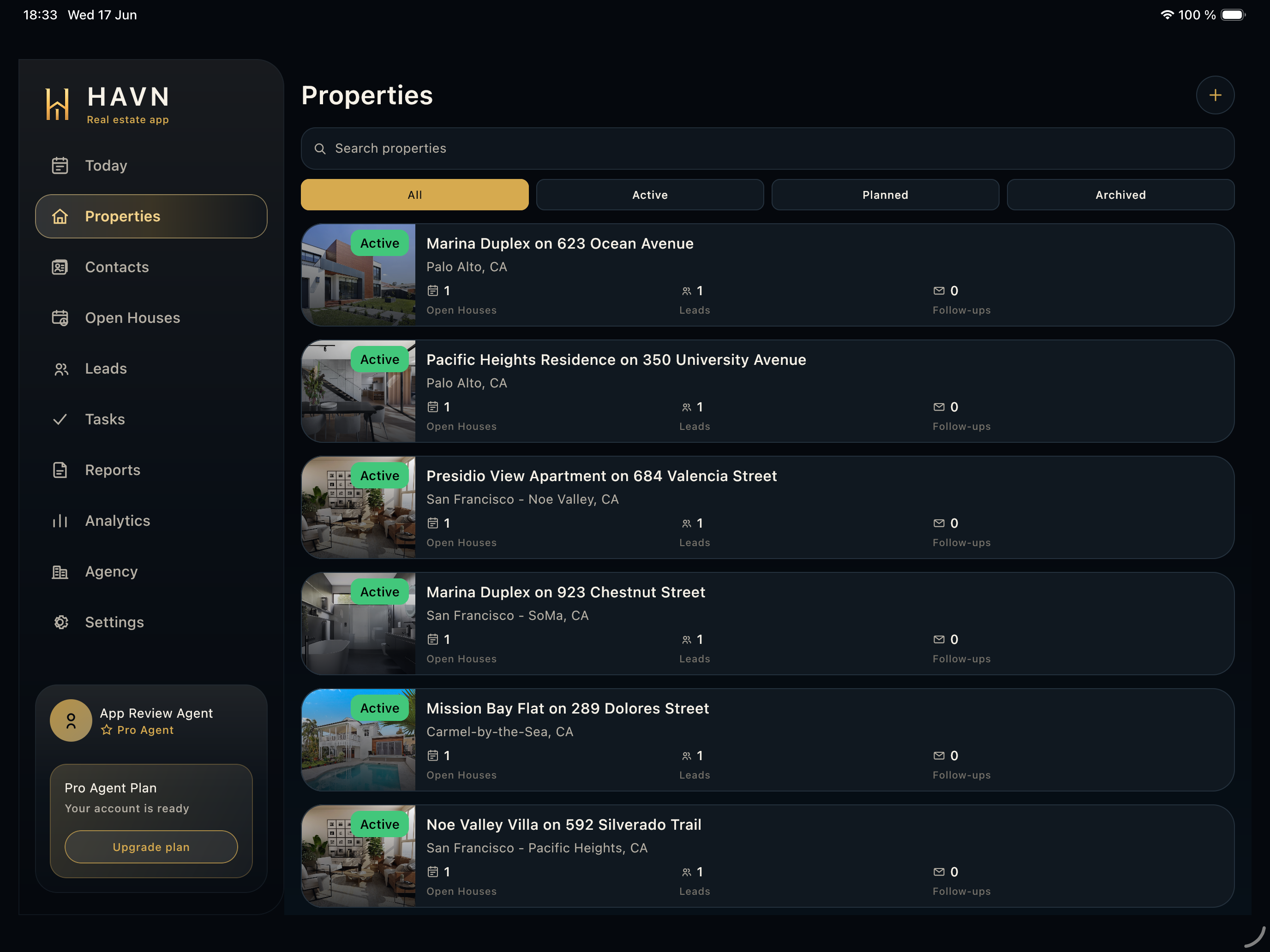
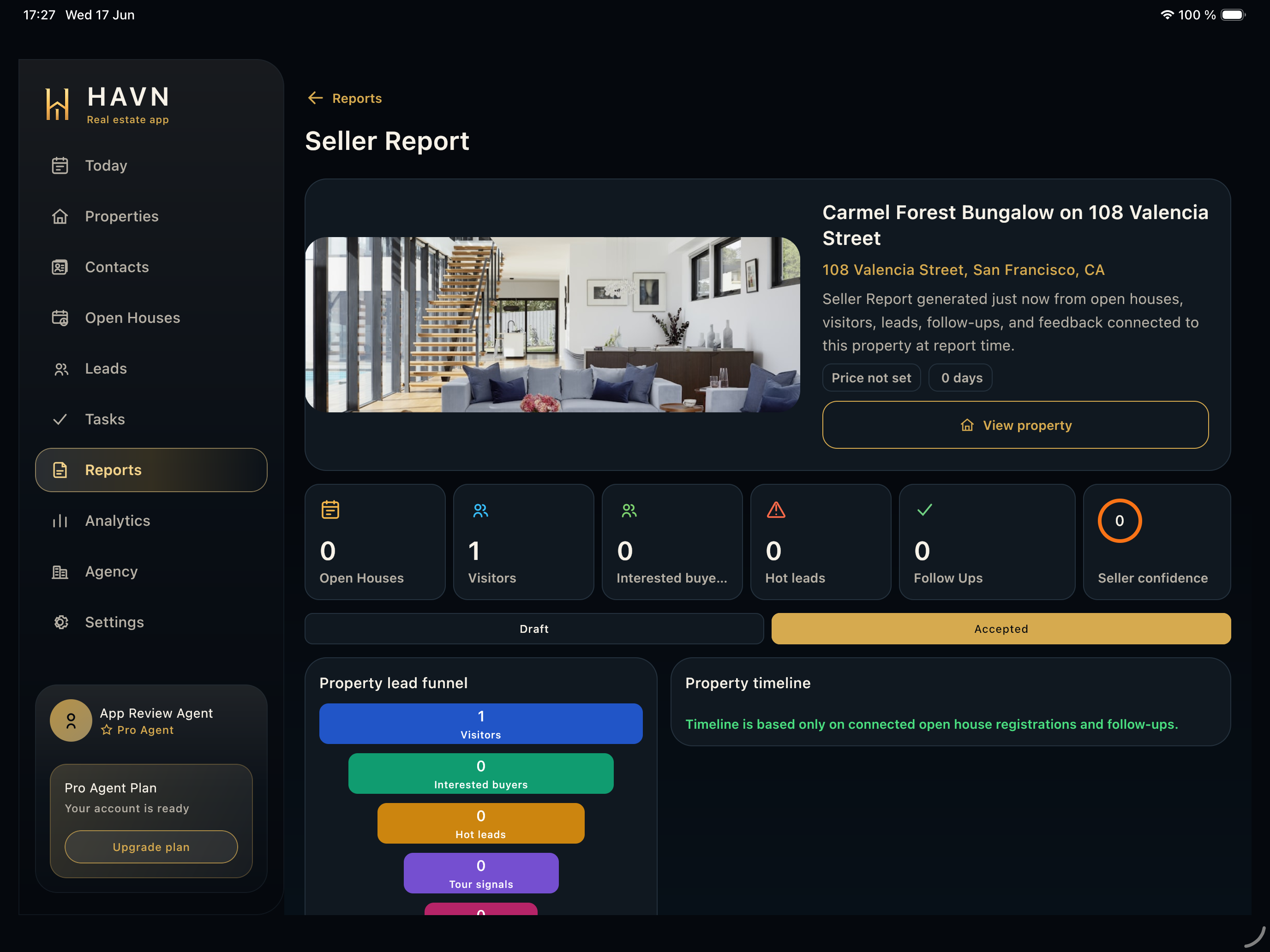
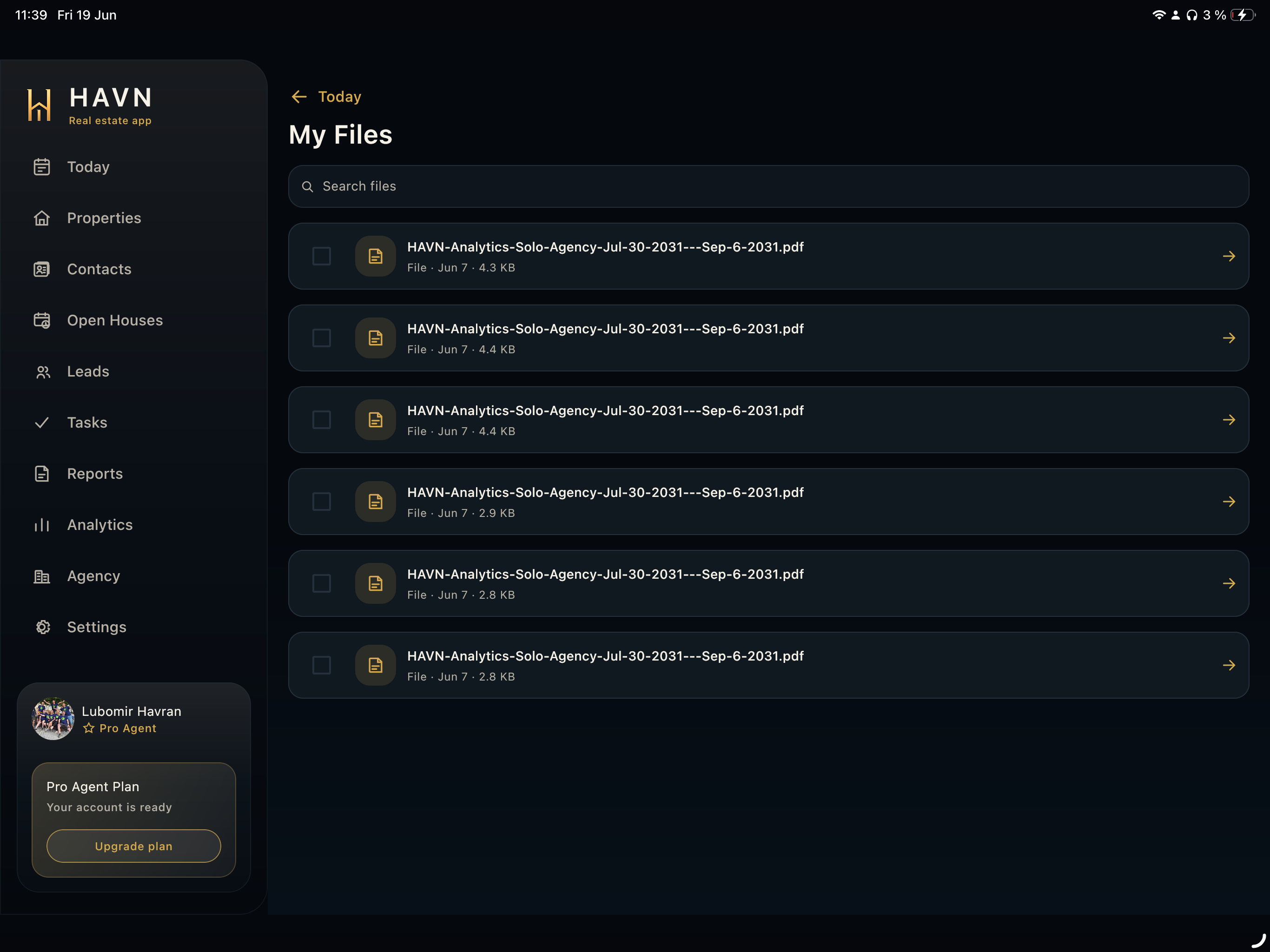
- Open Files from Today, a property, a report, or the Files and Docs page when supporting documents are needed.
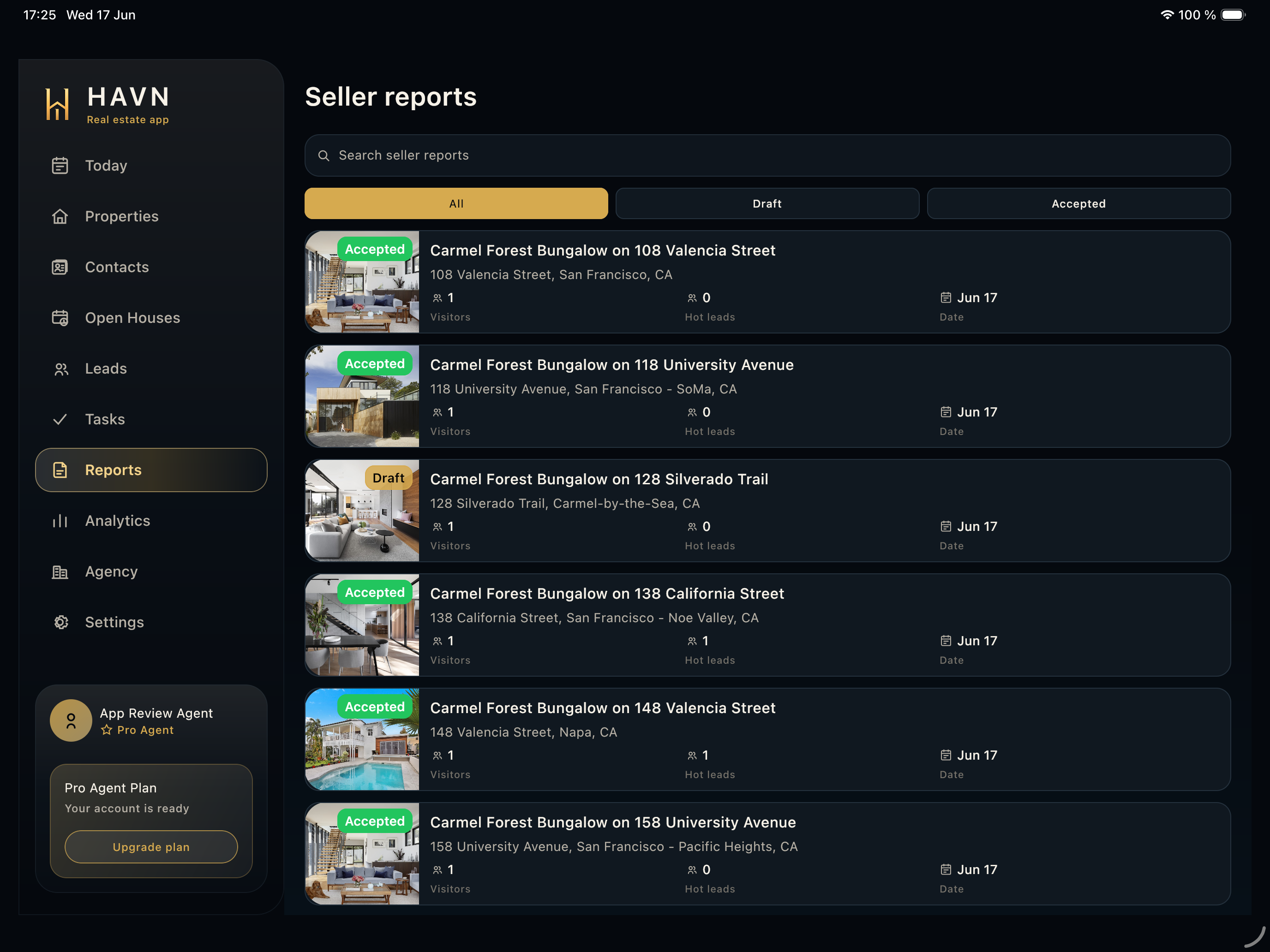
- Search by file name, generated report name, property, date, or workspace context.
- Open the file row to preview or review the document before sharing.
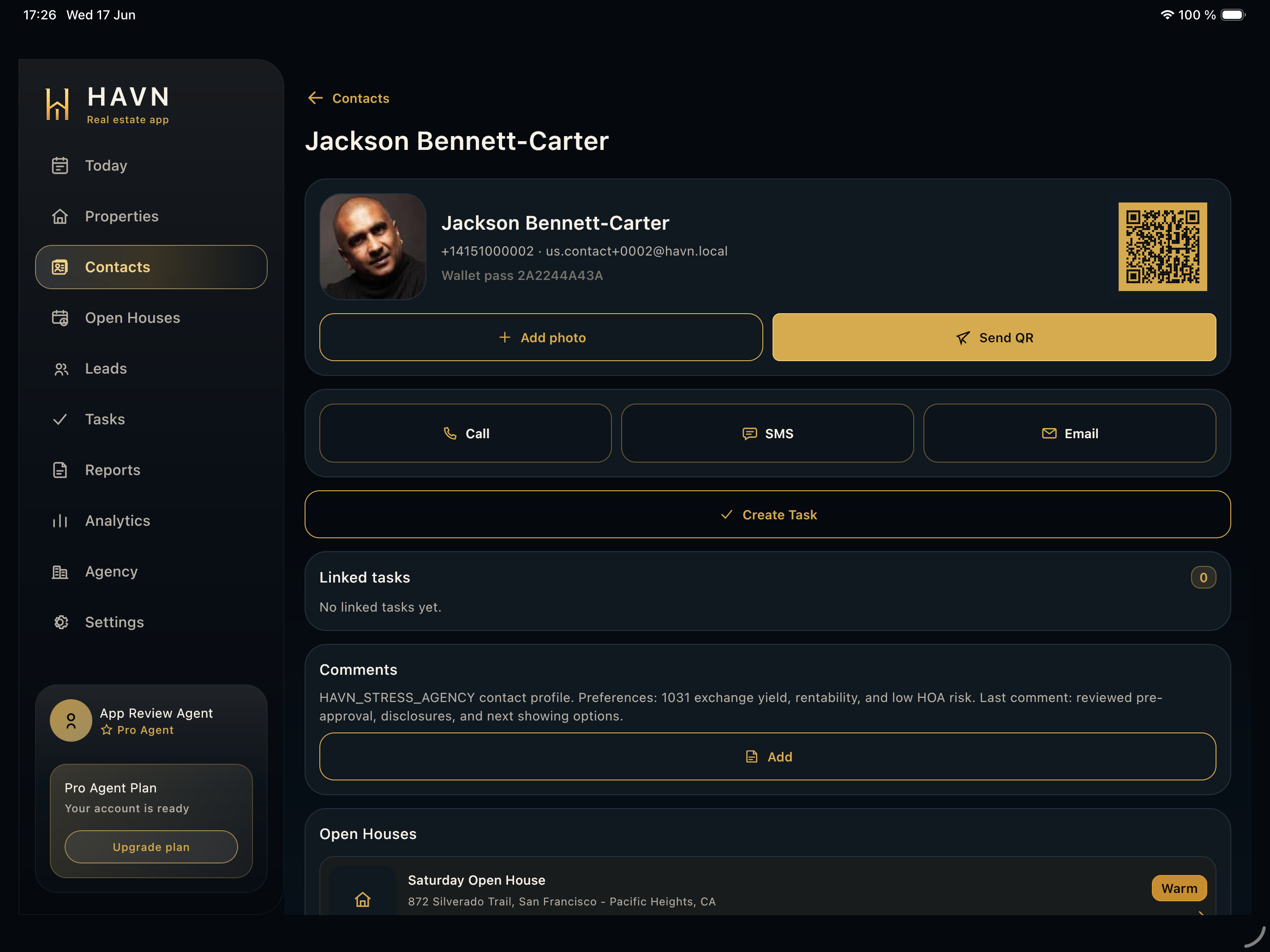
- Use selection and recipient actions when sending a file by email or SMS to a contact or agency recipient.
- Upload or attach files from the relevant property or workflow when the document should stay connected to the record.
Good to know
- Confirm file name, date, and property context before sending anything externally.
- Plan storage and maximum file-size limits can apply, so keep large files intentional.
- Files are strongest when attached to the record that explains why the document exists.