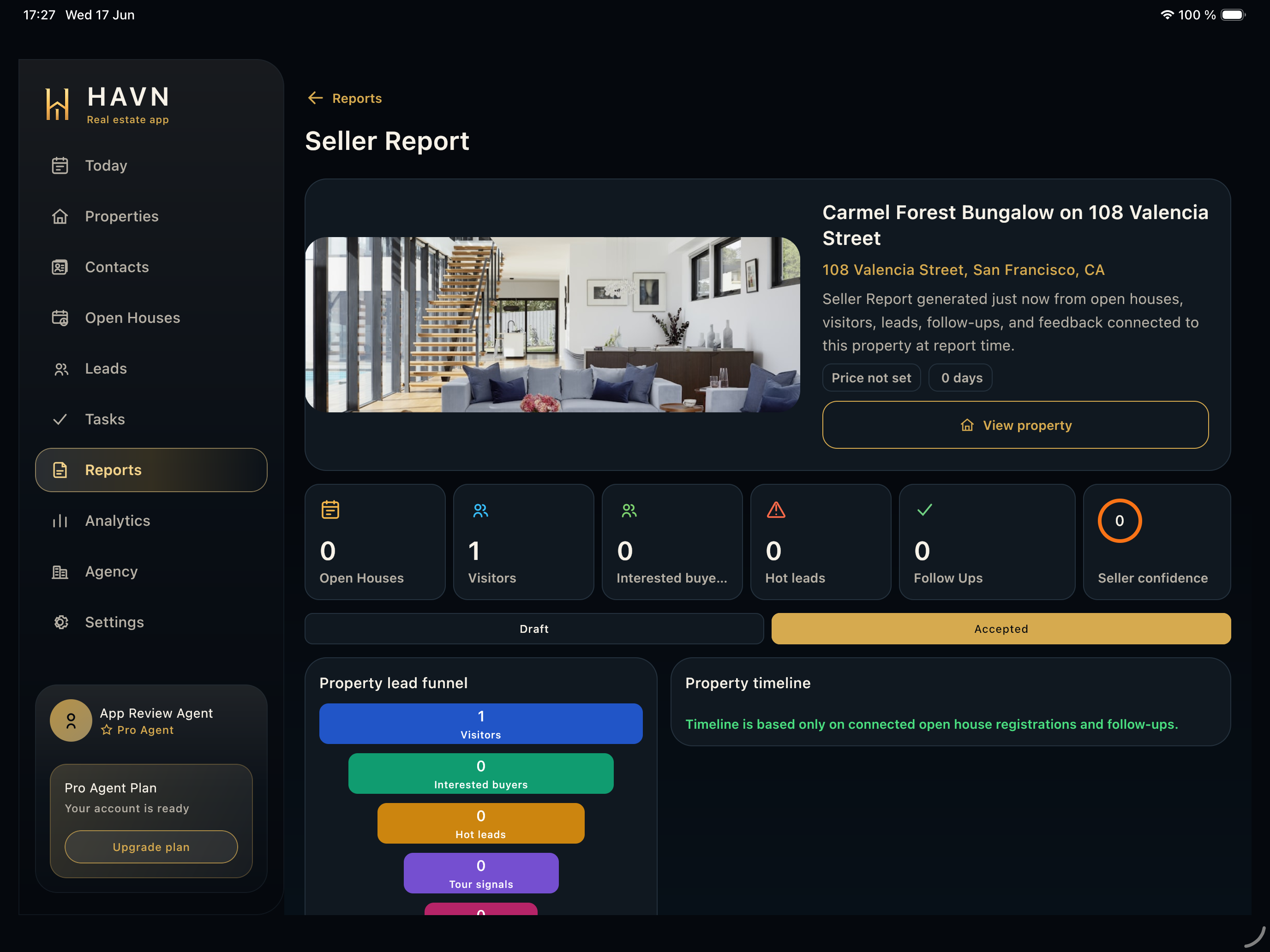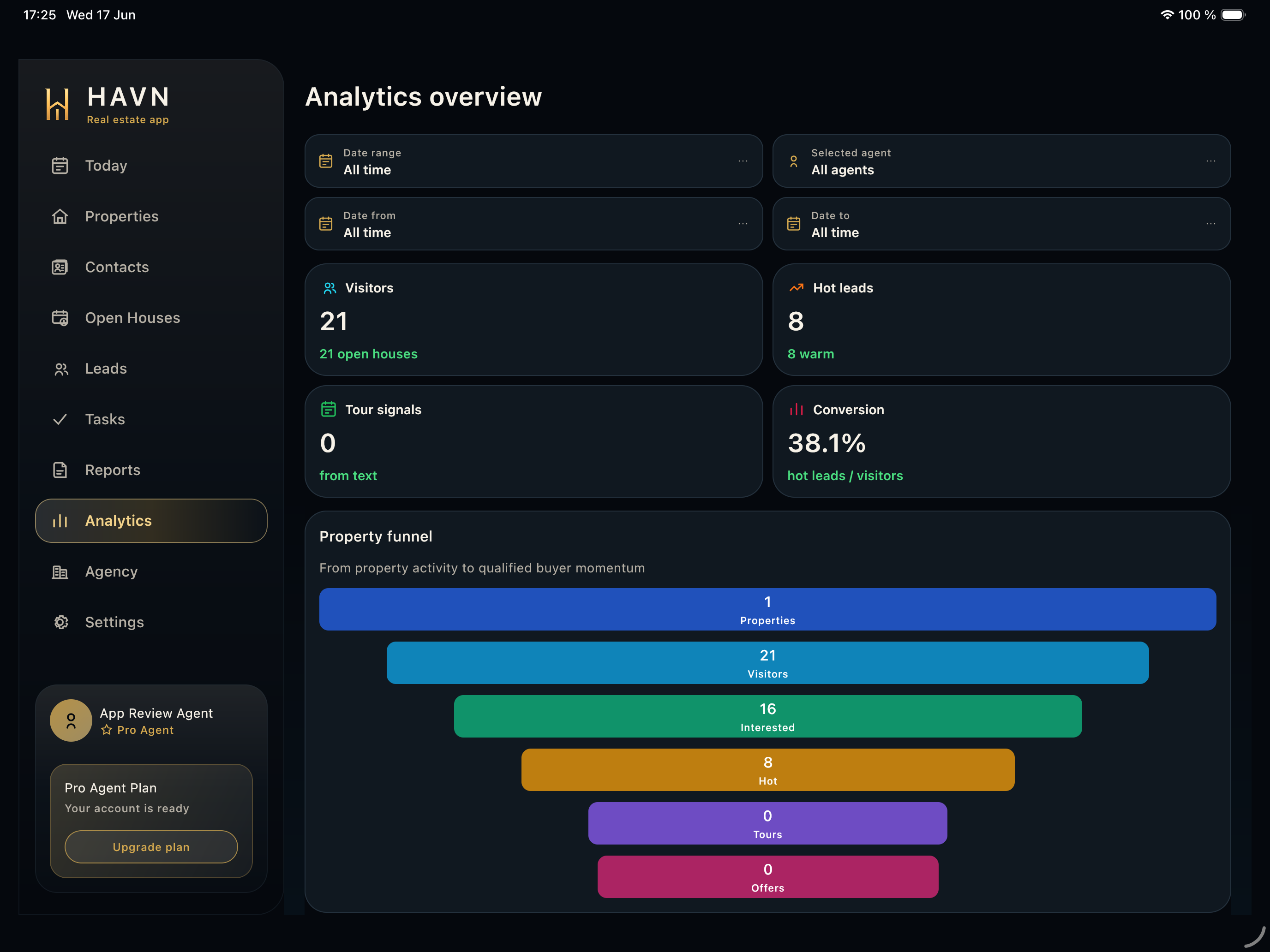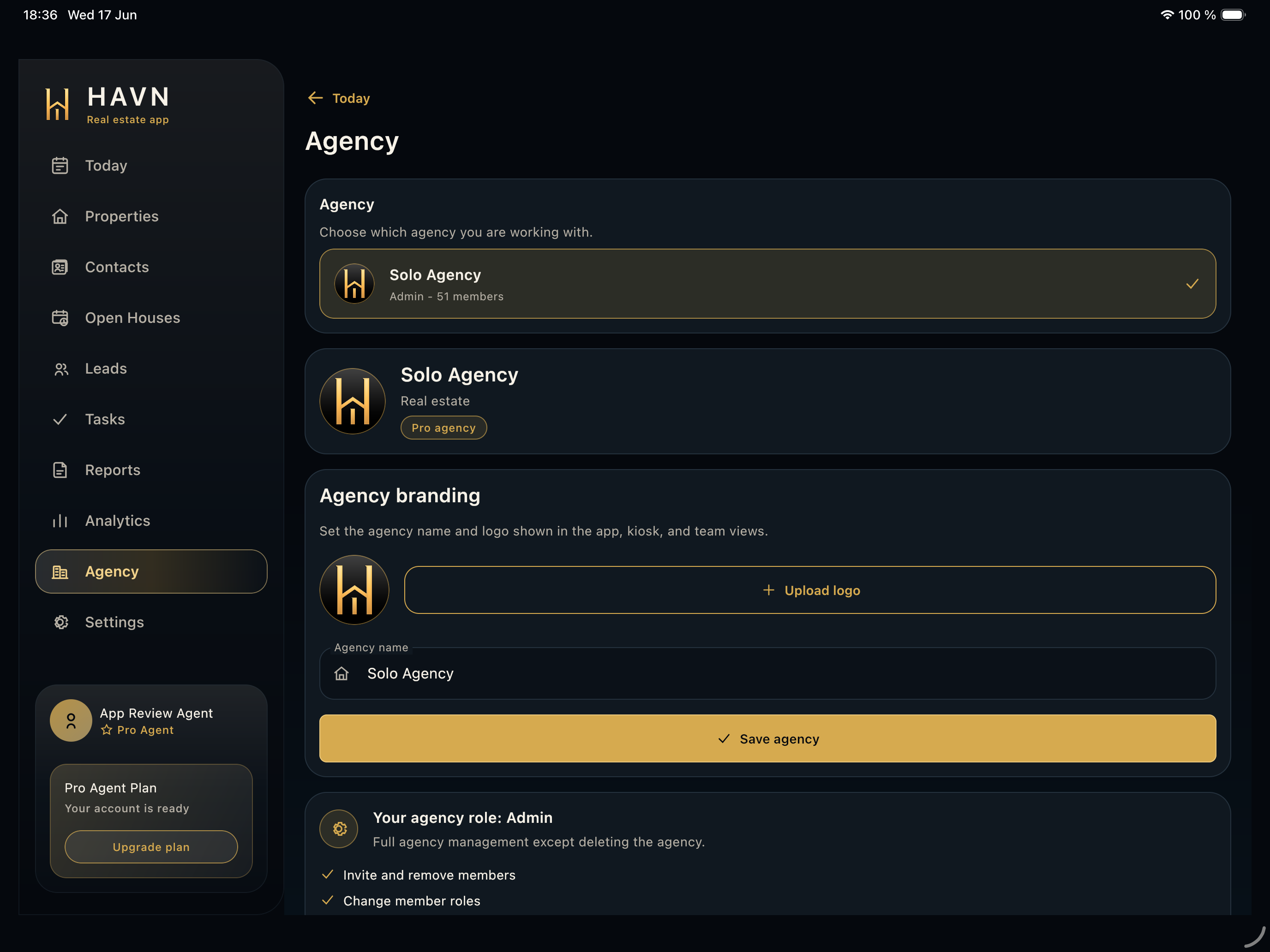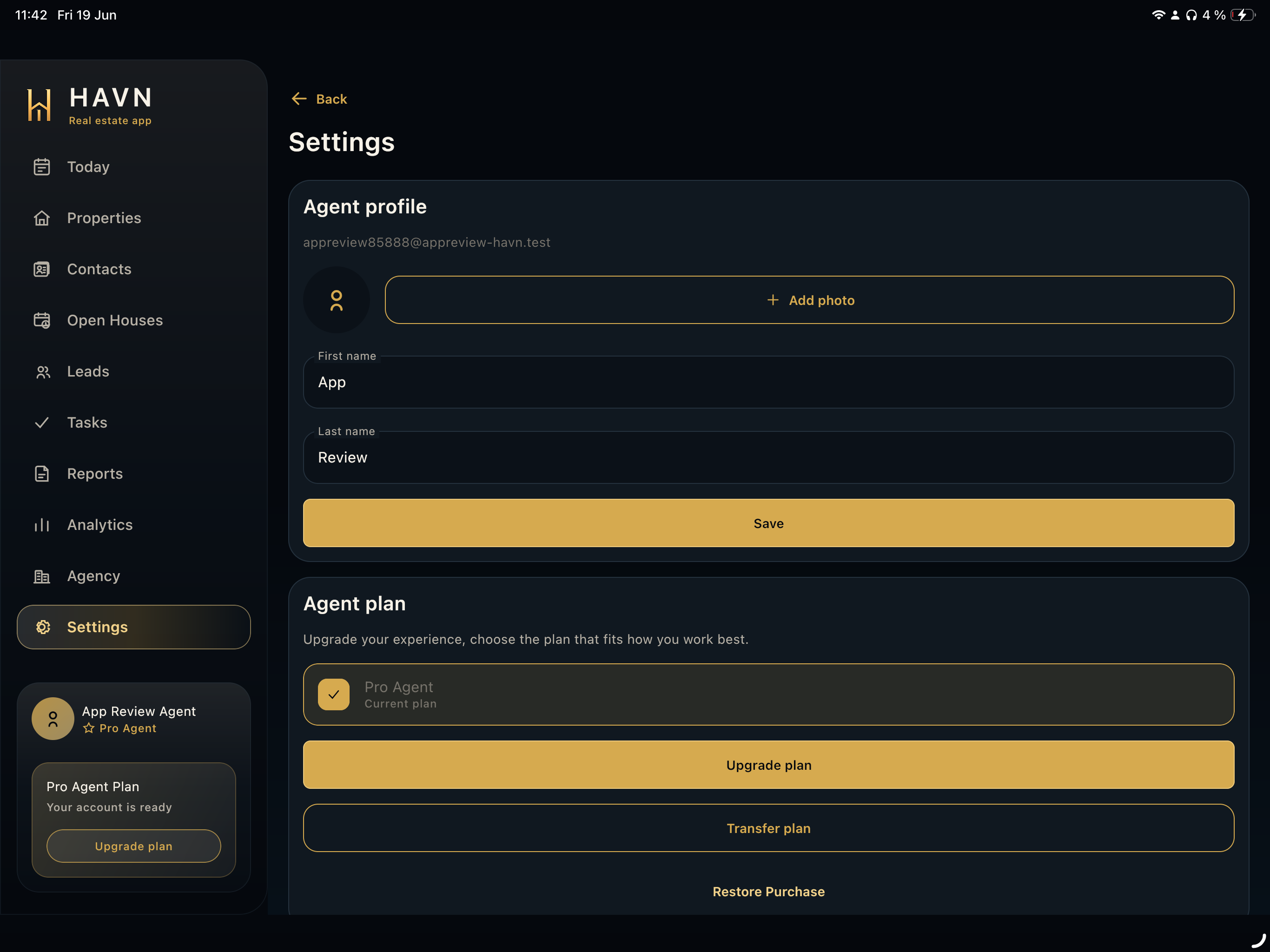
Steps
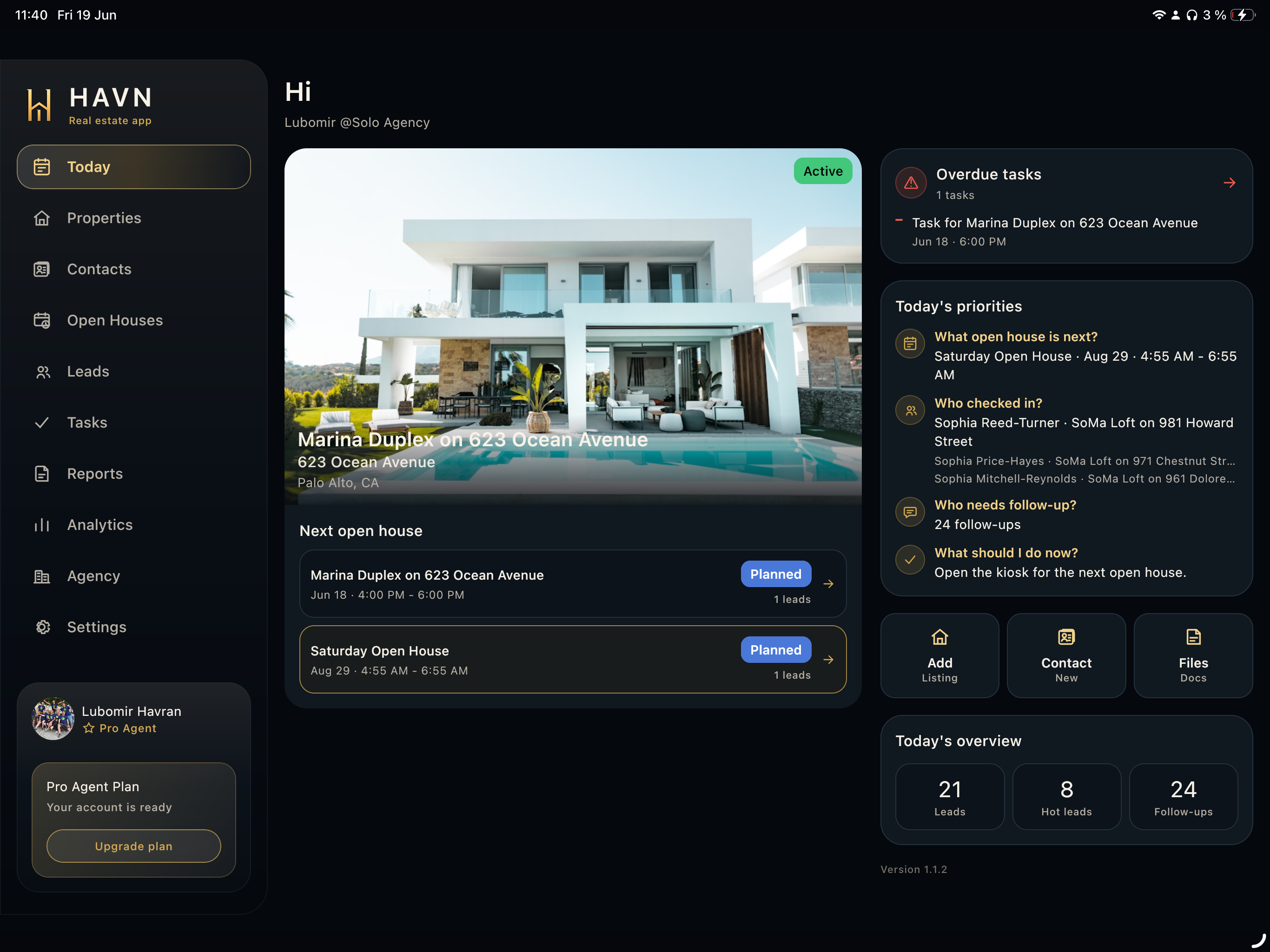
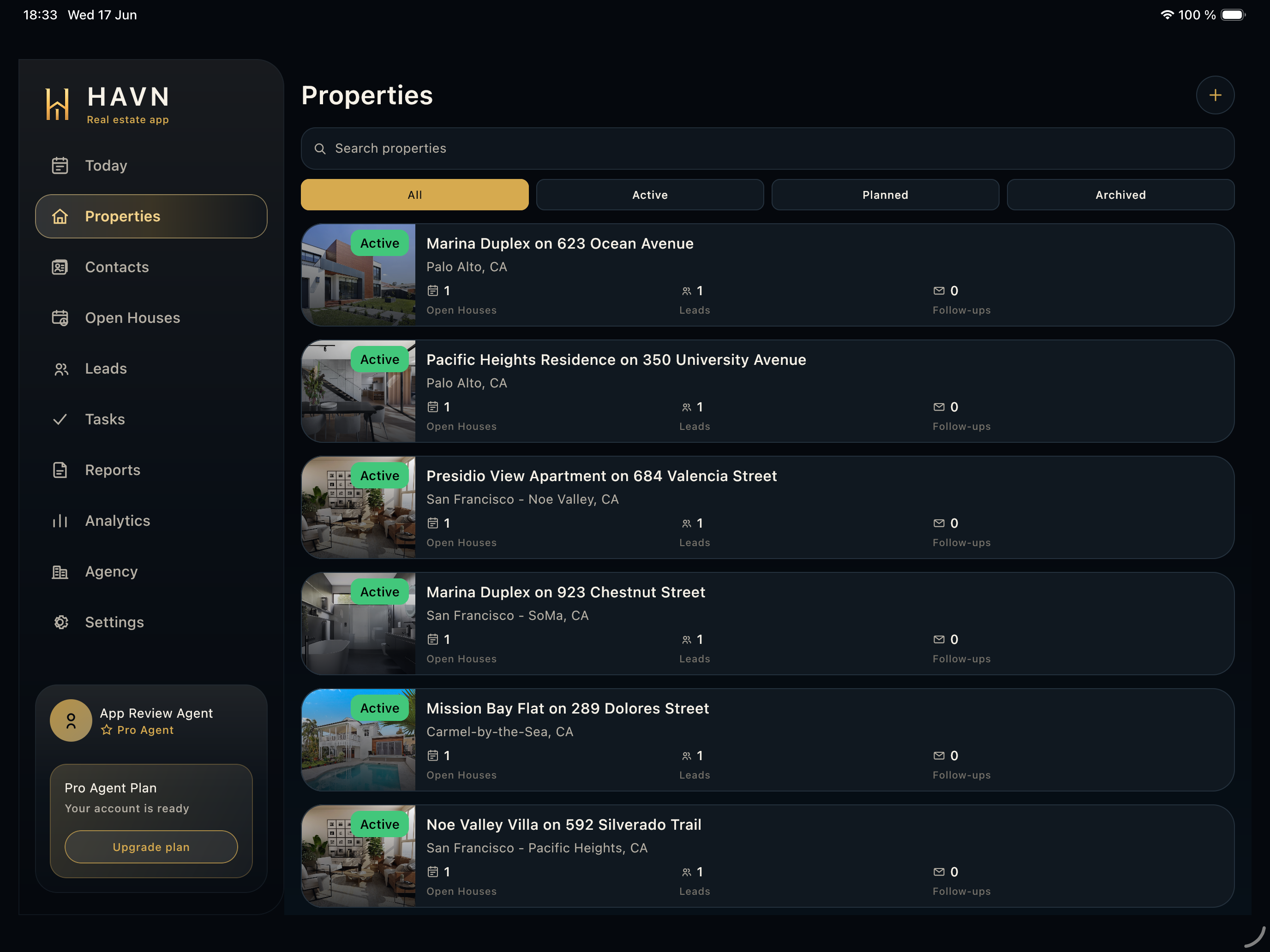
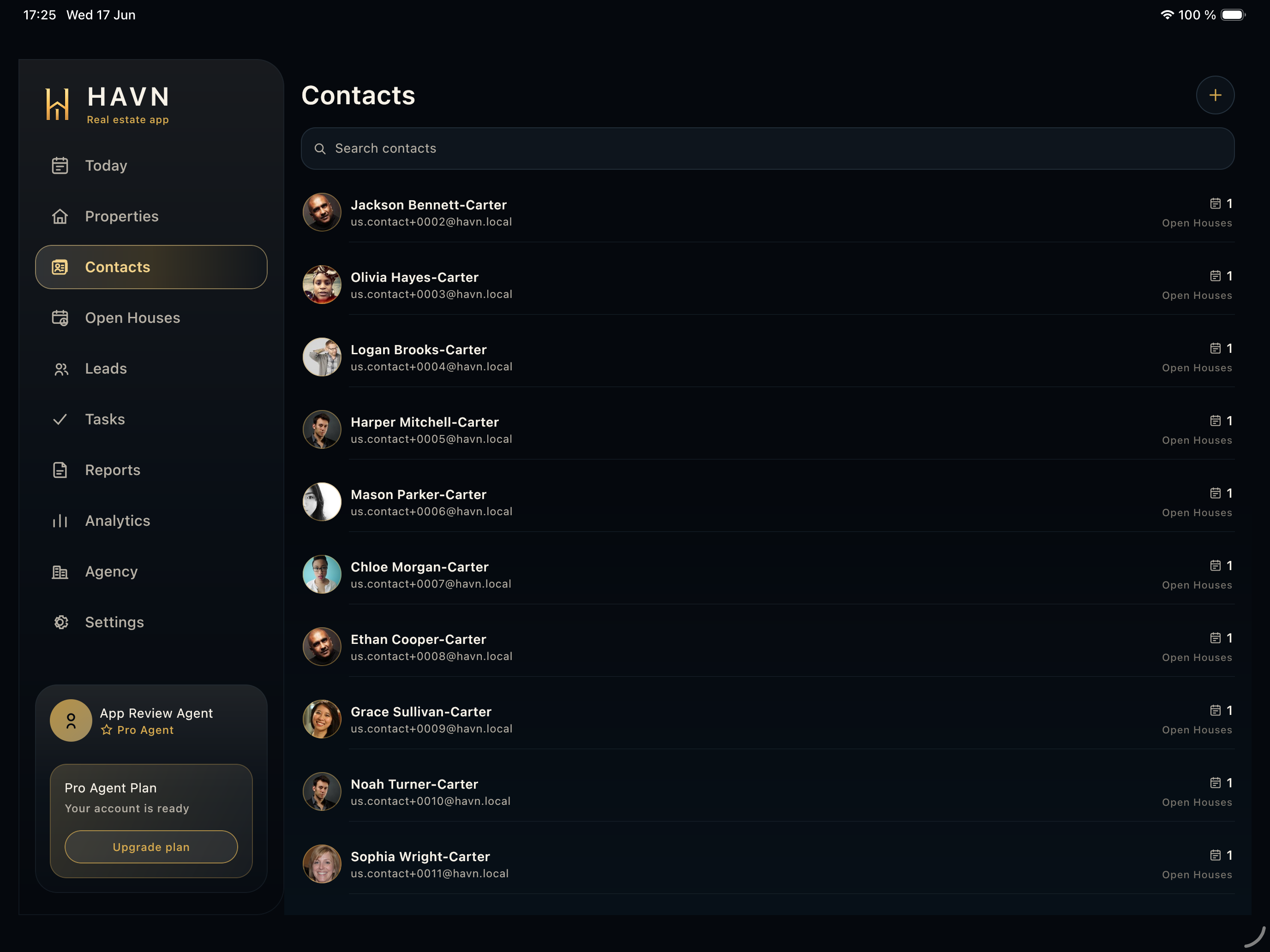
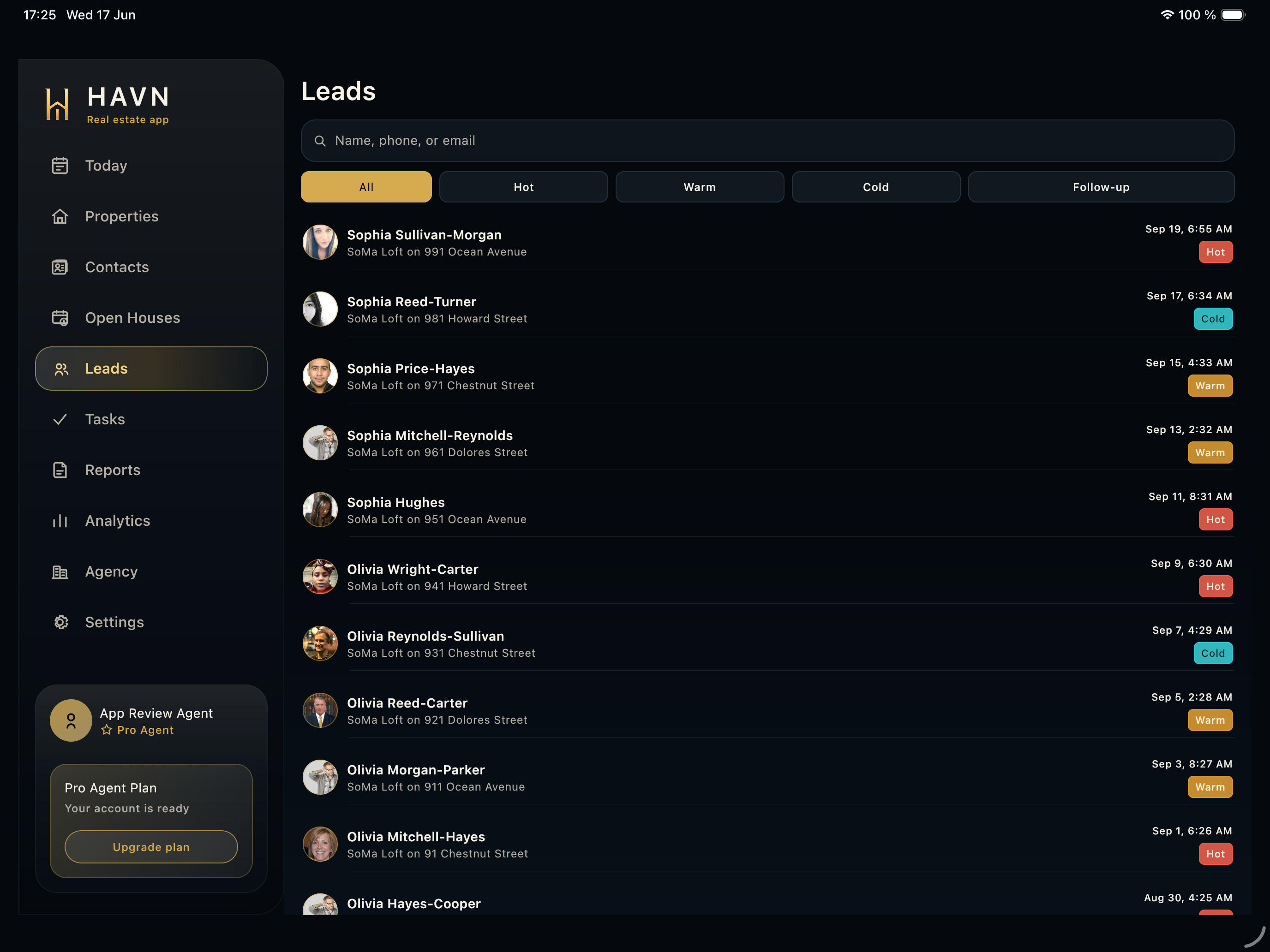
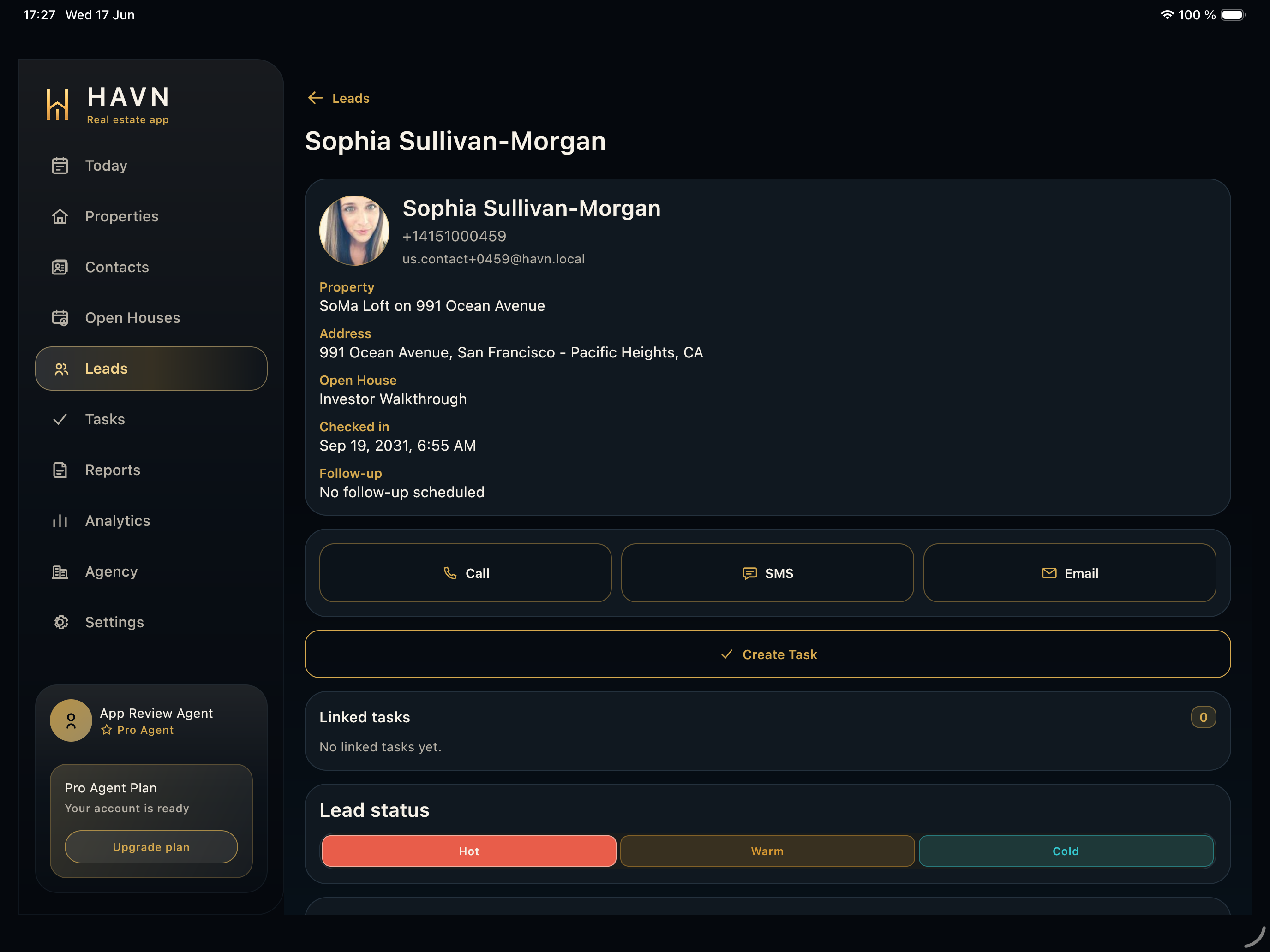
- Open Leads, then select the visitor you need to qualify.
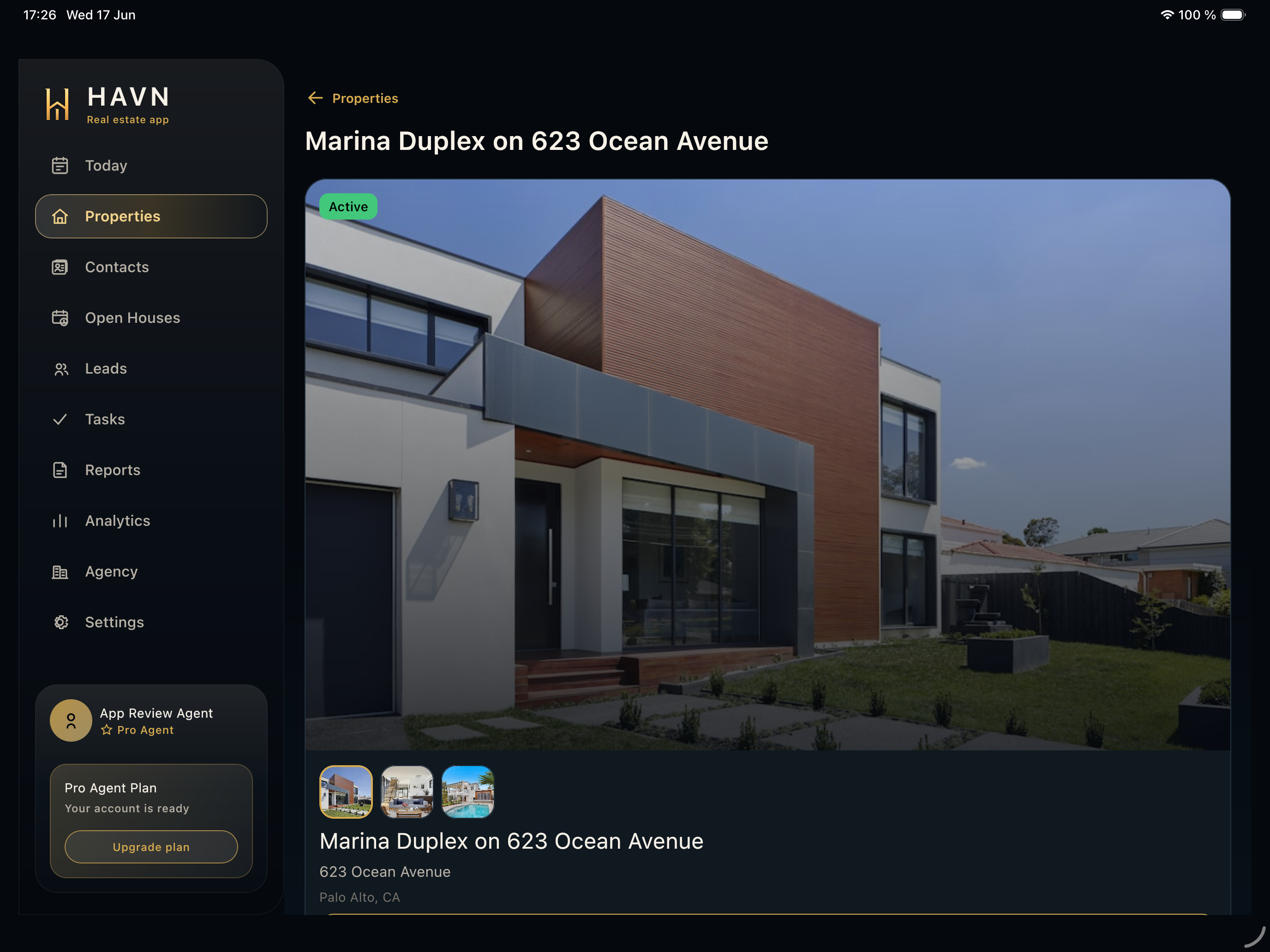
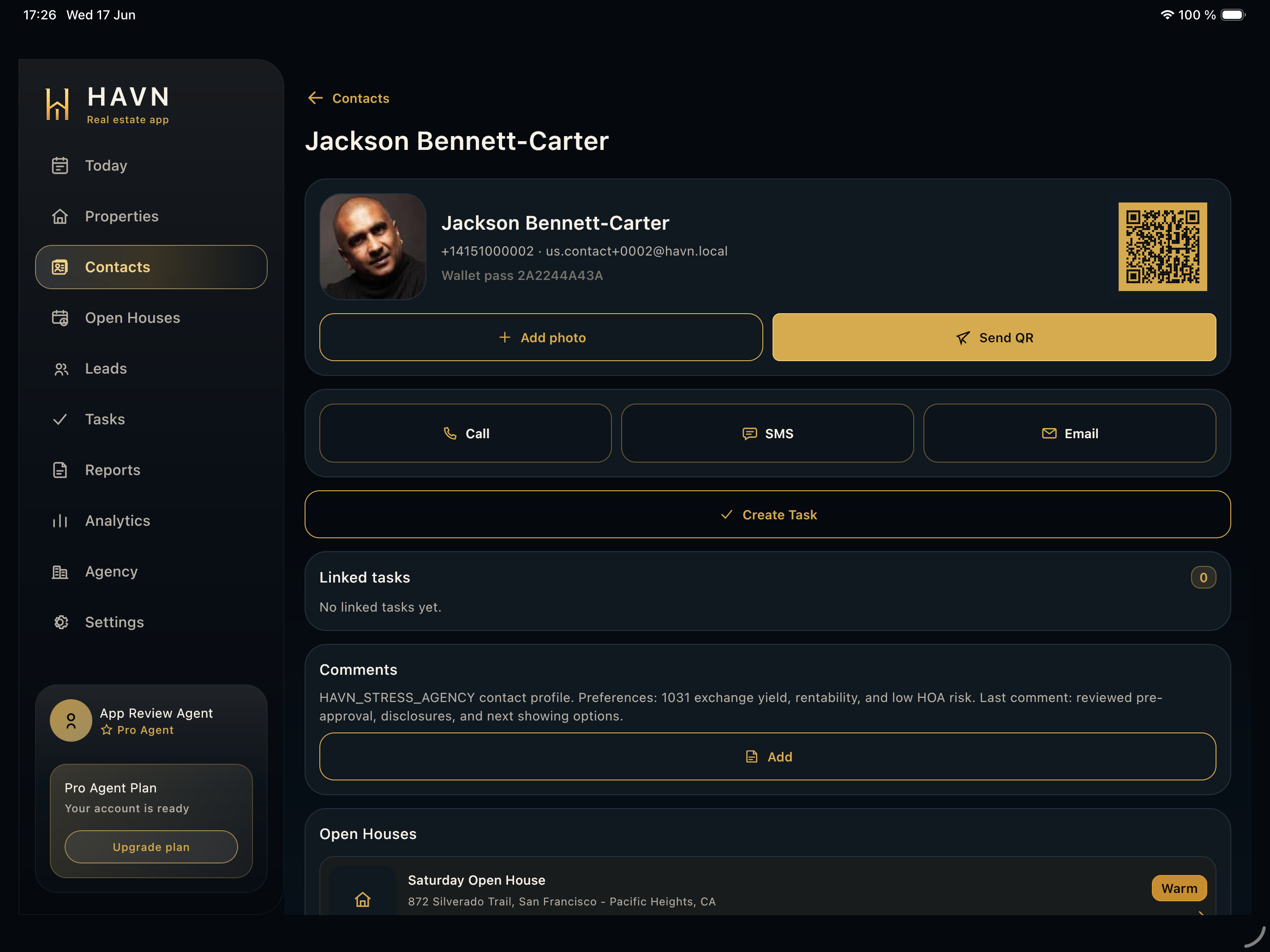
- Review name, phone, email, source property, address, open house, checked-in time, and current follow-up state.
- Use Call, SMS, or Email when contact details are available and the next action should happen now.
- Set lead temperature only after reviewing real buyer intent and conversation context.
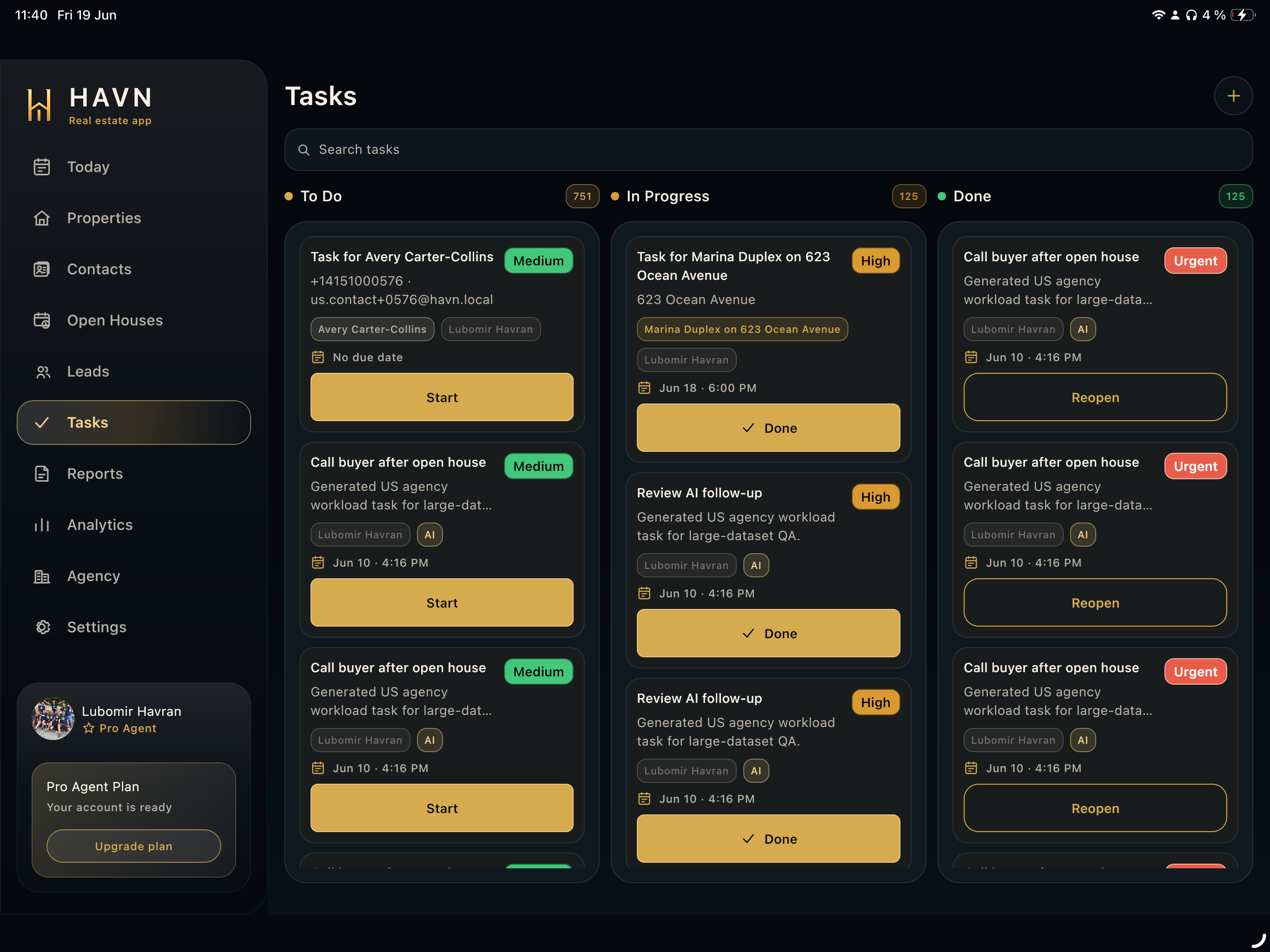
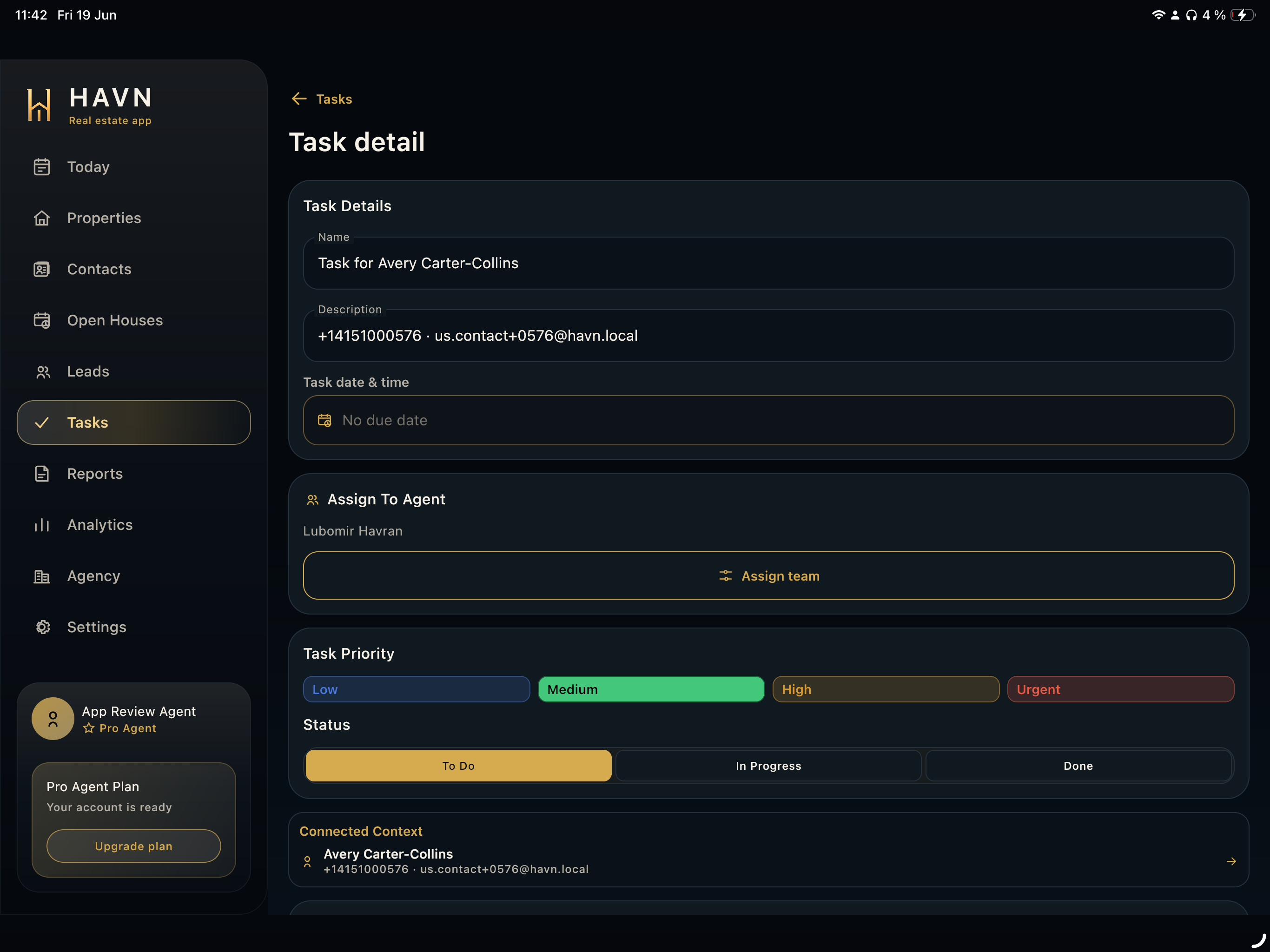
- Add private agent notes, review follow-up history, and create a task when the next step should be tracked.
Good to know
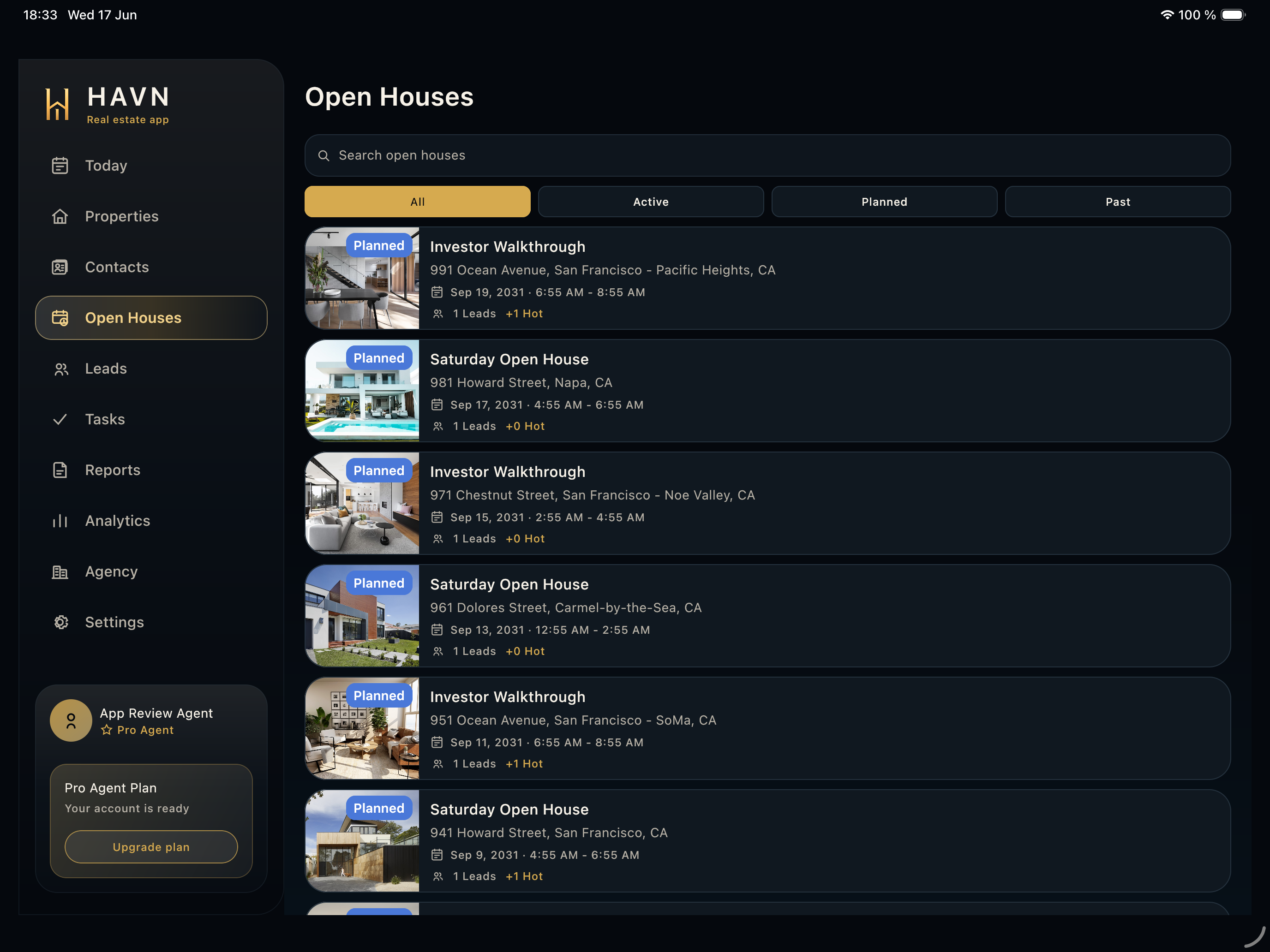
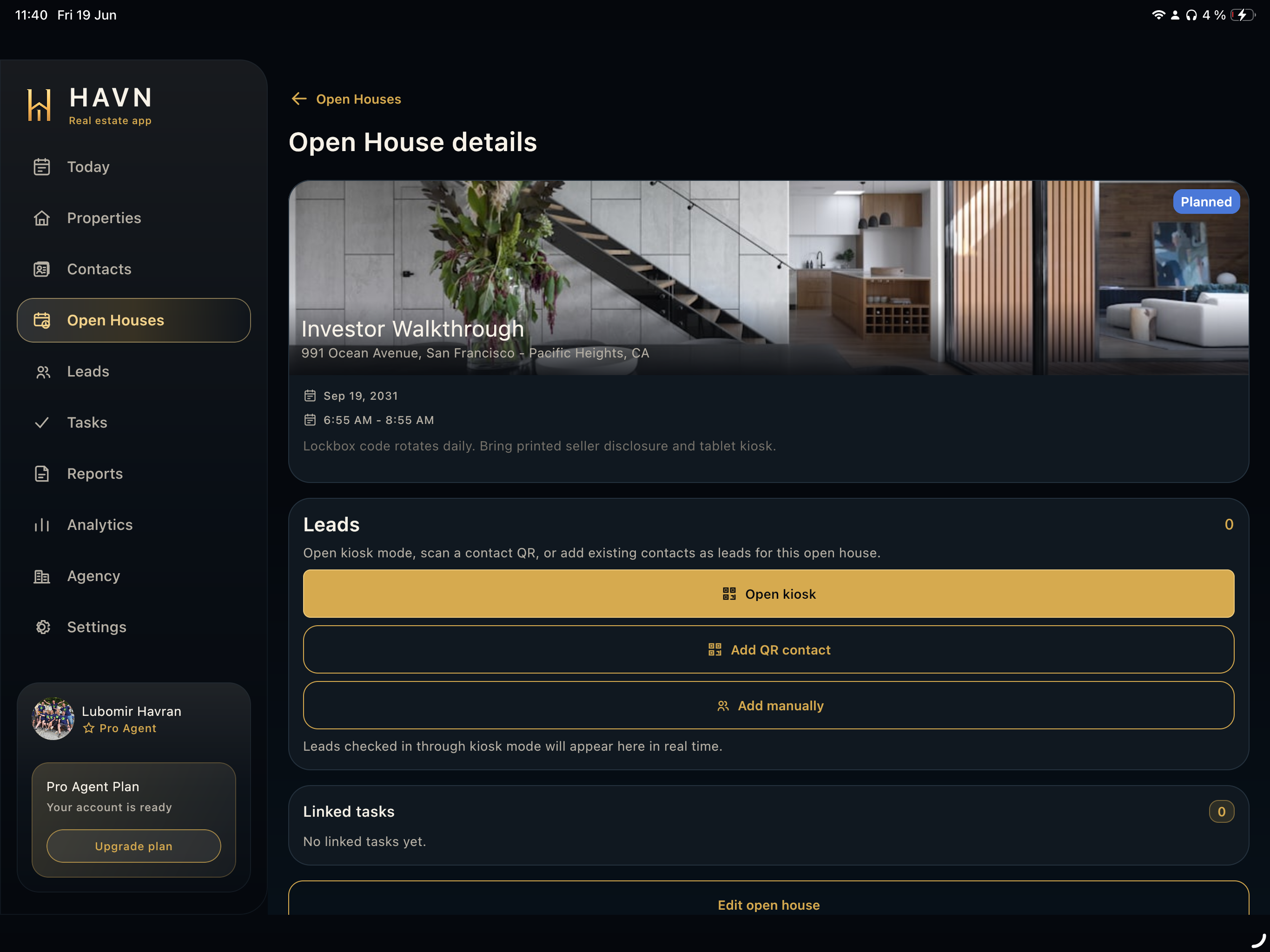
- Use the property and open-house lines to avoid mixing up visitors from similar events.
- Private notes should explain why the lead is hot, warm, cold, or follow-up.
- Create tasks for concrete next actions such as call, document, second showing, or seller update.